

The editor that saves to your Drive, not their server
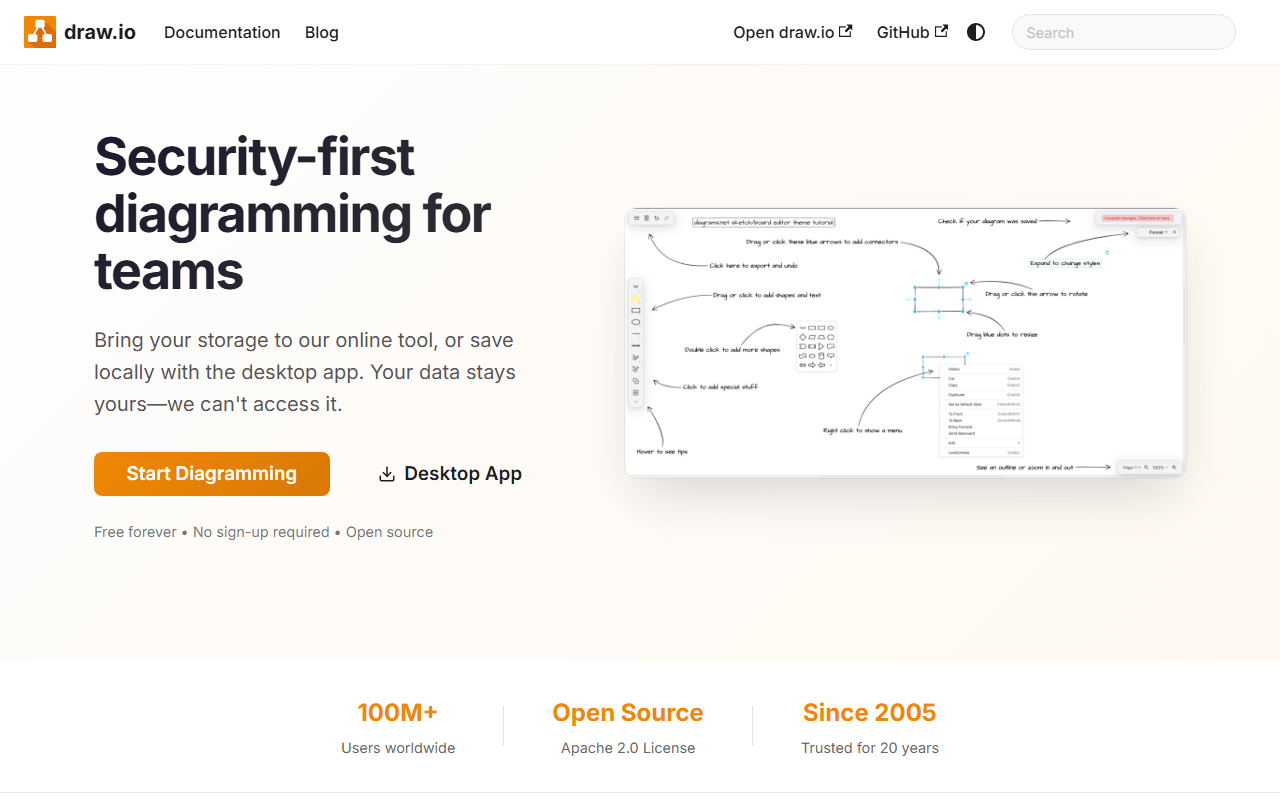
draw.io is a diagram editor for the structured stuff: flowcharts, AWS and network architecture, UML, ER diagrams, and org charts. It runs as a web app at app.diagrams.net and as a desktop app for Windows, macOS, and Linux. No account, no sign-up, and your files save wherever you choose: local disk, Google Drive, or OneDrive. The code is Apache 2.0 licensed, and the business behind it (draw.io Ltd in the UK with a Swiss sister company) makes its money from paid Confluence and Jira apps, which is why the standalone editor has stayed free for over a decade.
Architecture, documentation, and security-conscious teams
- Software architecture and infrastructure diagrams with proper shape libraries
- Documentation diagrams that live next to your files in Drive or a git repo
- Security-conscious environments, since files never have to touch draw.io's servers
- Teams already on Confluence, via the paid integration
The price is zero, because Confluence and Jira pay it
The web and desktop apps are free with no account, no file limits, and no paid tier, as of July 2026 and for the whole of the product's history. The paid products are the draw.io apps for Confluence and Jira, sold through the Atlassian Marketplace. You can also self-host the web app.
Dense panels, awkward co-editing, and other limits
- The interface is dense and dated next to tldraw or Excalidraw; new users face a wall of panels
- Real-time co-editing only works when files are stored in a shared location like Google Drive, and it is clunky compared with Miro
- It is a diagram tool, not a workshop whiteboard; no sticky-note voting, timers, or facilitation features
- Freehand sketching is possible but awkward; this tool wants straight lines and connectors
Our default for diagrams, with one obvious exception
For diagrams that need to be correct rather than pretty, draw.io is the free tool we would grab first. For collaborative workshops, pick Excalidraw or tldraw instead.
Reader reviews
What people who actually use draw.io think of it.
No reviews of draw.io yet. If you have used it, yours would be the first.
The useful part is the specifics: what you used it for, and where it got in your way.
Loading...