Free alternatives to draw.io
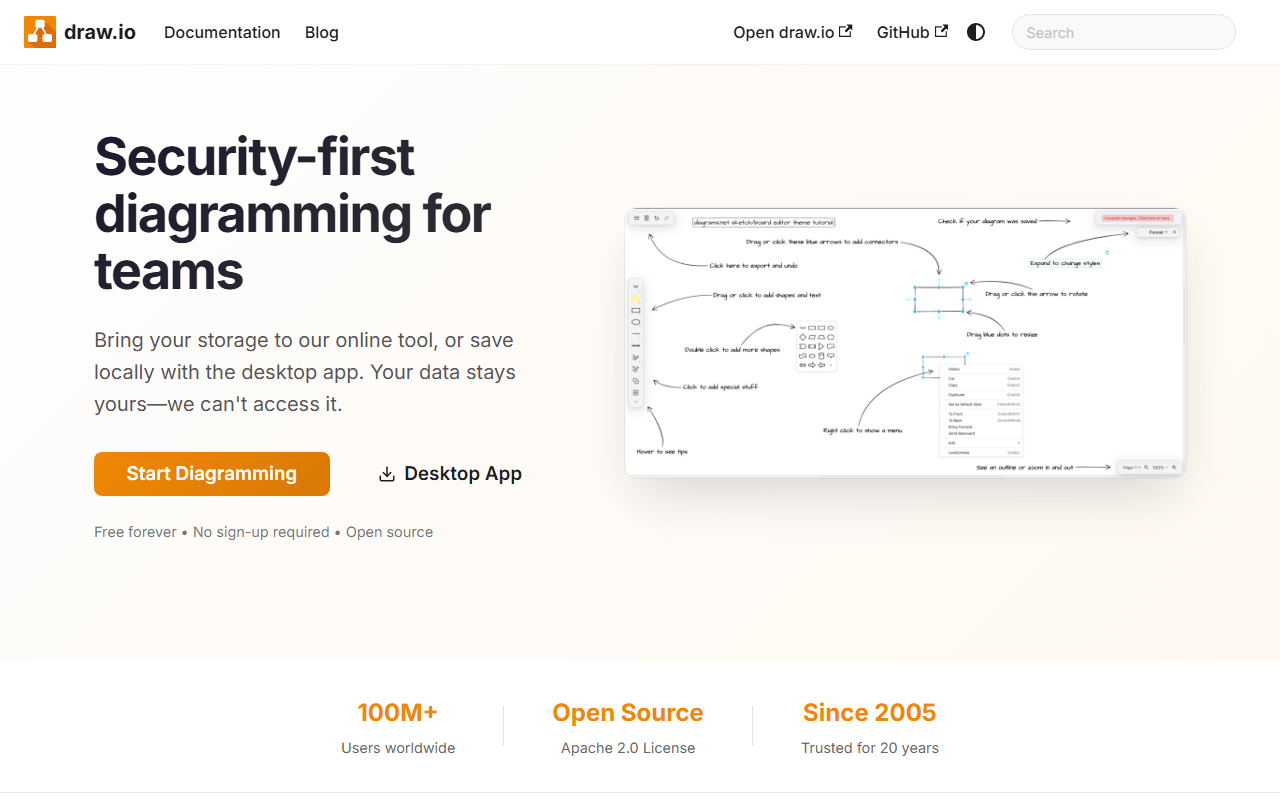
draw.io does structured diagramming well and costs nothing, so people usually leave for two reasons. The interface is dense and dated next to newer whiteboards, and real-time co-editing only works when files sit in a shared location like Google Drive (as of July 2026). There are also no facilitation features, so it is a diagram editor, not a workshop space. If you want live collaboration or a more modern canvas, here is where each free tool lands.
Facts checked as of July 2026Read our draw.io review
Jump to an alternative



tldraw
Best Free Alternative Todraw.ioA modern canvas with instant, built-in live collaboration, where draw.io co-editing needs a shared Drive file
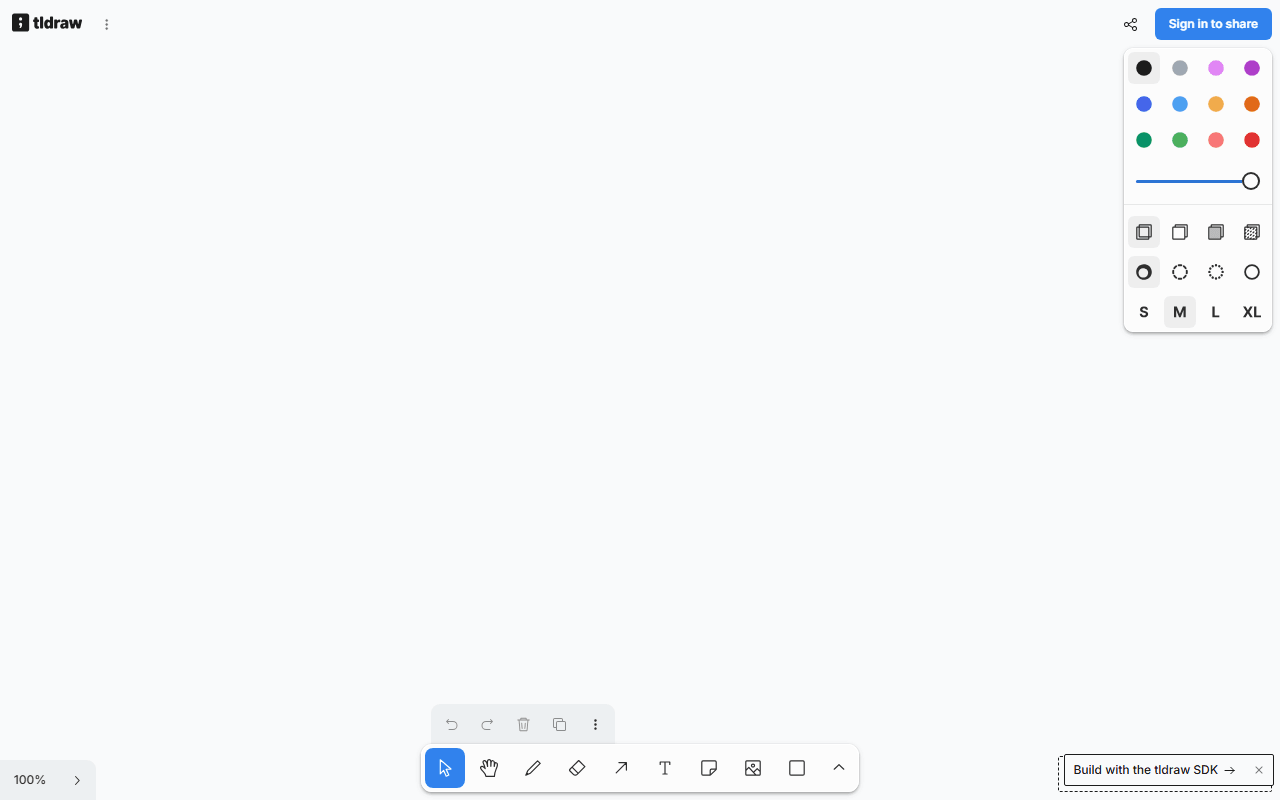
tldraw is the modern-feeling alternative: it opens in about a second with no account, has a clean interface, and live collaboration is built in rather than bolted onto Google Drive. Its straight-lined output suits diagrams, and it has no published board limits (as of July 2026). It is the easiest jump if draw.io's dated UI is your main complaint.
- Completely free (as of July 2026)
- United Kingdom
 United Kingdom
- Best for:
- Diagrams and quick flows with a modern UI and real-time collaboration
- The catch:
- It lacks draw.io's formal shape libraries for UML and architecture, and its code is source-available, not open source.
Compared to draw.io
- Advantage: Live collaboration built in, not dependent on a shared Drive file
- Advantage: Modern, uncluttered interface next to draw.io's dense panels
- Advantage: Opens instantly with no account
- Tradeoff: No formal UML, network, or architecture shape libraries
- Tradeoff: Source-available custom license, unlike draw.io's Apache-2.0
- Tradeoff: No offline or desktop app, where draw.io has one
Open source with end-to-end encrypted live collaboration, a modern canvas draw.io lacks
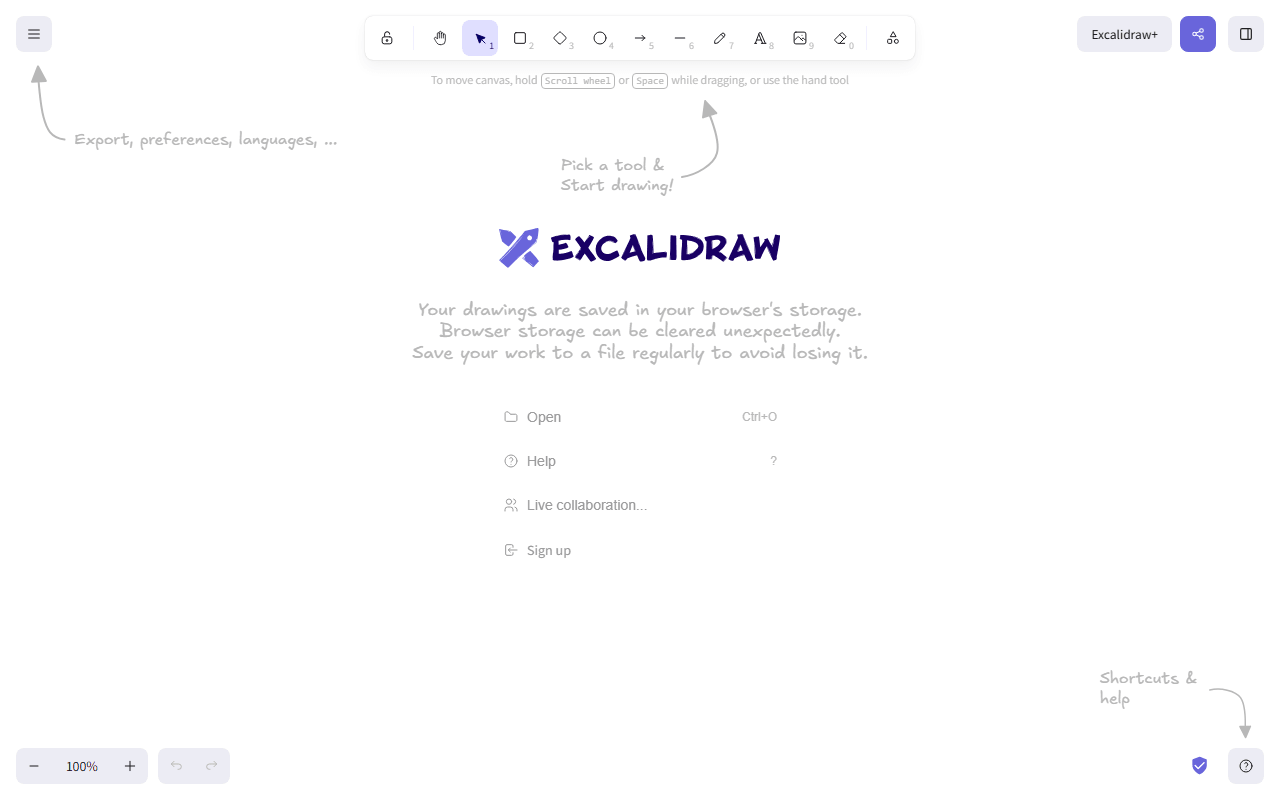
Excalidraw is the open source pick if you want live collaboration and a fresh interface without giving up self-hosting. Open excalidraw.com and share an end-to-end encrypted session with no account (as of July 2026), and the MIT-licensed editor can be self-hosted like draw.io. The tradeoff is the hand-drawn style and the lack of formal diagram stencils.
- Free plan, paid from $6/month (as of July 2026)
- Czech Republic
- Open source (MIT)
 Czech Republic
- Best for:
- Collaborative diagramming where open source and encryption matter
- The catch:
- The hand-drawn style and missing shape libraries make it weaker for formal UML and architecture diagrams.
Compared to draw.io
- Advantage: End-to-end encrypted live collaboration, which draw.io does not offer
- Advantage: MIT licensed and self-hostable, like draw.io's Apache-2.0
- Advantage: Opens instantly with no account
- Tradeoff: Hand-drawn style is wrong for formal diagrams
- Tradeoff: No UML or architecture shape libraries
- Tradeoff: Free app stores one scene in your browser
Live workshop collaboration with voting, timers, and templates draw.io has none of
Miro is the step toward group work: real-time collaboration built in, thousands of templates, and facilitation features like voting and timers. It handles diagramming too, with unlimited members on the free plan. The catch is that free stops at 3 editable boards (as of July 2026), and upgrading is $8 per member per month billed yearly, where draw.io is free with no limits.

- Free plan, paid from $8/month (as of July 2026)
- United States
 United States
- Best for:
- Teams that want diagrams inside a collaborative workshop tool
- The catch:
- The free plan caps you at 3 boards, and it is closed source, where draw.io is free and Apache-2.0.
Compared to draw.io
- Advantage: Real-time collaboration built in, unlike draw.io's shared-file workaround
- Advantage: Facilitation features and thousands of templates
- Advantage: Unlimited team members on the free plan
- Tradeoff: Only 3 editable boards free, where draw.io has no limits
- Tradeoff: Closed source and per-member pricing
- Tradeoff: Less precise for formal architecture diagrams than draw.io's stencils
Diagram and flowchart templates in a modern editor, with live collaboration
Canva includes flowchart and diagram templates inside a modern, easy editor with real-time collaboration, which covers lighter diagramming without draw.io's dated panels. The free tier gives you unlimited designs, a large template library, and 5GB of storage (as of July 2026). It is aimed at good-looking diagrams rather than technically precise ones.
- Free plan, paid from $144/year (as of July 2026)
- Australia
 Australia
- Best for:
- Presentable flowcharts and simple diagrams that need to look polished
- The catch:
- It is not a technical diagram tool, so it lacks UML and architecture stencils, and there is no editable export.
Compared to draw.io
- Advantage: Modern editor with real-time collaboration
- Advantage: Diagram and flowchart templates that look polished
- Advantage: Unlimited free designs with 5GB storage
- Tradeoff: No formal UML, network, or architecture shape libraries
- Tradeoff: Closed source with no editable export, unlike draw.io
- Tradeoff: Premium assets sit behind Pro at $144 per year
Open source design with diagramming inside a broader UI toolkit, self-hostable like draw.io
Penpot is a stretch as a pure diagram tool, but if your draw.io files were becoming interface mockups it does far more. It is open source, free for unlimited files and up to 8 editors (as of July 2026), and self-hostable like draw.io, with real-time collaboration built in. Use it when diagramming was really the start of design work.
- Free plan, paid from $7/month (as of July 2026)
- Spain
- Open source (MPL-2.0)
 Spain
Spain- Best for:
- Diagrams that were turning into UI design work
- The catch:
- It is a design tool, not a diagram editor, so it has no dedicated flowchart or UML stencils.
Compared to draw.io
- Advantage: Real-time collaboration built in, unlike draw.io's shared-file setup
- Advantage: Open source and self-hostable, like draw.io
- Advantage: Full UI design toolkit beyond diagramming
- Tradeoff: No dedicated flowchart, UML, or architecture stencils
- Tradeoff: Heavier and slower to learn than draw.io for simple diagrams
FigJam diagramming with live collaboration in a modern interface, the paid incumbent
Figma covers diagramming through FigJam, its whiteboard, with live multiplayer editing and a modern interface. The free Starter plan caps FigJam at 3 files (as of July 2026), and full design seats are $16 per month billed annually. It is the polished paid option, stronger on collaboration than draw.io but weaker on formal technical stencils.
- Free plan, paid from $16/month (as of July 2026)
- United States
- Best for:
- Teams already in Figma who want diagrams in the same place
- The catch:
- The free plan caps FigJam at 3 files, it is closed source, and it lacks draw.io's technical shape libraries.
Compared to draw.io
- Advantage: Live multiplayer editing, unlike draw.io's shared-file co-editing
- Advantage: Modern interface and large template community
- Tradeoff: FigJam capped at 3 files on the free plan
- Tradeoff: Closed source, where draw.io is Apache-2.0
- Tradeoff: Fewer formal UML and architecture stencils than draw.io
How to choose
If you want tidy, diagram-style output with instant live collaboration, tldraw is the closest modern swap, though it lacks draw.io's formal shape libraries. Excalidraw adds end-to-end encrypted sessions and open source self-hosting if that matters more than polish. For facilitated workshops with voting and timers, Miro leads, but its free plan stops at 3 boards. Keep draw.io itself if UML and architecture stencils are the whole point, because none of these match its shape libraries.