
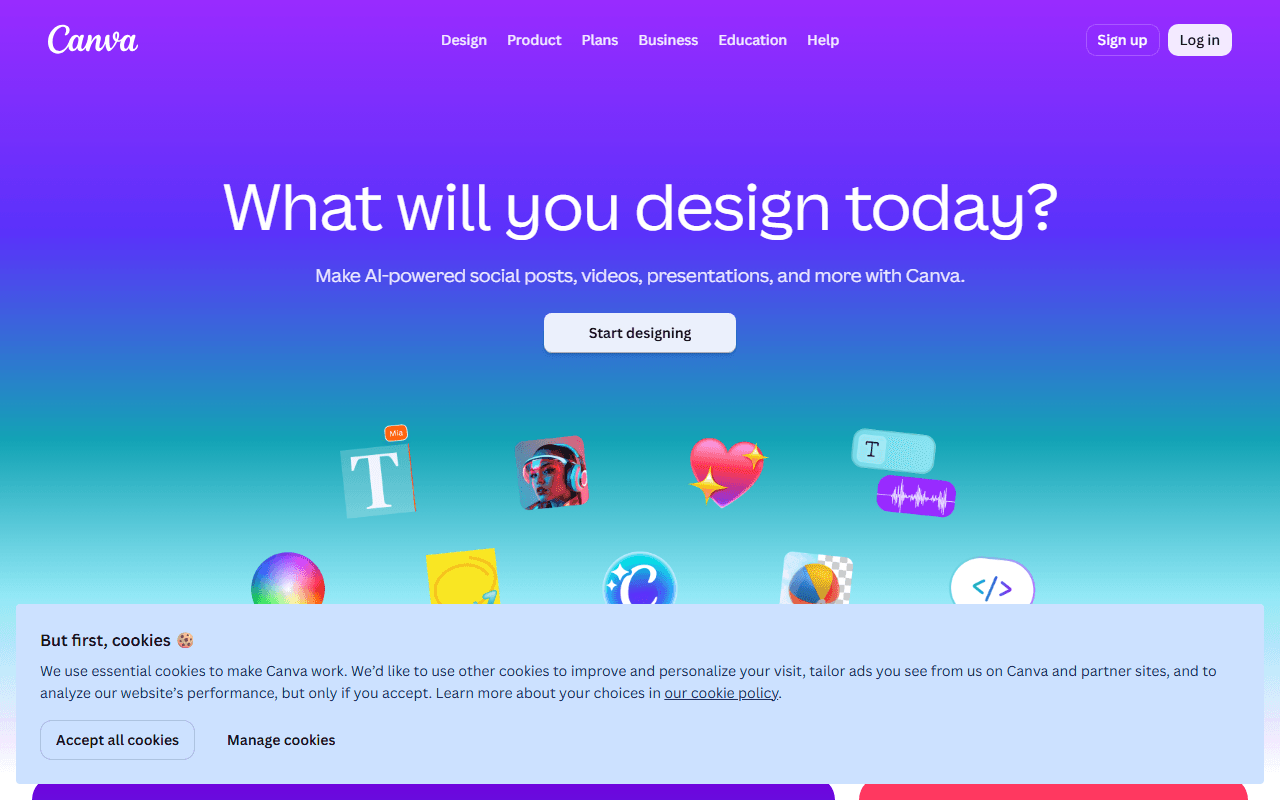

The design tool for people who are not designers
You pick a template, swap the text and images, and export. That is the whole loop, and it is why Canva ended up on so many screens that never belonged to a designer. It runs in the browser with apps for desktop and mobile, and it is made by Canva Pty Ltd in Sydney.
Template-first work, and the teams that live on it
- Social media posts, presentations, flyers, and simple marketing graphics
- Small teams where non-designers produce most day-to-day visuals
- Anyone who values templates over creative control
5GB, three brand colors, and the price of getting more
Canva is freemium. As of July 2026, the free tier includes unlimited designs (no plan caps design count), 5GB of cloud storage, one Brand Kit limited to 3 colors, a large free template and stock library, and a small monthly AI allowance. Pro-only features include the photo background remover, Magic Switch resizing, premium templates and premium stock, 5 Brand Kits, content scheduling, and 100GB storage. Canva Pro lists at $18 per month or $144 per year in the US, but Canva prices by region and runs frequent first-year promotions, so check the pricing page for your country.
The Pro paywall, and the export limit nobody warns you about
- The features that trigger most "Canva alternatives" searches (background remover, Magic Switch, premium assets) are Pro-only
- Your designs live in Canva's format; there is no way to export an editable file into another design tool, so switching later means rebuilding
- It is not a vector editor; for logos and print-precise artwork you want Inkscape or Penpot
- Premium stock sprinkled through search results makes it easy to build a design you then cannot export without paying
Should you stay on Canva free? Yes, with eyes open
If you make social graphics from templates, the free tier will likely carry you for years. Go in knowing the lock-in: the day you need Pro features or want your designs out, Canva holds the cards. For layered photo editing without the paywall, Photopea covers most of what people buy Pro for.
Reader reviews
What people who actually use Canva think of it.
No reviews of Canva yet. If you have used it, yours would be the first.
The useful part is the specifics: what you used it for, and where it got in your way.
Loading...