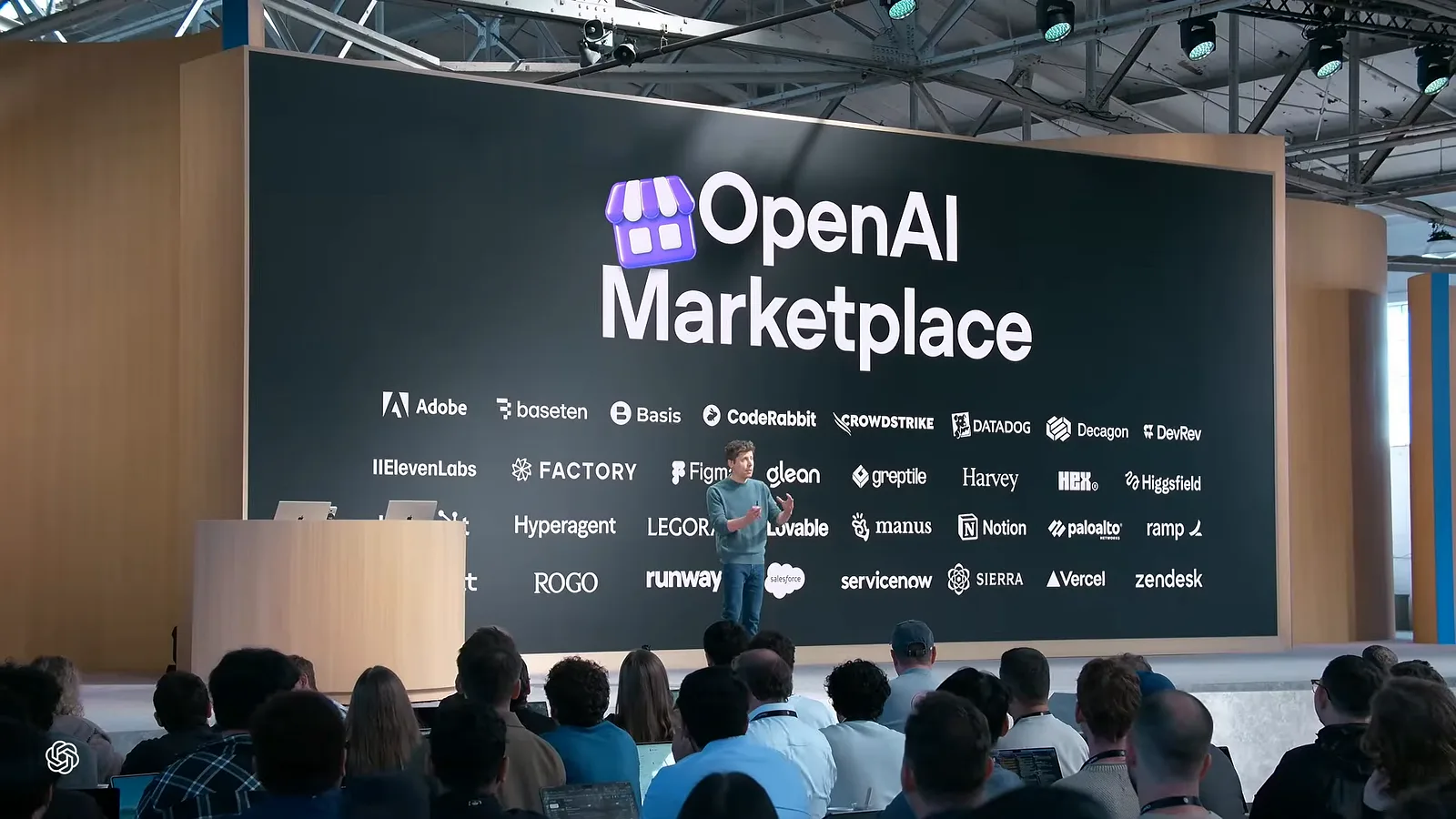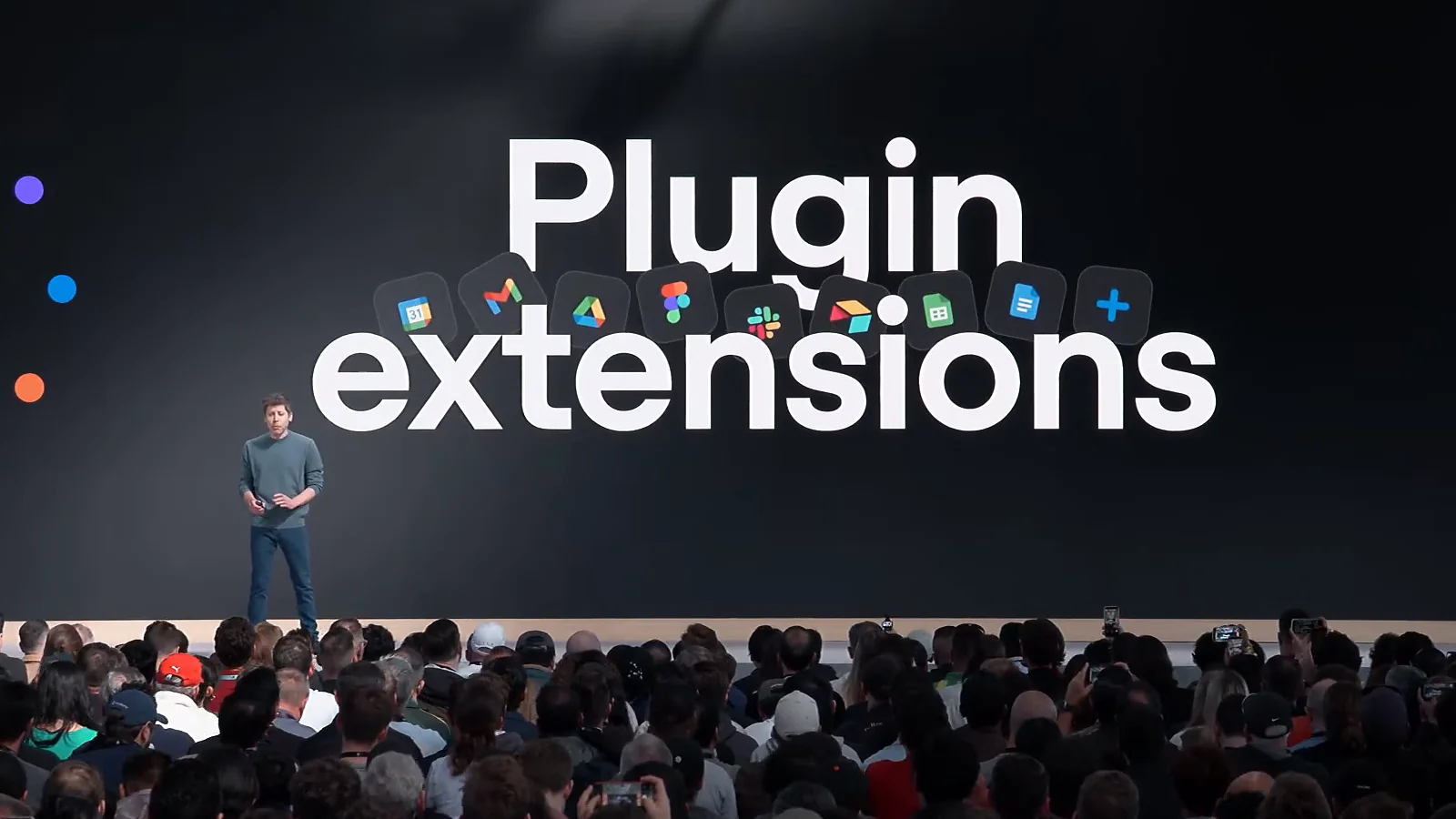
Until this week, a ChatGPT plugin mostly lived inside the conversation. The model decided when to call it, and you saw its interface only when it did. On 29 September 2026, at DevDay, OpenAI changed that. Plugins can now have their own place in the ChatGPT sidebar, open next to a chat as a panel, act as the viewer for a file type, and start work when something happens in another app.
OpenAI calls the feature plugin extensions. In code it ships as OpenAI MCP Extensions, an open specification plus TypeScript and Python SDKs. Below is what shipped, who can use it today, and what building one involves, taken from OpenAI's own documentation.
What OpenAI shipped at DevDay
OpenAI's recap describes it in one line: "Plugin extensions let you give your plugin a home in the sidebar and build interactive panels where people can work alongside the conversation." The developer docs list nine extensions a plugin can use:
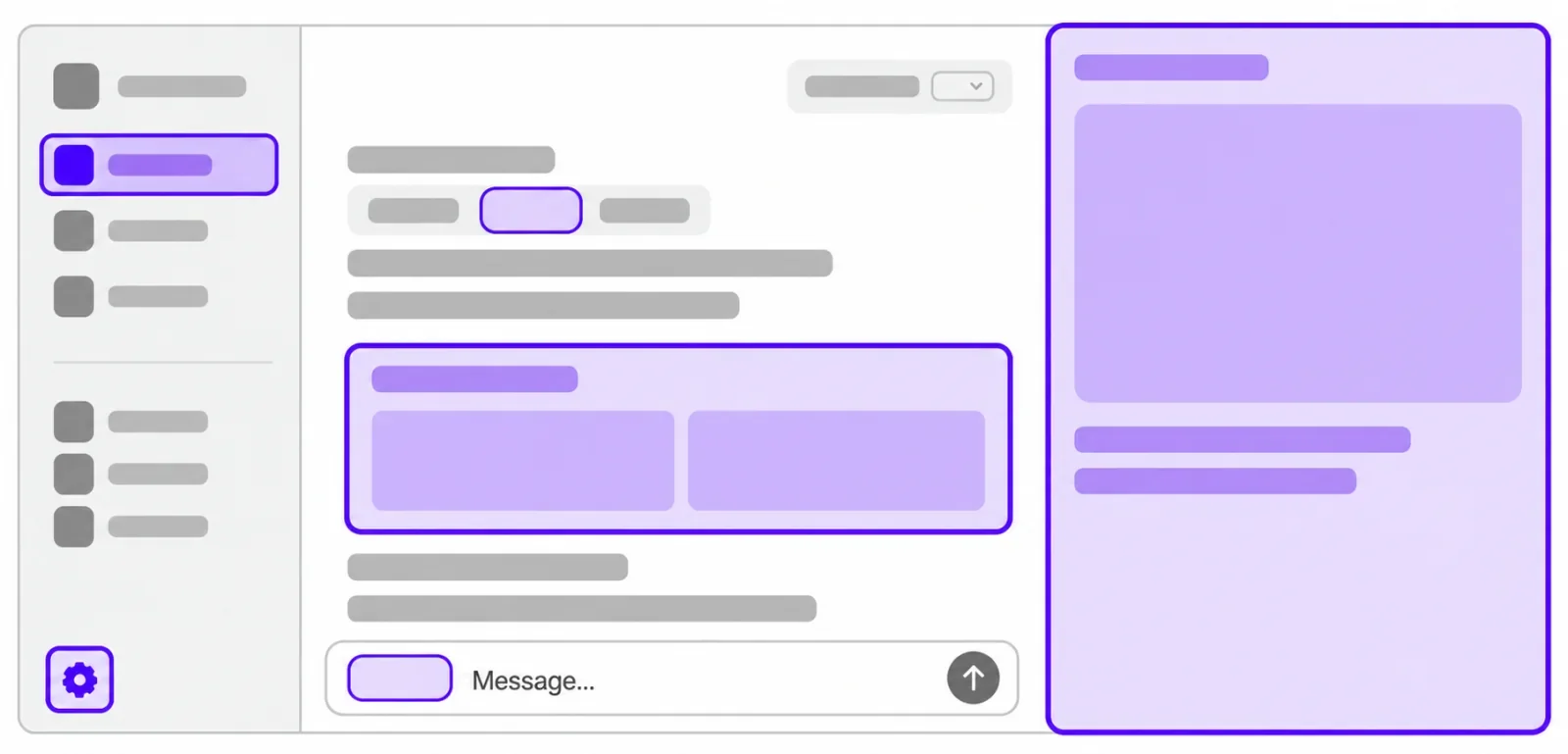
- Sidebar apps. Your app gets an entry in the ChatGPT sidebar and opens full screen.
- Conversation panels. The app opens beside a chat, so the user works in both at once.
- Plugin settings. Users configure your plugin inside ChatGPT.
- File viewers and editors. Your app becomes the viewer for a file type, with reading, live updates and saving handled together.
- Display modes. You choose where and how the app appears.
- Deep links. Links that open a specific page or item inside your sidebar app.
- Model-App Context. ChatGPT and your app share context in both directions.
- Composer mentions. Users type
@in the desktop composer and pick content from your plugin. - Rich forms. Structured input, including image choices, sent back to your tool.
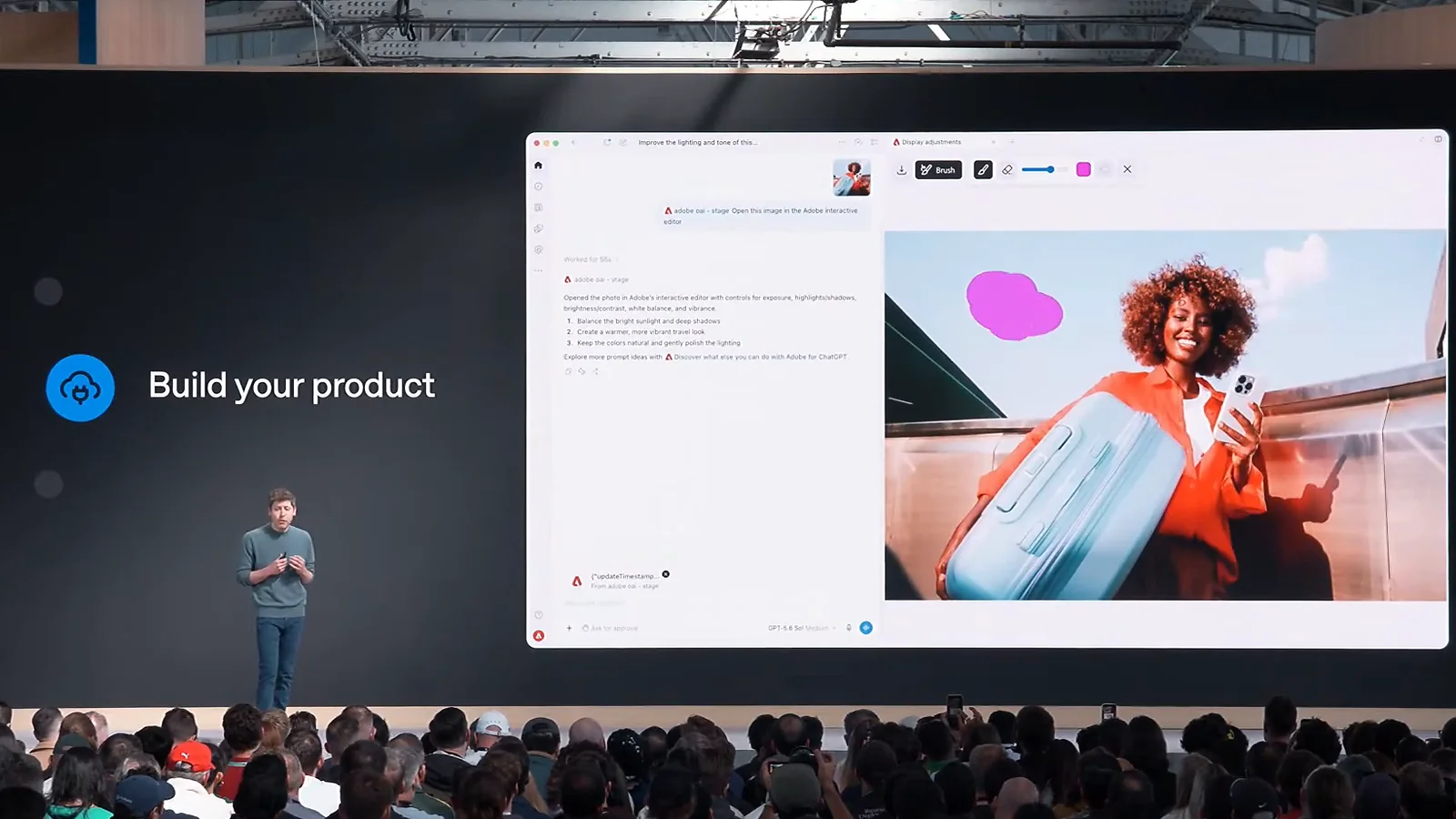
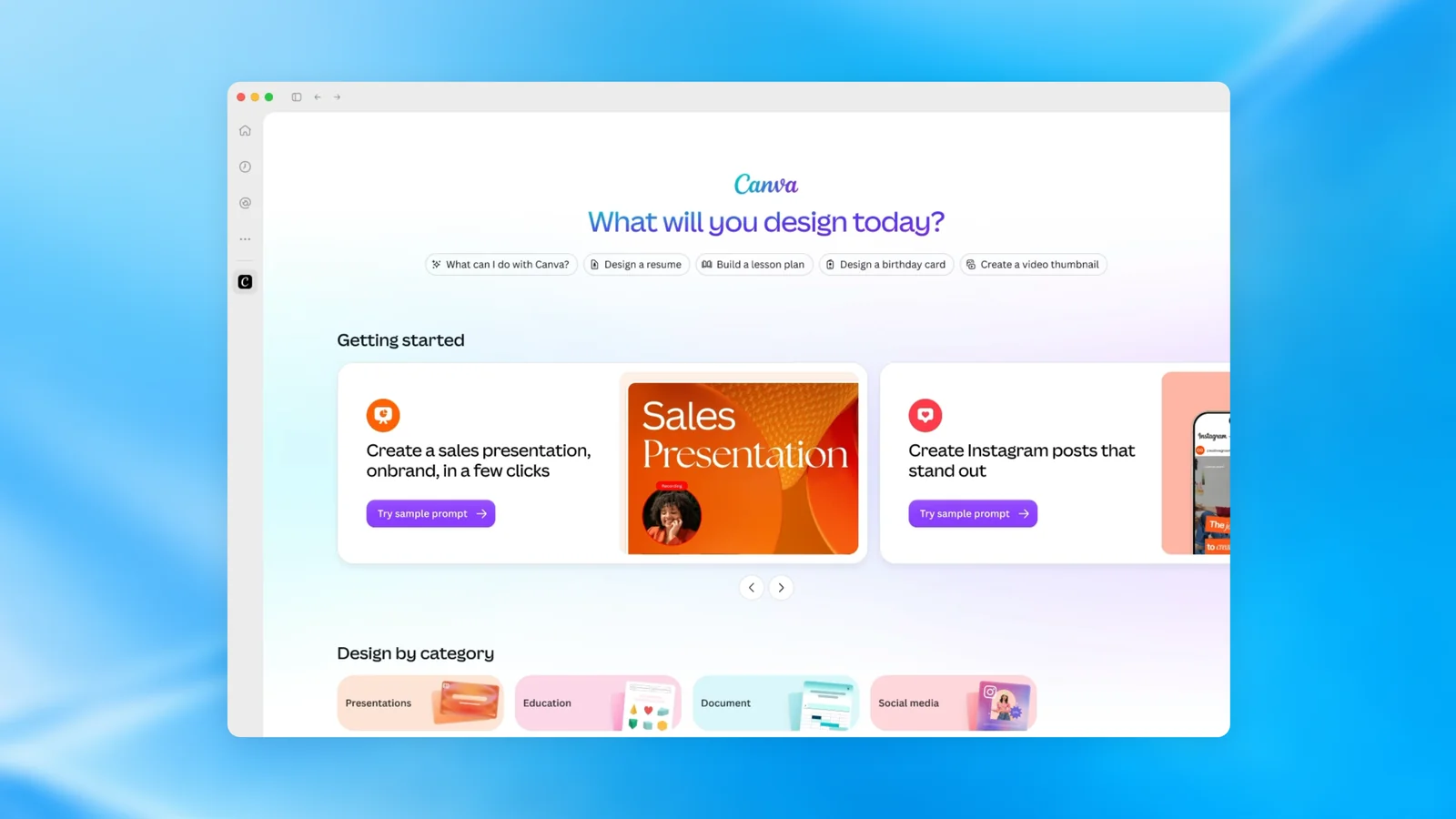
OpenAI's own examples: Canva uses sidebar tabs, Figma uses composer mentions in the desktop app, and Adobe uses file handlers for Acrobat and Photoshop. On stage, OpenAI showed Adobe's editor opening beside a conversation, with the photo editable in the panel while the chat stays on the left.
Three related pieces shipped alongside. MCP events let a plugin start an automation when something happens in a connected app. Plugin Creator is an assistant that scaffolds a plugin for you, and the submission flow was redesigned. And a plugin can now include an app hosted on ChatGPT Sites, OpenAI's website builder.
Plugins, MCP Apps, extensions: the words in one minute
The naming is the most confusing part of this release, so here it is plainly.
- A plugin is the package people find, install and share. OpenAI says "ChatGPT and Codex share one universal plugin directory." A plugin can hold skills, an MCP server, or both.
- An MCP server is the backend. It exposes tools the model can call, using the open Model Context Protocol.
- An MCP App is an interface your server returns. It runs in an iframe inside ChatGPT, following the open MCP Apps standard.
- An extension is an add-on to a plugin, not a new kind of product. Normally, in the spec's words, "MCP Apps can only be invoked via the model." Extensions add entry points that users open themselves.
If you built on the older Apps SDK, the window.openai calls still work. OpenAI now labels them compatibility aliases that "remain available for existing integrations."
Who can use it today
This is where OpenAI's own pages disagree. The DevDay recap lists plugin extensions as "Available to all plans." The developer page adds: "Plugin extensions on the web are coming soon to ChatGPT Free and Go users."
Some features are also tied to a platform, as of September 2026:
- Desktop only: file viewers, opening local files, and composer mentions.
- Not on Android: deep links.
- Desktop and web only: rich forms.
Our reading, which OpenAI has not confirmed: extensions work in the desktop and mobile apps on every plan now, and Free and Go users on the web wait a little longer. If your users are mostly on the free web version, check before you promise them a sidebar.
How to build one, in brief
You build an extension on top of an MCP server, so a plugin that already has one is most of the way there. OpenAI's documentation lays out the path as of September 2026:
- Start from an MCP server, and try Bits & Bolts, OpenAI's sample plugin that uses every extension.
- Add the SDK:
@openai/mcp-extensionsfor TypeScript, oropenai-mcp-extensionsfor Python (server side only). - Declare entry points as tool metadata:
globalfor the sidebar,threadfor a conversation panel,filefor a file viewer. Up to three per app. - Package it with a
plugin.jsonmanifest, by hand or with the@plugin-creatorskill. - Test it in ChatGPT's Developer mode against a public HTTPS server.
- Submit it at platform.openai.com/plugins for review.
The review is the part to plan for. OpenAI asks for a verified developer identity, a server on a public domain, five positive and three negative test cases, and a video walkthrough before anything goes live. It gives no review time.
If you want to build one, OpenAI's Plugin Extensions documentation has the code for each extension, and the openai/mcp-extensions repository has the specification and both SDKs.
Automations: plugins that react to events
The second half of the announcement is MCP events. A plugin can declare events (a new order, a changed file, a closed ticket), users subscribe to them, and ChatGPT starts a task when one fires. OpenAI's help pages point users to Scheduled tasks to set this up.
What the docs say about how it works, as of September 2026:
- Delivery is by webhook only. "Polling, streaming, and the draft's gap and terminated control notifications are not supported."
- Webhooks are signed with Standard Webhooks, must use HTTPS, and cannot target private addresses. Redirects are not followed.
- Each request carries one event, capped at 256 KiB.
- Event payloads must not contain instructions to the model.
This rests on a proposed MCP Events specification that is still a draft in the MCP working group. Build on it, but keep the event layer thin, because the shape may change.
The catches
- It is early. Both SDKs are at version 0.1.0, the TypeScript package was first published on launch day, and the events spec is a draft.
- One MCP server per plugin. You also cannot add an MCP server to an existing plugin that only has skills.
- Distribution is OpenAI's call. In OpenAI's words, "few plugins will receive enhanced distribution at publication. Developers cannot request enhanced distribution."
- Privacy rules are strict, and that is good for users. Under OpenAI's plugin guidelines you need a published privacy policy. Payment card data, health data, government IDs and credentials are off limits. A plugin "must not pull, reconstruct, or infer the full chat log." ChatGPT never hands your app raw file system paths.
- If you already built for Claude, you still submit twice. OpenAI publishes a guide to bringing a Claude Code plugin across, and it is clear that "Claude marketplace listings and approvals don't transfer."
What we do not know yet
OpenAI's documentation mentions no fee or revenue share for publishing a plugin, and no timeline for Free and Go users on the web beyond "coming soon". The recap and the help center also disagree on which plans can build plugins with apps hosted on ChatGPT Sites. We will update this article when OpenAI clears these up, and note the change at the bottom.