Free alternatives to Figma
Figma's free Starter plan caps you at 3 design files with 3 pages each, and Dev Mode is not included at all. The moment a second real project shows up, you are choosing between the drafts workaround and a $16 per month Full seat (as of July 2026). If that math sent you here, these are the free tools that actually cover the work.
Facts checked as of July 2026Read our Figma review
Jump to an alternative





Penpot
Best Free Alternative ToFigmaUnlimited files with up to 8 editors free, open source and self-hostable, so no future pricing change can strand your work
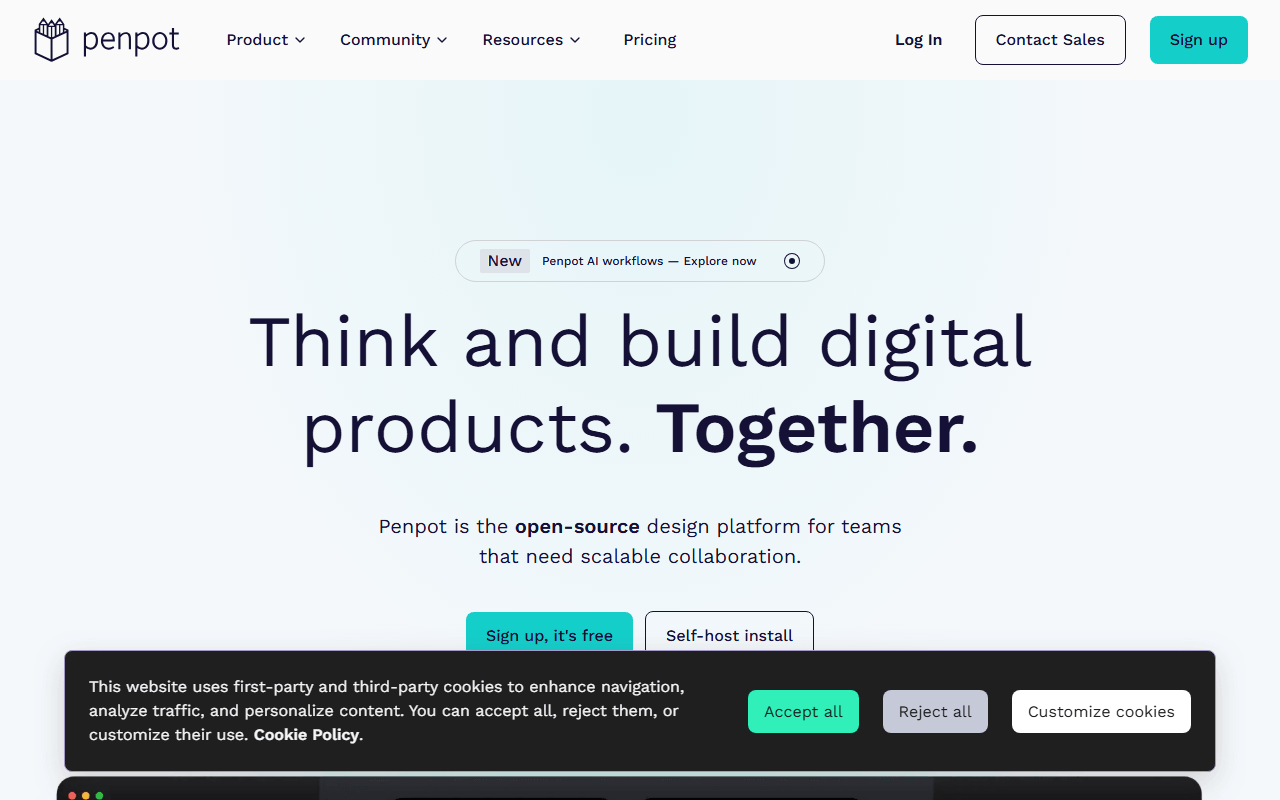
Penpot is the only tool here that replaces Figma's core loop: components, shared libraries, flex and grid layouts, and clickable prototypes, all in the browser. The free hosted plan gives you unlimited files with up to 8 editors and 10GB of storage (as of July 2026), where Figma Starter stops at 3 files. Because it is open source under MPL-2.0, you can also self-host it with Docker and keep your files no matter what pricing does.
- Free plan, paid from $7/month (as of July 2026)
- Spain
- Open source (MPL-2.0)
 Spain
Spain- Best for:
- Teams doing real UI design who hit Figma's 3-file cap
- The catch:
- Version history on the free hosted plan is 7 days against Figma's 30, and the plugin ecosystem is far smaller.
Compared to Figma
- Advantage: Unlimited design files free, where Figma Starter caps you at 3
- Advantage: Up to 8 editors on the free plan; Figma charges $16 per month per Full seat
- Advantage: Open source and self-hostable, so no pricing change can lock up your files
- Advantage: Layout options map to real CSS, which developers tend to prefer at handoff
- Tradeoff: 7 days of free version history against Figma's 30
- Tradeoff: Much smaller plugin and template ecosystem
- Tradeoff: Very large files can feel slower than Figma
A free native desktop app with offline mode, where Figma's Starter plan keeps you online and capped at 3 files
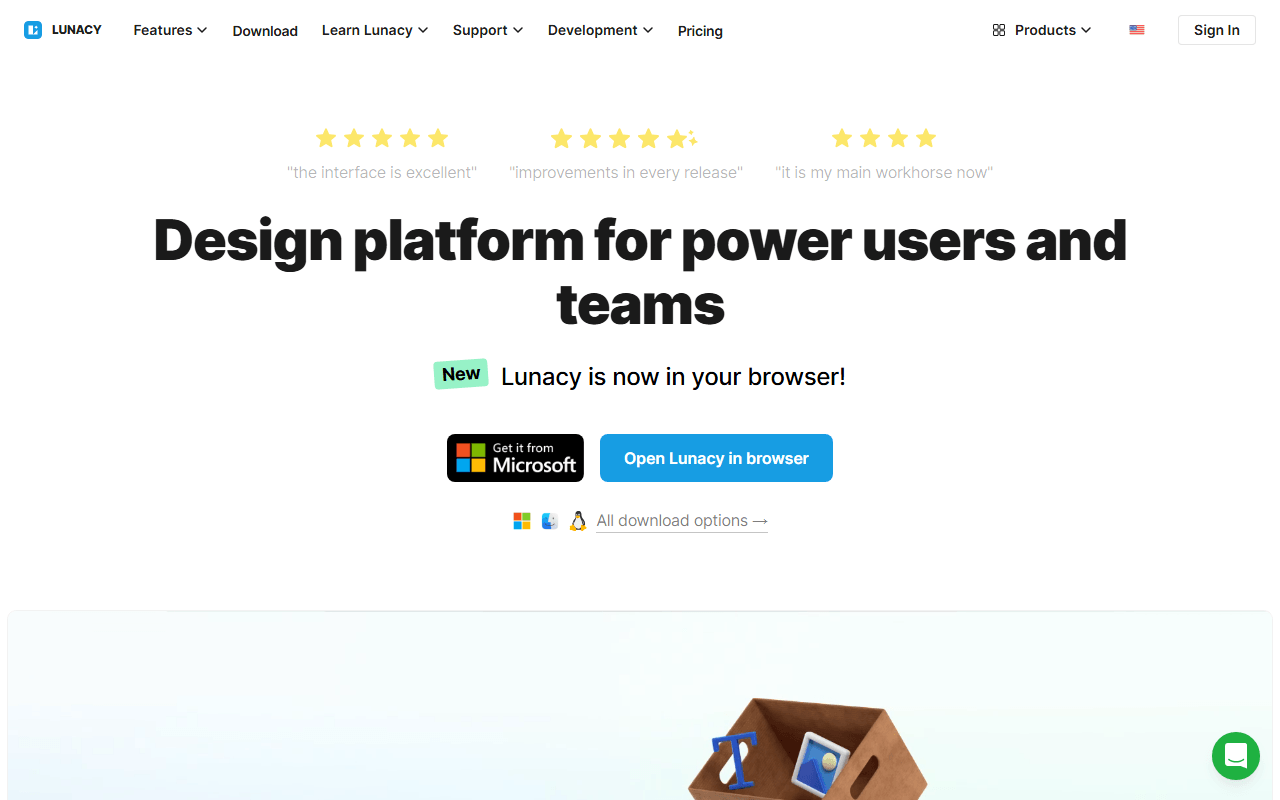
Lunacy is a free native design app from Icons8 for Windows, macOS, and Linux, with auto layout, components, and prototyping. Unlike Figma it works fully offline, local documents are unlimited, and it opens .sketch files without a Mac. As of July 2026 the free plan allows 10 cloud documents and teams of up to 3 members.
- Free plan, paid from $4.99/month (as of July 2026)
- Best for:
- Designers on Windows or Linux who want a native app that works offline
- The catch:
- It is closed source freeware, so unlike Penpot there is no community fork to fall back on if Icons8 changes the terms.
Compared to Figma
- Advantage: Real offline mode with unlimited local documents; Figma needs a connection for most work
- Advantage: Built-in icon, photo, and illustration libraries inside the canvas
- Advantage: Opens .sketch files natively, no Mac required
- Tradeoff: Free cloud collaboration caps at 10 documents and 3 team members (as of July 2026)
- Tradeoff: Free built-in assets are low resolution and require attribution
- Tradeoff: Multiplayer editing is thinner than Figma's browser-native collaboration
Covers the FigJam side of Figma free, with no file cap and no account needed
Excalidraw does not replace Figma Design; it replaces FigJam. Open excalidraw.com and you are sketching with collaborators in seconds, with no account, unlimited participants, and end-to-end encrypted sessions. Figma Starter caps you at 3 FigJam files; Excalidraw has no board cap at all.
- Free plan, paid from $6/month (as of July 2026)
- Czech Republic
- Open source (MIT)
 Czech Republic
- Best for:
- Replacing FigJam sketching and diagram sessions for free
- The catch:
- The free app stores one scene in your browser, so export the file if you care about it.
Compared to Figma
- Advantage: No cap on boards or collaborators; FigJam on Starter stops at 3 files
- Advantage: No account needed, so outside collaborators join instantly
- Advantage: Live sessions are end-to-end encrypted, which FigJam does not offer
- Advantage: MIT licensed, so you can self-host or embed it freely
- Tradeoff: One scene saved in browser storage unless you pay $6 per user per month for Plus
- Worth knowing: Hand-drawn style only; no UI design or prototyping features
Every vector illustration feature free forever, with no file limits or paid seats of any kind
Inkscape covers the vector illustration side of Figma: pen tools, boolean operations, typography, gradients, and native SVG. Every feature is free under the GPL with no tiers, no seats, and no caps of any kind (as of July 2026, and for the past two decades). It is a desktop app, so you trade Figma's multiplayer for full ownership of local files.
- Completely free (as of July 2026)
- Open source (GPL-2.0-or-later)
- Best for:
- Logos, icons, and illustration work that must scale, at zero cost forever
- The catch:
- The interface takes real learning time, and there is no collaboration or cloud anything.
Compared to Figma
- Advantage: Every feature free forever, with no file limits or seat pricing
- Advantage: Deeper path and illustration tools than Figma's vector editing
- Advantage: Works fully offline with local files you own
- Tradeoff: No real-time collaboration at all
- Tradeoff: No UI prototyping or design systems; it is an illustration tool
- Tradeoff: The interface takes a few frustrating sessions if you come from Figma
A free FigJam stand-in that loads instantly and has no published board limits
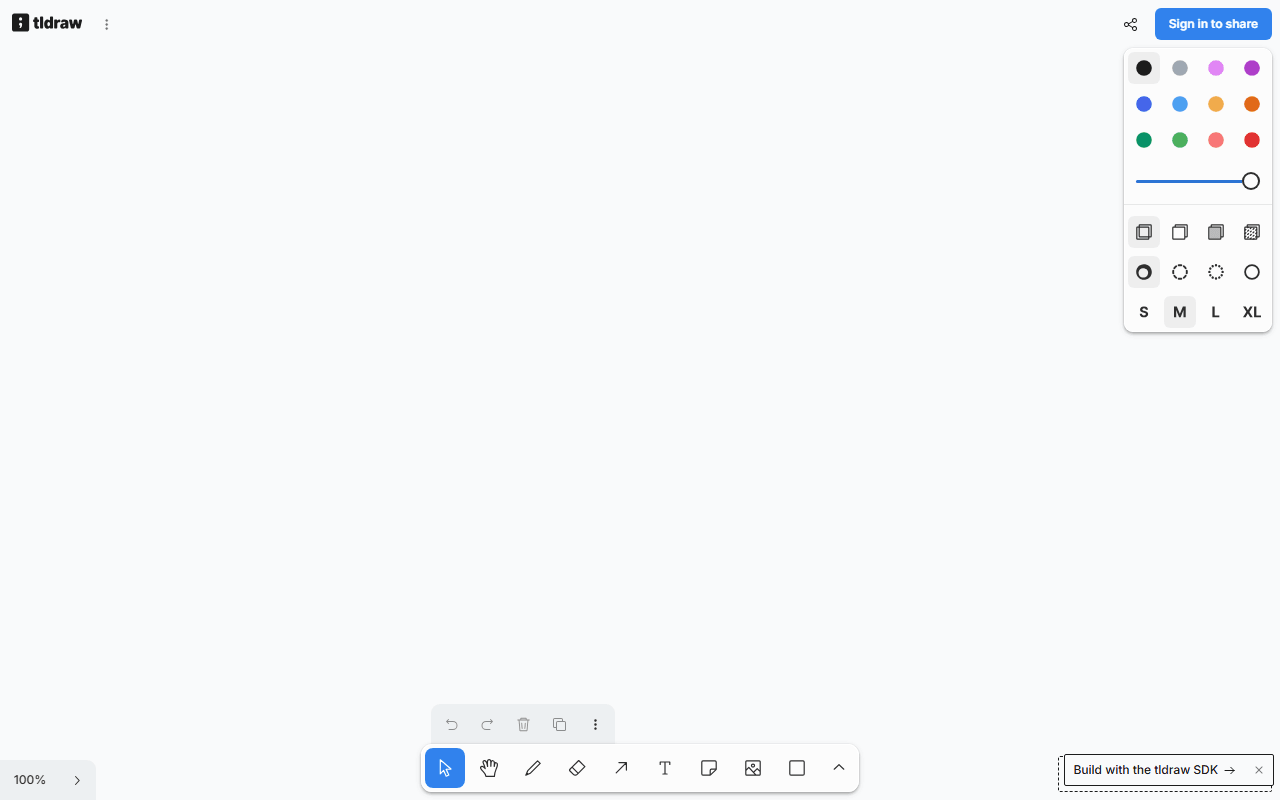
tldraw is the other free FigJam stand-in: a whiteboard that loads in about a second, needs no account, and has no published board limits as of July 2026. Its diagrams come out cleaner and straighter than Excalidraw's sketchy style. The company funds the free app by licensing its SDK to other products, so it is polished and actively developed.
- Completely free (as of July 2026)
- United Kingdom
 United Kingdom
- Best for:
- Quick, tidy-looking whiteboards without signing up for anything
- The catch:
- The code is source-available under a custom license, so you cannot freely self-host it the way you can Excalidraw.
Compared to Figma
- Advantage: Free with no published board or collaborator limits, against 3 FigJam files on Starter
- Advantage: Opens instantly with no account or login step
- Advantage: Cleaner default output than most free whiteboards, closer to FigJam's look
- Worth knowing: No design tools, components, or prototyping; it is only a canvas
- Tradeoff: Custom license means no free self-hosting or embedding, unlike Excalidraw
- Tradeoff: No offline or desktop app
Faster for non-designers making marketing graphics, with a large free template library instead of a blank canvas
If your Figma files are mostly marketing graphics and slide decks rather than product UI, Canva's free tier is the faster path. You get unlimited designs, a large free template and stock library, and 5GB of storage as of July 2026. It is template-first where Figma is blank-canvas-first, which is exactly what non-designers want.
- Free plan, paid from $144/year (as of July 2026)
- Australia
 Australia
- Best for:
- Non-designers producing social graphics, decks, and flyers from templates
- The catch:
- Designs cannot be exported into another editable format, so switching later means rebuilding.
Compared to Figma
- Advantage: Unlimited designs free, with no equivalent of Figma's 3-file cap
- Advantage: Thousands of free templates make it much faster for non-designers
- Tradeoff: Not a vector or UI design tool; no components or prototyping
- Tradeoff: No editable export, so your work is locked into Canva's format
- Tradeoff: The most-searched features, like the background remover, sit behind Pro at $144 per year
How to choose
Start with what you actually do in Figma. If it is real UI design with components and prototypes, try Penpot's free hosted plan first; if you need offline files or work on Windows or Linux, Lunacy is the closer fit. If you mostly used FigJam, Excalidraw or tldraw replaces that half for free. And if you only hit the 3-file cap occasionally, staying on Figma Starter and rotating old files into drafts is a legitimate answer too.