

The whiteboard that is really an SDK showcase
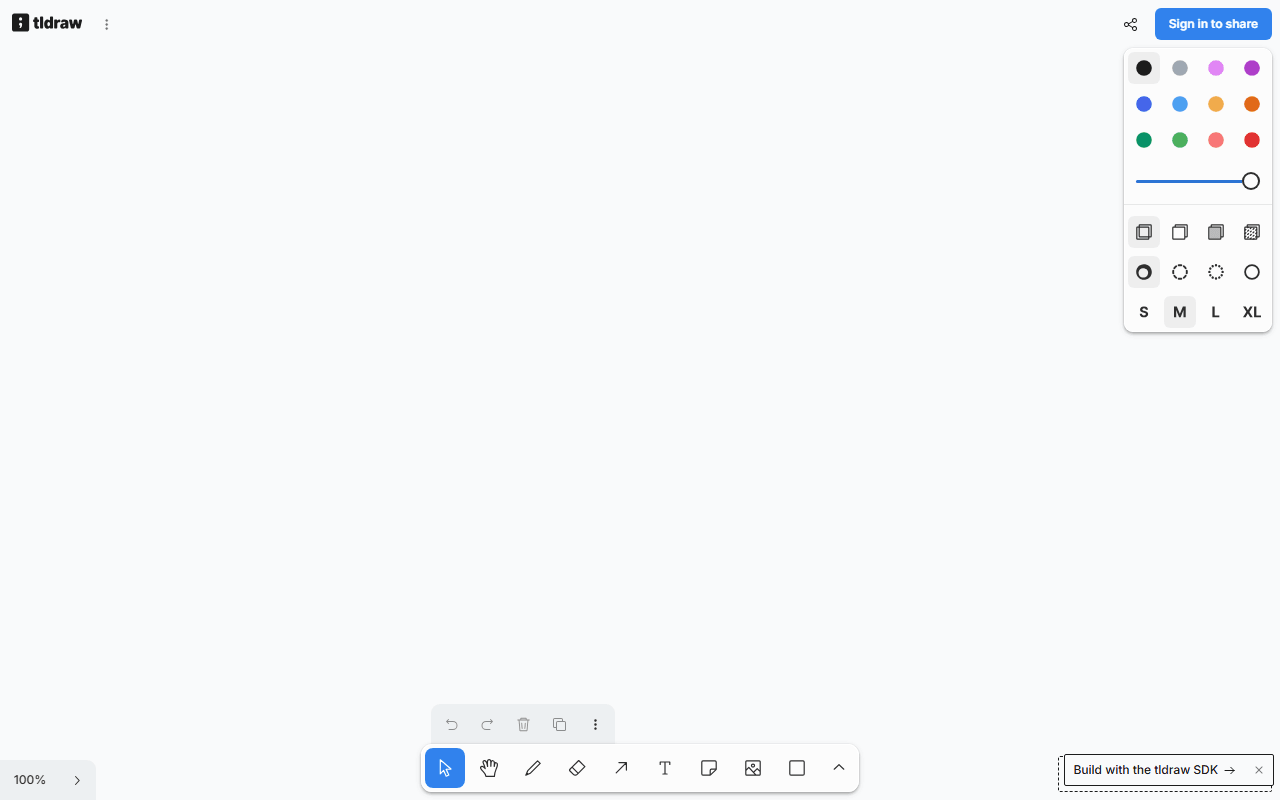
tldraw is a free whiteboard at tldraw.com that loads in about a second and lets you draw before you have decided whether you are staying. Shapes, arrows, frames, freehand drawing, and live collaboration all work in the browser. The company behind it, based in London and founded by Steve Ruiz, makes money by licensing the tldraw SDK to other products, so the free whiteboard is their showcase rather than a loss leader waiting to be monetized.
For the diagram link you paste mid-call, in one second
- Instant one-off whiteboarding when signing up for anything feels like too much
- Sharing a quick diagram link during a call
- Cleaner, straighter diagrams than Excalidraw's sketchy style, if that suits you better
Free at tldraw.com, priced at tldraw.dev
The tldraw.com whiteboard is free with no published board or collaborator limits as of July 2026. There is no paid tier for the whiteboard app itself. The commercial product is the tldraw SDK for developers: free in development, but production use requires a license (a free hobby license keeps a watermark; commercial pricing is quote-based). This only matters if you want to build on tldraw's code, not if you just use the whiteboard.
Where a custom license limits what you can do with it
- The source code is public but under a custom license, so unlike Excalidraw you cannot freely self-host or embed it in your own product without a commercial agreement
- No offline or desktop app
- Fewer organizational features than Miro; this is a canvas, not a workshop platform with voting and timers
- Because the app is the SDK's showcase, its feature direction follows SDK customers, not whiteboard users
Fast and tidy, or Excalidraw if you need encryption
For fast, free, tidy-looking whiteboards, tldraw is excellent. Choose Excalidraw instead when the open source license matters or you want end-to-end encrypted sessions.
Reader reviews
What people who actually use tldraw think of it.
No reviews of tldraw yet. If you have used it, yours would be the first.
The useful part is the specifics: what you used it for, and where it got in your way.
Loading...