


Discover honest, community-driven software alternatives. Learn about our mission

Free design and whiteboard tools that do not charge per seat

This category covers three jobs that often overlap: designing user interfaces, sketching ideas on a whiteboard, and drawing vector graphics. The tools here stand in for Figma, Miro, Canva Pro, and Adobe Illustrator.

People usually arrive because the paid version stopped fitting. Figma's free plan caps you at 3 design files, Miro at 3 boards, Canva puts the background remover and premium assets behind Pro, and Illustrator has no free tier past a 7-day trial. Once a team grows, per-seat pricing adds up fast, and your work often lives in a format you cannot take with you.

Our top pick is Penpot. It is the only free tool here that covers full UI design (components, prototyping, design systems) while being open source and self-hostable, so no pricing change can ever lock your files away.

11 free tools, ranked and reviewed as of July 2026.

Our top pick, and three tools that beat it at one job

Best overall

Penpot logo

Penpot

Best FreeDesign & Whiteboarding Tool

Penpot is an open source design tool for UI design, prototyping, and design systems that runs in the browser and stores everything as standard SVG. The free hosted plan gives you unlimited files, up to 8 editors, and 10GB of storage (as of July 2026), and because it is MPL-2.0 licensed you can self-host it with Docker and skip the cloud entirely. It is the closest free replacement for Figma's core design workflow.

Penpot wins because it replaces Figma's core loop (components, shared libraries, flex and grid layouts, and clickable prototypes) without per-seat pricing, and because it is open source under MPL-2.0, you can self-host it and keep your files no matter what the company charges next. The free hosted plan gives you unlimited files, up to 8 editors, and 10GB of storage as of July 2026. The catch: free version history is only 7 days against Figma's 30, the plugin and template ecosystem is much smaller, and very large files can feel slower than Figma. If your team lives on Figma plugins, you will miss them.

Read our Penpot review
Best for a quick sketch with a colleague

The full editor opens with no account and takes unlimited collaborators in an end-to-end encrypted session, though free keeps 1 scene in your browser, so export the file (as of July 2026).

Best for opening a PSD a client sent

Every editing feature, including background removal, is free in the browser, paid for with ads beside the canvas and about 1 AI action per day (as of July 2026).

Best for drawing logos and icons from scratch

Every feature is free under the GPL with no paid tier of any kind, where Illustrator has no free version and costs $22.99 per month on an annual plan (as of July 2026). Native CMYK support is limited, so press work is awkward.

How we scored these: self-hosting counts, feature checklists do not

We rank on how much real work the free plan lets you do, not on feature checklists. Open source tools you can self-host score higher than cloud free tiers, because a license change cannot strand your files. We name the limit on every tool, including our top pick, so you know the catch before you commit.

See where each free plan stops, in one table

#ToolFree planStarting priceCountry
1
Penpot logo
Penpot
Yes$7/monthSpain
2
Excalidraw logo
Excalidraw
Yes$6/monthCzech Republic
3
Canva logo
Canva
Yes$144/yearAustralia
4
Photopea logo
Photopea
Yes$5/monthCzech Republic
5
Inkscape logo
Inkscape
Free / open source--
6
tldraw logo
tldraw
Free / open source-United Kingdom
7
draw.io logo
draw.io
Free / open source-United Kingdom
8
Lunacy logo
Lunacy
Yes$4.99/month-
9
Adobe Illustrator logo
Adobe Illustrator
No$22.99/monthUnited States
10
Figma logo
Figma
Yes$16/monthUnited States
11
Miro logo
Miro
Yes$8/monthUnited States

Every tool we ranked, and the catch on each

1.

Penpot

Best FreeDesign & Whiteboarding Tool

Penpot is an open source design tool for UI design, prototyping, and design systems that runs in the browser and stores everything as standard SVG. The free hosted plan gives you unlimited files, up to 8 editors, and 10GB of storage (as of July 2026), and because it is MPL-2.0 licensed you can self-host it with Docker and skip the cloud entirely. It is the closest free replacement for Figma's core design workflow.

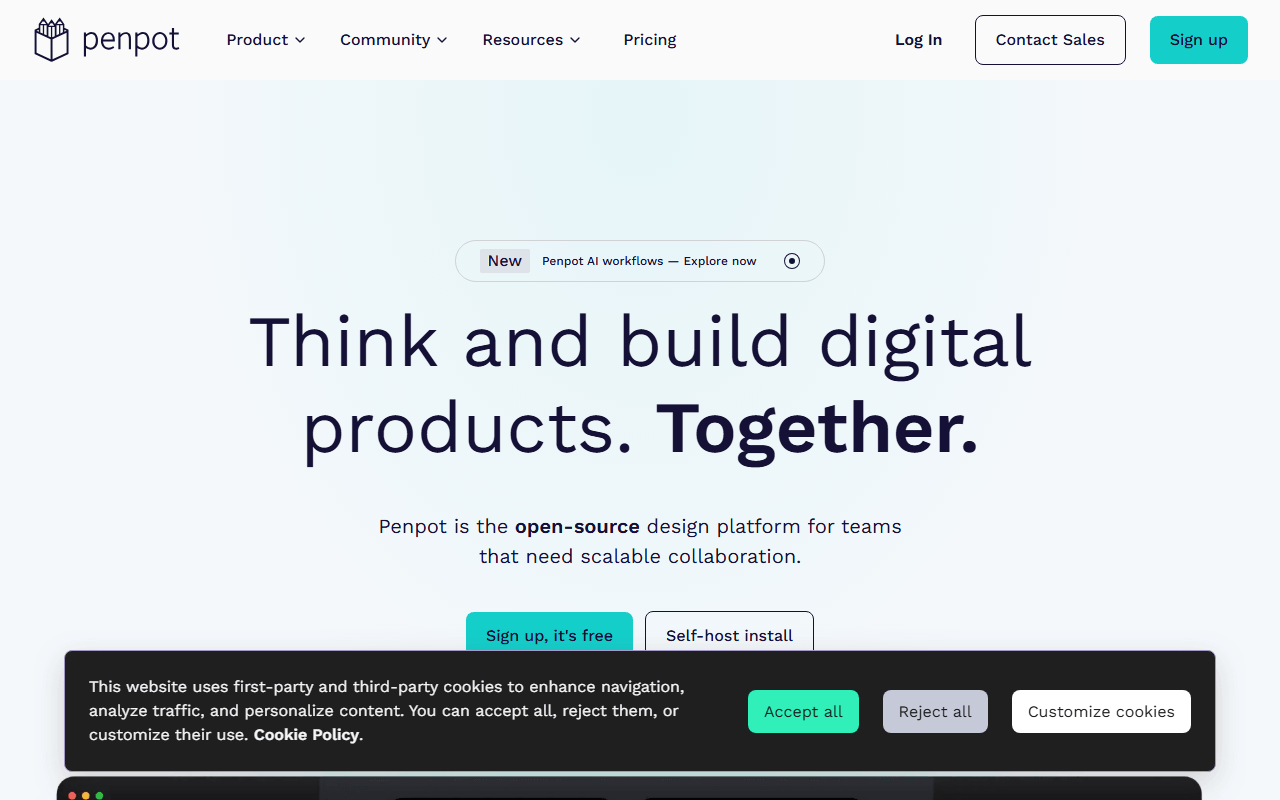
Penpot screenshot
  • Free plan, paid from $7/month (as of July 2026)
  • Spain
  • Open source (MPL-2.0)
Best for:
Teams that want Figma-style UI design without per-seat pricing, and anyone who wants an exit route from a design tool's pricing.
The catch:
Free version history is 7 days against Figma's 30, the plugin ecosystem is much smaller, and there is no offline desktop app.
2.

Excalidraw is an open source virtual whiteboard with a deliberate hand-drawn style. Open excalidraw.com and start drawing with no sign-up, then share an end-to-end encrypted live session. The editor is MIT licensed, so you can embed or self-host it. Free means one scene stored in your browser, unlimited collaborators, and PNG, SVG, and JSON export.

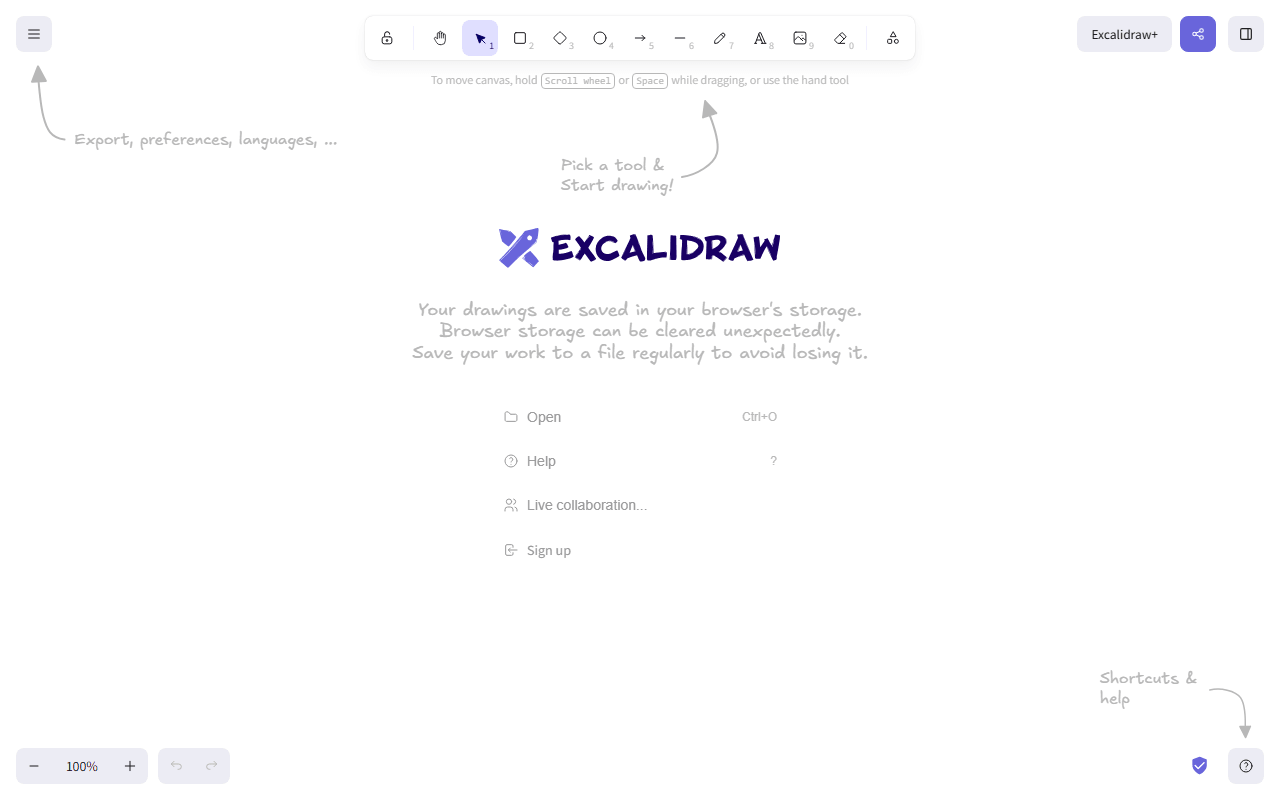
Excalidraw screenshot
  • Free plan, paid from $6/month (as of July 2026)
  • Czech Republic
  • Open source (MIT)
Best for:
Sketching diagrams with someone in under ten seconds, and teams that left Miro over the board cap.
The catch:
The free app stores one scene in browser storage, so clearing your browser data can lose work. Export the .excalidraw file to be safe.
3.

Canva is a drag-and-drop design tool for social posts, presentations, and marketing graphics. The free tier includes unlimited designs, a large free template and stock library, and 5GB of storage (as of July 2026). Pro unlocks the background remover, Magic Switch resizing, premium assets, and 100GB of storage, listed at $144 per year in the US.

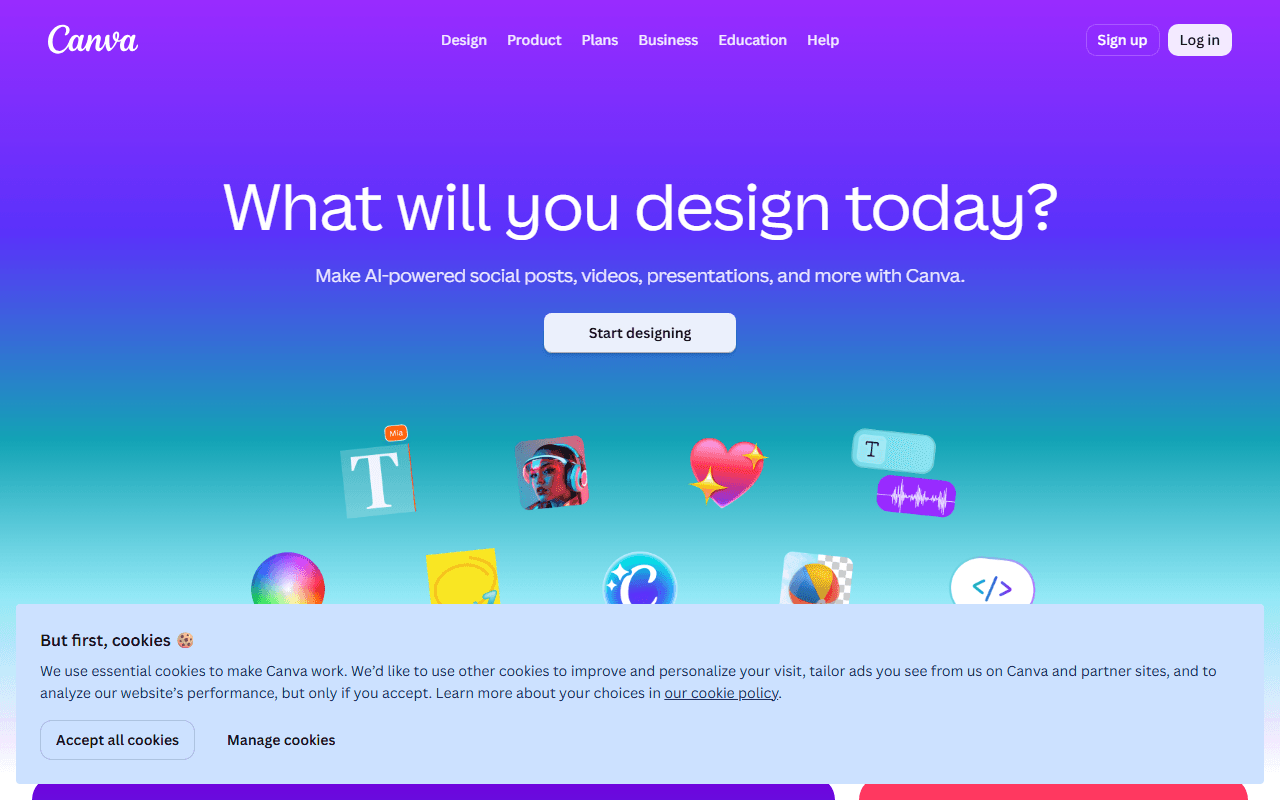
Canva screenshot
  • Free plan, paid from $144/year (as of July 2026)
  • Australia
Best for:
Social graphics, presentations, and flyers built from templates by people who are not designers.
The catch:
The features people search for (background remover, premium assets) are Pro-only, and your designs live in Canva's format with no editable export, so switching later means rebuilding.
4.

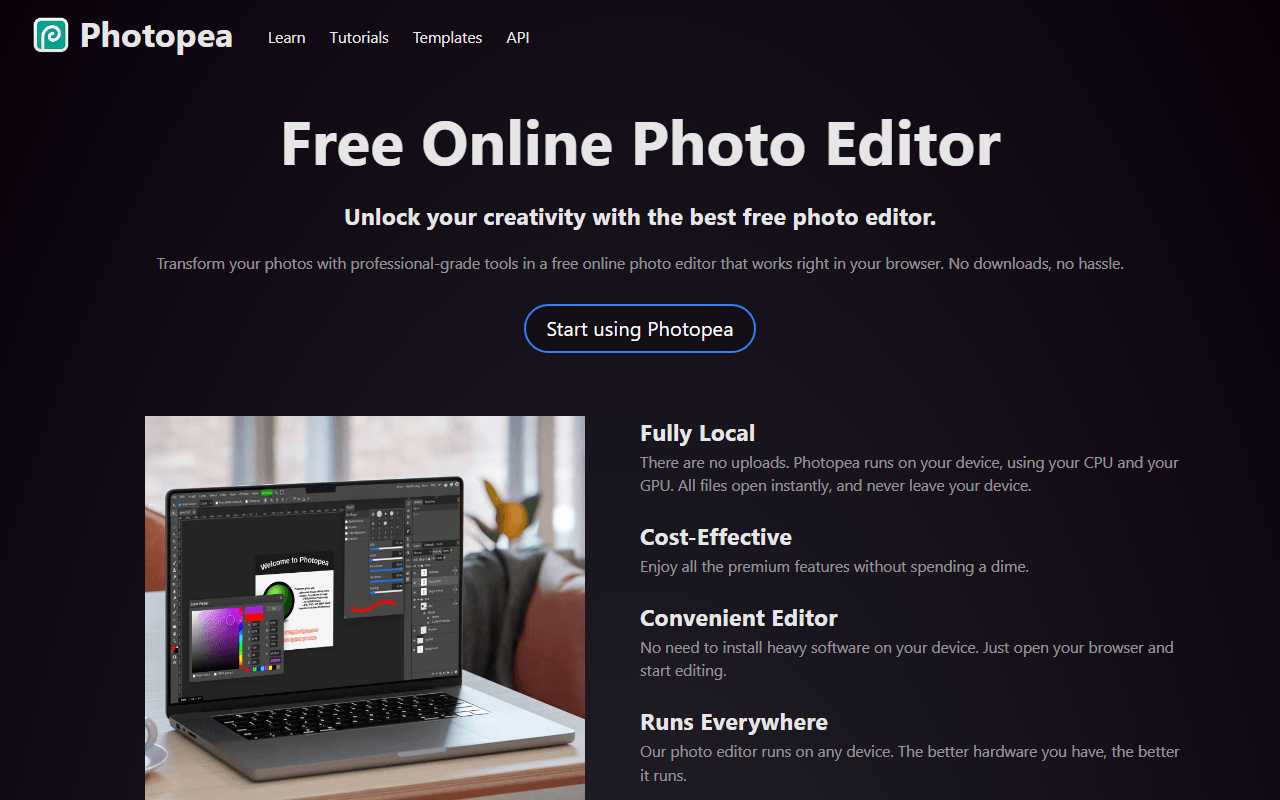
Photopea is a browser-based, Photoshop-style editor that opens PSD, Sketch, XD, and RAW files with layers, masks, and smart objects intact. Every editing feature is free, funded by ads beside the canvas, and it has been built by one developer in Prague since 2012. Ad-free Premium starts at $5 per month, sold as passes that do not auto-renew.

Photopea screenshot
  • Free plan, paid from $5/month (as of July 2026)
  • Czech Republic
Best for:
Occasional Photoshop tasks, opening PSD files a client sent, and the photo edits Canva puts behind Pro.
The catch:
Ads take screen space on the free tier, the AI tools are limited to about one use a day, and one developer maintains the whole product.
5.

Inkscape is a free, open source vector editor for Windows, macOS, and Linux that has been in development since 2003. It handles paths, boolean operations, typography, gradients, and native SVG at a professional level, with no paid tier of any kind under the GPL. The current release is 1.4.4, shipped in May 2026, and the project runs on donations.

  • Completely free (as of July 2026)
  • Open source (GPL-2.0-or-later)
Best for:
Logos, icons, illustrations, and any artwork that must scale, plus SVG-based fabrication like laser cutting.
The catch:
Native CMYK support is limited, so press-ready print work is awkward, and the interface takes real learning time. No collaboration or cloud features.
6.

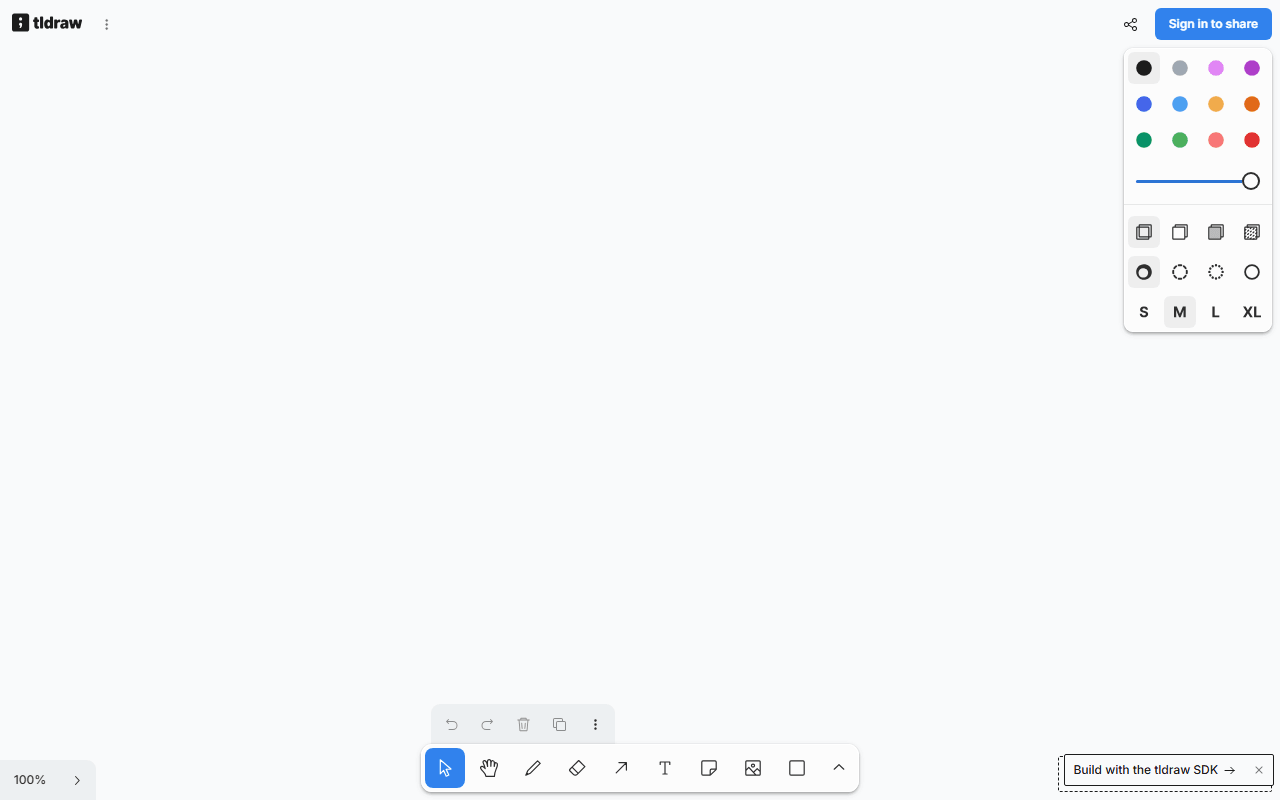
tldraw is a free browser whiteboard that loads in about a second with no account. Shapes, arrows, frames, freehand drawing, and live collaboration all work in the browser, and it has no published board or collaborator limits (as of July 2026). It is the showcase for the commercial tldraw SDK, so the free app stays polished and actively developed.

tldraw screenshot
  • Completely free (as of July 2026)
  • United Kingdom
Best for:
Instant one-off whiteboarding and cleaner, straighter diagrams than Excalidraw's sketchy style.
The catch:
The code is source-available under a custom license, not open source, so you cannot freely self-host or embed it without a commercial agreement. No offline app.
7.

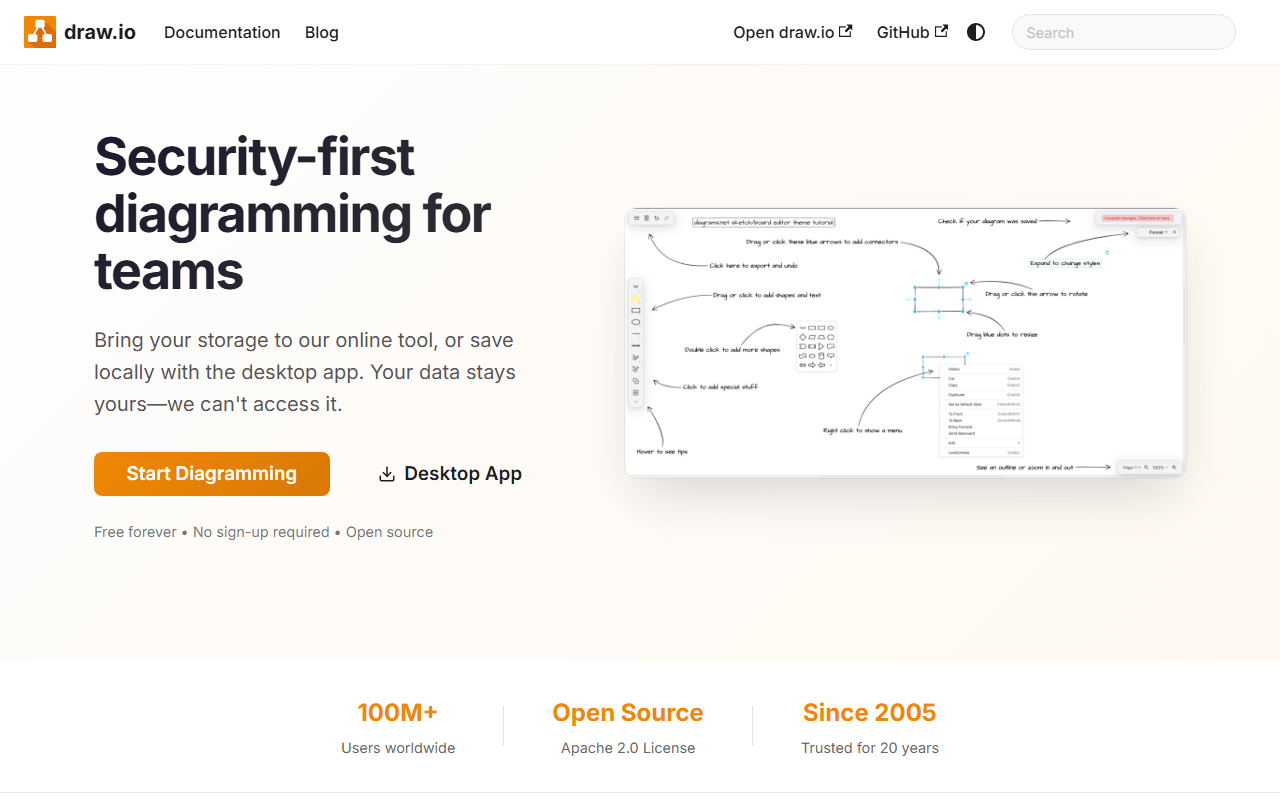
draw.io (also known as diagrams.net) is a free diagram editor for flowcharts, network and cloud architecture, UML, and org charts. The web and desktop apps are free with no account, no file limits, and no paid tier, and the code is Apache 2.0 licensed. Files save wherever you choose: local disk, Google Drive, or OneDrive. The company earns revenue from paid Confluence and Jira apps.

draw.io screenshot
  • Completely free (as of July 2026)
  • United Kingdom
  • Open source (Apache-2.0)
Best for:
Software architecture and documentation diagrams that need to be correct, stored next to your files.
The catch:
The interface is dense and dated next to tldraw or Excalidraw, and real-time co-editing only works through a shared location like Google Drive.
8.

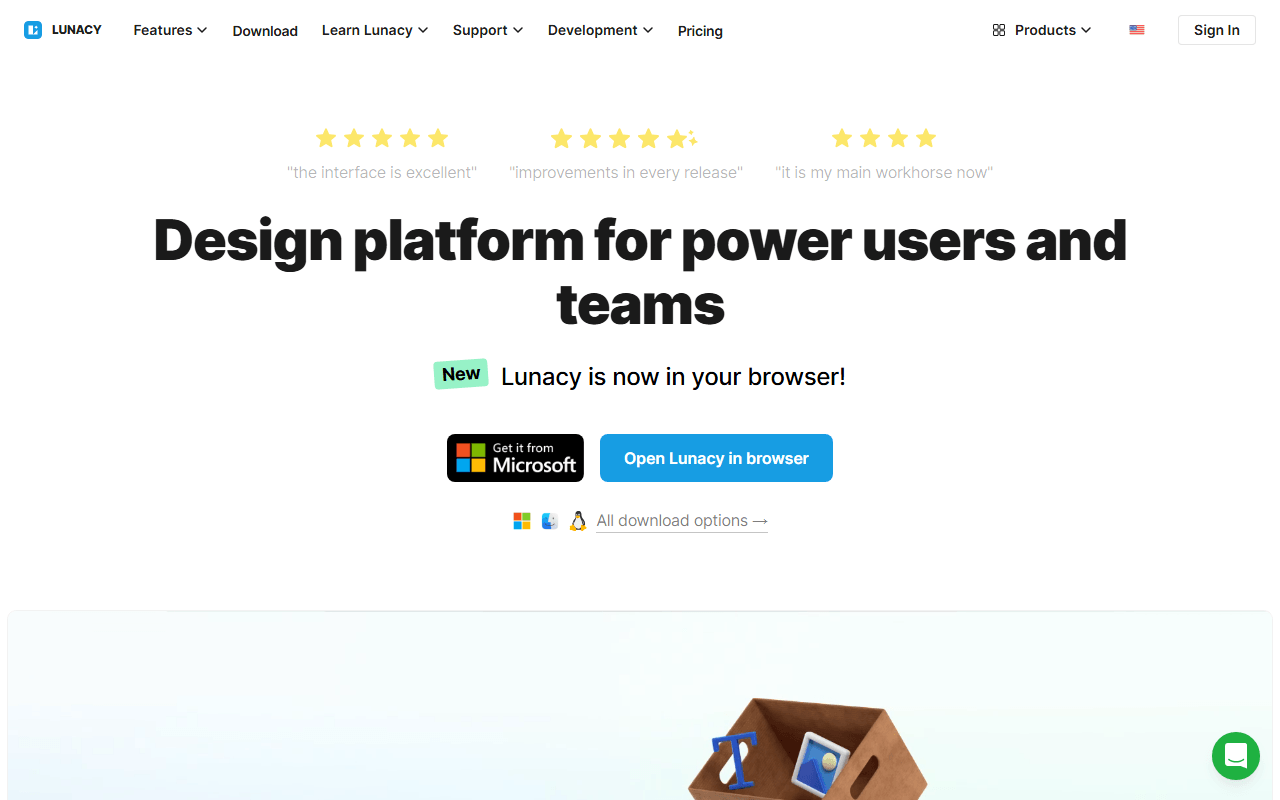
Lunacy is a free native design app from Icons8 for Windows, macOS, and Linux with UI design tools, prototyping, and built-in libraries of icons, photos, and illustrations. It opens Sketch files and works fully offline, with unlimited local documents. The free plan allows 10 cloud documents and teams of up to 3 members (as of July 2026).

Lunacy screenshot
  • Free plan, paid from $4.99/month (as of July 2026)
Best for:
Designers on Windows or Linux who want a native app that works offline and opens .sketch files without a Mac.
The catch:
It is closed source freeware, so no community fork exists if Icons8 changes terms, and free built-in assets are low resolution and require attribution.
9.

Adobe Illustrator is the long-standing professional standard for vector illustration, logos, and print artwork, with depth in CMYK and press-ready output that no free tool fully matches. There is no free version, only a 7-day trial. The single-app subscription costs $22.99 per month on an annual plan, or $34.49 month to month (as of July 2026).

  • From $22.99/month (as of July 2026)
  • United States
Best for:
Print designers who hand files to commercial presses and studios where .ai files are the currency.
The catch:
No free tier at all, and canceling the annual-billed-monthly plan mid-term incurs an early termination fee.
10.

Figma is the browser-based design tool most product teams use for UI design, prototyping, and design systems, with real-time multiplayer editing and a large plugin community. Its free Starter plan is real but tight: 3 design files, 3 pages per file, and one project, with no Dev Mode. Paid Full seats start at $16 per month billed annually (as of July 2026).

Figma screenshot
  • Free plan, paid from $16/month (as of July 2026)
  • United States
Best for:
Product teams that need design systems, handoff, and multiplayer editing at scale, and solo designers with one small project.
The catch:
The 3-file cap is the wall most people hit, and once you need more files, a team, or Dev Mode, you pay per seat.
11.

Miro is an online whiteboard built for workshops, retrospectives, and visual planning, with thousands of templates plus facilitation features like voting and timers. The free plan includes 3 editable boards, unlimited members, and 10 AI credits per month (as of July 2026). Paid plans start at $8 per member per month billed yearly.

Miro screenshot
  • Free plan, paid from $8/month (as of July 2026)
  • United States
Best for:
Facilitators running structured workshops and retros with distributed teams.
The catch:
Three boards run out fast, and every participant who needs to edit counts toward paid membership on upgraded plans.

So which one do you actually open?

Start from the job. For UI design or a full Figma replacement, begin with Penpot, or Lunacy if you need an offline native app on Windows or Linux. For a quick whiteboard or diagram, Excalidraw and tldraw open in seconds with no account. For vector illustration and logos, Inkscape gives you every feature free, and for layered photo editing, Photopea opens PSD files right in the browser.

Answers on licenses, free tiers, and what is missing

Is there a truly free alternative to Figma?

Yes. Penpot gives you unlimited design files and up to 8 editors on its free hosted plan as of July 2026, where Figma Starter stops at 3 files. It covers components, prototyping, and design systems in the browser, and because it is open source you can self-host it for free with no limits. The main tradeoff is a smaller plugin ecosystem and 7 days of free version history against Figma's 30.

What is the best free whiteboard if I left Miro over the 3-board cap?

Excalidraw and tldraw both give you free collaborative canvases with no published board limits and no account needed, as of July 2026. Excalidraw has a hand-drawn style and end-to-end encrypted sessions, and its editor is MIT licensed so you can self-host it. tldraw produces cleaner, straighter diagrams. For structured flowcharts and architecture diagrams, draw.io is free with no limits too.

Which of these design and whiteboarding tools are open source?

Penpot (MPL-2.0), Excalidraw (MIT), Inkscape (GPL-2.0-or-later), and draw.io (Apache-2.0) are open source, so you can self-host them and no pricing change can lock up your files. tldraw is source-available under a custom license, which is not the same thing: you cannot freely self-host or embed it without a commercial agreement. Canva, Photopea, Lunacy, Figma, Miro, and Illustrator are closed source.

What is a free replacement for Canva Pro's background remover?

Photopea. It runs in the browser, opens PSD files, and every editing feature including background removal is on the free tier as of July 2026. The tradeoffs are ads beside the canvas and a small daily AI allowance of about one action per day. Premium removes the ads from $5 per month, sold as passes that do not auto-renew.

Do I need to pay for Adobe Illustrator, or is Inkscape enough?

For screen, web, and SVG work, Inkscape covers pen tools, paths, typography, and gradients completely free under the GPL, with no paid tier at all. Illustrator still leads for press-ready print, particularly CMYK and spot colors, where Inkscape's support is limited. If your work does not end up on a commercial printing press, Inkscape likely does everything you need, and Illustrator costs $22.99 per month with no free tier as of July 2026.

Keep exploring

Browse every category, or read our full reviews of the tools above.