Free alternatives to Inkscape
Inkscape is already free forever, so people rarely leave over price. They leave because the interface takes real effort to learn, there is no real-time collaboration or browser access, and it runs only as a desktop app (as of July 2026). If you want a more modern editor, live collaboration, or your work in the cloud, these are the closest design tools.
Facts checked as of July 2026Read our Inkscape review
Jump to an alternative



Penpot
Best Free Alternative ToInkscapeOpen source and vector-native like Inkscape, but browser-based with real-time collaboration and no learning wall
Penpot keeps what makes Inkscape worth using, open source and vector output stored as SVG, and adds the things Inkscape lacks: a modern browser interface, real-time collaboration, and reusable components. The free hosted plan gives you unlimited files with up to 8 editors and 10GB of storage (as of July 2026), and because it is MPL-2.0 licensed you can self-host it, so your files stay yours. It leans toward UI and screen design rather than freeform illustration, which is the main tradeoff.
- Free plan, paid from $7/month (as of July 2026)
- Spain
- Open source (MPL-2.0)
 Spain
Spain- Best for:
- Inkscape users who want collaboration and a browser workflow without giving up open source
- The catch:
- It is built for UI and screen design, so it is a weaker fit for freeform illustration and has no offline desktop app.
Compared to Inkscape
- Advantage: Real-time collaboration, which Inkscape has none of
- Advantage: Runs in the browser with no install, where Inkscape is desktop-only
- Advantage: Open source and self-hostable, keeping Inkscape's no-lock-in guarantee
- Advantage: Modern interface with a gentler learning curve than Inkscape's
- Tradeoff: Aimed at UI design rather than freeform vector illustration
- Tradeoff: No offline desktop app; Inkscape works fully offline
A native desktop vector app like Inkscape, but with a more approachable interface and built-in asset libraries
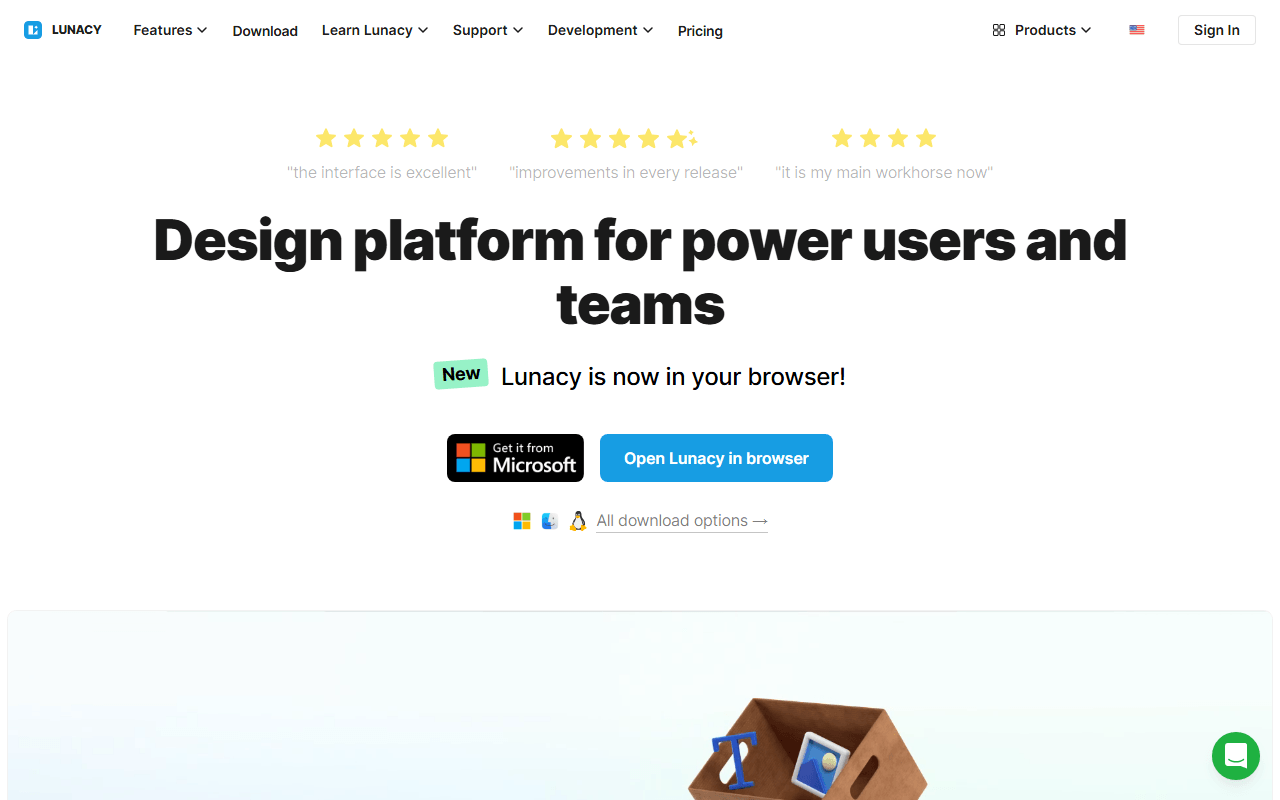
Lunacy is the closest thing to Inkscape's native-desktop feel with an easier interface. It runs offline on Windows, macOS, and Linux, does vector editing, components, and prototyping, and ships with built-in icon and photo libraries. The free plan covers unlimited local documents (as of July 2026), so like Inkscape you can work entirely on your own machine.
- Free plan, paid from $4.99/month (as of July 2026)
- Best for:
- Designers who want a native offline vector app that is easier to learn than Inkscape
- The catch:
- It is closed source freeware, so unlike Inkscape there is no community fork if Icons8 changes the terms, and free built-in assets require attribution.
Compared to Inkscape
- Advantage: Native desktop app with offline mode, like Inkscape
- Advantage: More approachable interface than Inkscape's steep one
- Advantage: Built-in icon, photo, and illustration libraries Inkscape has no equivalent of
- Advantage: Adds prototyping and UI components beyond Inkscape's illustration focus
- Tradeoff: Closed source freeware, where Inkscape is GPL with a community fork option
- Tradeoff: Free built-in assets are low resolution and require attribution
Vector design with real-time multiplayer editing, the collaboration Inkscape completely lacks
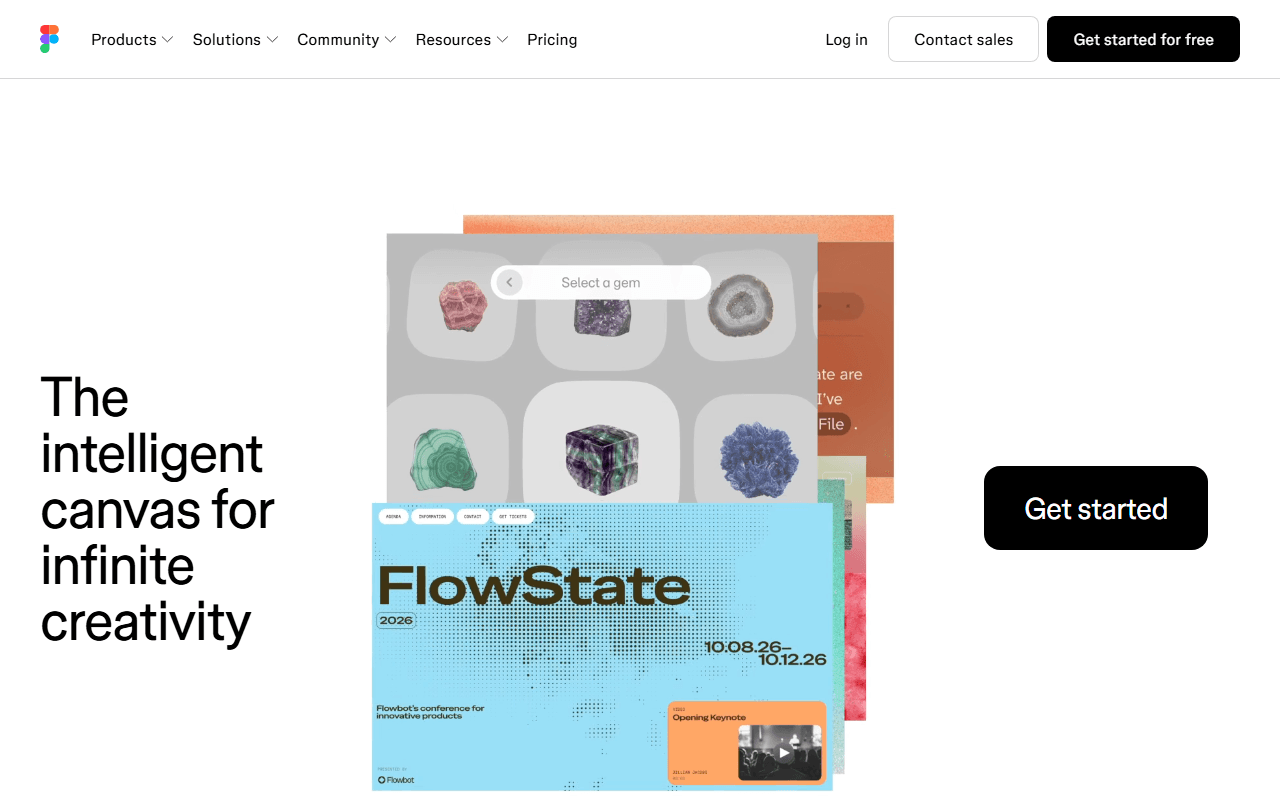
Figma covers the vector and screen-design side of Inkscape with real-time multiplayer editing and a huge plugin community. It runs in the browser, so there is nothing to install. The free Starter plan is real but tight: 3 design files and no Dev Mode (as of July 2026), where Inkscape has no file limits at all.
- Free plan, paid from $16/month (as of July 2026)
- United States
 United States
- Best for:
- Screen and UI vector work where live collaboration matters more than illustration depth
- The catch:
- The free plan caps you at 3 files, it is closed source, and its vector tools are shallower than Inkscape's for detailed illustration.
Compared to Inkscape
- Advantage: Real-time multiplayer editing, which Inkscape has none of
- Advantage: Browser-based with nothing to install, unlike desktop Inkscape
- Advantage: Large plugin and template community, unlike Inkscape's
- Tradeoff: Free plan caps at 3 design files, where Inkscape has no limits
- Tradeoff: Closed source, where Inkscape is GPL and self-owned
- Tradeoff: Shallower path and illustration tools than Inkscape for detailed vector work
A free browser editor that opens many design formats, though it leans raster where Inkscape is pure vector
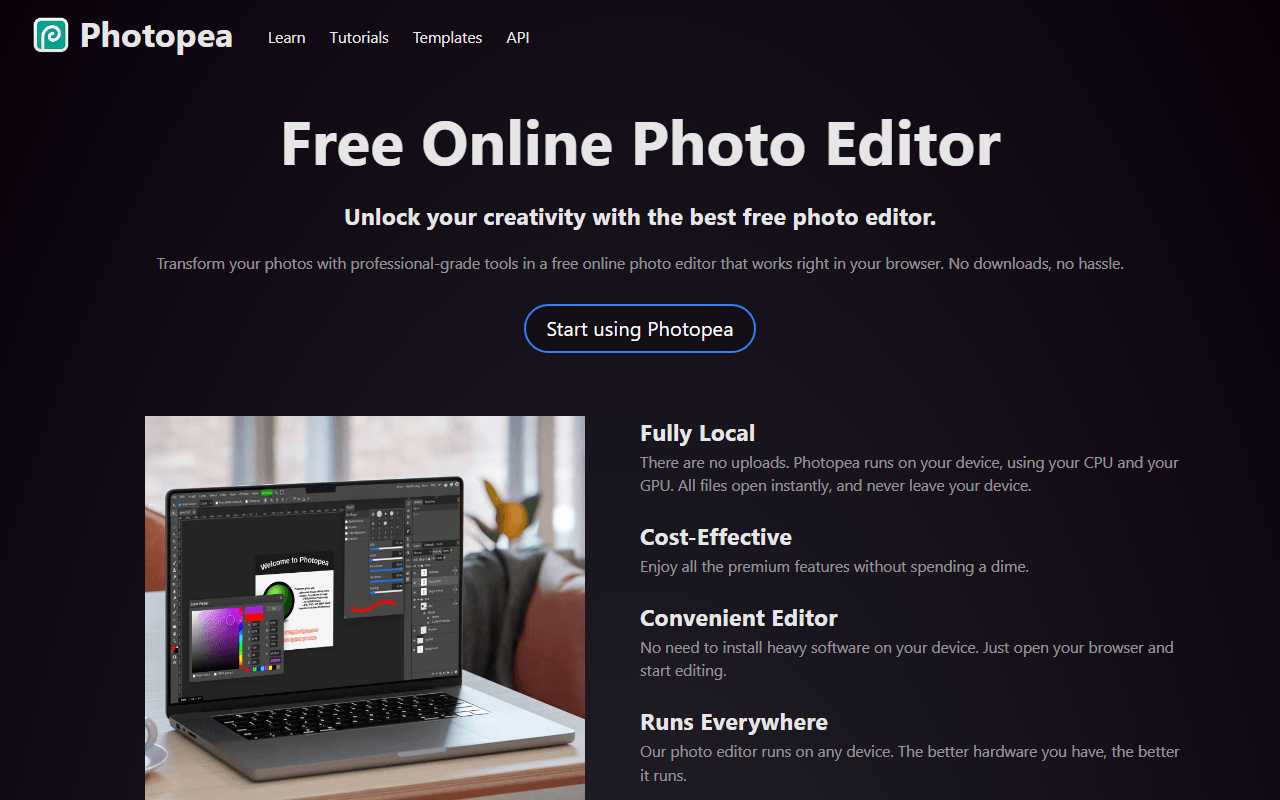
Photopea is a free browser editor that opens PSD, Sketch, XD, and RAW files, with every feature available on the free tier funded by ads (as of July 2026). It is Photoshop-style and raster-first, so it is a better fit if your Inkscape work drifted toward photo editing than for scaling clean vector artwork. It runs anywhere a browser does, including locked-down machines where you cannot install Inkscape.
- Free plan, paid from $5/month (as of July 2026)
- Czech Republic
 Czech Republic
- Best for:
- Editing mixed raster and design files in the browser without installing anything
- The catch:
- It is raster-first, so for pure vector illustration and clean SVG output Inkscape is the stronger tool, and the free tier shows ads.
Compared to Inkscape
- Advantage: Runs in the browser with nothing to install, unlike desktop Inkscape
- Advantage: Opens PSD, Sketch, and XD files Inkscape cannot
- Advantage: Every feature free on the free tier (as of July 2026)
- Tradeoff: Raster-first, where Inkscape is a dedicated vector editor
- Tradeoff: Ads sit beside the canvas on the free tier
- Tradeoff: Weaker for clean, scalable SVG output than Inkscape
Template-first graphics that are far faster for non-designers, but not a real vector editor
Canva is the fast path if your Inkscape projects were really flyers, social posts, or simple graphics rather than precision vector art. The free tier gives you unlimited designs and a large template and stock library (as of July 2026), and real-time collaboration is built in. It is not a vector editor, so it is the wrong tool for logos and artwork that must scale cleanly.
- Free plan, paid from $144/year (as of July 2026)
- Australia
 Australia
- Best for:
- Non-designers making marketing graphics who found Inkscape too technical
- The catch:
- It is not a vector editor and has no editable export, so it cannot replace Inkscape for logos, icons, or scalable artwork.
Compared to Inkscape
- Advantage: Real-time collaboration and a template library, neither in Inkscape
- Advantage: Far easier for non-designers than Inkscape's interface
- Advantage: Unlimited free designs with 5GB storage (as of July 2026)
- Tradeoff: Not a true vector editor; poor for scalable logos and icons
- Tradeoff: No editable export and closed format, unlike Inkscape's open SVG
- Tradeoff: The background remover and premium assets sit behind Pro at $144 per year
The paid professional standard for print and CMYK, the one area Inkscape handles awkwardly
Adobe Illustrator is worth naming only for the job Inkscape does poorly: press-ready print with proper CMYK and spot colors. It is the long-standing professional vector standard, and studios often expect .ai files. There is no free version, only a 7-day trial, and it costs $22.99 per month on an annual plan (as of July 2026), so it makes sense only if your work ends up on a commercial press.
- From $22.99/month (as of July 2026)
- United States
- Best for:
- Print designers who need CMYK output and hand files to commercial presses
- The catch:
- There is no free tier at all, so for screen and web work Inkscape does the same job for nothing.
Compared to Inkscape
- Advantage: Full CMYK and spot-color support for press-ready print, where Inkscape is limited
- Advantage: Industry-standard .ai files studios expect
- Tradeoff: No free tier at all, only a 7-day trial, where Inkscape is free forever
- Tradeoff: $22.99 per month on an annual plan (as of July 2026)
- Worth knowing: Overkill for the screen and SVG work Inkscape already handles free
How to choose
Decide what pushed you out. If you want the same open source, vector-native approach with a modern browser interface and collaboration, start with Penpot. If you prefer a native desktop app like Inkscape but with a gentler interface, Lunacy fits, though it is closed freeware. For press-ready print and CMYK output that Inkscape handles awkwardly, Adobe Illustrator is the paid standard, so weigh its $22.99 per month against staying on Inkscape (as of July 2026).