
Discover honest, community-driven software alternatives. Learn about our mission

Photopea logo

Photopea review

Verified

Free Photoshop-style editor that runs in the browser, opens PSD files, and pays for itself with ads.

Facts checked July 2026

Visit PhotopeaSee alternatives
photopea.com
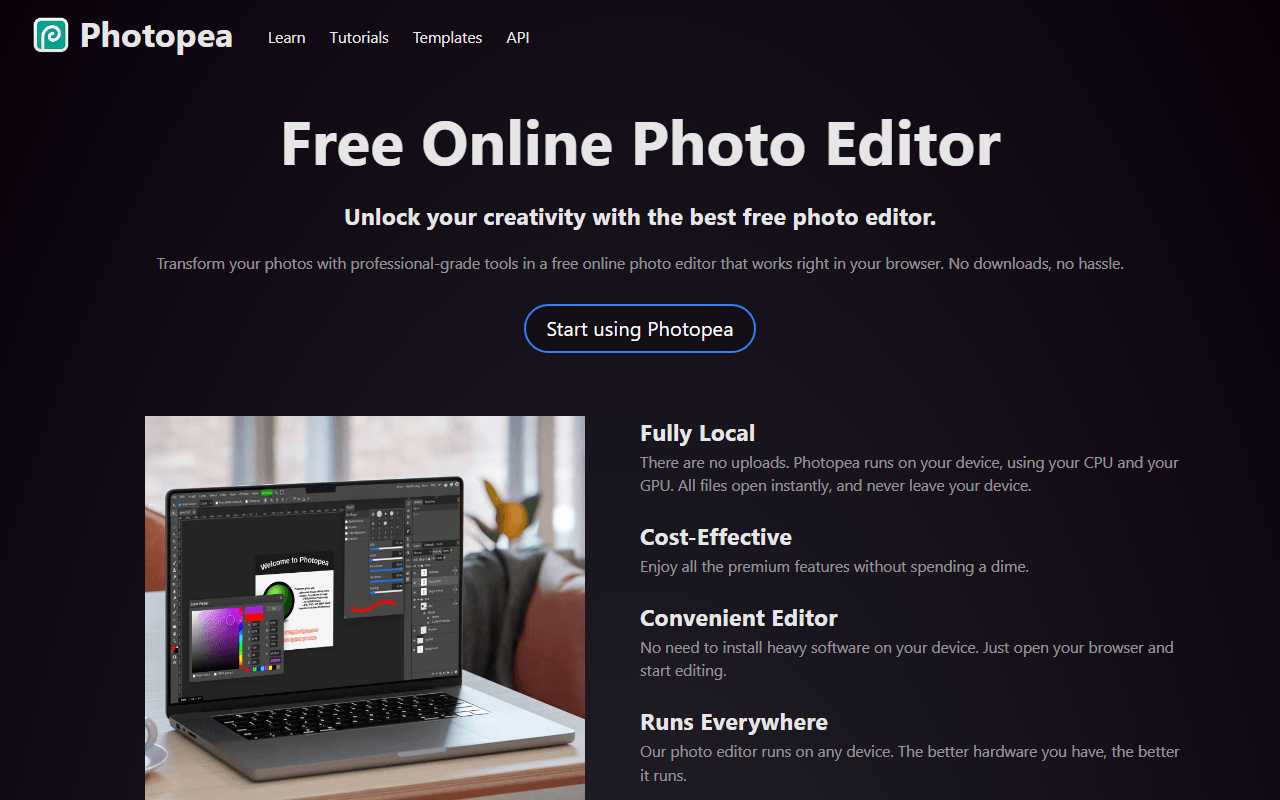
Photopea homepage screenshot

Photopea at a glance

Free plan
Yes
Free plan score
81/100Strong
Starting price
$5/month
Open source
Proprietary
Based in
Czech Republic
Company
Photopea

Our take

Photopea gives you real layered photo editing free in the browser with no feature paywall; the tradeoffs are ads, a small daily AI allowance, and a one-person team behind it.

A browser tab that opens PSD files with layers intact

Photopea is a Photoshop-style editor that runs entirely in your browser. It reads PSD, Sketch, XD, XCF, and RAW, and layers, masks, blend modes, and smart objects all survive the trip. It has been built and maintained by one developer, Ivan Kutskir, in Prague since 2012, and it is free because it shows ads.

Reach for it when you cannot install Photoshop

  • Occasional Photoshop tasks without a Creative Cloud subscription
  • Opening and editing PSD files a client or designer sent you
  • Chromebook and locked-down work machines where you cannot install software
  • The photo edits Canva puts behind Pro, done free instead

Every feature free, with ads, and the $5 pass price

Photopea is freemium and unusually honest about it: every editing feature is available on the free tier. As of July 2026, free includes all tools, 0.5GB of PeaDrive cloud storage, roughly one AI action per day, and ads beside the canvas. Premium starts at $5 per month, sold as 30, 90, and 365-day passes rather than auto-renewing subscriptions (90 days costs $15). It removes ads, doubles undo history, raises PeaDrive to 5GB, and includes 3,000 AI credits a month.

Browser memory, one AI action a day, and other limits

  • Ads take up screen space on the free tier, which gets old during long sessions
  • Very large files can push against browser memory limits; a native app handles 2GB PSDs better
  • The AI features (background remover included) are limited to about one free use a day
  • One developer maintains the whole product; it has been reliable for over a decade, but that is a real dependency to know about

Daily editors should pay; monthly editors should not

For actual photo editing, this is the free tool we point people to first. If you edit daily, the $5 a month to drop the ads is fair; if you edit monthly, the free tier costs you nothing but patience with the sidebar.

What Photopea offers

  • Photo editing
  • Templates & stock assets
  • Flexible export formats

Not included

  • Vector editing
  • Real-time collaboration
  • Infinite canvas
  • Offline & desktop apps
  • Self-hosting
  • Components & design systems
  • Prototyping

Photopea plans and pricing

Every editing feature free with ads, 0.5GB of PeaDrive storage, and about 1 AI action per day

There is no separate pricing page; Premium is shown inside the app under Account.

Free

Free

All editing tools, with ads beside the canvas

0.5GB PeaDrive storage, about 1 AI action per day

Premium

$5/mo

Sold as 30, 90, and 365-day passes that do not auto-renew (90 days costs $15). Removes ads, doubles undo history, raises PeaDrive to 5GB, and includes 3,000 AI credits a month

As of July 2026. Check current pricing on the Photopea pricing page.

Photopea's free plan score

How good Photopea's free plan really is, judged on four things and weighted into one number.

81/100

Strong

Full layered photo editing free with no feature paywall, paid for by ads.

Free plan generosity

85/100

Feature depth for the category

90/100

Freedom and honesty

82/100

What free users report

62/100

Scored July 2026. How we calculate the free plan score.

Frequently asked questions about Photopea

Do I need an account to use Photopea?

No. You open photopea.com and start editing, with no account, no card and no watermark on your exports (as of July 2026). The free tier is funded by ads beside the canvas instead.

How does Photopea make money if every feature is free?

Ads beside the canvas, plus an optional Premium tier from $5 a month that removes them (as of July 2026). Premium is sold as 30, 90 and 365-day passes that do not auto-renew, with 90 days at $15. It unlocks no editing tools, only the missing ads, double undo history, 5GB of PeaDrive storage and 3,000 AI credits a month.

Is Photopea open source or self-hostable?

Neither. Photopea is closed source and cannot be self-hosted, so unlike Inkscape or Penpot there is no community fork to inherit it. Your files come out in standard formats any other editor can open, which is the practical protection here.

Should it worry me that one person maintains Photopea?

It is a fair thing to weigh. Ivan Kutskir in Prague has built and maintained the entire product since 2012, which is a genuine track record and still a single point of failure. Keep your source files on your own disk, which is good practice anyway.

Can Photopea handle very large files?

Up to a point. It runs in a browser tab, so very large files push against browser memory limits and a 2GB PSD is genuinely better handled by a native application (as of July 2026). For everyday retouching and the PSD a client sent you, the browser is not the constraint.

Latest Photopea news

Changes that affect what you get for free: pricing, free plan limits, ownership, and whether the project is still maintained. Not every release.

We have not checked Photopea's announcements yet. When we do, anything that changes the free plan or the price will show up here.

Reader reviews

What people who actually use Photopea think of it.

No reviews of Photopea yet. If you have used it, yours would be the first.

The useful part is the specifics: what you used it for, and where it got in your way.

Loading...