
Discover honest, community-driven software alternatives. Learn about our mission

Figma logo

Figma review

Verified

The industry standard for UI design and prototyping, with a free Starter plan capped at 3 design files.

Facts checked July 2026

Visit FigmaSee alternatives
figma.com
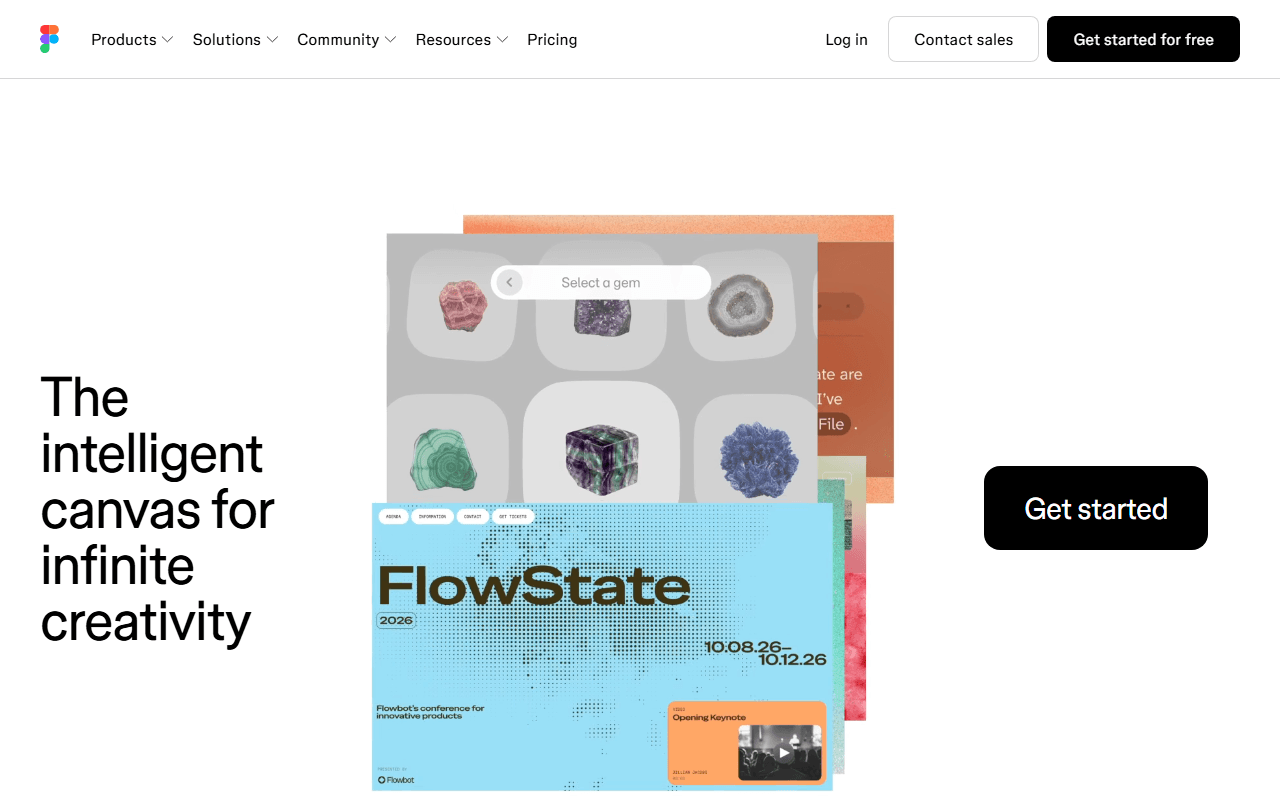
Figma homepage screenshot

Figma at a glance

Free plan
Yes
Free plan score
54/100Limited
Starting price
$16/month
Open source
Proprietary
Based in
United States
Company
Figma

Our take

Figma remains the best UI design tool you can use, and its free tier is genuinely usable for solo work, but the 3-file cap and seat pricing send growing teams looking at alternatives.

Multiplayer UI design from an independent company

Figma is the design tool the rest of this category is measured against. It runs in the browser with real-time multiplayer editing, components and shared libraries, prototyping, and a huge plugin and template community. Figma is an independent public company (NYSE: FIG since its July 2025 IPO); Adobe's attempted acquisition was abandoned in December 2023, so nothing here is an Adobe product.

Teams at scale, and solo designers with one project

  • Product teams that need design systems, handoff, and multiplayer editing at scale
  • Designers who rely on the plugin ecosystem and community templates
  • Solo designers with small needs, since the free tier does cover light work

Three files free, then $16 a seat: how Figma is priced

Figma is freemium. As of July 2026, the free Starter plan includes 3 Figma Design files (a cap now shared with Figma Sites files), 3 pages per file, one project, 3 FigJam files, 3 Slides files, 30 days of version history, and unlimited drafts. Dev Mode is not available on Starter. Paid plans use a seat model: on Professional, a Full seat is $16 per month, a Dev seat $12, and a Collab seat $3, with Organization and Enterprise tiers well above that.

What Penpot, Lunacy and Excalidraw do past the file limit

The 3-file limit is the wall most people hit: real client work needs more files, and the drafts workaround gets awkward with collaborators. Penpot gives you unlimited files with up to 8 editors free, is open source, and can be self-hosted. Lunacy offers a free native app that works offline, which Figma does not. For the whiteboarding half of Figma (FigJam), Excalidraw and tldraw are free without file caps.

When we would pay for Figma, and when we would not

If budget is not the constraint, Figma is still the strongest tool in this category and we will not pretend otherwise. The free tier suits a solo designer with one small project. The moment you need multiple real files, a team, or Dev Mode, you are paying per seat, and that is exactly when Penpot deserves a serious look.

What Figma offers

  • Vector editing
  • Real-time collaboration
  • Components & design systems
  • Prototyping
  • Templates & stock assets

Not included

  • Infinite canvas
  • Offline & desktop apps
  • Self-hosting
  • Photo editing
  • Flexible export formats

Figma plans and pricing

3 Figma Design files (a cap shared with Sites files), 3 pages per file, 1 project, 3 FigJam and 3 Slides files, 30 days of version history, and unlimited drafts on the Starter plan

Organization and Enterprise tiers run $55 and $90 per Full seat per month billed annually.

Starter

Free

Free plan for light solo work

3 design files, 3 pages per file, 1 project, no Dev Mode

Professional

$16/mo

Per Full seat per month billed annually; Dev seats are $12 and Collab seats $3 per month

As of July 2026. Check current pricing on the Figma pricing page.

Figma's free plan score

How good Figma's free plan really is, judged on four things and weighted into one number.

54/100

Limited

The full Figma toolset, rationed to 3 design files with no Dev Mode.

Free plan generosity

35/100

Feature depth for the category

78/100

Freedom and honesty

55/100

What free users report

55/100

Scored July 2026. How we calculate the free plan score.

Frequently asked questions about Figma

Is Figma owned by Adobe?

No. Adobe's attempted acquisition was abandoned in December 2023, and Figma has been an independent public company since its July 2025 IPO (NYSE: FIG). Nothing about the product or its pricing is set by Adobe.

How much does Figma cost per person?

On Professional, a Full seat is $16 per month billed annually, a Dev seat $12 and a Collab seat $3 (as of July 2026). Organization is $55 and Enterprise $90 per Full seat per month, both billed annually. Charging by role rather than by head is genuinely fairer for teams where most people only comment.

Do drafts count against Figma's 3-file limit?

No, drafts are unlimited and sit outside the cap, which is the standard workaround (as of July 2026). It works for one person and stops working the moment collaborators are involved, because drafts are not where a shared team library belongs.

Is FigJam included in the free Figma plan?

Yes, 3 FigJam files, counted separately from the 3 design files, plus 3 Slides files (as of July 2026). If FigJam is most of what you use Figma for, Excalidraw and tldraw are free with no file caps at all.

How much version history does Figma's free plan keep?

30 days on Starter (as of July 2026), which is more than the 7 days Penpot gives you on its free hosted plan. It is one of the few places where Figma's free tier is more generous than the open source alternative.

Latest Figma news

Changes that affect what you get for free: pricing, free plan limits, ownership, and whether the project is still maintained. Not every release.

We have not checked Figma's announcements yet. When we do, anything that changes the free plan or the price will show up here.

Reader reviews

What people who actually use Figma think of it.

No reviews of Figma yet. If you have used it, yours would be the first.

The useful part is the specifics: what you used it for, and where it got in your way.

Loading...