Free alternatives to Lunacy
Lunacy is free, but it is closed source freeware, so if Icons8 changes the terms there is no community fork to fall back on. The free built-in assets are low resolution and require attribution, which quietly pushes you toward the $11.99 per month Pro plan, and free cloud collaboration caps at 10 documents and 3 members (as of July 2026). If you want a real ownership guarantee or fuller free collaboration, these design tools are the closest fits.
Facts checked as of July 2026Read our Lunacy review
Jump to an alternative





Penpot
Best Free Alternative ToLunacyOpen source and self-hostable, the ownership guarantee Lunacy's closed freeware cannot offer
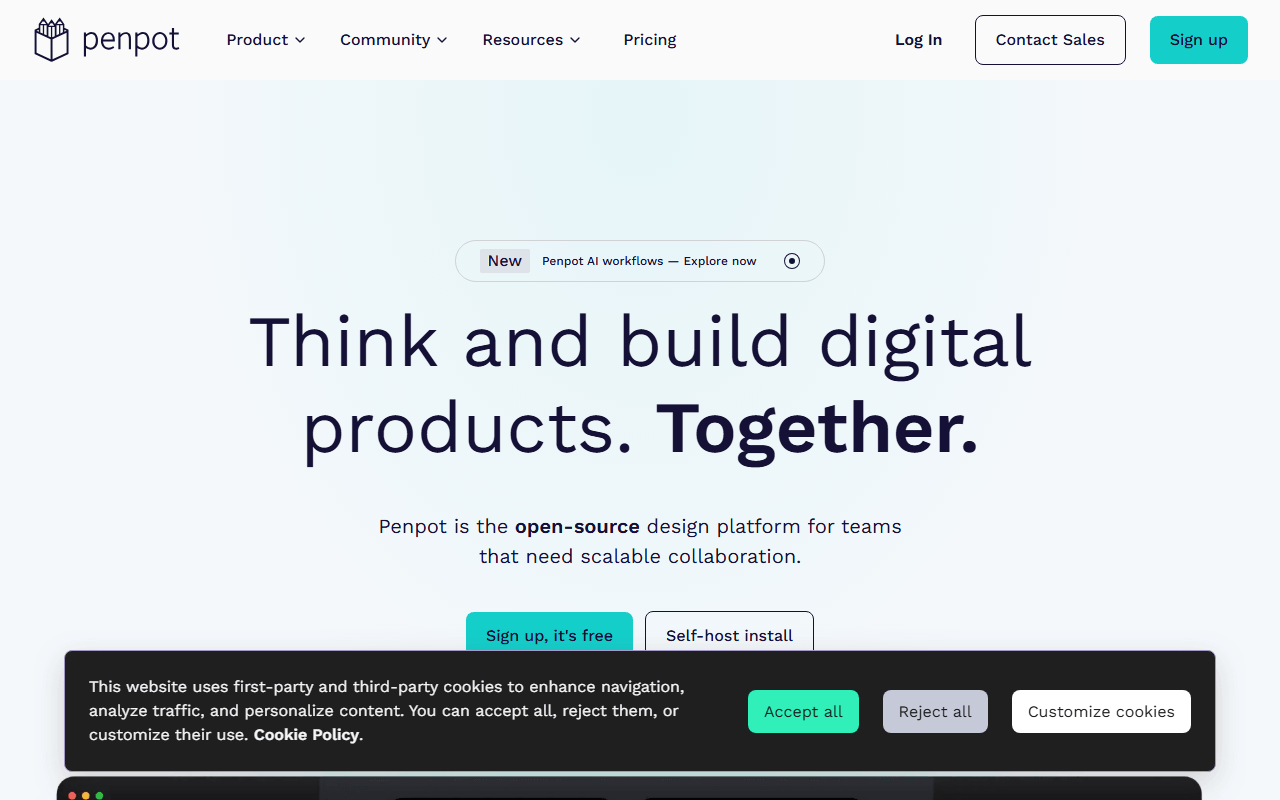
Penpot does Lunacy's core job, UI design with components and prototyping, but as open source software under MPL-2.0 you can self-host, so no change of terms can strand your files. The free hosted plan covers unlimited files with up to 8 editors and 10GB of storage (as of July 2026), with no attribution strings on your work. It runs in the browser rather than as a native offline app, which is the main tradeoff against Lunacy.
- Free plan, paid from $7/month (as of July 2026)
- Spain
- Open source (MPL-2.0)
 Spain
Spain- Best for:
- Lunacy users who want the same UI design work with a real ownership guarantee
- The catch:
- It is browser-based with no offline desktop app, where Lunacy runs natively and offline.
Compared to Lunacy
- Advantage: Open source and self-hostable, unlike Lunacy's closed freeware
- Advantage: No attribution required on assets or output, unlike Lunacy's free tier
- Advantage: Unlimited files and up to 8 editors free (as of July 2026)
- Advantage: Real-time collaboration beyond Lunacy's 10-document free cap
- Tradeoff: No offline desktop app, where Lunacy works fully offline
- Tradeoff: Smaller plugin and template ecosystem
The industry-standard UI design tool with the deepest collaboration and plugin ecosystem
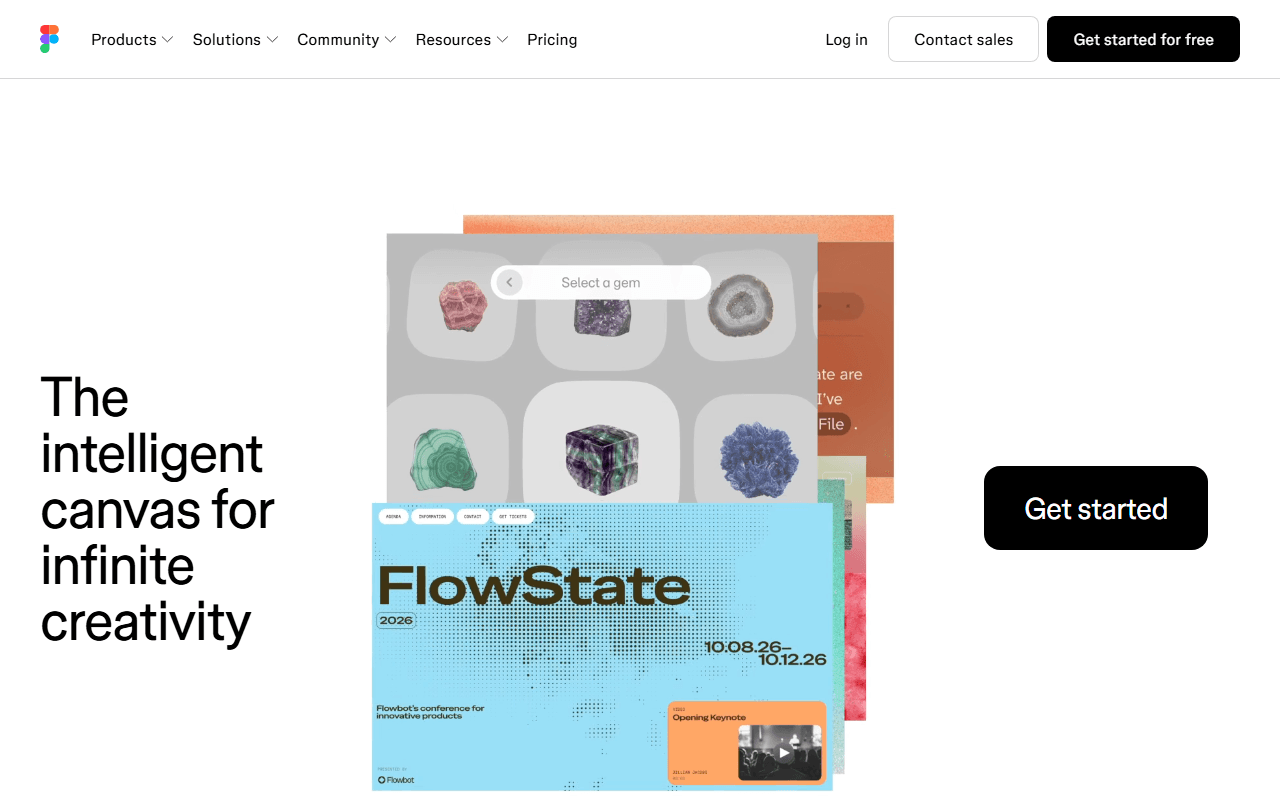
Figma is the tool most teams standardize on, with real-time multiplayer editing, design systems, and a huge plugin community that Lunacy cannot match. It runs in the browser and covers the same UI design and prototyping work. The free Starter plan is tight at 3 design files with no Dev Mode (as of July 2026), and it is closed source, so it does not solve Lunacy's ownership concern.
- Free plan, paid from $16/month (as of July 2026)
- United States
 United States
- Best for:
- Teams that want the standard UI tool and its ecosystem over open source
- The catch:
- The free plan caps at 3 files, and it is closed source like Lunacy, so ownership is no better.
Compared to Lunacy
- Advantage: Deeper real-time collaboration than Lunacy's capped free cloud
- Advantage: Large plugin and template community Lunacy lacks
- Advantage: Industry-standard files and handoff most teams already use
- Tradeoff: Free plan caps at 3 design files (as of July 2026)
- Tradeoff: Closed source, so no better ownership guarantee than Lunacy
- Tradeoff: No native offline app; Lunacy works offline
Free forever under the GPL with no asset upsell or attribution strings
Inkscape is the answer if the Lunacy asset upsell is what wore you down: it is free forever under the GPL with no paid tier and no attribution on anything you make. As a native desktop app for Windows, macOS, and Linux it keeps Lunacy's offline, own-your-machine feel, and its vector tools go deeper for illustration. It is not a UI-first tool, though, and the interface takes real learning time.
- Completely free (as of July 2026)
- Open source (GPL-2.0-or-later)
- Best for:
- Vector and illustration work without any asset upsell or attribution
- The catch:
- It is an illustration tool, not a UI design app, and its interface has a steeper learning curve than Lunacy's.
Compared to Lunacy
- Advantage: Free forever under the GPL with no Pro tier or asset upsell
- Advantage: No attribution required on your work, unlike Lunacy's free assets
- Advantage: Open source with a community fork option Lunacy's freeware lacks
- Advantage: Native desktop and fully offline, like Lunacy
- Tradeoff: Illustration-focused, not a UI design app like Lunacy
- Tradeoff: Steeper learning curve than Lunacy's interface
A free, open source canvas for wireframing and lo-fi UI, self-hostable under MIT
Excalidraw covers the early, lo-fi end of Lunacy's work: wireframes, flows, and sketches you share instantly. It is MIT licensed and self-hostable, opens with no account, and supports unlimited collaborators in end-to-end encrypted sessions (as of July 2026). It is not a high-fidelity UI design tool, so it complements rather than fully replaces Lunacy.
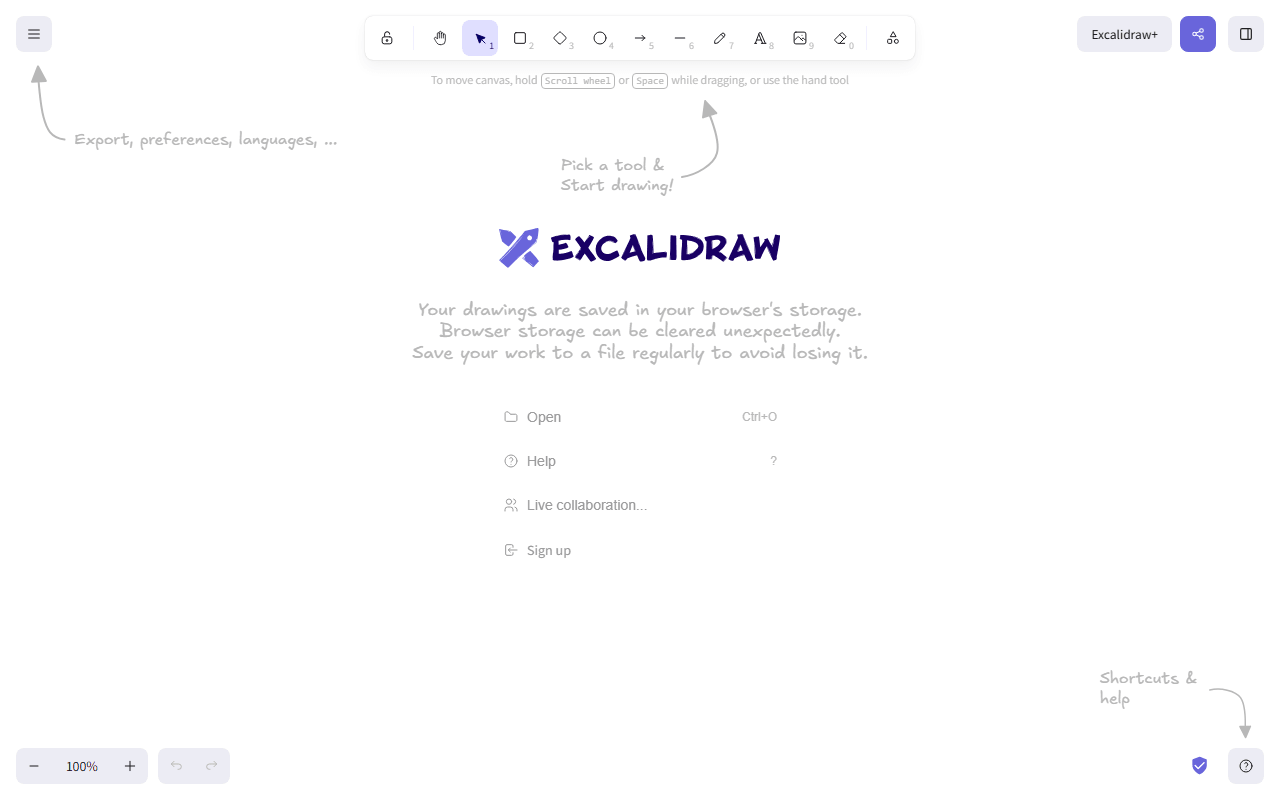
- Free plan, paid from $6/month (as of July 2026)
- Czech Republic
- Open source (MIT)
 Czech Republic
- Best for:
- Wireframing and lo-fi UI sketches with instant free collaboration
- The catch:
- It is a whiteboard, not a high-fidelity design tool, so it does not replace Lunacy's polished UI work.
Compared to Lunacy
- Advantage: Open source and self-hostable, unlike Lunacy's closed freeware
- Advantage: Unlimited free collaborators, beyond Lunacy's 3-member free cap
- Advantage: No account and instant end-to-end encrypted sessions
- Tradeoff: Hand-drawn whiteboard, not a high-fidelity UI design tool like Lunacy
- Tradeoff: Free app stores one scene in your browser
A big built-in asset and template library like Lunacy's, without attribution on free use
Canva echoes Lunacy's appeal of built-in assets, with a large free template and stock library and unlimited designs (as of July 2026), plus real-time collaboration. It is template-first and aimed at marketing graphics rather than precise UI design, so it fits if your Lunacy work was more graphics than interfaces. Your designs live in Canva's closed format with no editable export.
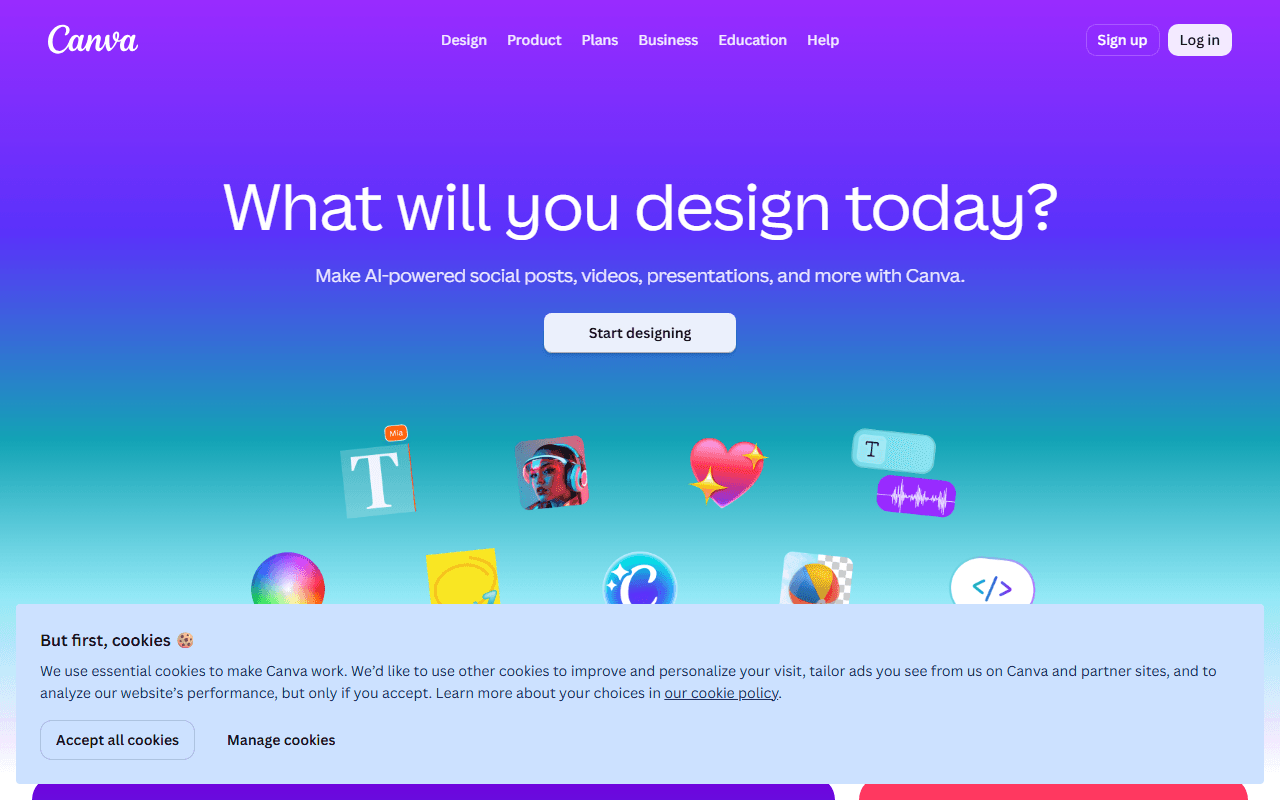
- Free plan, paid from $144/year (as of July 2026)
- Australia
 Australia
- Best for:
- Graphics and social content built from a large template library
- The catch:
- It is not a UI design tool and has no editable export, and its best assets sit behind Pro at $144 per year.
Compared to Lunacy
- Advantage: Large free template and stock library, like Lunacy's built-in assets
- Advantage: Real-time collaboration with unlimited free designs (as of July 2026)
- Advantage: Easier for non-designers than Lunacy's design canvas
- Tradeoff: Not a UI design tool; no components or precise vector control
- Tradeoff: Closed format with no editable export, and closed source like Lunacy
- Tradeoff: Background remover and premium assets sit behind Pro at $144 per year
Opens .sketch files like Lunacy, free in the browser with every feature unlocked
Photopea shares Lunacy's ability to open Sketch files, and it does so free in the browser with every editing feature unlocked, funded by ads (as of July 2026). It is Photoshop-style and raster-first, so it is more about editing images and existing files than building UI from scratch. It runs anywhere a browser does, with no install.
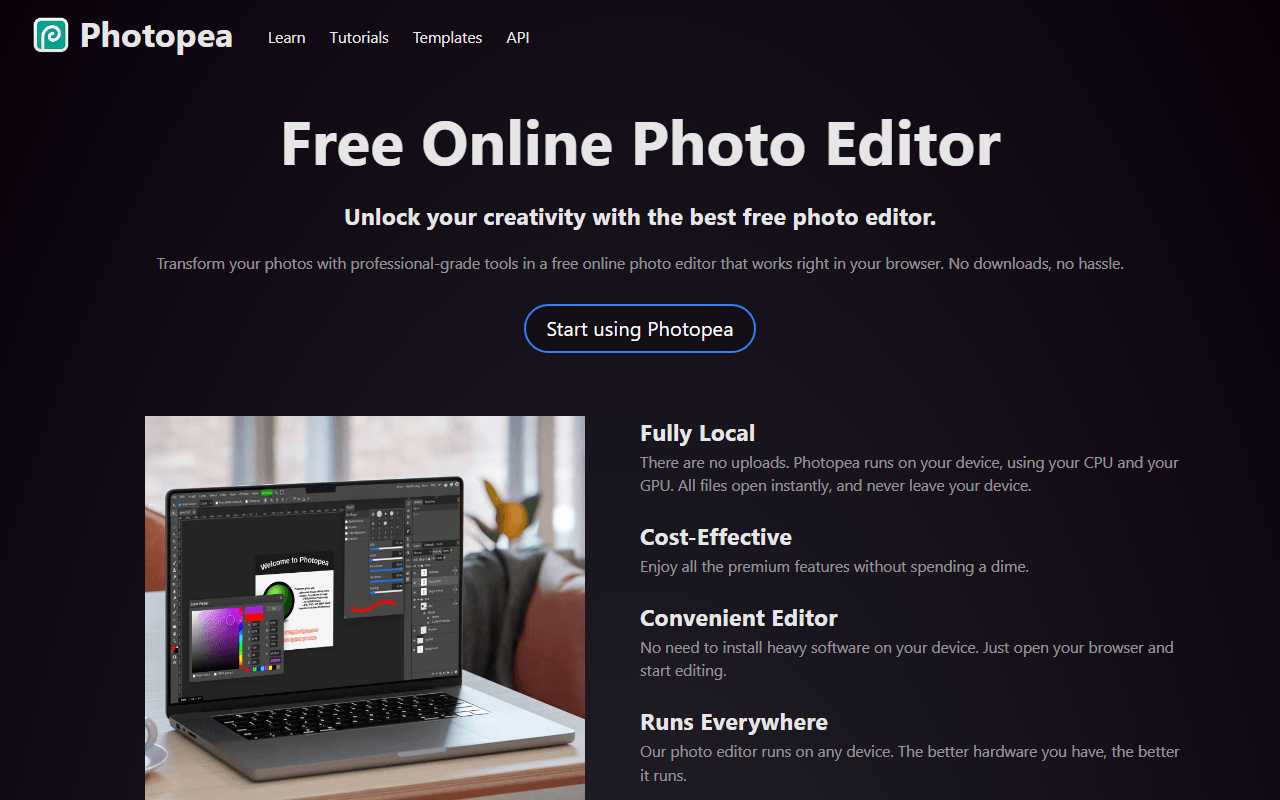
- Free plan, paid from $5/month (as of July 2026)
- Czech Republic
- Best for:
- Opening Sketch and PSD files and editing images in the browser
- The catch:
- It is raster-first, not a UI design app, and the free tier shows ads.
Compared to Lunacy
- Advantage: Opens .sketch files like Lunacy, plus PSD, XD, and RAW
- Advantage: Every feature free on the free tier (as of July 2026)
- Advantage: Runs in any browser with no install
- Tradeoff: Raster-first, not a UI design tool like Lunacy
- Tradeoff: Ads beside the canvas on the free tier
How to choose
Start from what you use Lunacy for. If it is UI design and you want an ownership guarantee Lunacy cannot give, Penpot is open source, self-hostable, and free for unlimited files. Figma is the industry-standard option if collaboration matters more than open source, though its free plan caps at 3 files. For pure vector illustration with no assets upsell at all, Inkscape is free forever under the GPL.