Free alternatives to Excalidraw
Excalidraw is deliberately minimal, which is exactly why people eventually look elsewhere. The free app keeps one scene in your browser with no cloud sync, folders, or multi-file organization unless you pay for Excalidraw+ at $6 per user per month (as of July 2026), and everything comes out in the same hand-drawn style. If you have outgrown the sketchpad, here is what each free whiteboard adds.
Facts checked as of July 2026Read our Excalidraw review
Jump to an alternative




tldraw
Best Free Alternative ToExcalidrawThe same instant, no-account whiteboard but with cleaner, straighter output and no browser-only storage limit
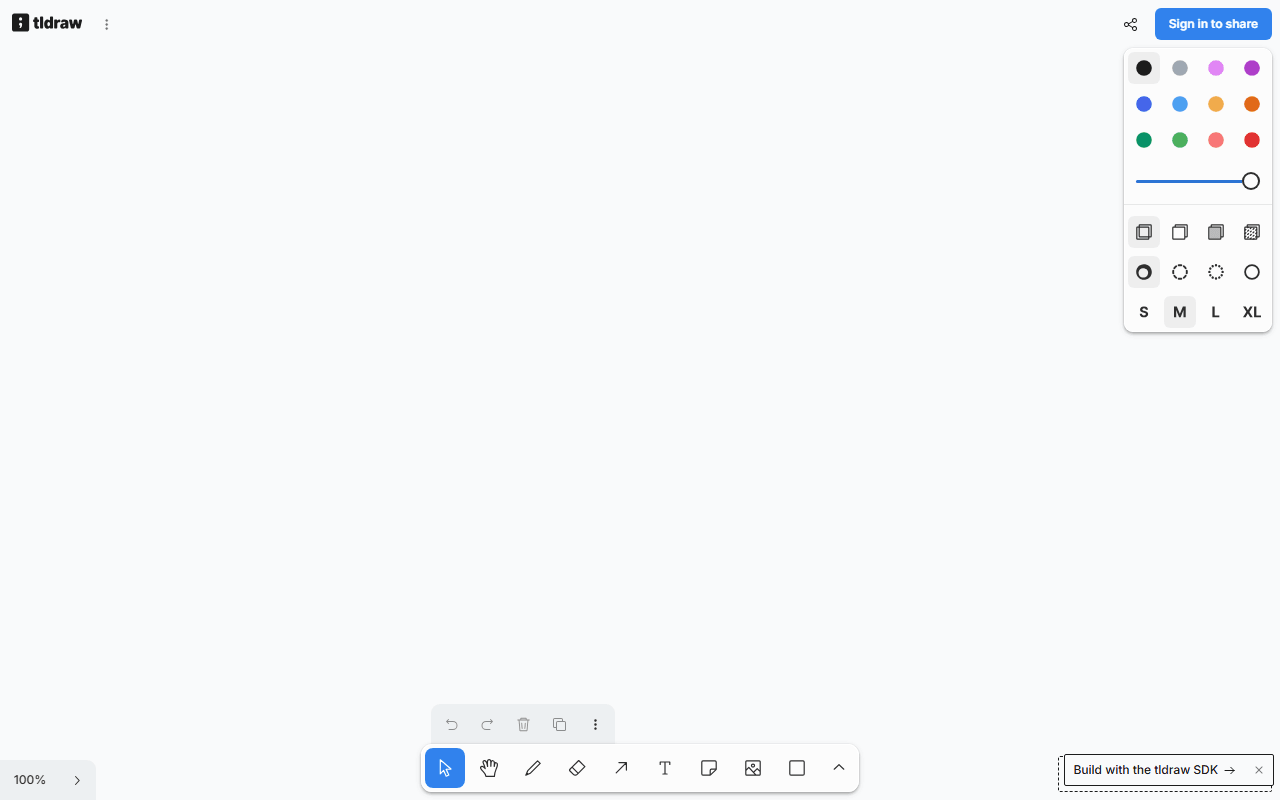
tldraw is the most direct alternative: a free browser whiteboard that opens in about a second with no account, just like Excalidraw, but with tidier, straighter shapes instead of the hand-drawn look. It has no published board or collaborator limits (as of July 2026). The company funds it by licensing its SDK, so the free app stays polished and actively developed.
- Completely free (as of July 2026)
- United Kingdom
 United Kingdom
- Best for:
- People who want Excalidraw's speed but with cleaner diagrams
- The catch:
- The code is source-available under a custom license, so you cannot self-host or embed it freely the way you can Excalidraw's MIT editor.
Compared to Excalidraw
- Advantage: Cleaner, straighter output than Excalidraw's hand-drawn style
- Advantage: No published board or collaborator limits
- Advantage: Live collaboration built in
- Worth knowing: Opens instantly with no account, matching Excalidraw
- Tradeoff: Source-available custom license, so no free self-hosting unlike Excalidraw's MIT
- Tradeoff: No offline or desktop app
Proper shape libraries for flowcharts, UML, and architecture that Excalidraw's freehand canvas lacks
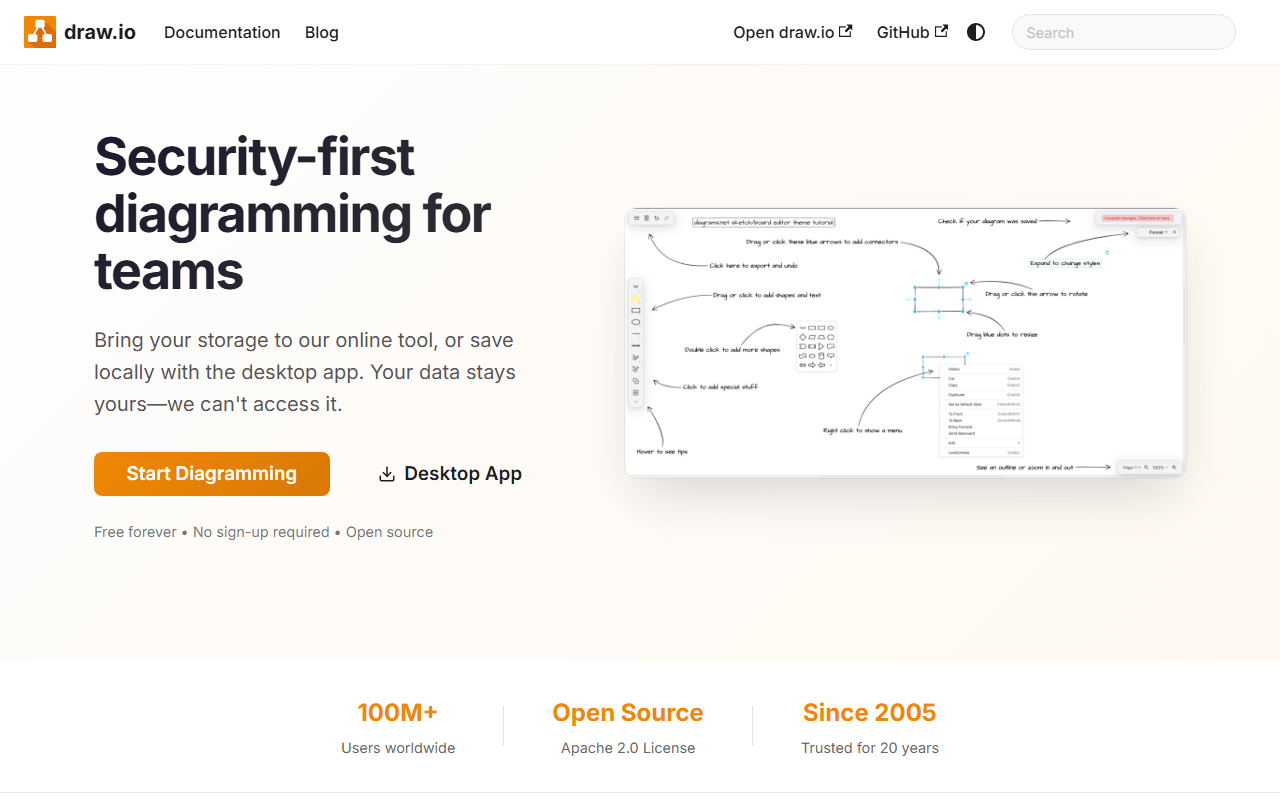
draw.io is the pick when your sketches needed to become real diagrams. It is free with no account and no limits (as of July 2026), Apache-2.0 licensed, and it ships shape libraries for flowcharts, UML, network and cloud architecture, and org charts. Files save to local disk, Google Drive, or OneDrive, so nothing has to touch draw.io's servers.
- Completely free (as of July 2026)
- United Kingdom
- Open source (Apache-2.0)
- Best for:
- Structured flowcharts and architecture diagrams rather than freehand sketches
- The catch:
- The interface is dense and dated next to Excalidraw, and real-time co-editing only works through a shared location like Google Drive.
Compared to Excalidraw
- Advantage: Proper shape libraries for UML, flowcharts, and architecture
- Advantage: Free with no limits and Apache-2.0 open source
- Advantage: Web and desktop apps, plus self-hosting
- Advantage: Files save straight to Drive or OneDrive
- Tradeoff: Dense, dated interface next to Excalidraw's minimal canvas
- Tradeoff: Live co-editing only through a shared file location
Workshop facilitation Excalidraw has none of: templates, voting, timers, and breakout frames
Miro is the step up when the whiteboard is for group work, not solo sketching. It adds thousands of templates plus facilitation features like voting, timers, and breakout frames, with unlimited members even on the free plan. The catch is the board count: free stops at 3 editable boards (as of July 2026), and upgrading is $8 per member per month billed yearly.

- Free plan, paid from $8/month (as of July 2026)
- United States
 United States
- Best for:
- Facilitators running retros and workshops rather than quick sketches
- The catch:
- The free plan caps you at 3 editable boards, where Excalidraw has no board count at all.
Compared to Excalidraw
- Advantage: Facilitation tools Excalidraw lacks: voting, timers, breakout frames
- Advantage: Thousands of workshop templates
- Advantage: Unlimited team members on the free plan
- Tradeoff: Only 3 editable boards free, where Excalidraw has no board cap
- Tradeoff: Closed source, unlike Excalidraw's MIT editor
- Tradeoff: Per-member pricing adds up for large workshops
A whiteboard plus a large template and design library, if your sketches turn into finished graphics
Canva includes a free whiteboard alongside its design tools, so it fits when a sketch needs to become a polished graphic or slide in the same place. The free tier gives you unlimited designs, a large template and stock library, and 5GB of storage (as of July 2026). It is heavier and slower to open than Excalidraw, but it does far more once you are in.
- Free plan, paid from $144/year (as of July 2026)
- Australia
 Australia
- Best for:
- Teams whose whiteboards flow into finished decks and marketing graphics
- The catch:
- It is a much bigger tool than Excalidraw, and the most-searched extras like the background remover sit behind Pro at $144 per year.
Compared to Excalidraw
- Advantage: Whiteboard plus a full design and template library in one place
- Advantage: Unlimited free designs with 5GB storage
- Advantage: Desktop and mobile apps alongside the browser
- Tradeoff: Slower to open and heavier than Excalidraw's instant canvas
- Tradeoff: No editable export and closed source, unlike Excalidraw
- Tradeoff: Premium features sit behind Pro at $144 per year
Real UI design with components and prototyping, if the sketch was always meant to become a screen
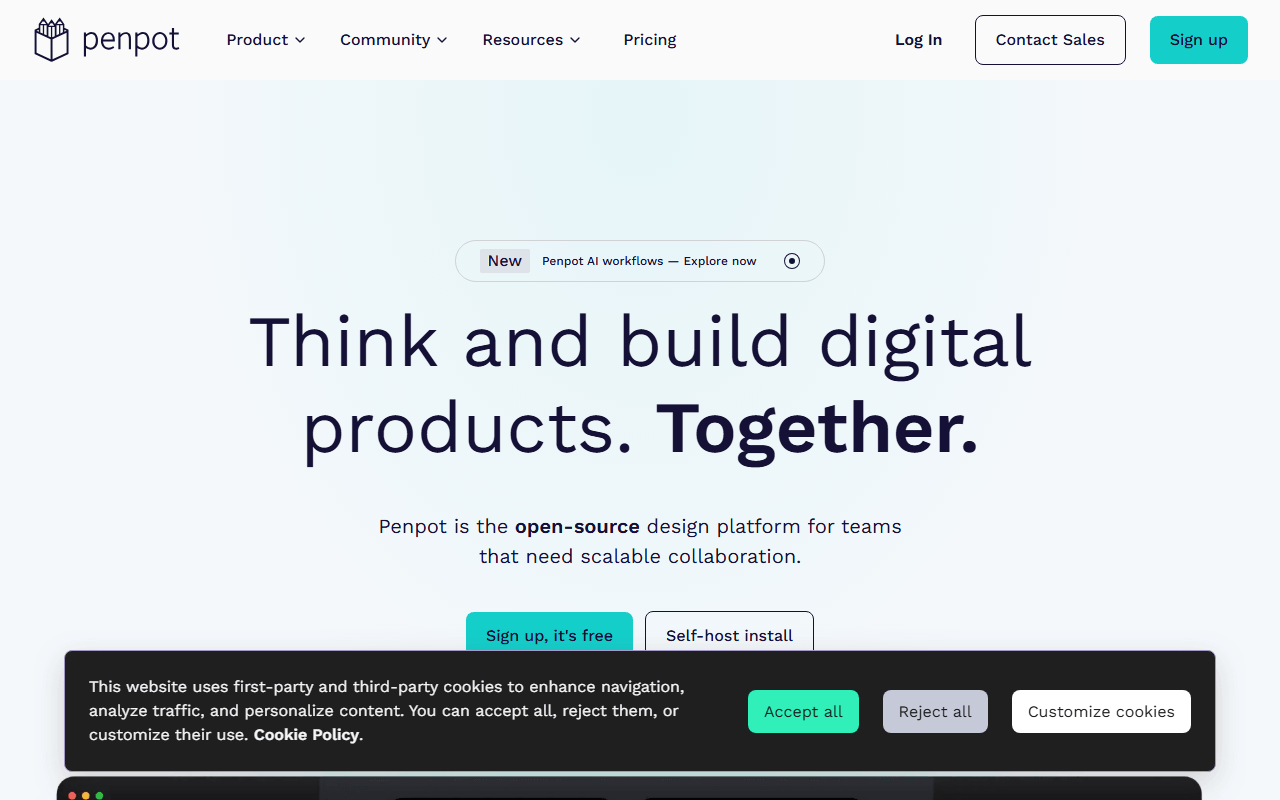
Penpot is the answer when your Excalidraw wireframes were really early-stage UI. It is an open source design tool with components, shared libraries, and clickable prototypes, free for unlimited files and up to 8 editors (as of July 2026). It is a heavier tool than Excalidraw, but it takes a rough sketch all the way to a real design.
- Free plan, paid from $7/month (as of July 2026)
- Spain
- Open source (MPL-2.0)
 Spain
Spain- Best for:
- Turning rough wireframes into actual UI designs and prototypes
- The catch:
- It is a full design tool with a real learning curve, not a whiteboard you open and forget.
Compared to Excalidraw
- Advantage: Components, prototyping, and design systems Excalidraw does not have
- Advantage: Unlimited files and up to 8 editors free
- Advantage: Open source and self-hostable, like Excalidraw's MIT editor
- Tradeoff: Much heavier than a quick sketch canvas
- Tradeoff: Slower to open and learn than Excalidraw
FigJam plus full UI design, the paid incumbent Excalidraw's free board undercuts
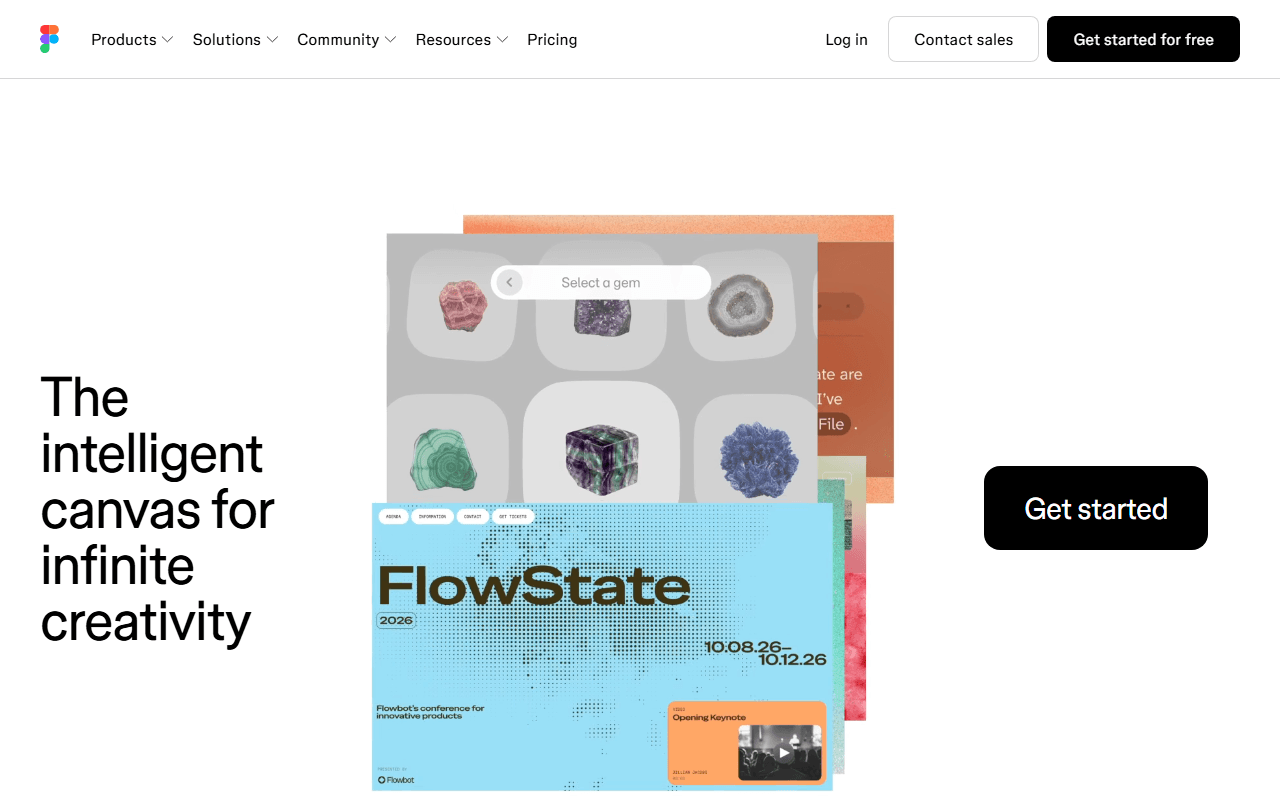
Figma pairs FigJam, its own whiteboard, with the industry-standard UI design tool, so sketch and screen live in one account. FigJam is capped at 3 files on the free Starter plan, and full design seats are $16 per month billed annually (as of July 2026). It is the polished paid option Excalidraw exists to undercut.
- Free plan, paid from $16/month (as of July 2026)
- United States
- Best for:
- Teams already designing in Figma who want their whiteboard in the same place
- The catch:
- The free plan caps FigJam at 3 files, and real design work means paying per seat, where Excalidraw stays free.
Compared to Excalidraw
- Advantage: Whiteboard and full UI design in one account
- Advantage: Larger template and plugin ecosystem
- Tradeoff: FigJam capped at 3 files on the free plan, where Excalidraw has no cap
- Tradeoff: Closed source, unlike Excalidraw's MIT editor
- Tradeoff: Design seats cost $16 per month billed annually
How to choose
If you like Excalidraw but want tidier output without the browser-only storage, tldraw is the closest free swap: straighter lines and no board limits. For structured flowcharts and architecture diagrams with proper shape libraries, draw.io is the better home. If you run facilitated workshops with voting and timers, Miro leads there, though its free plan stops at 3 boards. And if you actually needed UI design rather than sketching, jump to Penpot instead.