Free alternatives to Penpot
Penpot is already one of the most complete free design tools, so people usually look for alternatives for narrow reasons. Self-hosting means running and updating a Docker deployment yourself, very large files can feel slower than Figma, and the plugin and template ecosystem is much smaller (as of July 2026). There is also no offline desktop app, so you always work in a browser tab. If one of those is your sticking point, here is where each free option is genuinely stronger.
Facts checked as of July 2026Read our Penpot review
Jump to an alternative



Lunacy
Best Free Alternative ToPenpotA native app that works fully offline with no server to run, where Penpot lives in a browser and self-hosting means maintaining Docker
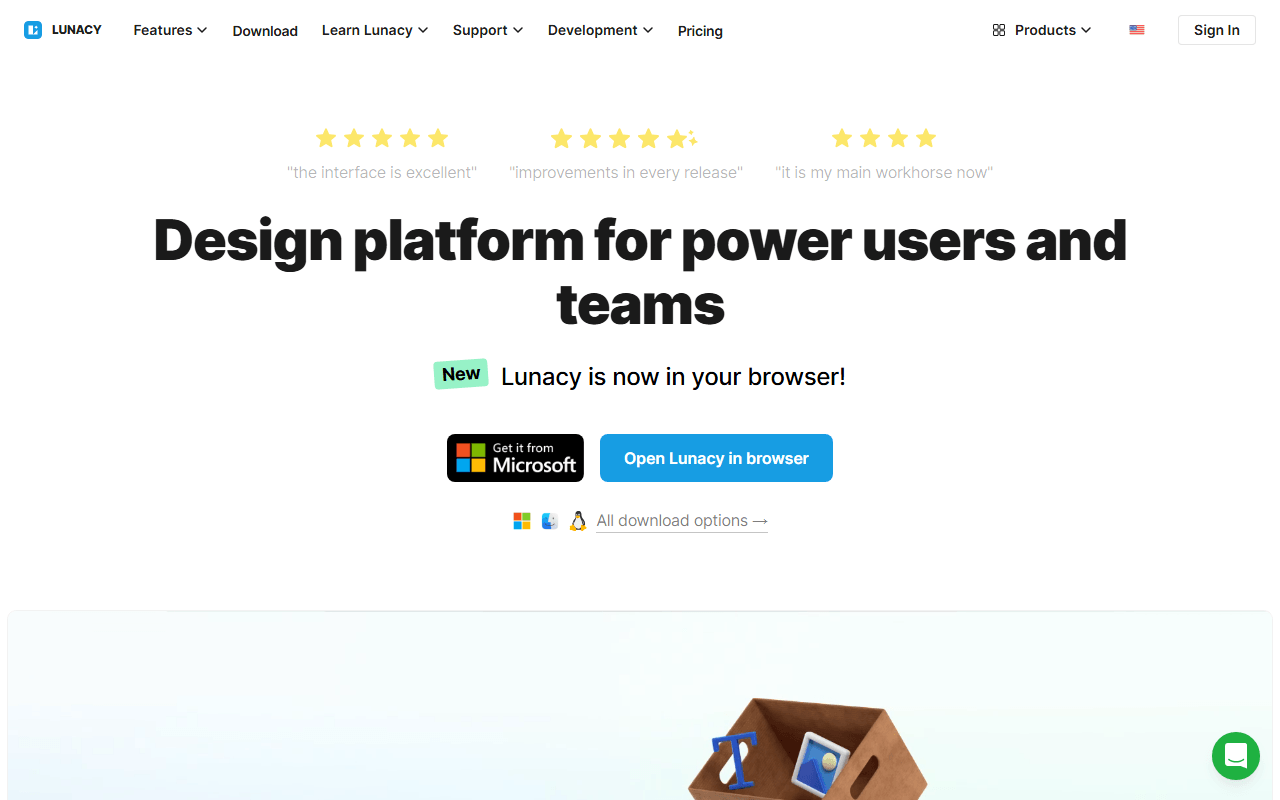
Lunacy is a free native design app from Icons8 for Windows, macOS, and Linux, covering UI design, components, and prototyping like Penpot. The difference is that it runs as a real desktop app with a genuine offline mode and unlimited local documents, so there is no server to keep alive and no browser-performance ceiling on large files. As of July 2026 the free plan allows 10 cloud documents and teams of up to 3 members.
- Free plan, paid from $4.99/month (as of July 2026)
- Best for:
- Designers who want Penpot-style UI work in a native offline app, without running a server
- The catch:
- It is closed source freeware, so unlike Penpot there is no community fork if Icons8 changes the terms.
Compared to Penpot
- Advantage: Native offline app with unlimited local documents; Penpot has no offline app
- Advantage: No server to run or update, where Penpot self-hosting means maintaining Docker
- Advantage: Opens .sketch files natively, no Mac required
- Advantage: Built-in icon, photo, and illustration libraries inside the canvas
- Tradeoff: Closed source freeware, so no ownership guarantee or fork like Penpot's MPL-2.0
- Tradeoff: Free cloud collaboration caps at 10 documents and 3 members as of July 2026
- Tradeoff: Free built-in assets are low resolution and require attribution
The largest plugin and template ecosystem and the smoothest large-file performance, the two areas Penpot trails
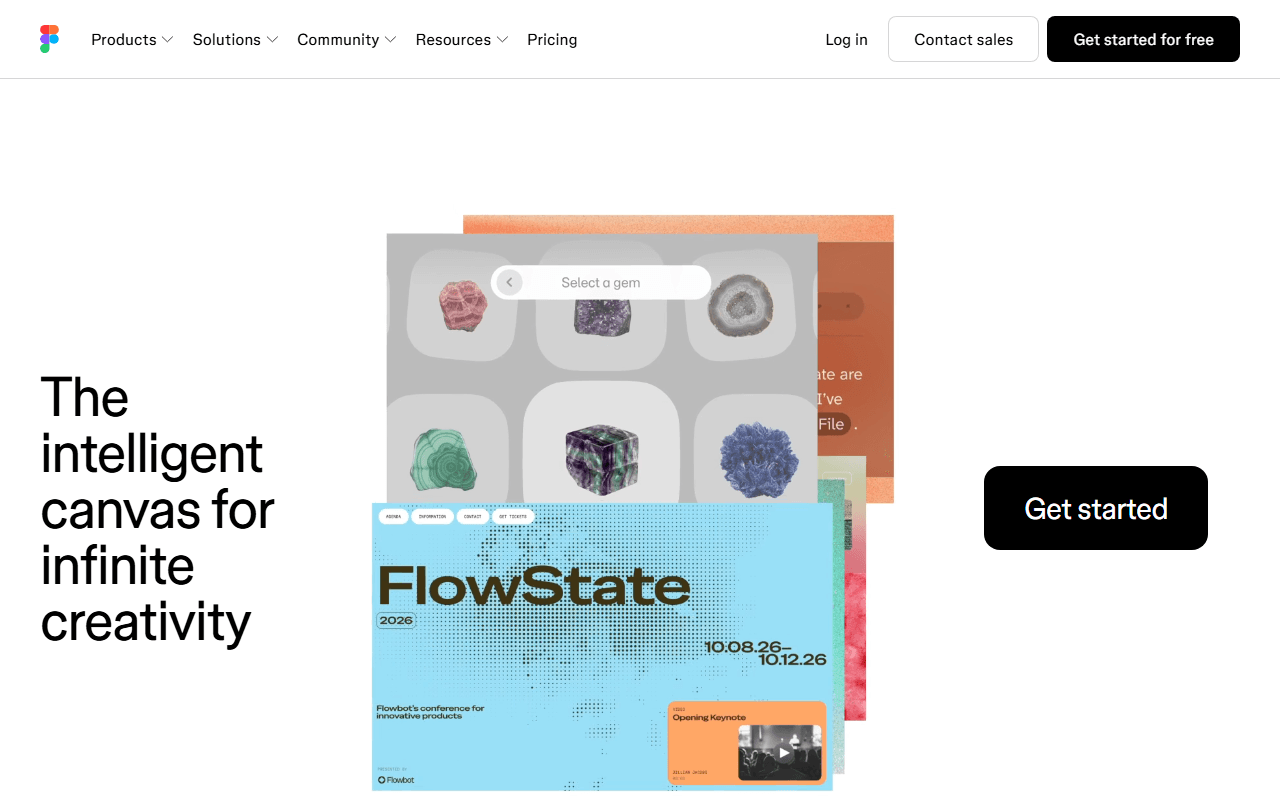
Figma is the tool Penpot is modeled after, and it still leads on the two things people miss most in Penpot: a huge plugin and template community, and years of performance tuning that keeps big files responsive. The catch is price. The free Starter plan stops at 3 design files with no Dev Mode, and a Full seat is $16 per month billed annually (as of July 2026), where Penpot gives you unlimited files free.
- Free plan, paid from $16/month (as of July 2026)
- United States
 United States
- Best for:
- Teams that live on plugins or push very large files and can absorb per-seat pricing
- The catch:
- The free tier caps you at 3 files, so real usage means paying per seat, exactly what Penpot avoids.
Compared to Penpot
- Advantage: Biggest plugin and template ecosystem, the main thing missing in Penpot
- Advantage: Large files stay smoother than Penpot's
- Advantage: Real-time multiplayer editing is more mature
- Tradeoff: Free plan caps at 3 design files against Penpot's unlimited
- Tradeoff: Closed source, so no self-hosting or ownership guarantee
- Tradeoff: Full seats cost $16 per month billed annually
Deeper vector illustration tools, every feature free forever with no plan or seat limits
Inkscape is not a UI design tool, but if what you actually needed from Penpot was drawing vector artwork, it goes further. Pen tools, boolean operations, mesh gradients, and native SVG are all free under the GPL, with no tiers or caps of any kind (as of July 2026). It is a desktop app, so you trade Penpot's collaboration and prototyping for a deeper illustration toolkit you own outright.
- Completely free (as of July 2026)
- Open source (GPL-2.0-or-later)
- Best for:
- Logos, icons, and detailed vector illustration rather than screen design
- The catch:
- No real-time collaboration, no prototyping, and the interface takes real learning time.
Compared to Penpot
- Advantage: Deeper vector illustration tools than Penpot
- Advantage: Every feature free forever, with no seat or file limits
- Advantage: Works fully offline with local files you own
- Advantage: Open source under the GPL, like Penpot's open licensing
- Tradeoff: No UI prototyping, components, or design systems
- Tradeoff: No real-time collaboration at all
Template-first graphics for non-designers, where Penpot starts from a blank professional canvas
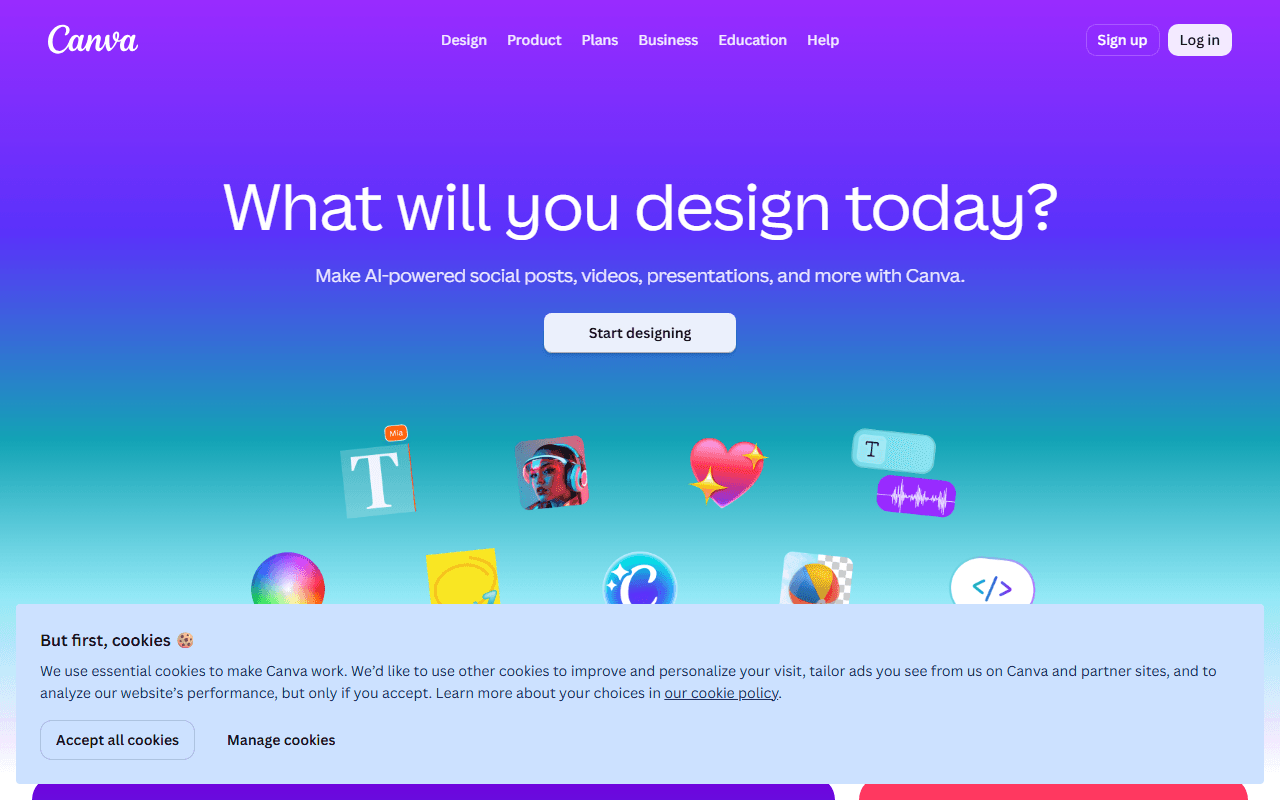
If your Penpot files were marketing graphics and slides rather than product UI, Canva's free tier is the faster route. You get unlimited designs, a large free template and stock library, and 5GB of storage (as of July 2026). It is built for people who do not think of themselves as designers, which is a different audience from Penpot's.
- Free plan, paid from $144/year (as of July 2026)
- Australia
 Australia
- Best for:
- Non-designers making social posts, decks, and flyers from templates
- The catch:
- It is not a vector or UI tool, and there is no editable export, so your work is locked into Canva's format.
Compared to Penpot
- Advantage: Thousands of free templates, much faster for non-designers than Penpot's blank canvas
- Advantage: Unlimited free designs with 5GB storage
- Advantage: Desktop and mobile apps alongside the browser
- Tradeoff: Not a vector or UI design tool; no components or prototyping
- Tradeoff: No editable export, a harder lock-in than Penpot's open SVG files
- Tradeoff: The background remover and premium assets sit behind Pro at $144 per year
Free, open source whiteboarding for the ideation and wireframing stage Penpot does not focus on
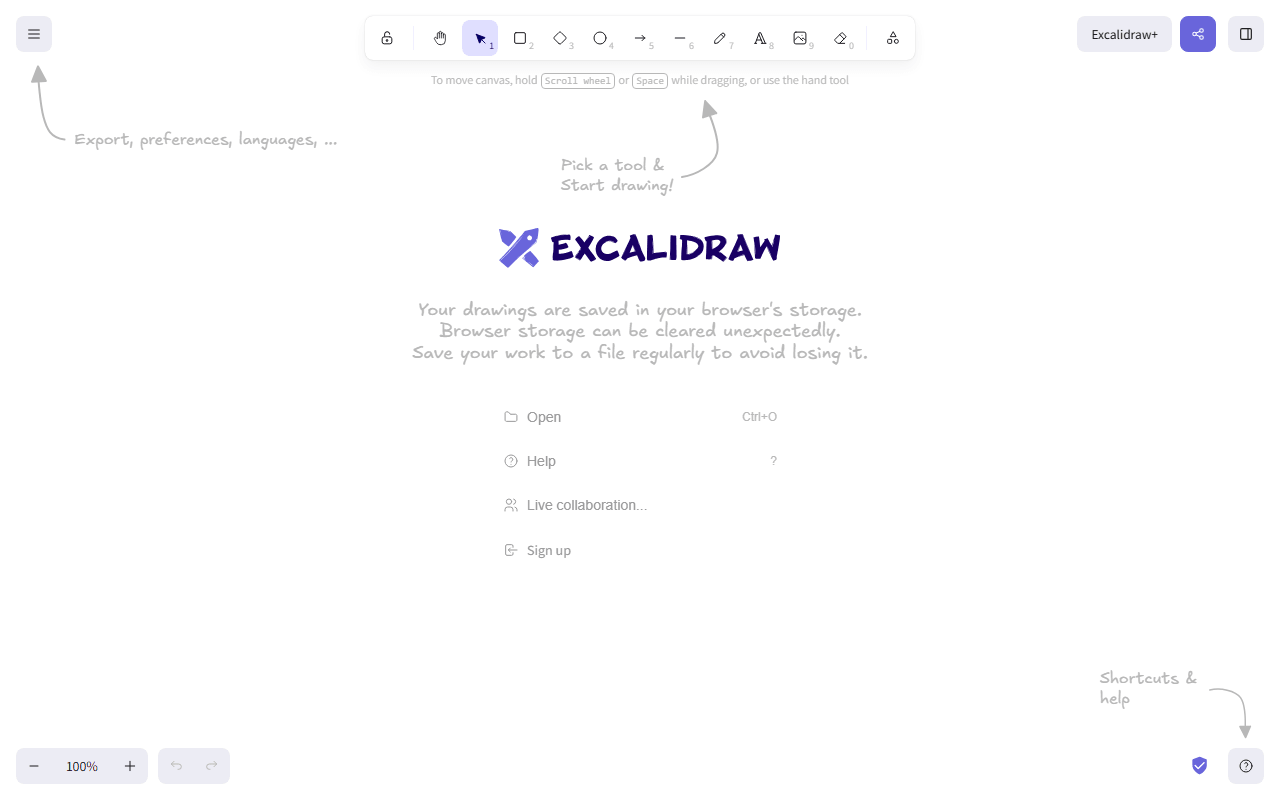
Excalidraw covers a different part of the process: quick, low-fidelity sketching before you open a real design file. Open excalidraw.com and you are drawing wireframes with collaborators in seconds, no account, with end-to-end encrypted sessions (as of July 2026). It is MIT licensed, so you can self-host it, though it does no UI design or prototyping.
- Free plan, paid from $6/month (as of July 2026)
- Czech Republic
- Open source (MIT)
 Czech Republic
- Best for:
- Sketching wireframes and flows before committing to a real design file
- The catch:
- The free app stores one scene in your browser, and the hand-drawn style is wrong for polished UI.
Compared to Penpot
- Advantage: Opens instantly with no account, faster than loading a Penpot project
- Advantage: Live sessions are end-to-end encrypted
- Advantage: MIT licensed and self-hostable, like Penpot's open licensing
- Tradeoff: Hand-drawn whiteboard only; no components, prototyping, or design systems
- Tradeoff: Free app keeps one scene in browser storage
An instant, tidy whiteboard for diagrams and quick wireframes, free with no board limits
tldraw is the other whiteboard option next to a design tool: it loads in about a second, needs no account, and has no published board limits (as of July 2026). Its output is cleaner and straighter than Excalidraw's sketchy style, which suits diagrams and rough wireframes. It does not do UI design, so it complements Penpot rather than replacing it.
- Completely free (as of July 2026)
- United Kingdom
 United Kingdom
- Best for:
- Fast, tidy diagrams and rough wireframes without signing up
- The catch:
- The code is source-available under a custom license, so you cannot self-host it freely the way you can Penpot, and there is no design or prototyping toolkit.
Compared to Penpot
- Advantage: Opens instantly with no account
- Advantage: No published board or collaborator limits as of July 2026
- Advantage: Cleaner default output than most free whiteboards
- Tradeoff: No UI design, components, or prototyping; it is only a canvas
- Tradeoff: Custom source-available license, so no free self-hosting unlike Penpot
How to choose
If your issue with Penpot is the lack of an offline app or the self-hosting effort, Lunacy is the closest free swap: a native app that works offline with no server to run. If you want the biggest plugin ecosystem and the smoothest large-file performance, Figma is still ahead, though its free tier caps you at 3 files. For pure vector illustration reach for Inkscape, and for template-driven marketing graphics, Canva. Excalidraw and tldraw cover quick wireframing before you open a real design file.