

The deepest feature set here, and the strictest counters
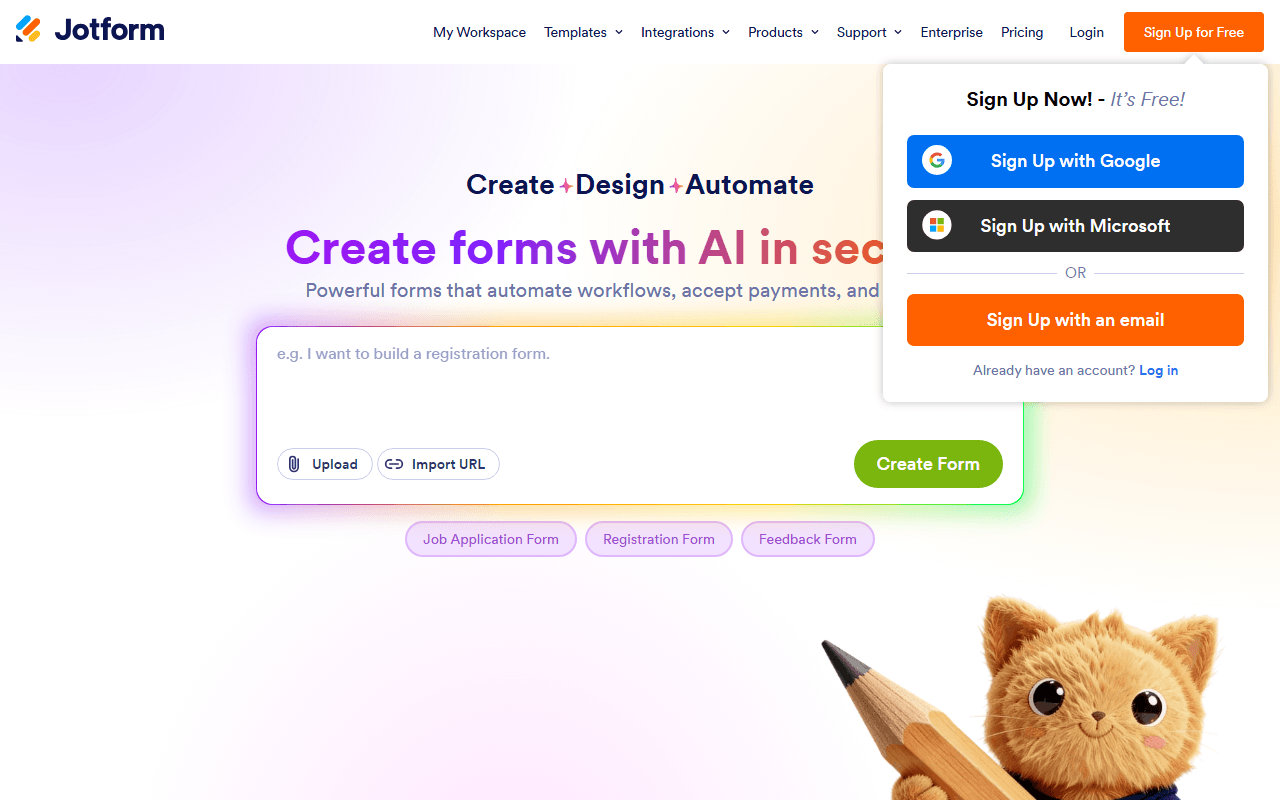
Jotform is one of the most full-featured online form builders available. Its drag-and-drop editor supports conditional logic, file uploads, payment collection, e-signatures, automated workflows, and 150+ app integrations.
The teams Jotform's depth actually pays off for
- Small businesses that need payments, signatures, and workflows in one platform
- Teams that want a large template library and deep third-party integrations
- Organizations willing to pay for higher submission volumes or HIPAA compliance
Starter is free, then the pricing jumps to $34
Jotform uses a freemium model. Starter is free with 5 active forms and 100 monthly submissions. Paid plans start at $34/month billed annually (Bronze, $39 billed monthly) and scale submission limits while removing branding. Enterprise offers custom pricing with SSO and SLAs.
The three limits that catch Jotform users out
None of the three are obvious from the pricing table at a glance.
Form views are metered separately from submissions. Every time someone opens your form it counts, whether they submit or not. Starter allows 10,000 views a month, Bronze 100,000, Silver 1,000,000, Gold 10,000,000 (as of July 2026). A form linked from a busy newsletter can burn through views while collecting almost no responses, and Jotform's own docs are blunt about the consequence: hit any monthly limit and your forms are disabled, showing a "Form over quota" message until the cycle resets.
You cannot add a teammate on any self-serve plan. Jotform's help center states it twice, that inviting members to a team is available only on Enterprise plans. Starter through Gold are all single-user. You can create a team, you just cannot put anyone in it. Form Collaboration lets someone else edit a form's structure, but that is not seat-based access to your account. If you need two people sharing a form inbox, the answer is a custom-priced Enterprise quote.
The default forms look their age. This is a judgement rather than a spec, and Jotform gives you the tools to fix it: a Theme Store, full custom CSS, and a card layout with one question per page. Out of the box, though, a Jotform form reads as older than what Tally, Typeform, or forms.app produce with no effort at all. Budget design time, or accept the look.
Three free plans that beat Jotform's Starter
forms.app matches most of Jotform's feature depth and gives away unlimited responses and unlimited team members on its free plan, which is precisely where Jotform is strictest. Tally offers unlimited free forms and responses without Jotform's caps. Google Forms is fully free with unlimited forms and native Google Sheets integration for basic surveys.
What 20,000 templates and HIPAA still buy
Credit where it is due: 150+ integrations, 20,000+ templates, approval workflows, a PDF editor, and HIPAA compliance on Gold and Enterprise. No free tool on our list matches that catalog, and for regulated data Jotform is a genuinely reasonable thing to pay for.
Pay for Jotform when compliance is the requirement
Jotform earns its money in one specific situation: you need HIPAA, approval workflows, or a template for a form nobody wants to build from scratch, and you are willing to pay Gold or Enterprise prices to get them. Free is not that situation. Five forms, 100 submissions and 10,000 views a month is a demonstration of the product, and the quota lockout means one busy day takes your forms offline until the cycle resets. It is not a plan you can share either, since inviting a teammate starts at Enterprise. If you want Jotform's breadth without its counters, read the free Jotform alternatives first.
Reader reviews
What people who actually use Jotform think of it.
No reviews of Jotform yet. If you have used it, yours would be the first.
The useful part is the specifics: what you used it for, and where it got in your way.
Loading...