Free alternatives to Jotform
Jotform's free Starter plan sounds generous until you read the limits: 5 forms, 100 submissions per month, and 100 MB of storage (as of July 2026). Busy forms hit that ceiling in days, and the cheapest way out is Bronze at $34 per month billed annually. If you like Jotform's feature depth but not its caps, you have real options.
Facts checked as of July 2026Read our Jotform review
Jump to an alternative




forms.app
Best Free Alternative ToJotformUnlimited submissions and unlimited team members free, against a 100-a-month single-user Starter
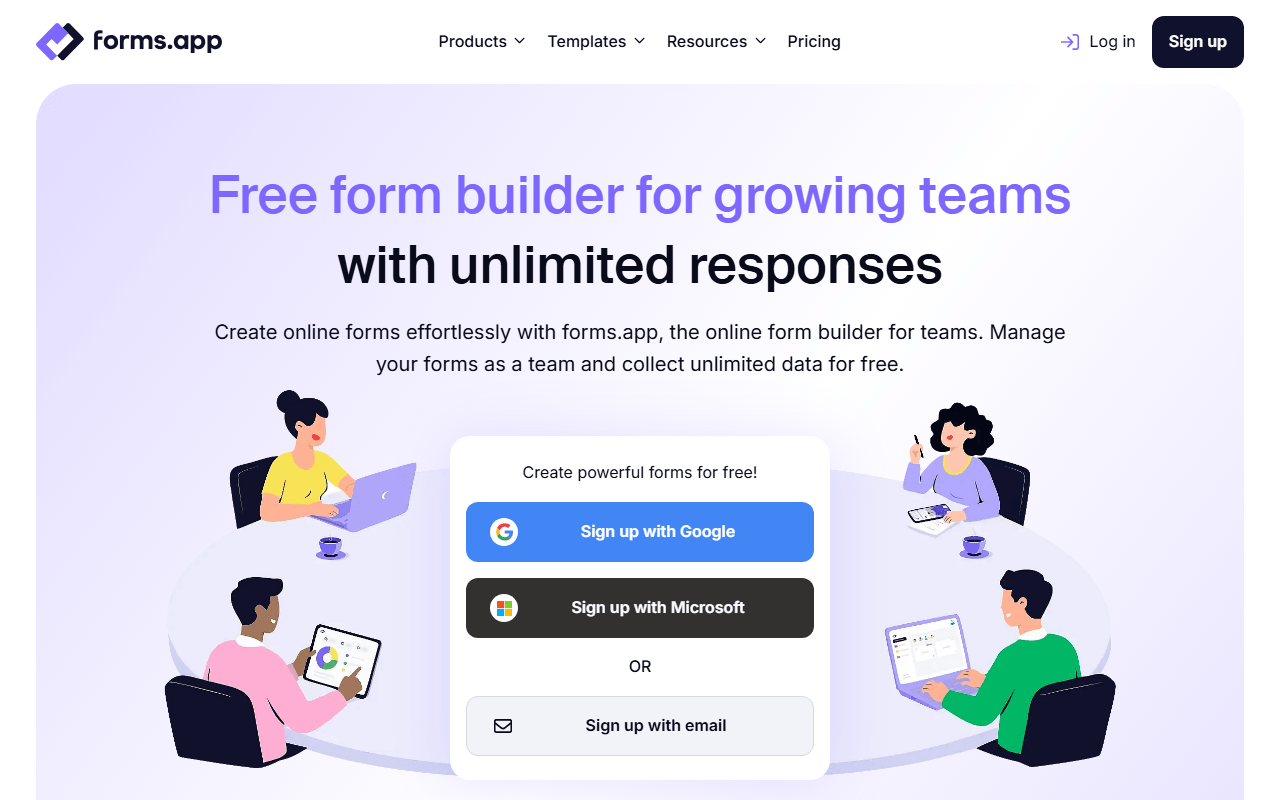
forms.app and Jotform both stop the free plan at 5 forms, and that is where the resemblance ends. forms.app leaves submissions, views and questions uncapped and lets you invite unlimited team members (as of July 2026), which Jotform reserves for Enterprise. All 30+ field types are free, so payments, e-signatures, answer recall, conditional logic and auto-scoring quizzes work without an upgrade, where Jotform Starter meters payments at 10 submissions a month and signed documents at 10. Nothing here shuts your forms off with a "Form over quota" notice halfway through the month.
- Free plan, paid from $19/month (as of July 2026)
- Estonia
 Estonia
- Best for:
- Teams whose Jotform forms keep going over quota, or who need more than one person in the account
- The catch:
- Five forms and 10 MB of total file storage, well under Jotform's 100 MB. Drop-off analysis, multilingual forms and save as draft all sit on Pro at $29/month.
Compared to Jotform
- Advantage: Unlimited submissions and views free versus 100 submissions and 10,000 views a month
- Advantage: Unlimited team members free; Jotform needs Enterprise to invite anyone
- Advantage: Payments and e-signatures uncapped, against 10 of each per month
- Advantage: No mid-month quota lockout on your live forms
- Worth knowing: Both free plans stop at 5 forms
- Tradeoff: 10 MB of file storage versus Jotform's 100 MB
- Tradeoff: Jotform still wins on catalog: 150+ integrations and 20,000+ templates
Unlimited free forms and submissions without 5-form, 100-response caps
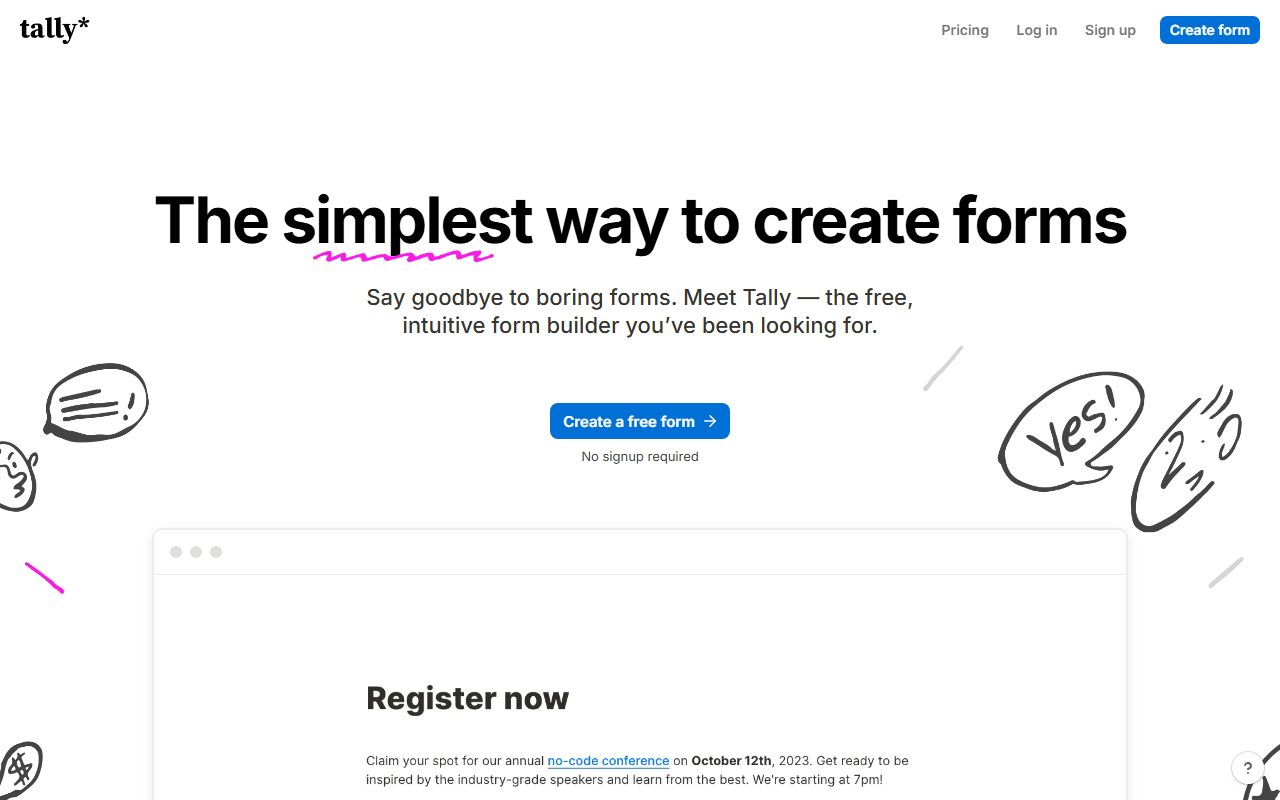
Tally deletes both of Jotform's free-plan ceilings at once: unlimited forms and unlimited submissions under fair usage (as of July 2026). You also keep the features that matter, including conditional logic, file uploads, Stripe payments, and e-signatures. For most small teams, it simply makes the upgrade decision go away.
- Free plan, paid from $24/month (as of July 2026)
- Belgium
 Belgium
- Best for:
- Small teams that keep bumping into Jotform's 100-submission month
- The catch:
- Jotform's integration and template catalog has no free equivalent here, and Tally's free plan is single-user: inviting teammates needs Pro at $24/month.
Compared to Jotform
- Advantage: Unlimited forms and submissions free versus 5 forms and 100 submissions
- Advantage: Payments and e-signatures on the free plan, uncapped unlike Jotform's 10 a month
- Advantage: Cleaner, document-style editor with less menu-digging
- Tradeoff: Far smaller template library than Jotform's 20,000+
- Worth knowing: Free plan is single-user, same as Jotform Starter
- Tradeoff: Fewer native integrations; check your stack first
- Tradeoff: No HIPAA-compliant plan for medical data
Fully free unlimited forms with native Google Workspace integration
If your Jotform use is surveys, registrations, and quizzes rather than payments and workflows, Google Forms does it free with no limits at all. Responses stream into Google Sheets, quizzes grade themselves, and there is no upgrade tier waiting behind a limit.
- Completely free (as of July 2026)
- United States
 United States
- Best for:
- Basic surveys and registrations inside a Google Workspace shop
- The catch:
- No payments, minimal branding, and file uploads force respondents to sign in with Google.
Compared to Jotform
- Advantage: No form, submission, or storage limits, and no paid tier
- Advantage: Automatic Google Sheets sync beats Jotform's manual exports
- Tradeoff: No payment collection, a core Jotform strength
- Tradeoff: No e-signatures, approval flows, or PDF generation
- Tradeoff: Design options are minimal next to Jotform's themes
Unlimited forms on the free plan with 1,000 responses/month
Fillout is the closest thing to Jotform's all-in-one approach with a livable free tier: unlimited forms, unlimited seats, and 1,000 responses per month (as of July 2026). Scheduling, payments, e-signatures, and PDF generation are all in the box, and paid plans start at $15/month instead of $34.
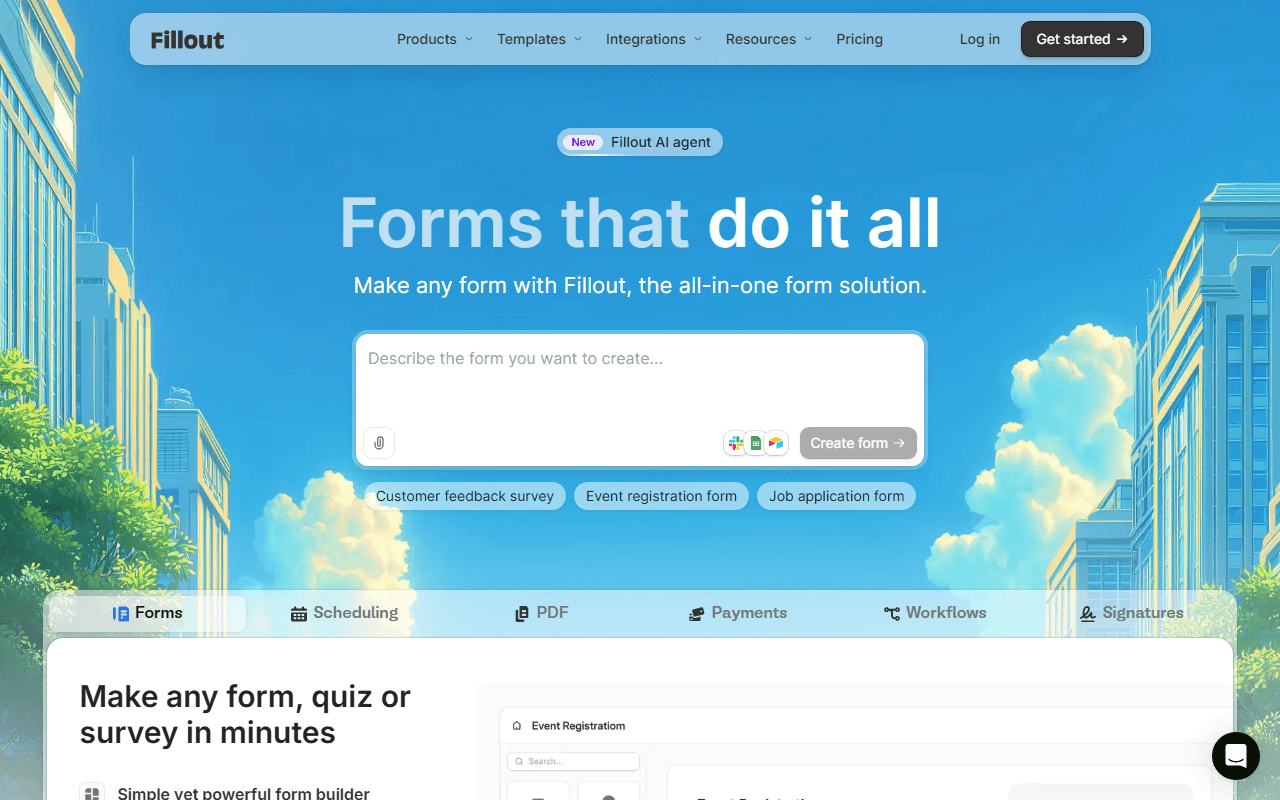
- Free plan, paid from $15/month (as of July 2026)
- United States
- Best for:
- Teams that want Jotform's breadth without Jotform's pricing
- The catch:
- Advanced analytics and full white-labeling sit on the $75/month Business tier, so heavy customizers still pay.
Compared to Jotform
- Advantage: Unlimited forms and 1,000 responses free versus 5 forms and 100
- Advantage: Unlimited seats free; Jotform Starter is single-user
- Advantage: Two-way Airtable and Notion sync, which Jotform lacks
- Advantage: Paid plans start at $15/month versus Jotform's $34
- Tradeoff: Around 50 integrations versus Jotform's 150+
- Tradeoff: No HIPAA option below enterprise conversations
500 free submissions per month and approval workflows
Zoho Forms quietly offers five times Jotform's free submission volume: 500 per month, though across only 3 forms (as of July 2026). It also does something Jotform reserves for paid tiers: approval workflows, where a manager signs off before a submission proceeds. Basic at $10/month is among the cheapest paid upgrades in the category.
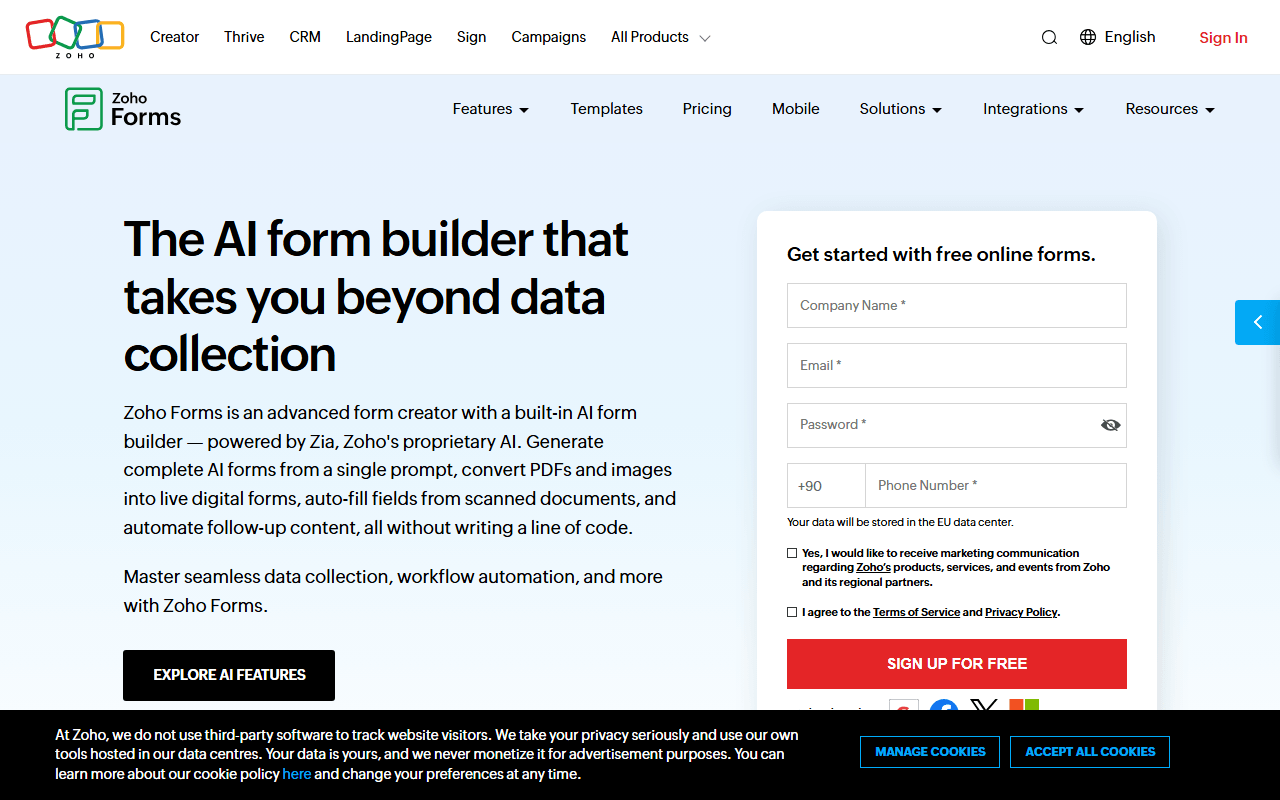
- Free plan, paid from $10/month (as of July 2026)
- India
 India
India- Best for:
- Zoho users and teams that need an approval step in their forms
- The catch:
- Three free forms is the tightest cap on this list, and the interface feels utilitarian.
Compared to Jotform
- Advantage: 500 free submissions per month versus Jotform's 100
- Advantage: Approval workflows included; Jotform charges for its equivalent
- Advantage: Offline mobile data collection via iOS and Android apps
- Advantage: Basic paid plan is $10/month versus Jotform's $34
- Tradeoff: Only 3 free forms versus Jotform's 5
- Tradeoff: Integrations favor the Zoho suite over third parties
Unlimited forms and responses free, in a conversational format
Youform takes the opposite approach to Jotform: instead of hundreds of features behind volume caps, it offers a focused conversational form builder with no caps at all. Unlimited forms and responses free for one user (as of July 2026), with logic, calculations, and file uploads included.
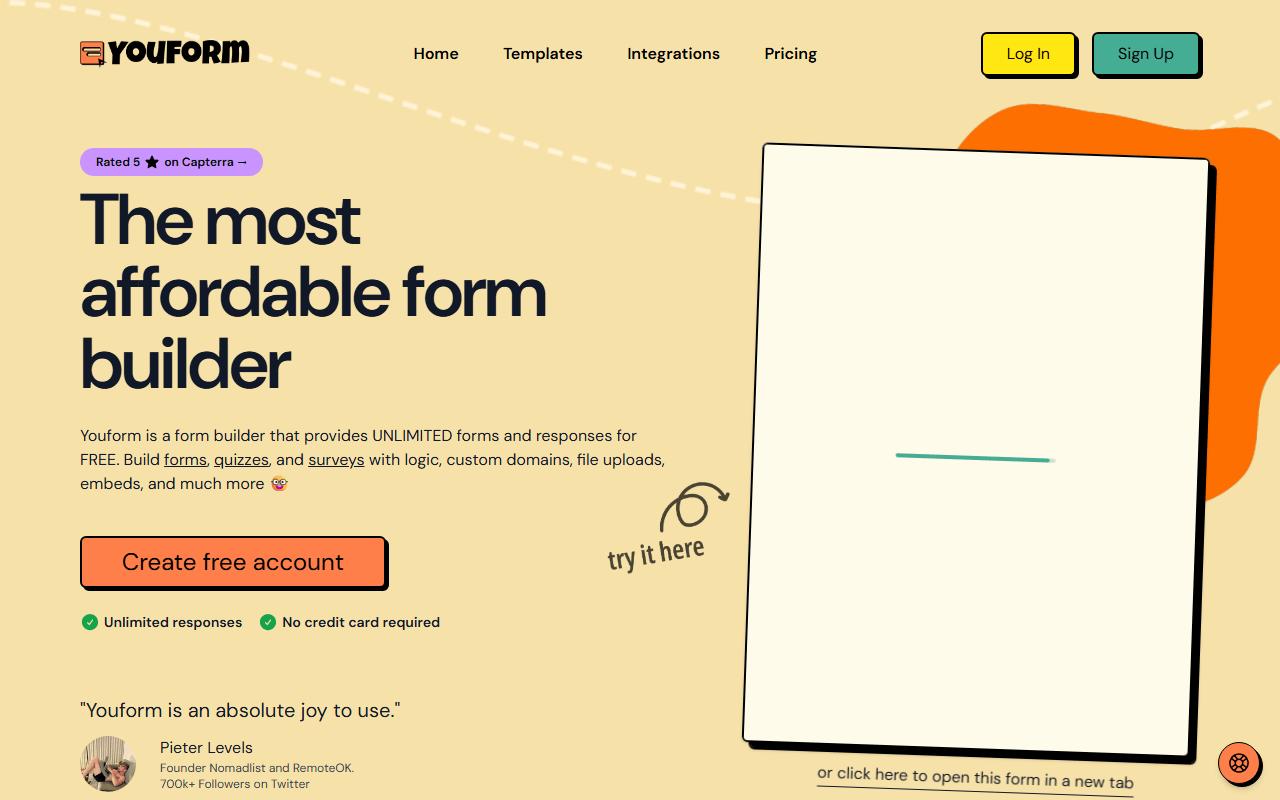
- Free plan, paid from $20/month (as of July 2026)
- Best for:
- Solo users who need volume, not Jotform's feature catalog
- The catch:
- Payments require the $20/month Pro plan, and the integration list is short.
Compared to Jotform
- Advantage: No form or response limits on the free plan
- Advantage: One-question-at-a-time format Jotform only approximates
- Tradeoff: Payments are paid-only here but free on Jotform
- Tradeoff: A fraction of Jotform's templates and integrations
- Worth knowing: Single-user free plan on both tools
Forms that feed a real database, free to self-host without limits
NocoDB approaches forms from the database side: every form is a view on a table, so submissions arrive as structured records you can filter, relate, and automate. The cloud free plan covers 1,000 records (as of July 2026), and self-hosting removes every limit. It suits Jotform users who spend more time in the submissions table than the form editor.
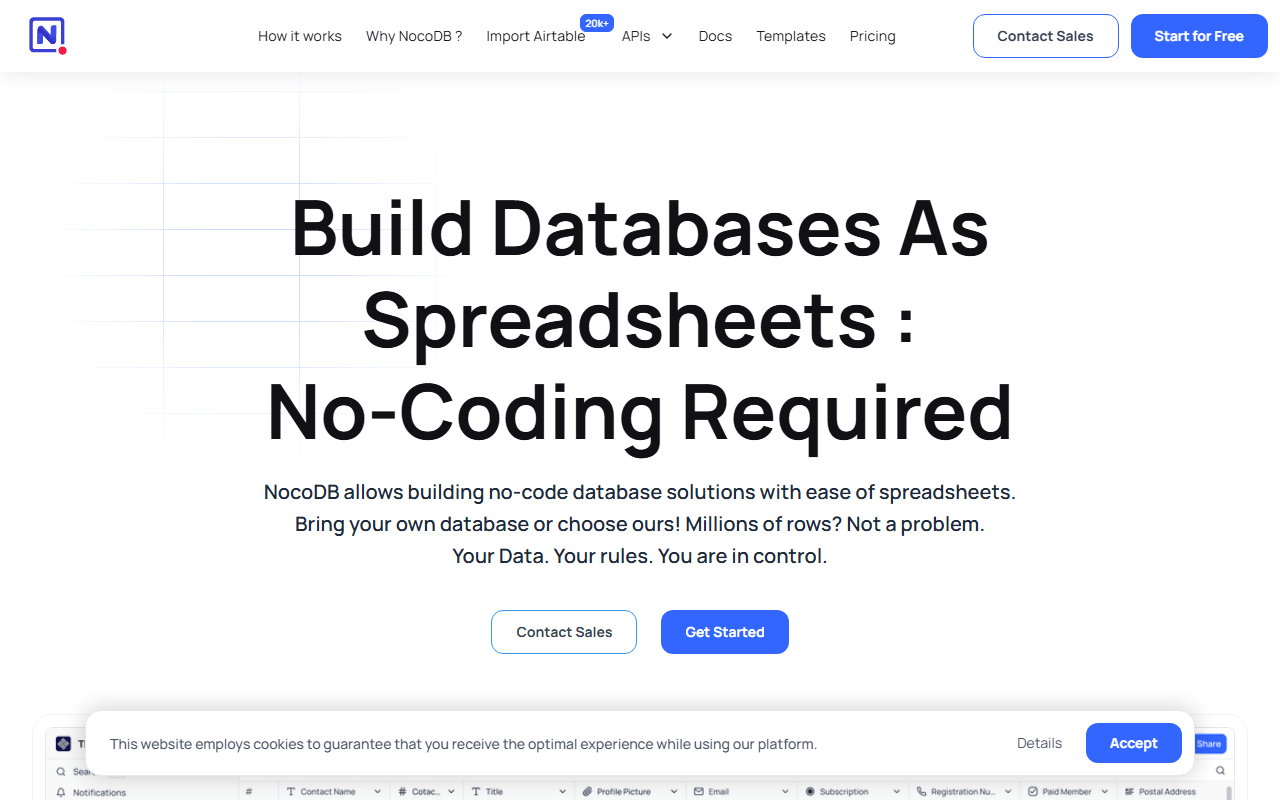
- Free plan, paid from $12/month (as of July 2026)
- Best for:
- Internal tools where form data needs to live in a database
- The catch:
- Forms themselves are plain: no conversational layout, payments, or e-signatures.
Compared to Jotform
- Advantage: Submissions become database records, not a flat submission list
- Advantage: Self-hosted edition is free with unlimited records and seats
- Tradeoff: Form features are basic next to Jotform's field catalog
- Tradeoff: No payments or e-signatures in forms
- Worth knowing: Source-available license, not OSI-approved open source
How to choose
Decide which Jotform limit is actually hurting you, because different tools fix different ones. If it is the 100 submissions a month or the single-user account, forms.app lifts both on its free plan and leaves payments and signatures uncapped. If it is the 5-form cap and you work alone, Tally removes that instead. For workflows and a long integration list, Fillout comes closest. Keep Jotform in mind for regulated data: its HIPAA-ready Gold plan is still hard to beat.