
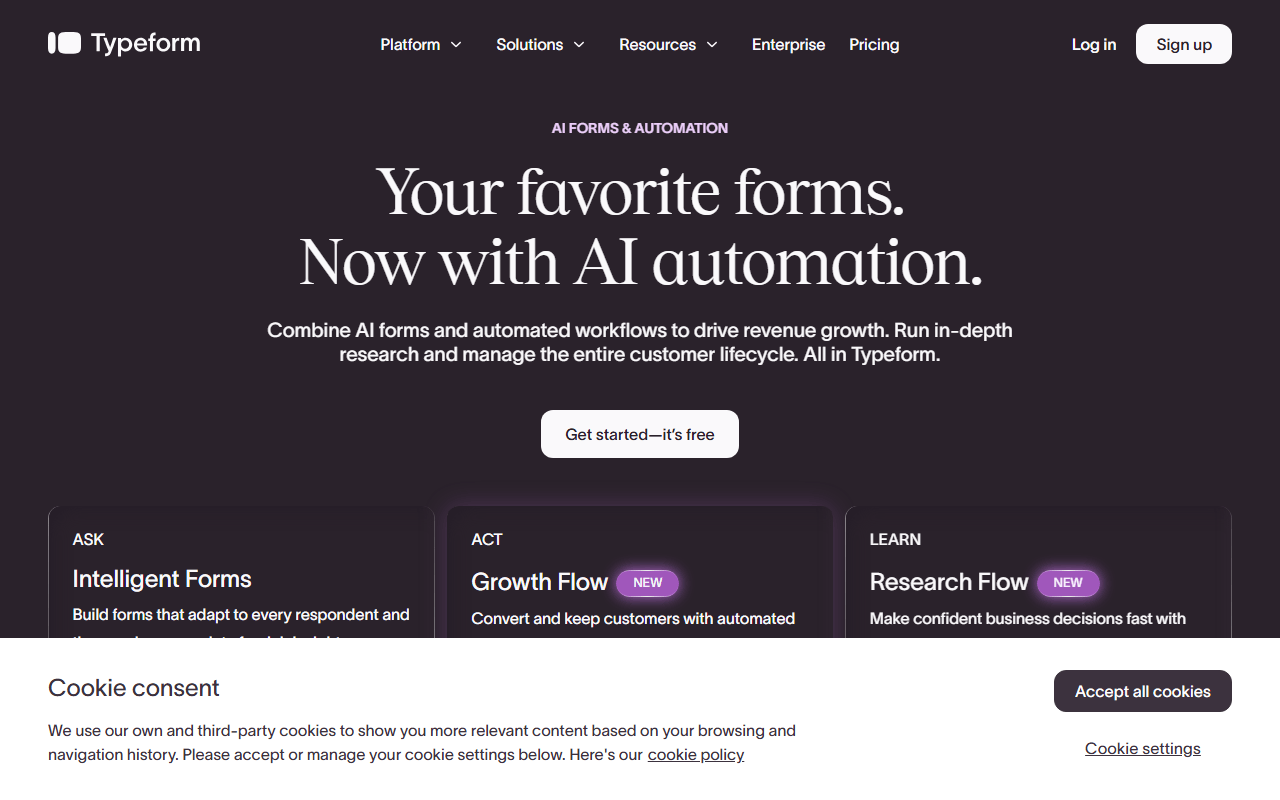

One question at a time, done better than anyone
Typeform is known for one-question-at-a-time forms that feel polished and human. Its editor supports logic jumps, media-rich questions, embeds, and integrations with tools like HubSpot and Slack.
Marketing and product teams who need the polish
- Marketing teams running lead-gen quizzes and branded experiences
- Product teams collecting qualitative feedback with high completion rates
- Brands that prioritize design-led, conversational survey UX
Clarify with AI, and the $119 rung it lives on
Typeform's AI follow-up question is called Clarify with AI, and it is genuinely the most interesting thing in this category right now. When a respondent answers an open text question, it generates up to two personalized follow-up questions based on what they actually wrote, so a vague "the onboarding was confusing" turns into a specific answer without you writing branching logic for every case. Nothing else on our form builder list does this.
The catch is where it sits. Clarify with AI is available on Talent, Growth, and Enterprise plans only (as of July 2026). It is not on Free, Basic, Plus, or Business. You can test it on the free plan, but publishing a form that uses it is not included. In practice that means the cheapest way to get AI follow-ups is the Talent plan at $119/month billed annually. There is a related feature, FAQ with AI, which lets respondents ask your form questions, on the same three plan families.
Ten responses free, then nine priced rungs
Typeform is freemium, and the ladder is longer than most roundups show. The free plan allows unlimited forms but only 10 responses per month total across your account. The Core plans are Basic ($28/mo billed annually, 100 responses), Plus ($56/mo, 1,000), and Business ($91/mo, 10,000). Beyond those sit Talent ($119/mo), Growth Flow ($266/mo), plus sales-led Growth Custom, Research Flow, and Enterprise tiers. There is also a Contacts and Automations add-on from $25/month, and two separately priced Typeform products, Formless and VideoAsk.
One honest warning about all of those numbers: Typeform says on its own help pages that it experiments with pricing, and its pricing page currently serves two different price sets in the same page. Treat every figure here as a starting point and check what your account shows.
The 10-response cap, and four limits behind it
- 10 responses a month on free is the tightest free tier in this category by a wide margin
- Hit your monthly cap and every form goes into private mode until the next month or an upgrade. Deleting responses does not free up room, and unused responses do not roll over
- The AI follow-up feature most people come for starts at $119/month
- Multi-language forms and drop-off analysis need Business ($91/mo); forms.app puts drop-off analysis on a $29 plan
- No payments or file uploads at all on the free plan
Four builders that give away what Typeform meters
forms.app gives away unlimited responses, unlimited team members, and all 30+ field types on its free plan, and offers both a conversational step view and a list view. Tally and Google Forms cover most survey and lead-gen needs without per-response pricing. Fillout adds generous free limits plus Airtable and Notion sync.
The thing no free tool has copied yet
The conversational form experience is still the best-executed in the category, completion rates on well-built typeforms are genuinely high, and Clarify with AI has no free equivalent anywhere. If AI-driven follow-up questions are the job, the honest answer is that you will have to pay Typeform for them.
Worth the money only if AI follow-ups are the job
Typeform still makes the best-looking conversational form on the market, and we would not pretend otherwise. But 10 responses a month is not a free plan, it is a preview, and the cheapest tier carrying Clarify with AI is Talent at $119/mo billed annually. If the conversational format is what you came for and the AI is not, forms.app and Fillout hand you the format without the counter. Read the free Typeform alternatives before you sign anything, and keep in mind that Typeform's own pricing page may quote you a different set of numbers than the ones above.
Reader reviews
What people who actually use Typeform think of it.
No reviews of Typeform yet. If you have used it, yours would be the first.
The useful part is the specifics: what you used it for, and where it got in your way.
Loading...