Free alternatives to Typeform
Typeform's free plan stops at 10 responses per month across all your forms (as of July 2026), and once you outgrow it, Basic starts at $28 per month for just 100 responses. Typeform also runs pricing experiments, so treat those figures as a starting point. If your forms actually get filled in, that pricing stings. The good news: several tools now offer the same polished experience, some with no response caps at all.
Facts checked as of July 2026Read our Typeform review
Jump to an alternative




forms.app
Best Free Alternative ToTypeformUnlimited responses and unlimited team members free, in a one-question-at-a-time layout
forms.app is our first pick if the 10-response wall is what pushed you off Typeform. The free plan covers 5 forms with unlimited responses, unlimited views, unlimited questions and unlimited team members (as of July 2026). It has a step view that asks one question at a time, so you keep the format Typeform is known for, plus a normal list view when you want everything on one page. All 30+ field types are free, including payments, e-signatures, answer recall, auto-scoring quizzes and the AI form creator. Typeform's own AI follow-up feature, Clarify with AI, only appears on its Talent, Growth and Enterprise tiers.
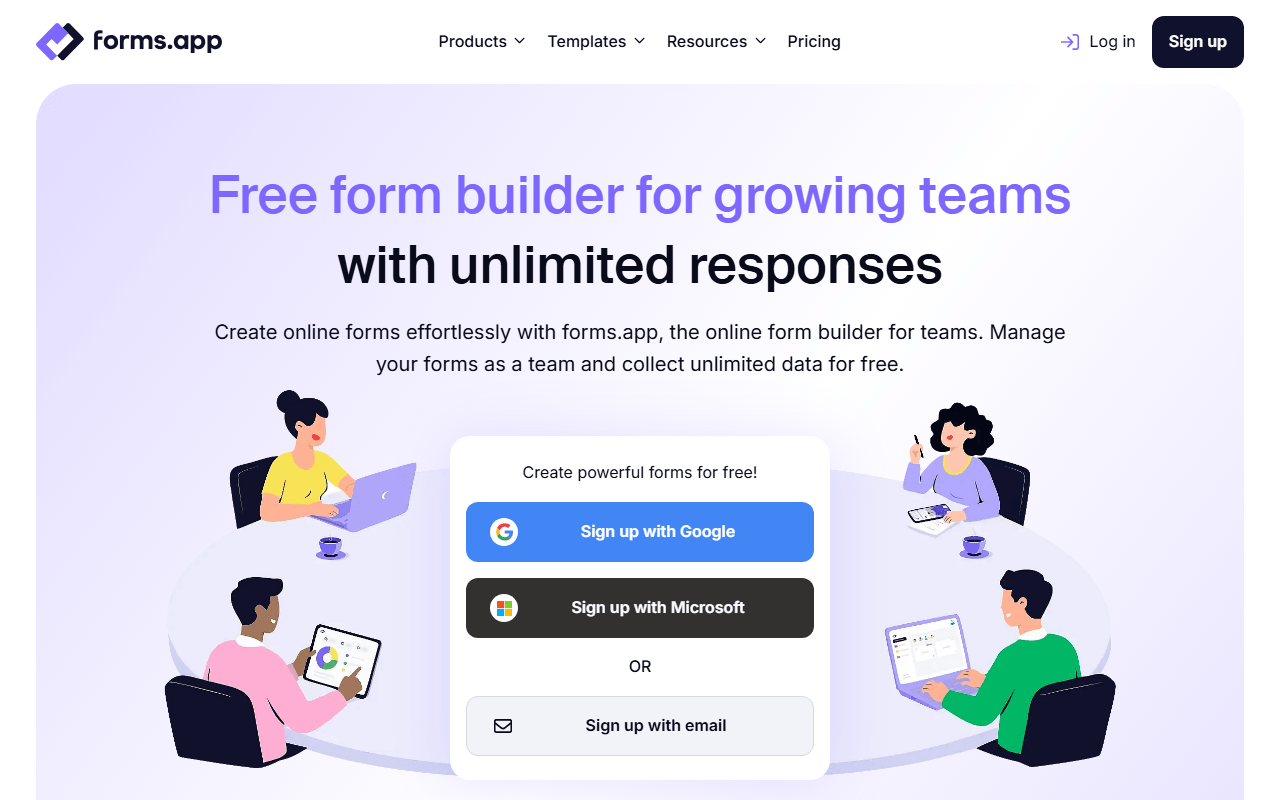
- Free plan, paid from $19/month (as of July 2026)
- Estonia
 Estonia
- Best for:
- Anyone who hit Typeform's 10-response ceiling and still wants the conversational format
- The catch:
- Five forms and 10 MB of total file storage are the real ceilings here, and the reporting people ask for most, drop-off analysis and multilingual forms, sits on Pro at $29/month.
Compared to Typeform
- Advantage: Unlimited responses and views free versus Typeform's 10 responses a month
- Advantage: Unlimited team members on the free plan; Typeform free is one user
- Advantage: Step view gives the same one-question-at-a-time experience
- Advantage: Payments, e-signatures, logic and the AI form creator are all free
- Advantage: Basic at $19/month removes branding, under Typeform Basic at $28
- Tradeoff: Free plan stops at 5 forms and 10 MB of file storage
- Tradeoff: Drop-off analysis and multilingual forms need Pro at $29/month
Free unlimited forms and responses, no 10-response monthly cap
Tally is where most Typeform refugees land, and for good reason. The free plan has no response cap (fair usage applies, as of July 2026), and it includes the features Typeform charges for: conditional logic, calculators, hidden fields, and Stripe payments. The editor works like a Notion page instead of Typeform's slide builder, which most people pick up in minutes.
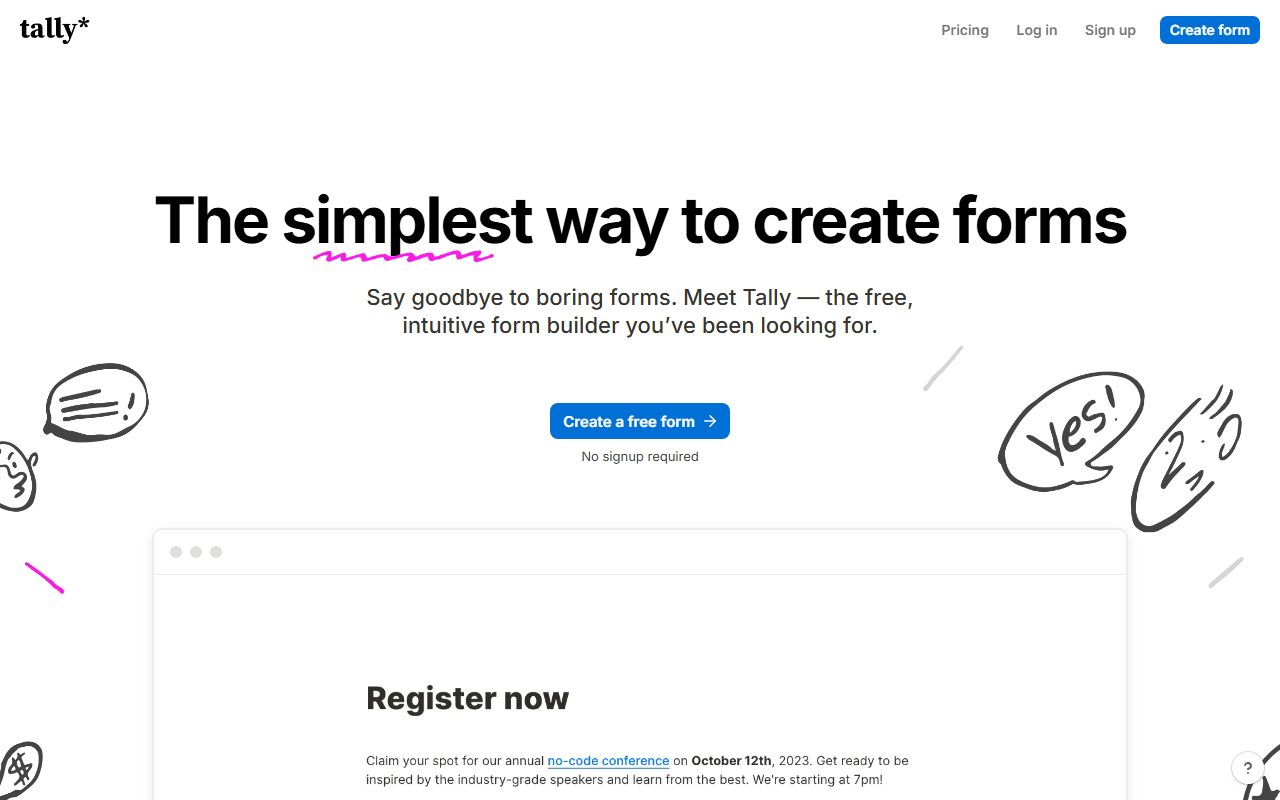
- Free plan, paid from $24/month (as of July 2026)
- Belgium
 Belgium
- Best for:
- Anyone who wants Typeform's polish without per-response pricing
- The catch:
- Forms are traditional scroll-down pages by default, not one-question-at-a-time, the free plan is single-user, and removing the Tally badge costs $24/month.
Compared to Typeform
- Advantage: Unlimited responses free versus Typeform's 10 per month
- Advantage: Logic, calculators, and Stripe payments included on the free plan
- Advantage: Pro at $24/month undercuts Typeform Basic features at similar cost
- Tradeoff: No native one-question-at-a-time layout
- Tradeoff: Inviting teammates is a Pro feature, so free is single-user like Typeform's
- Tradeoff: Visit analytics only cover the past 7 days on the free plan
- Tradeoff: Fewer native integrations, so check yours before switching
The same one-question-at-a-time format with unlimited free responses
Youform is the most literal Typeform replacement on this list: one question at a time, progress bar, logic jumps, the whole format. The difference is the free plan, which allows unlimited forms and unlimited responses for a single user (as of July 2026). Pro at $20/month billed annually adds Stripe payments, custom domains, and branding removal, still cheaper than Typeform's cheapest tier.
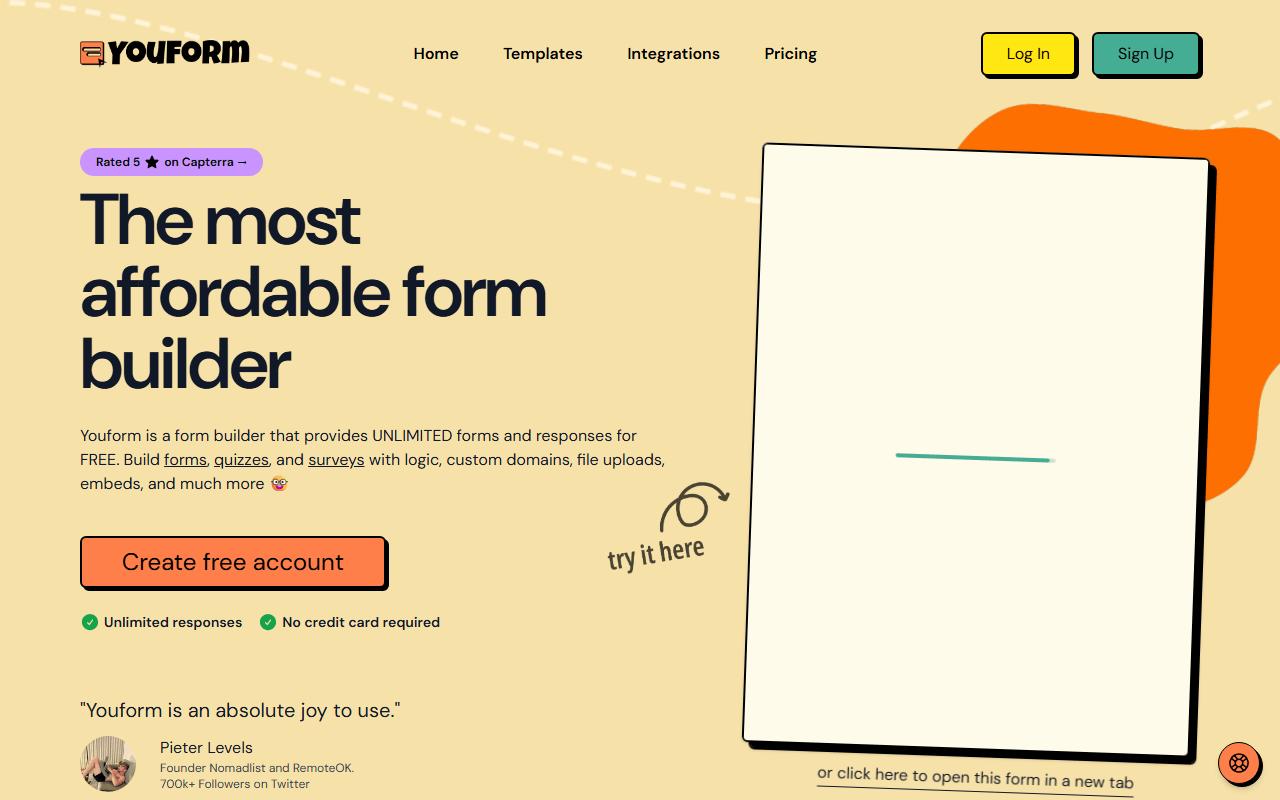
- Free plan, paid from $20/month (as of July 2026)
- Best for:
- Solo founders and marketers who specifically want the conversational format
- The catch:
- It is a young product from a small team, so the template library and integration list are thin next to Typeform's.
Compared to Typeform
- Worth knowing: Same conversational one-question-at-a-time experience
- Advantage: Unlimited responses free versus 10 per month on Typeform
- Advantage: Pro at $20/month (annual) costs less than Typeform Basic at $28
- Advantage: File uploads and logic included on the free plan
- Tradeoff: Far fewer integrations and templates
- Tradeoff: Free plan is single-user and shows Youform branding
Fully free with unlimited responses and Google Sheets export
Google Forms is the zero-cost, zero-risk option. There is no paid tier to upsell you to: unlimited forms, unlimited responses, quizzes, and automatic Google Sheets export, all free with a Google account. If your survey needs are functional rather than beautiful, it quietly does the job Typeform charges for.
- Completely free (as of July 2026)
- United States
 United States
- Best for:
- Quick internal surveys, RSVPs, and quizzes where design does not matter
- The catch:
- Forms look like Google Forms, and there is no way to make them look like your brand.
Compared to Typeform
- Advantage: Completely free with no response limits, ever
- Advantage: Responses land in Google Sheets automatically
- Advantage: Quiz mode with auto-grading is built in
- Tradeoff: Minimal design control; forms are visibly Google
- Tradeoff: No payments and no conversational layout
- Tradeoff: Respondents must sign in to upload files
1,000 free responses/month with Airtable/Notion two-way sync
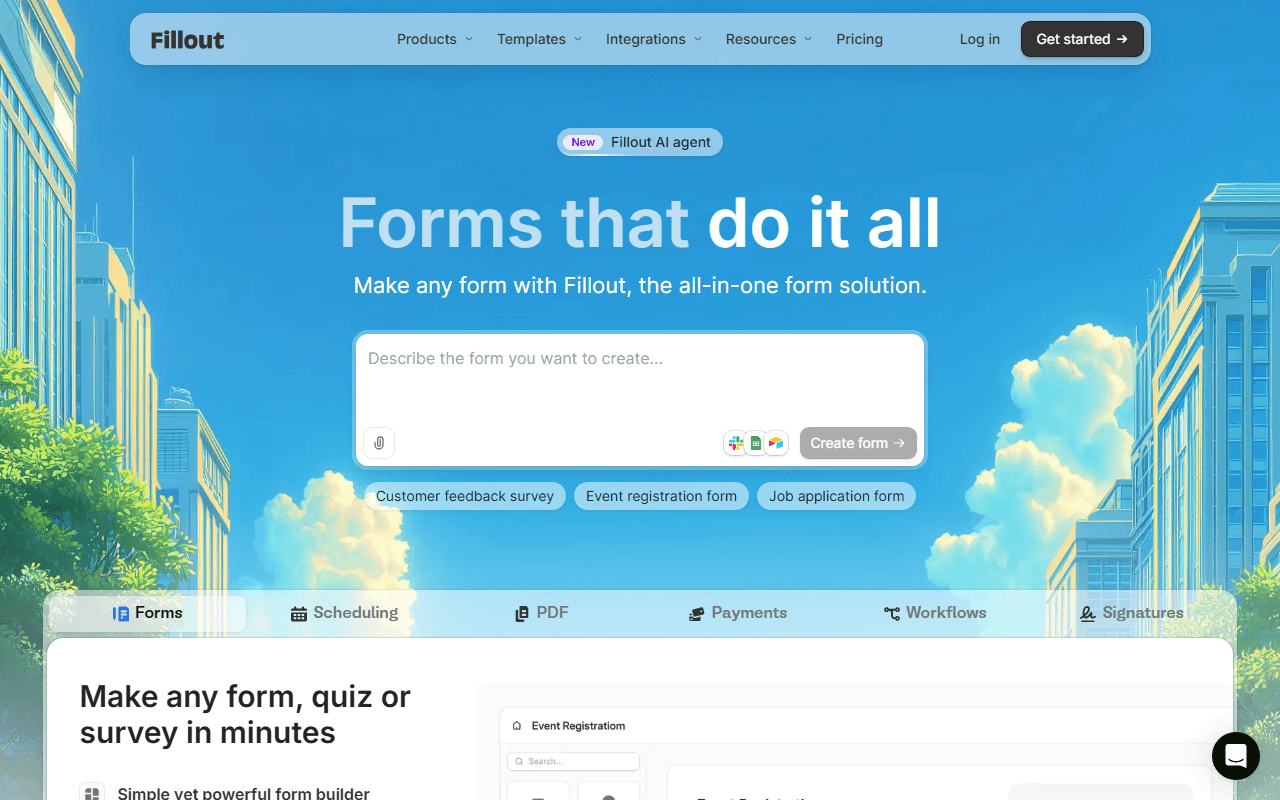
Fillout gives you 1,000 responses per month free with unlimited forms and unlimited seats (as of July 2026), a hundred times Typeform's free cap. Its real edge is data plumbing: two-way sync with Airtable, Notion, and Google Sheets means responses land as records in the tool you already use, not in another inbox.
- Free plan, paid from $15/month (as of July 2026)
- United States
- Best for:
- Teams whose forms feed Airtable, Notion, or Google Sheets
- The catch:
- The editor covers many form styles rather than perfecting one, so the conversational mode feels less refined than Typeform's.
Compared to Typeform
- Advantage: 1,000 free responses per month versus Typeform's 10
- Advantage: Unlimited seats free; Typeform's free plan is single-user
- Advantage: Two-way Airtable, Notion, and Sheets sync built in
- Advantage: Adds scheduling, payments, and e-signatures in one tool
- Tradeoff: Conversational layout exists but is less polished than Typeform's
- Worth knowing: Branding removal requires a paid plan on both tools
Open source conversational forms you can self-host for free
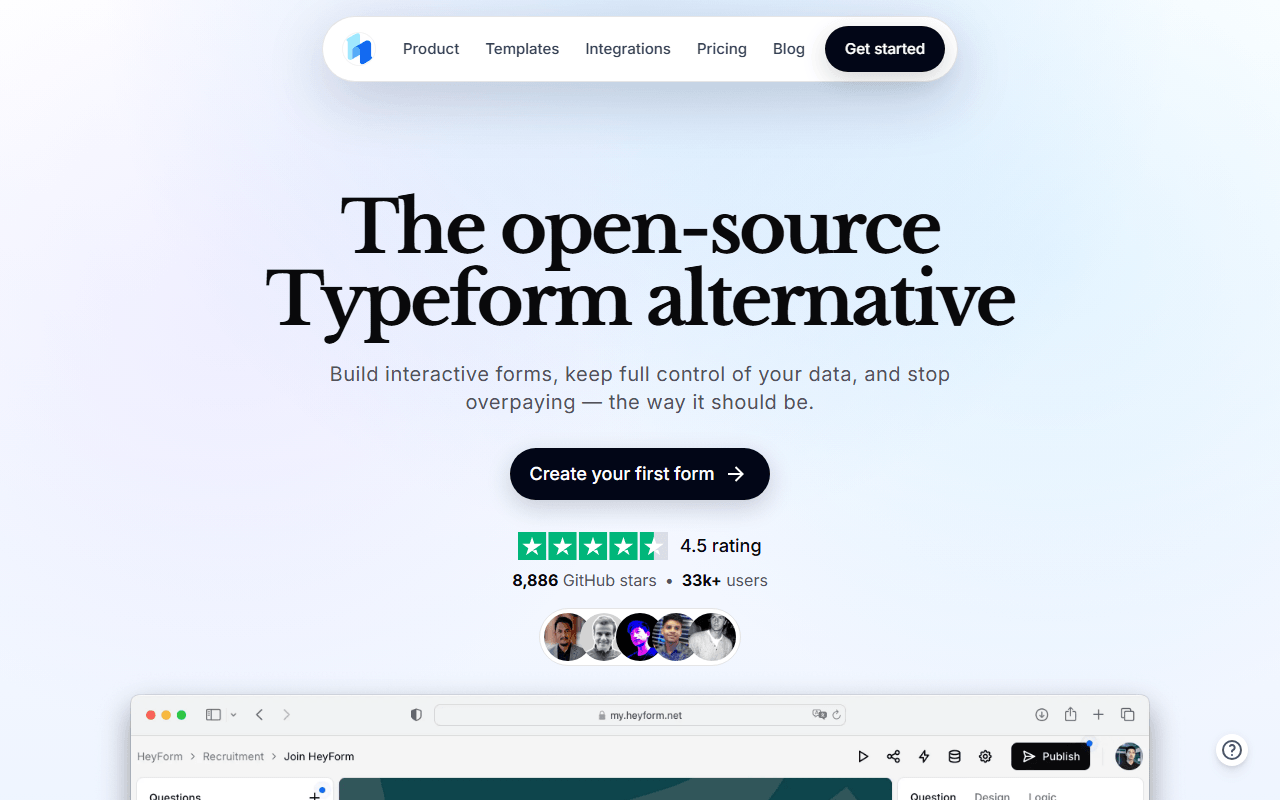
HeyForm rebuilds the Typeform experience as an AGPL-3.0 open source project. Self-host it with Docker and you get conversational forms with no response limits and full data ownership, at the cost of running a server. The hosted cloud exists but has no permanent free plan, only a 7-day trial before $15/month.
- From $15/month (as of July 2026)
- Open source (AGPL-3.0)
- Best for:
- Developers who want Typeform-style forms on their own infrastructure
- The catch:
- Free only means self-hosted here; if Docker is not in your vocabulary, this is not your alternative.
Compared to Typeform
- Advantage: Self-hosted version is free with no response limits
- Advantage: Your form data stays on your own servers
- Advantage: Open source under AGPL-3.0, so you can inspect and extend it
- Tradeoff: Hosted cloud has no free plan, unlike Typeform
- Tradeoff: You maintain updates, backups, and uptime yourself
Open source surveys with free unlimited self-hosting and in-app widgets
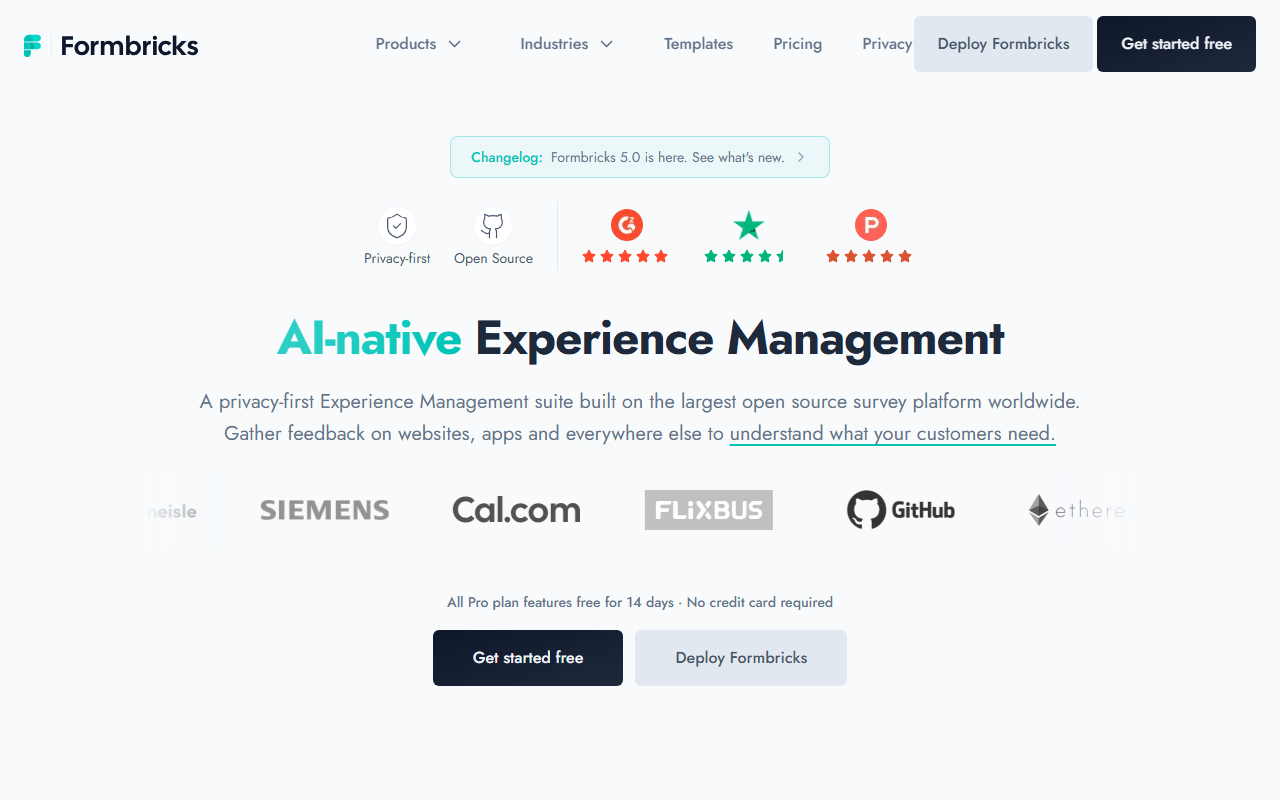
Formbricks targets the survey half of Typeform's audience: NPS, churn surveys, and in-app feedback widgets rather than lead-gen forms. The free cloud plan includes 250 responses per month (as of July 2026), 25 times Typeform's cap, and self-hosting the AGPL-3.0 Community Edition removes limits entirely.
- Free plan, paid from $74/month (as of July 2026)
- Germany
- Open source (AGPL-3.0)
 Germany
- Best for:
- Product teams running in-app and email surveys
- The catch:
- It is survey-first, so payments, e-signatures, and order forms are off the table.
Compared to Typeform
- Advantage: 250 free cloud responses per month versus Typeform's 10
- Advantage: In-app survey widgets, which Typeform does not focus on
- Advantage: Self-hosting is free with no response caps
- Tradeoff: No payments or commerce features at all
- Tradeoff: Link surveys are plainer than Typeform's branded experiences
How to choose
Start by counting your monthly responses; that number decides everything here. If you want the one-question-at-a-time format without a cap, forms.app and Youform both give it to you free, and forms.app is the one that also takes payments and adds teammates without an upgrade. Pick Tally instead if you would rather have unlimited forms than unlimited features on five of them. If your forms feed Airtable or Notion, Fillout's sync will save you hours, and only go the self-hosted route (HeyForm, Formbricks) if someone on your team already runs Docker.