Discover honest, community-driven software alternatives. Learn about our mission

Free email marketing tools, and the second limit that catches you out

You want to send a newsletter or a campaign to a list you built, and you do not want the bill to climb every time someone new signs up. That is the catch with Mailchimp, Klaviyo, and Kit: they price on how many contacts you store, so a list full of people who stopped opening anything two years ago still costs you money every month.

The free tools here take other routes. Some charge only for the emails you actually send, some hand out thousands of free subscribers, and one is open source with no limits at all. The trick is that each has two ceilings, not one, so read both before you commit.

We rank Brevo first because it does not charge for the size of your list, only for the emails you send, which removes the exact thing that makes contact-priced tools hurt.

10 free tools, ranked and reviewed as of July 2026.

Which one should you actually sign up for?

Best overall

Brevo logo

Brevo

Best FreeEmail Marketing Tool

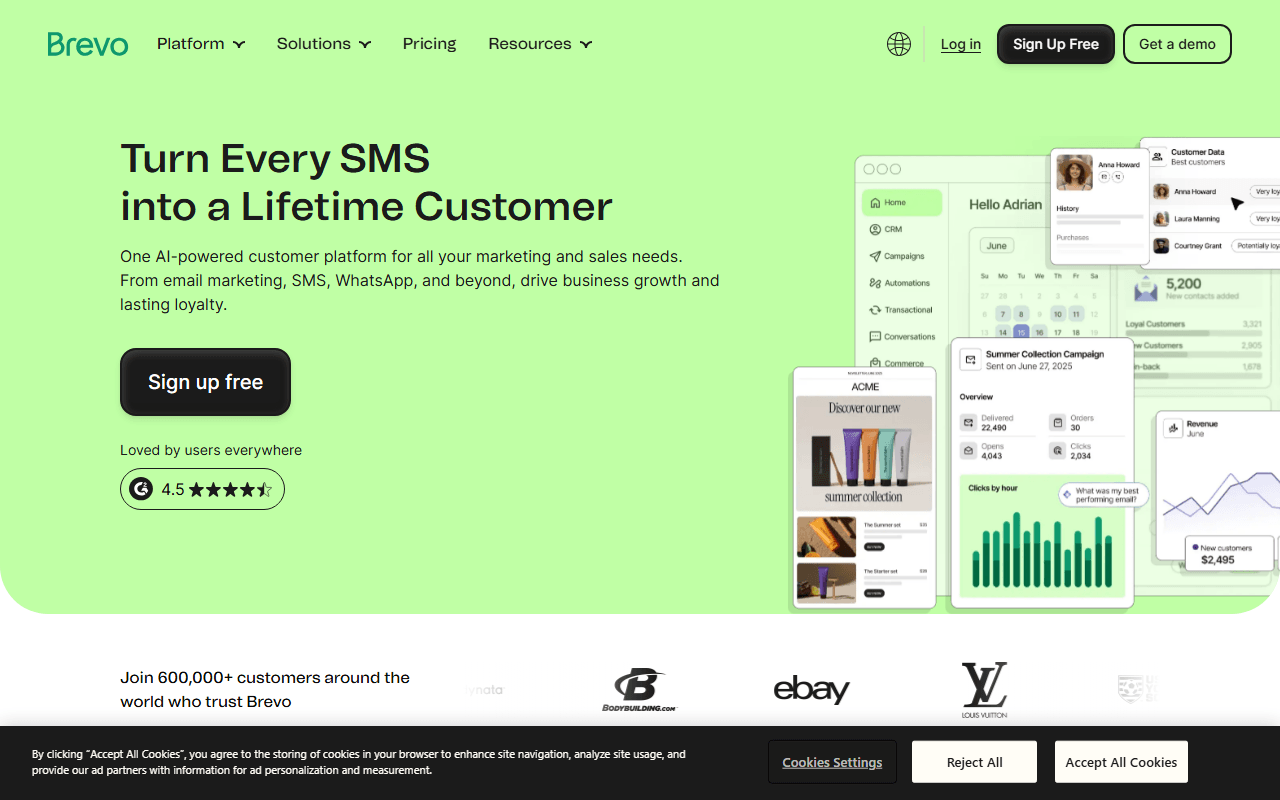
Brevo does not charge for the size of your list. You store up to 100,000 contacts for free and pay only for emails sent, which is the reverse of how Mailchimp and Klaviyo bill. The free plan sends 300 emails a day, about 9,000 a month, and includes the builder, signup forms, basic automation, a CRM, and transactional email. Paid Starter plans begin at $9 a month for 5,000 emails, still priced by volume, not contacts (as of July 2026).

Brevo wins because it fixes the pricing model rather than discounting it. You can store up to 100,000 contacts for free and pay only for emails sent, so a list that grew faster than your sending stops being a liability. The free plan is a real product, with the drag-and-drop builder, signup forms, basic automation, a CRM, and transactional sending included (as of July 2026). The catch is the sending side: 300 emails a day, roughly 9,000 a month, is a daily ceiling rather than a monthly pool, so you cannot send one campaign to a few thousand people in an afternoon without paying. Removing the Brevo logo from your emails is also a paid add-on, even on the $9 Starter plan.

Read our Brevo review
Best for a list under 2,500 people

Free Forever covers 2,500 subscribers and up to 15,000 emails a month, with automation, landing pages, and popups included rather than held back for a paid tier (as of July 2026), but the free plan is single-seat, so nobody else on your team can log in.

Best if you run your own server

Free under AGPL-3.0 with no subscriber cap and no sending cap (as of July 2026), though it does not deliver the mail: you supply and pay an SMTP provider such as Amazon SES or Postmark, and SPF, DKIM, and bounces become your job.

Best for a one-person newsletter

Free for your first 100 subscribers at up to one email a day to your full list (as of July 2026), with the catch that features are sold separately, so analytics or segmentation is $9 a month each on top.

Inside: why we count two numbers, not one

We rank on how far the free plan actually gets you, and in this category that takes two numbers: the cap on subscribers you can store and the cap on emails you can send each month. Whichever is smaller for your list is the one that forces you to pay, so we state both for every tool. We also weigh whether you host it yourself and who owns deliverability, because a free self-hosted tool still leaves the sender reputation, the SMTP bill, and the bounce handling on you.

Subscriber caps and send caps, tool by tool

#ToolFree planStarting priceCountry
1
Brevo logo
Brevo
Yes$9/monthFrance
2
Sender logo
Sender
Yes$7/monthLithuania
3
EmailOctopus logo
EmailOctopus
Yes$9/monthUnited Kingdom
4
MailerLite logo
MailerLite
Yes$12/monthLithuania
5
listmonk logo
listmonk
Free / open source-India
6
Buttondown logo
Buttondown
Yes-United States
7
Loops logo
Loops
Yes$49/monthUnited States
8
Mailchimp logo
Mailchimp
Yes$13/monthUnited States
9
Kit logo
Kit
Yes$39/monthUnited States
10
Klaviyo logo
Klaviyo
Yes-United States

Read the full write-up before you import your list

1.

Brevo

Best FreeEmail Marketing Tool

Brevo does not charge for the size of your list. You store up to 100,000 contacts for free and pay only for emails sent, which is the reverse of how Mailchimp and Klaviyo bill. The free plan sends 300 emails a day, about 9,000 a month, and includes the builder, signup forms, basic automation, a CRM, and transactional email. Paid Starter plans begin at $9 a month for 5,000 emails, still priced by volume, not contacts (as of July 2026).

Brevo screenshot
  • Free plan, paid from $9/month (as of July 2026)
  • France
Best for:
People whose bill grew because their list grew rather than their sending, and anyone who emails a large list infrequently.
The catch:
The free plan's 300 is a daily ceiling, not a monthly pool, so a single campaign to a few thousand people at once is not possible for free. Removing Brevo branding is a paid add-on even on Starter.
2.

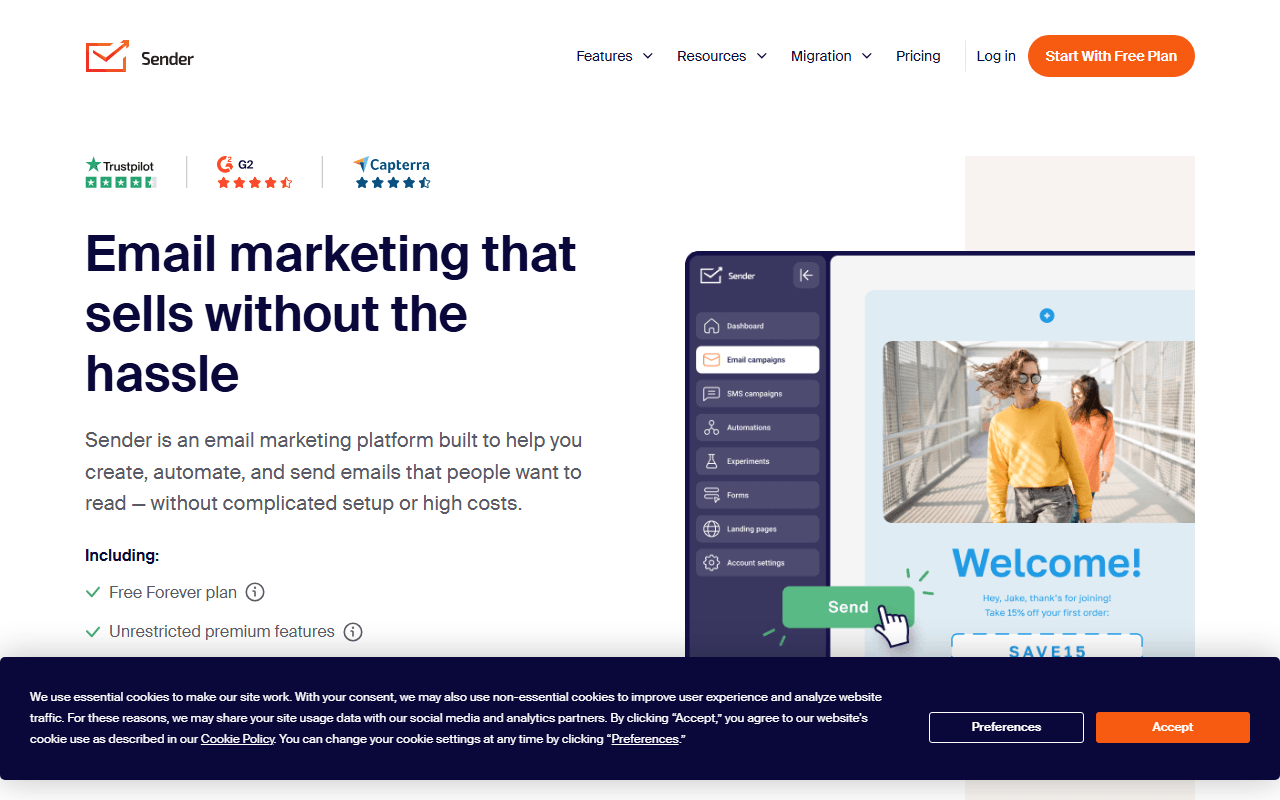
Sender has the largest free plan in this category: 2,500 subscribers and up to 15,000 emails a month, with automation, landing pages, signup forms, and popups included instead of reserved for paid tiers. The builder is a conventional drag-and-drop editor that does the job without winning prizes. Paid Standard starts around $7 a month, though the exact figure depends on your subscriber count (as of July 2026).

Sender screenshot
  • Free plan, paid from $7/month (as of July 2026)
  • Lithuania
Best for:
Small shops and creators with a list under 2,500 who want a welcome sequence running on day one at no cost.
The catch:
The editor and reporting feel a step behind MailerLite, and the free plan is single-seat, so nobody else on your team can log in. Paid pricing is not shown as a flat number until you enter your list size.
3.

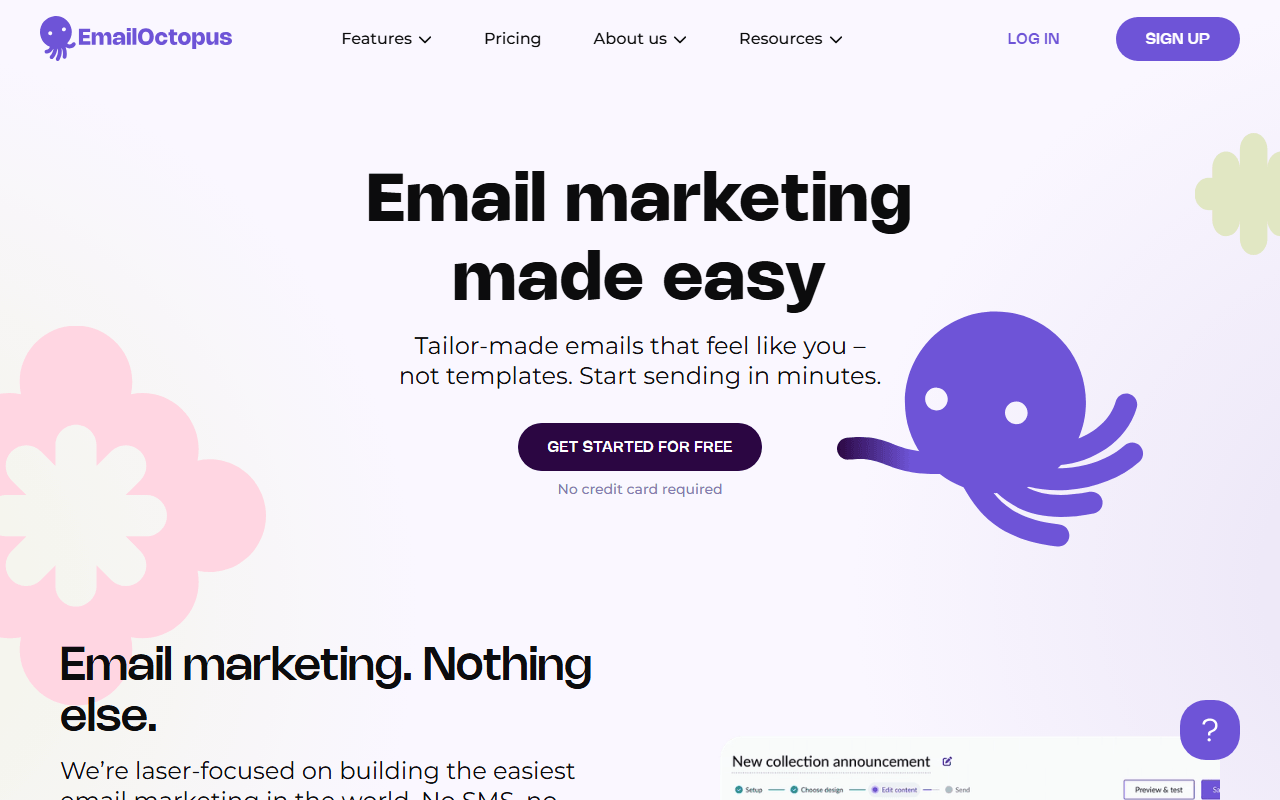
EmailOctopus keeps newsletter sending deliberately small: no CRM, no SMS, just campaigns to a list. The free plan covers 2,500 subscribers and 10,000 emails a month. Its distinctive feature is EmailOctopus Connect, which routes your sending through your own Amazon SES account so you pay Amazon's near-wholesale rate. Pro starts at $9 a month billed annually and scales with subscriber count (as of July 2026).

EmailOctopus screenshot
  • Free plan, paid from $9/month (as of July 2026)
  • United Kingdom
Best for:
Newsletter writers who want a clean tool, and high-volume senders who can wire up their own Amazon SES.
The catch:
Subscribers and monthly sends are two separate limits, so a small list on a daily email can hit the 10,000-send cap while sitting well inside the 2,500-subscriber cap. The editor is basic.
4.

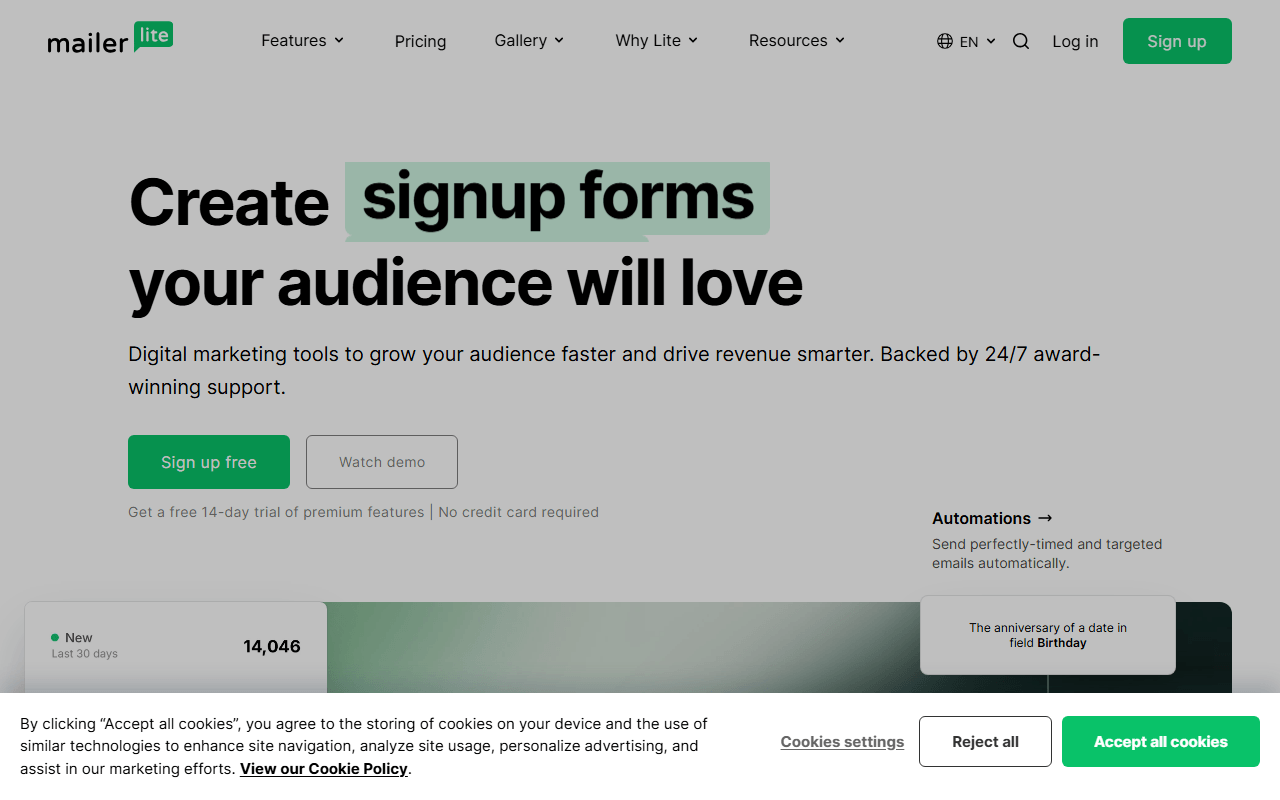
MailerLite has the best-designed editor in the budget tier, with templates that look good before you touch them. It also supports paid newsletter subscriptions and digital product sales, which most tools this cheap do not. The free plan is the weak spot: 250 subscribers and 2,500 emails a month, plus caps of 3 signup forms and 3 active automations. Paid Comfort starts at $12 a month for 500 subscribers (as of July 2026).

MailerLite screenshot
  • Free plan, paid from $12/month (as of July 2026)
  • Lithuania
Best for:
Creators and small businesses who care how their emails look and will pay a small amount for a nicer tool.
The catch:
The free plan has been cut over time and stops at 250 subscribers with only 3 active automations, so treat it as a trial and plan on $12 a month.
5.

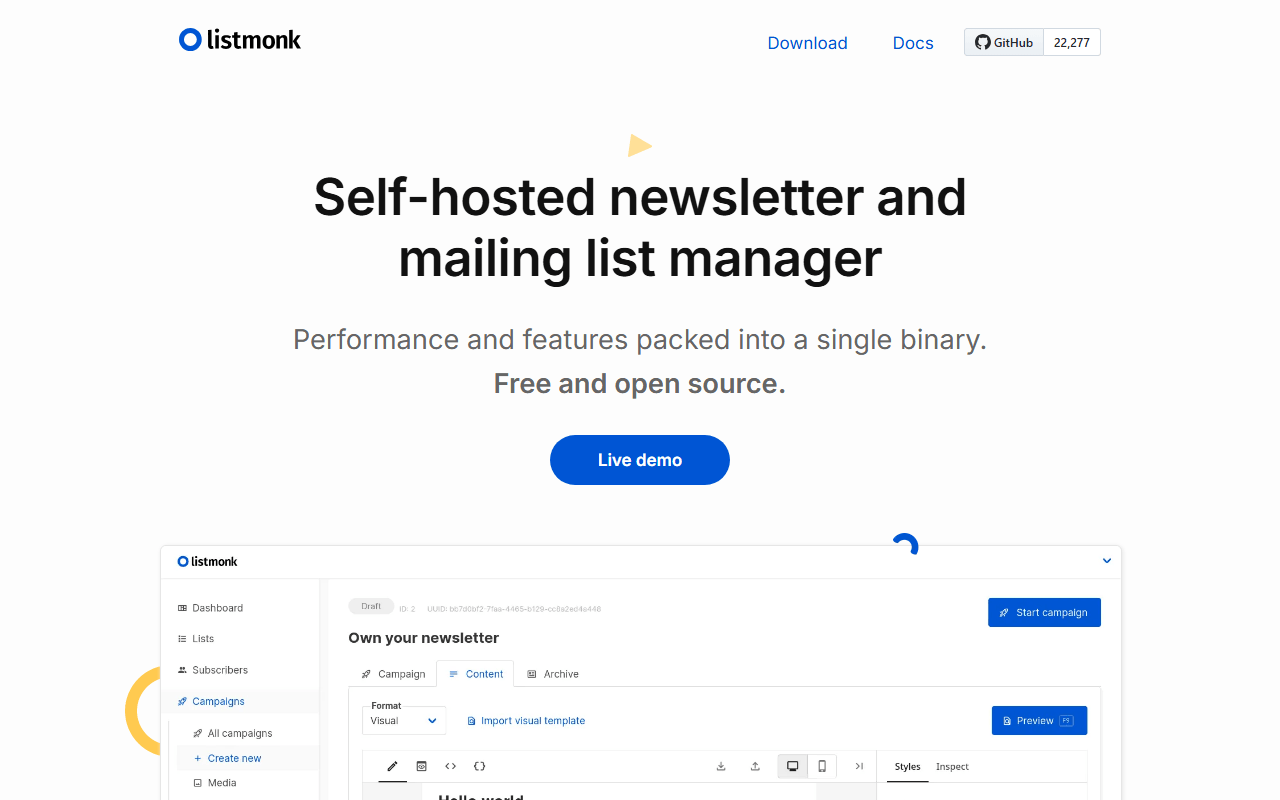
listmonk is a self-hosted, AGPL-3.0 mailing list manager that runs as one Go binary against a Postgres database. There are no subscriber or send limits because there is no vendor. It handles subscribers, SQL-based segmentation, templates, campaigns, and analytics, and it is fast enough to run a seven million email campaign on under one CPU core. The software is free; running it is not.

listmonk screenshot
  • Completely free (as of July 2026)
  • India
  • Open source (AGPL-3.0)
Best for:
Technical teams with large lists where per-contact pricing has stopped making sense, and anyone with data residency rules.
The catch:
listmonk does not deliver email. You supply and pay an SMTP provider such as Amazon SES, Postmark, or Mailgun, plus a small server, and you own deliverability: SPF, DKIM, bounces, and blocklists are all your job.
6.

Buttondown is a small, writer-first newsletter tool. You draft in Markdown, send from your own domain, and get a hosted archive, with little else in the way. It is free for your first 100 subscribers and at most one email a day to your full list, and beyond 100 the base price scales with how many subscribers are actually active rather than every address you have collected. Registered nonprofits get 50% off (as of July 2026).

Buttondown screenshot
  • Free plan (as of July 2026)
  • United States
Best for:
People writing a personal newsletter who want a calm, reader-respecting tool for their first 100 readers.
The catch:
Pricing is a la carte, so features other tools bundle are billed separately. Analytics, segmentation, and paid subscriptions are $9 a month each, automations $29, and Buttondown publishes no flat per-subscriber rate, so add-ons stack fast.
7.

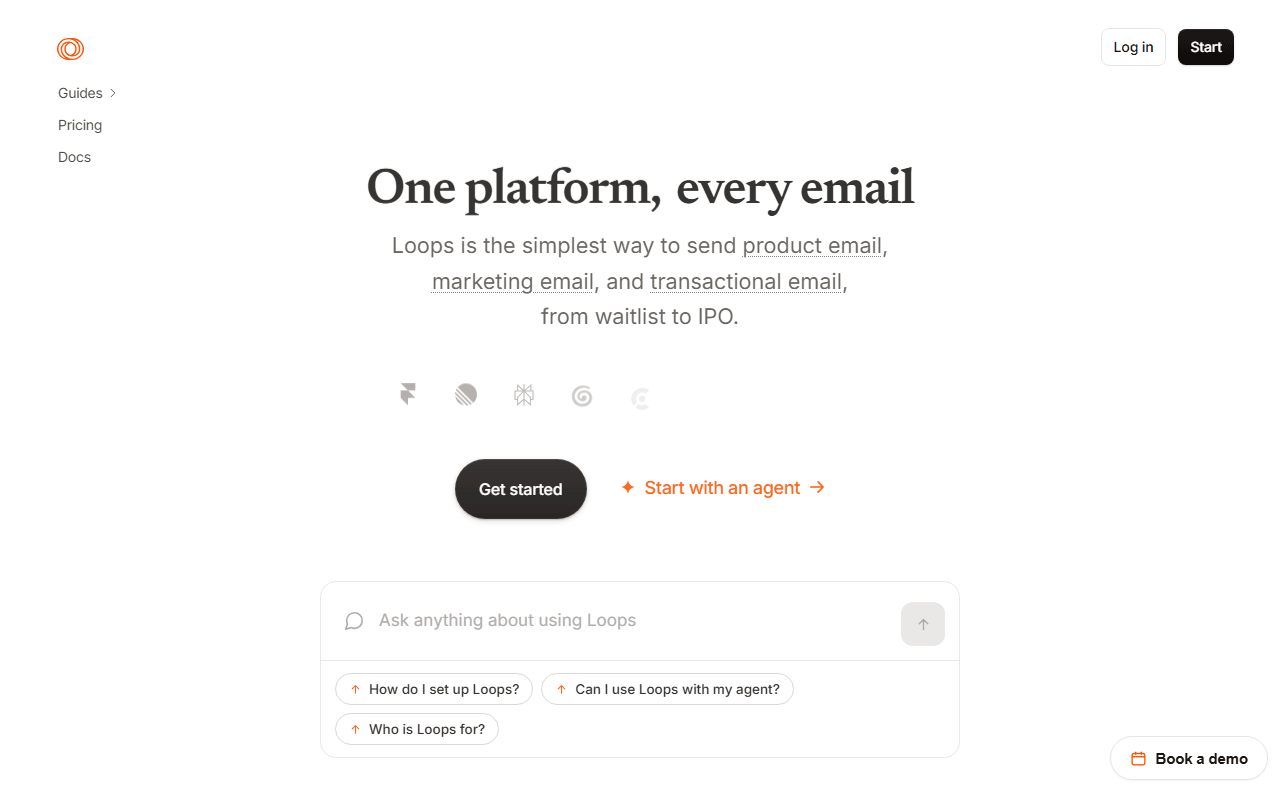
Loops merges marketing and transactional email into one product built for software companies, so onboarding emails and receipts share a single contact record. Every feature sits on one plan, priced only by contact count, which removes the which-tier-unlocks-what guessing. The free plan covers under 1,000 contacts and 4,000 sends per 30 days. The paid plan is $49 a month for 5,000 contacts, with unlimited sends and transactional included (as of July 2026).

Loops screenshot
  • Free plan, paid from $49/month (as of July 2026)
  • United States
Best for:
SaaS teams replacing a marketing tool and a separate transactional provider with one clean product.
The catch:
The jump from free to $49 a month is the steepest in this category, with nothing in between, and transactional email counts against the free plan's 4,000-send allowance.
8.

Mailchimp is the platform most people start with, and still the most complete: a mature builder, deep reporting, a huge integration catalogue, and customer journeys that are genuinely good. The trouble is the deal. The free plan is now 250 contacts and 500 emails a month, capped at 250 a day, and paid plans price on total contacts, including people who never open anything. Essentials starts at $13 a month (as of July 2026).

Mailchimp screenshot
  • Free plan, paid from $13/month (as of July 2026)
  • United States
Best for:
Ecommerce teams who actually use its Shopify and ad integrations, customer journeys, and predictive segmentation.
The catch:
You pay for every contact, unsubscribed and inactive included, unless you archive them, and the free plan has been cut repeatedly, so building on it is a risk.
9.

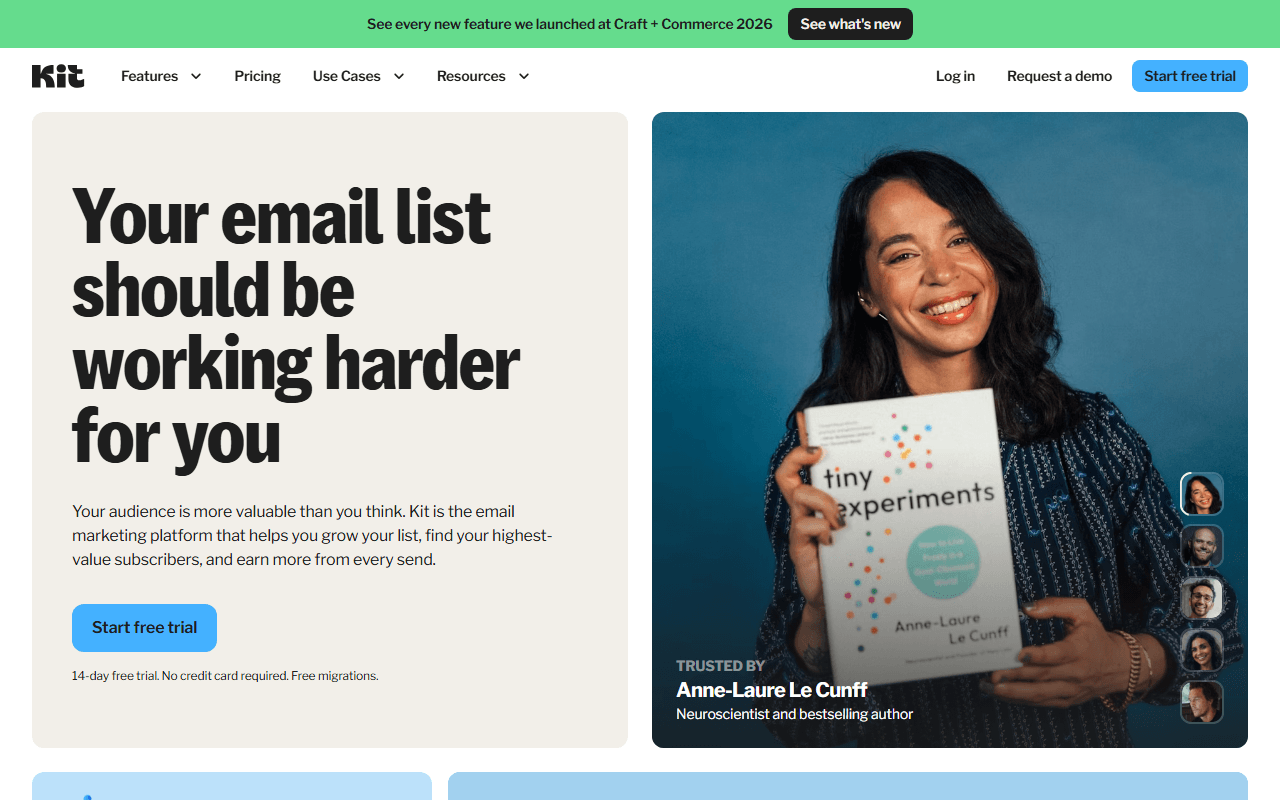
Email for creators, formerly ConvertKit. 10,000 free subscribers with no send cap, and no integrations.

Kit screenshot
  • Free plan, paid from $39/month (as of July 2026)
  • United States
10.

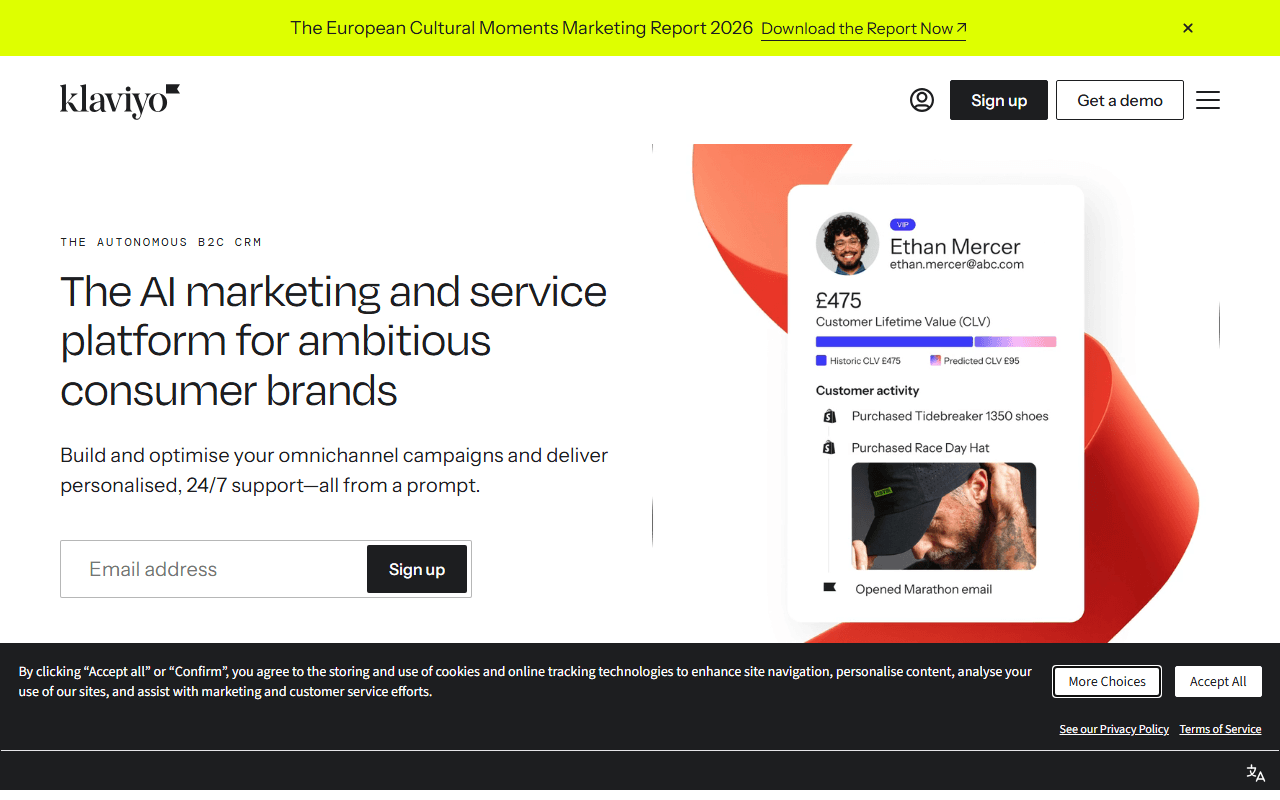
Ecommerce marketing built on a customer data layer. Free for 250 profiles and 500 emails a month, with nothing switched off.

Klaviyo screenshot
  • Free plan (as of July 2026)
  • United States

Two numbers decide this for you

Start with your two numbers: how many contacts you store and how many emails you send a month. If you send a lot on a tight budget, Brevo never charges for contacts, and Sender gives you 2,500 subscribers plus 15,000 emails a month for free. If you are technical and your list is large enough that per-contact pricing has stopped making sense, self-host listmonk and supply your own SMTP provider. If you just want to write a newsletter, MailerLite has the nicest editor for $12 a month, and Buttondown is a clean free start for your first 100 subscribers.

What readers ask before they switch tools

Why do email marketing tools charge in two different ways?

Free plans in this category cap two things at once: how many subscribers you can store, and how many emails you can send each month. The binding limit differs by tool. Brevo, for example, lets you store up to 100,000 contacts for free but limits you to 300 emails a day, so the send cap is what you hit first. Mailchimp caps you at 250 contacts and 500 emails a month, so the contact cap bites sooner. Check your own list size and monthly send volume against both numbers before you pick (as of July 2026).

Which free plan is the most generous?

Sender, if your list is under 2,500 people. Its Free Forever plan covers 2,500 subscribers and up to 15,000 emails a month, and it includes automation, landing pages, forms, and popups rather than holding them back for a paid tier (as of July 2026). Brevo is the better pick if your list is much larger but you send infrequently, because it never charges for stored contacts and only caps you at 300 emails a day.

Is a self-hosted tool like listmonk actually free?

The software is free under AGPL-3.0, with no subscriber or sending limits. Running it is not free. listmonk does not deliver email itself; it queues your campaigns to an SMTP provider you supply, so you pay Amazon SES, Postmark, or Mailgun per email, plus a small server to run it on. You also own deliverability, which means sender reputation, SPF, DKIM, bounces, and blocklists become your job rather than a vendor's. At a large scale it is the cheapest option here, provided you are comfortable with that work.

Do these free plans put branding on my emails?

Most do. Brevo, Sender, EmailOctopus, Mailchimp, and Loops all add a logo or footer line to emails sent on their free plans. Removing it usually means moving to a paid plan, and on Brevo's Starter plan it is a separate paid add-on rather than automatic. listmonk and Buttondown are the exceptions: listmonk is your own server with no vendor branding, and Buttondown lets you send from your own domain on its free tier (as of July 2026).

Keep exploring

Browse every category, or read our full reviews of the tools above.