Free alternatives to Microsoft Forms
Microsoft Forms is free and quick, and inside a Microsoft 365 tenant it is hard to argue with. Outside one it thins out fast: response caps depend on whether your account is personal or work and school, design options are minimal, each form stops at 200 questions, and deeper branding and analytics point you toward Dynamics 365 Customer Voice. If Forms is already doing the job in your Teams workspace, stay where you are; the list below is for when the tenant, the caps or the look start getting in the way.
Facts checked as of July 2026Read our Microsoft Forms review
Jump to an alternative




forms.app
Best Free Alternative ToMicrosoft FormsDesign control, payments and unlimited questions, free and outside any tenant
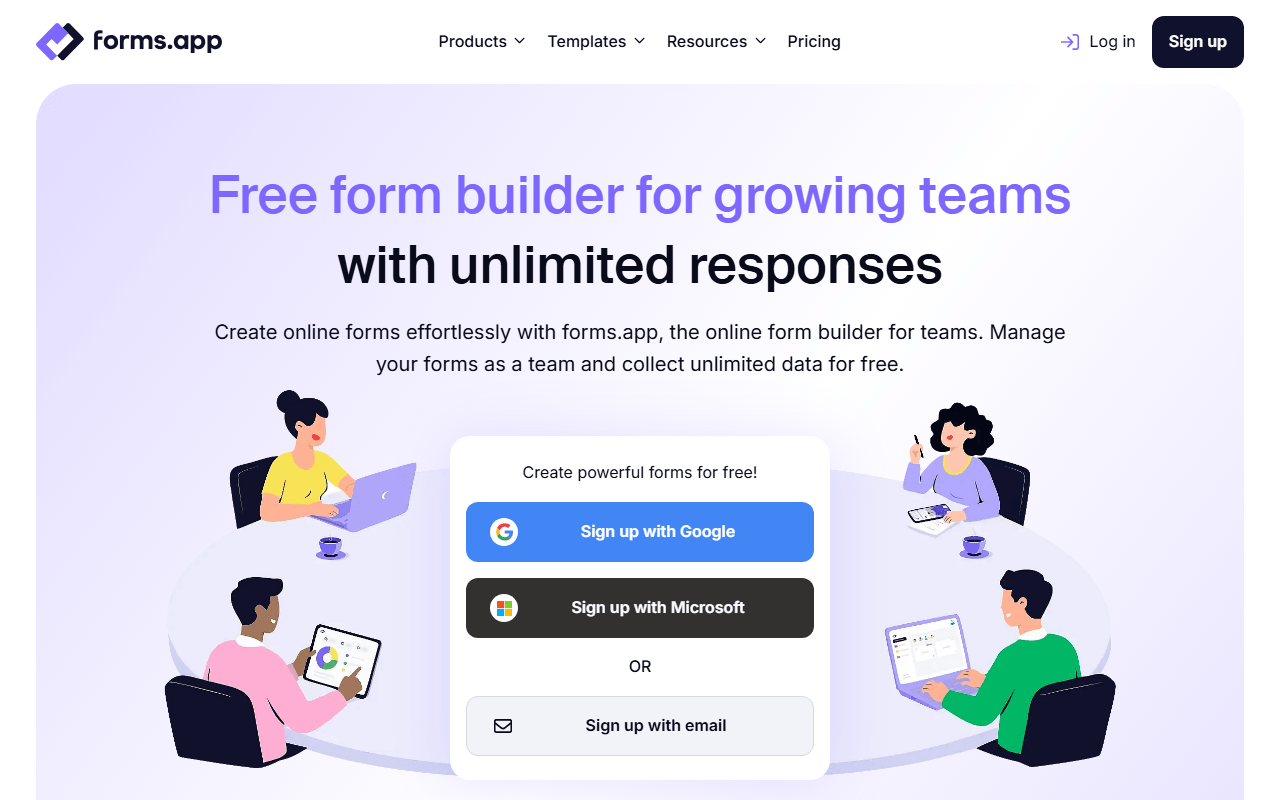
forms.app answers two of Microsoft Forms' hardest limits at once: there is no question cap and no tenant to belong to. The free plan covers 5 forms with unlimited responses, unlimited views, unlimited questions and unlimited team members (as of July 2026), and all 30+ field types are free, including payments, e-signatures, a product basket field and auto-scoring quizzes. Themes are yours to set, so a registration form can carry your colors rather than Microsoft's preset styling. Colleagues can join the account without anyone buying a Microsoft 365 seat.
- Free plan, paid from $19/month (as of July 2026)
- Estonia
 Estonia
- Best for:
- Teams who want Microsoft Forms' speed with real design control and no 200-question ceiling
- The catch:
- Five forms and 10 MB of total file storage are the binding limits. Branding removal starts at Basic ($19/month billed annually), and drop-off analysis and multilingual forms are Pro at $29/month.
Compared to Microsoft Forms
- Advantage: No 200-question limit; questions are uncapped on the free plan
- Advantage: Unlimited responses whatever kind of account you signed up with
- Advantage: Payments, e-signatures and product basket fields, none of which Forms has
- Advantage: Full theme control instead of Microsoft's preset styling
- Advantage: Unlimited team members free, with no Microsoft 365 seat involved
- Tradeoff: Free plan stops at 5 forms and 10 MB of file storage
Unlimited free forms and submissions with logic, calculations and payments
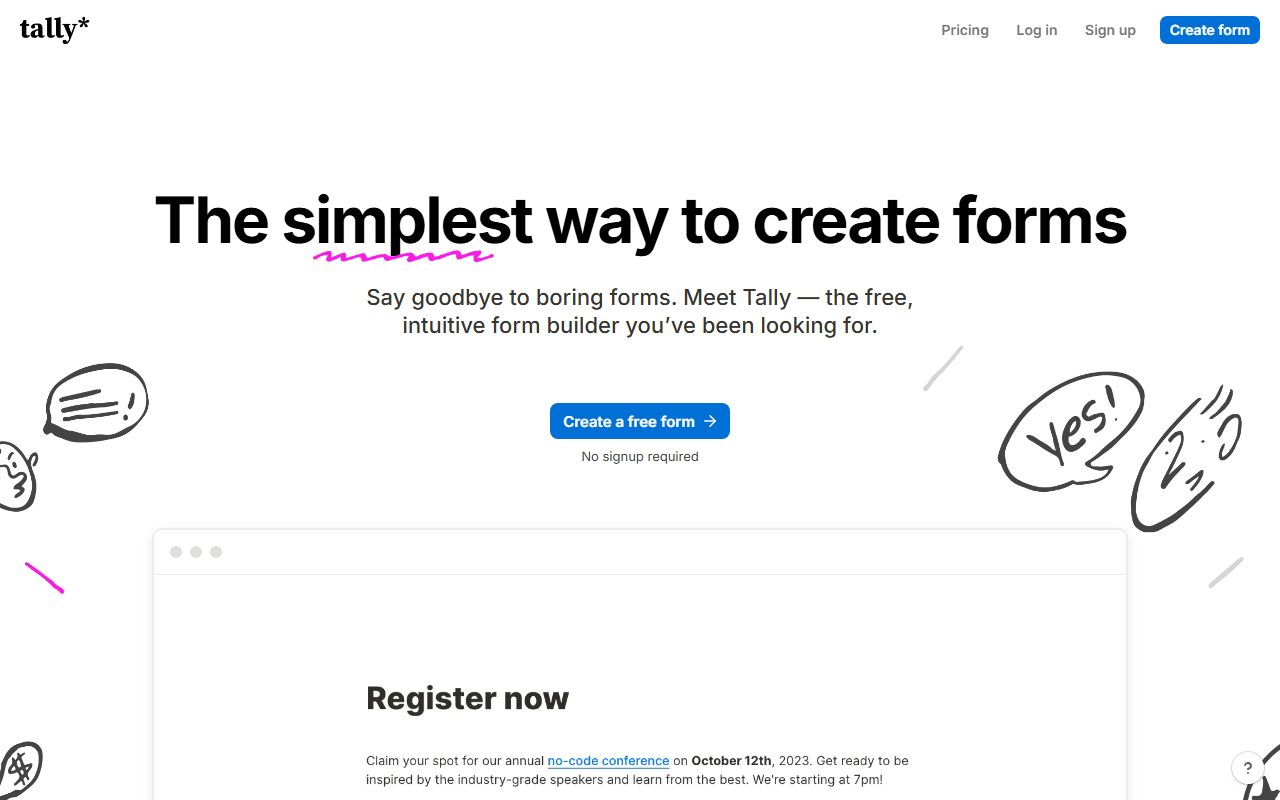
Tally is the pick when the form itself is what you have outgrown. The free plan gives you unlimited forms and submissions under a published fair-use policy of about 50,000 submissions a month (as of July 2026), with conditional logic, calculations, answer piping, Stripe payments, e-signatures and 45+ languages included. There is no question ceiling and no account-type footnote on your response limit. The editor works like a document, so a long survey takes minutes instead of an afternoon of question cards.
- Free plan, paid from $24/month (as of July 2026)
- Belgium
 Belgium
- Best for:
- Long surveys and registrations that ran into Forms' caps and styling
- The catch:
- The free plan is single user, a real step down from a shared Microsoft 365 tenant, and teammates need Pro at $24/month. Visit analytics cover only the past 7 days on free.
Compared to Microsoft Forms
- Advantage: No 200-question cap and no account-type response limits
- Advantage: Stripe payments and e-signatures free; Microsoft Forms has neither
- Advantage: Logic, calculations and answer piping beat Forms' branching
- Advantage: 45+ languages on the free plan
- Tradeoff: Free plan is single user, where a Microsoft 365 tenant shares work by default
- Tradeoff: No Teams, SharePoint or Power Automate wiring
The same free simplicity with unlimited responses and no tenant to belong to
If what you like about Microsoft Forms is that it is free, fast and unfussy, Google Forms is the same deal without the Microsoft 365 question hanging over it. Unlimited forms and unlimited responses come with any Google account, along with branching, auto-graded quizzes and live charts, and responses stream straight into a Google Sheet. There is no paid tier waiting for you and no per-form question ceiling.
- Completely free (as of July 2026)
- United States
 United States
- Best for:
- Quizzes, RSVPs and internal surveys for anyone not living in Microsoft 365
- The catch:
- Design control is just as thin as Microsoft's, there are no native payments, and respondents must sign in with a Google account to upload files.
Compared to Microsoft Forms
- Advantage: Unlimited responses regardless of account type
- Advantage: No 200-question cap per form
- Advantage: Responses land in Google Sheets automatically
- Worth knowing: Auto-graded quizzes built in, much like Forms
- Tradeoff: Design and branding are just as limited as Microsoft Forms
- Tradeoff: No payments, and file uploads require a Google sign-in
1,000 free responses a month with unlimited seats and record-level sync
Fillout is worth a look when an Excel export is where your workflow stalls. Two-way sync with Airtable, Notion and Google Sheets means responses arrive as records you can filter and automate on, and the free plan runs unlimited forms and unlimited seats with 1,000 responses per month (as of July 2026). Scheduling, Stripe payments, PDF generation and e-signatures are included rather than pushed off to another product.
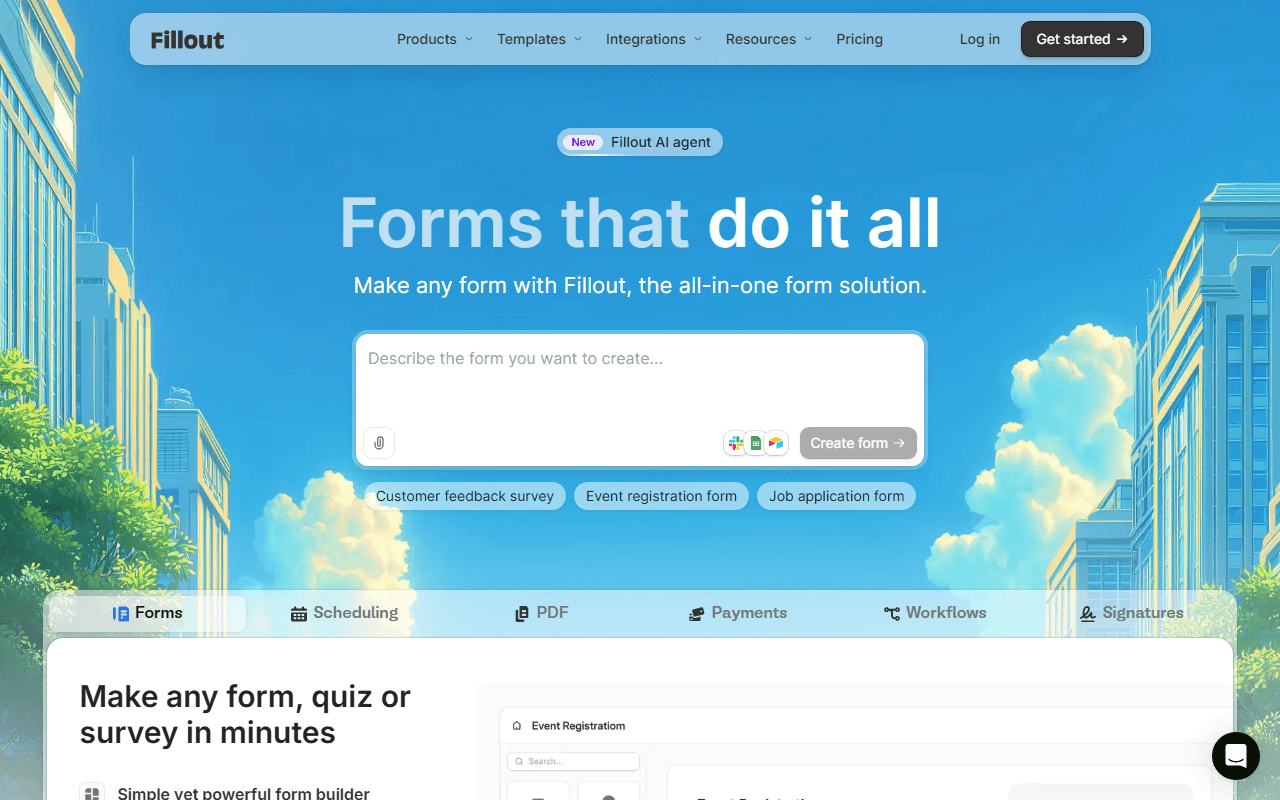
- Free plan, paid from $15/month (as of July 2026)
- United States
- Best for:
- Operations teams building intake and application forms outside Microsoft 365
- The catch:
- 1,000 responses a month is a hard cap, and full white-labeling and custom domains sit on paid plans from $15/month.
Compared to Microsoft Forms
- Advantage: Payments, scheduling and e-signatures in one tool
- Advantage: Unlimited seats free, with no per-user licensing
- Advantage: Two-way Airtable and Notion sync instead of an Excel download
- Advantage: No question limit per form
- Tradeoff: 1,000 responses a month on free, under what a Microsoft 365 tenant allows
- Tradeoff: No Teams or Power Automate integration
A far deeper field, template and integration catalog with real theming
Jotform is the opposite of Microsoft Forms' short question list: 20,000+ templates, 150+ integrations, payment fields, e-signatures and themes with genuine control. The free Starter plan is the trade, at 5 forms, 100 submissions a month, 10,000 form views a month as a separate meter and 100 MB of storage (as of July 2026). For a handful of high-value forms it is the strongest free feature set here after forms.app.
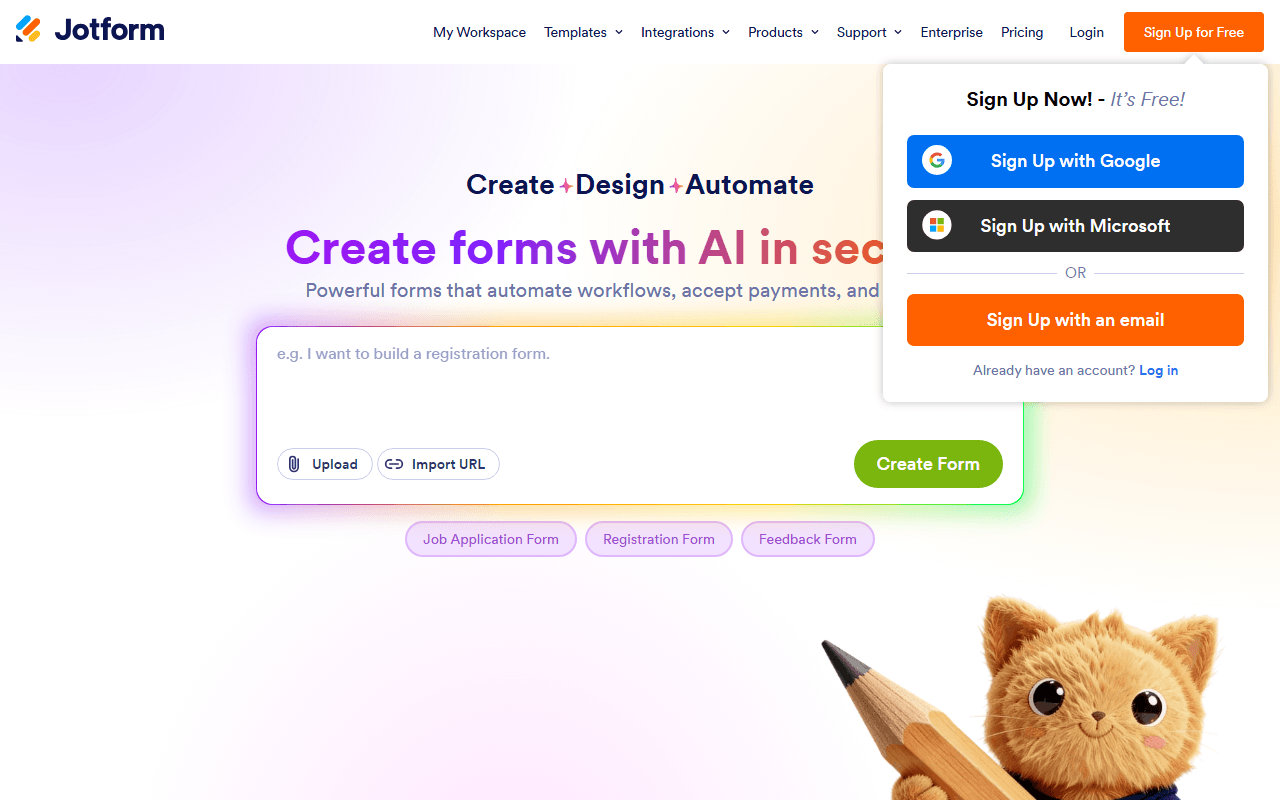
- Free plan, paid from $34/month (as of July 2026)
- United States
- Best for:
- Forms that need a specific field, integration or branded look Microsoft Forms cannot produce
- The catch:
- 100 submissions a month is tight, Starter is single user, and the first paid tier is Bronze at $34/month billed annually.
Compared to Microsoft Forms
- Advantage: 20,000+ templates and 150+ integrations
- Advantage: Payment fields and e-signatures, both absent from Microsoft Forms
- Advantage: Deep theming rather than preset styling
- Tradeoff: Free plan caps at 5 forms and 100 submissions a month
- Tradeoff: Form views are metered separately at 10,000 a month
- Tradeoff: Team invitations require Enterprise; Bronze, Silver and Gold are single user
Research-grade surveys with no question limit, free if you self-host
Microsoft Forms stops at 200 questions per form and a set of summary charts, which is roughly where research work begins. LimeSurvey has been handling quotas, randomization, multi-language surveys and SPSS, R and CSV exports since 2003, and the self-hosted Community Edition is free under GPL-2.0 with no limits at all. If your survey needs a sampling plan rather than a share link, this is the one to look at.
- Free plan (as of July 2026)
- Germany
- Open source (GPL-2.0-or-later)
 Germany
- Best for:
- Academic and market researchers who hit Forms' question and analysis ceilings
- The catch:
- The hosted Cloud free plan locks your account after 25 responses a month (as of July 2026), so free here really means self-hosting on a PHP server, and the admin interface feels dated.
Compared to Microsoft Forms
- Advantage: No question cap and no response cap when self-hosted
- Advantage: Quotas, randomization and multi-language surveys
- Advantage: Exports to SPSS, R and CSV for real analysis
- Tradeoff: Hosted Cloud free plan stops at 25 responses a month
- Tradeoff: Self-hosting needs a PHP server and manual updates
- Tradeoff: No payments or e-signatures; it is a survey tool, not a form builder
How to choose
Ask whether your problem is the tenant or the form itself. If you need forms that look like your organization and can take payments or signatures, forms.app does both free and never asks which kind of Microsoft account you have. Google Forms is the honest swap if you only want the same free simplicity without the Microsoft 365 dependency, and Tally is the pick when you want unlimited forms with real logic and calculations. Save LimeSurvey for actual research work, where 200 questions per form and a handful of summary charts stopped being enough a while ago.