Free alternatives to Fillout
Fillout's free plan is genuinely good: unlimited forms and unlimited seats. The wall is the response count. Free stops at 1,000 responses a month (as of July 2026), and once a form gets busy you are looking at Starter at $15 a month for 2,000 or Pro at $40 for 5,000. Full white-labeling and custom domains also sit on those paid plans. If the 1,000-response cap is what is pushing you, several tools give you far more room for free.
Facts checked as of July 2026Read our Fillout review
Jump to an alternative



Tally
Best Free Alternative ToFilloutUnlimited submissions free, no 1,000-a-month ceiling
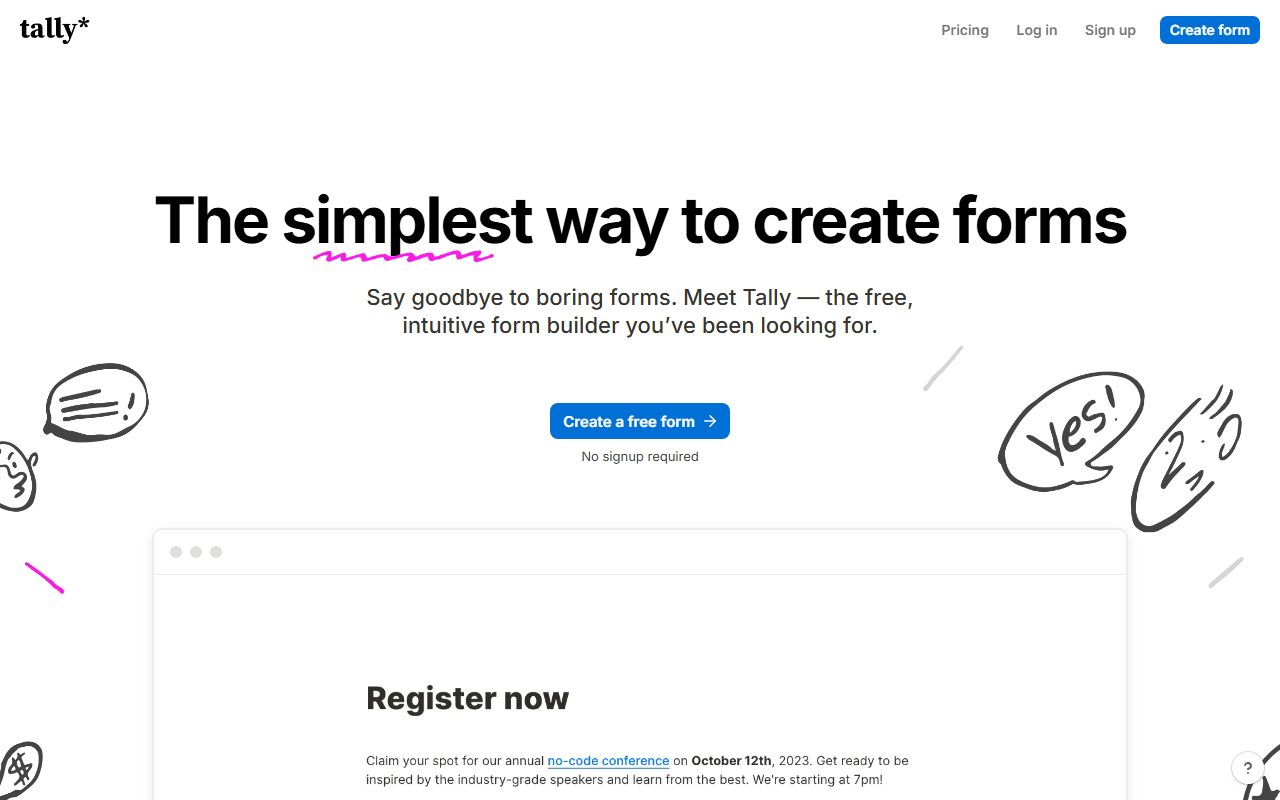
Tally is the direct fix for Fillout's response cap. The free plan has unlimited forms and unlimited submissions under a fair-use ceiling of roughly 50,000 a month (as of July 2026), around fifty times Fillout's free allowance, and it keeps Stripe payments and e-signatures free. The editor works like a Notion page. The trade is seats and sync: Tally free is single-user, and it does not do Fillout's two-way Airtable and Notion sync.
- Free plan, paid from $24/month (as of July 2026)
- Belgium
 Belgium
- Best for:
- Solo builders who need far more free responses than 1,000 a month
- The catch:
- The free plan is single-user where Fillout allows unlimited seats, and there is no two-way Airtable or Notion sync.
Compared to Fillout
- Advantage: Fair-use ceiling around 50,000 responses versus Fillout's 1,000 free
- Worth knowing: Unlimited forms free on both
- Worth knowing: Payments and e-signatures free on both
- Tradeoff: Free plan is single-user; Fillout allows unlimited seats
- Tradeoff: No two-way Airtable or Notion sync
- Tradeoff: Visit analytics cover only the past 7 days
Unlimited responses for a whole team free, keeping Fillout's free-seat strength
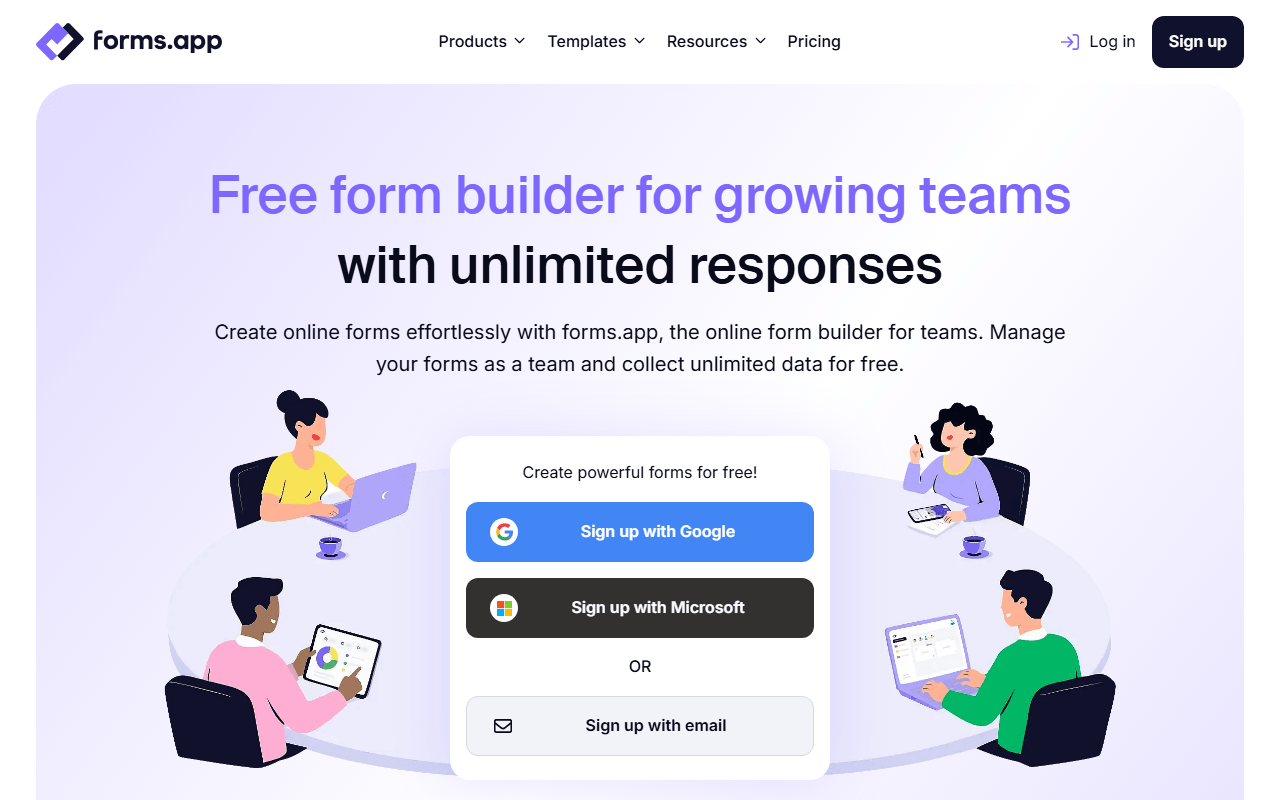
forms.app is the pick if you loved Fillout's free seats but hit the response wall. The free plan leaves responses, views and questions uncapped and lets unlimited team members into the account (as of July 2026), so the whole team keeps working without an upgrade. All 30+ field types are free, including payments and e-signatures. The trade is the form count, capped at 5, where Fillout is unlimited.
- Free plan, paid from $19/month (as of July 2026)
- Estonia
 Estonia
- Best for:
- Teams that want unlimited responses and unlimited seats without paying
- The catch:
- Five forms is a hard ceiling where Fillout is unlimited, and total file storage is only 10 MB.
Compared to Fillout
- Advantage: Unlimited responses free; Fillout caps free at 1,000 a month
- Worth knowing: Unlimited team members free, matching Fillout's unlimited seats
- Worth knowing: Payments and e-signatures free on both
- Tradeoff: Free plan stops at 5 forms; Fillout is unlimited
- Tradeoff: Only 10 MB of total file storage
- Tradeoff: No two-way Airtable or Notion sync
Free forever with unlimited responses and Sheets export
Google Forms removes the response cap entirely at no cost: unlimited forms, unlimited responses and automatic Google Sheets export with any Google account (as of July 2026). It is a one-way street to a spreadsheet rather than Fillout's two-way record sync, and it has no payments or scheduling, but for simple data collection it never charges and never caps.
- Completely free (as of July 2026)
- United States
 United States
- Best for:
- Simple surveys and registrations that just need to reach a spreadsheet
- The catch:
- One-way Sheets export only, with no Airtable or Notion sync, no payments and minimal design.
Compared to Fillout
- Advantage: Unlimited responses free; Fillout caps at 1,000 a month
- Advantage: Automatic Google Sheets sync
- Tradeoff: One-way export only, not Fillout's two-way record sync
- Tradeoff: No payments, scheduling or e-signatures
- Tradeoff: Minimal design control
Form submissions become real database records, free to self-host without limits
Fillout's edge is sending answers into Airtable and Notion; NocoDB goes further by making the database itself. Every form is a view on a table, so submissions arrive as structured records you can filter, relate and automate on. The cloud free plan covers 1,000 records with 3 seats, and self-hosting the Community Edition is free with unlimited records and seats (as of July 2026). The forms are basic, though, with no conversational layouts or payments.
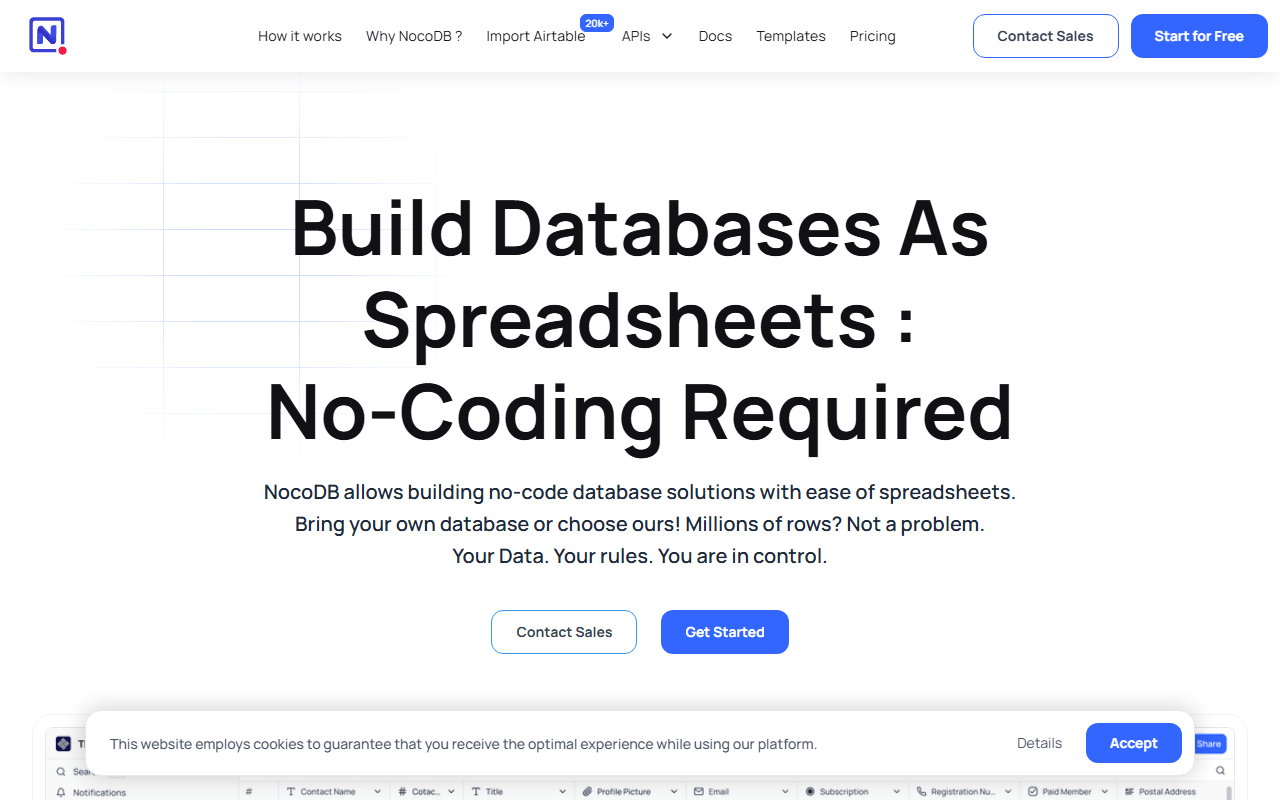
- Free plan, paid from $12/month (as of July 2026)
- Best for:
- Teams that want form data to live in a real database they can host themselves
- The catch:
- Forms are plain, with no conversational layout, payments or e-signatures, and the cloud free plan caps at 1,000 records.
Compared to Fillout
- Advantage: Submissions become database records you can build on, not just synced rows
- Advantage: Self-hosted edition is free with unlimited records and seats
- Tradeoff: Forms are basic next to Fillout's field catalog
- Tradeoff: No payments, scheduling or e-signatures
- Worth knowing: Source-available license, not OSI-approved open source
Unlimited responses free in a conversational format
Youform beats Fillout's free response count outright: unlimited forms and unlimited responses for a single user (as of July 2026), in the one-question-at-a-time layout, with logic, calculations and file uploads. Pro at $20 a month adds payments and custom domains. It loses Fillout's free seats and its Airtable and Notion sync, and the integration list is short.
- Free plan, paid from $20/month (as of July 2026)
- Best for:
- Solo makers who want unlimited responses and the conversational format
- The catch:
- The free plan is single-user, so it drops Fillout's unlimited seats, and payments are paid-only.
Compared to Fillout
- Advantage: Unlimited responses free; Fillout caps at 1,000 a month
- Advantage: One-question-at-a-time format built in
- Tradeoff: Free plan is single-user; Fillout allows unlimited seats
- Tradeoff: No two-way Airtable or Notion sync
- Tradeoff: Payments require the $20 Pro plan
150+ integrations and 20,000+ templates, the deepest catalog here
Jotform is the move for breadth rather than headroom. It brings 150+ integrations, 20,000+ templates, payments, e-signatures and approval workflows that Fillout cannot fully match. The free plan is tighter on volume, though, at 100 submissions a month with form views metered separately (as of July 2026), so you are trading Fillout's 1,000 free responses for a bigger catalog.
- Free plan, paid from $34/month (as of July 2026)
- United States
- Best for:
- Teams that need a specific integration or template Fillout lacks
- The catch:
- 100 submissions a month is well under Fillout's 1,000 free, and Starter is single-user.
Compared to Fillout
- Advantage: 150+ integrations and 20,000+ templates against Fillout's roughly 50
- Advantage: Approval workflows and a PDF editor
- Advantage: HIPAA-ready paid plans
- Tradeoff: 100 free submissions a month versus Fillout's 1,000
- Tradeoff: Form views metered separately at 10,000 a month
- Tradeoff: Single-user free plan; Fillout allows unlimited seats
Approval workflows and offline mobile collection on the free plan
Zoho Forms adds process features Fillout does not emphasize: approval workflows and offline data collection through iOS and Android apps. The free plan runs 3 forms and 500 submissions a month (as of July 2026), so it is tighter on both counts than Fillout, but Basic at $10 a month is a cheap path to unlimited forms and 10,000 submissions. It fits Zoho-suite teams best.
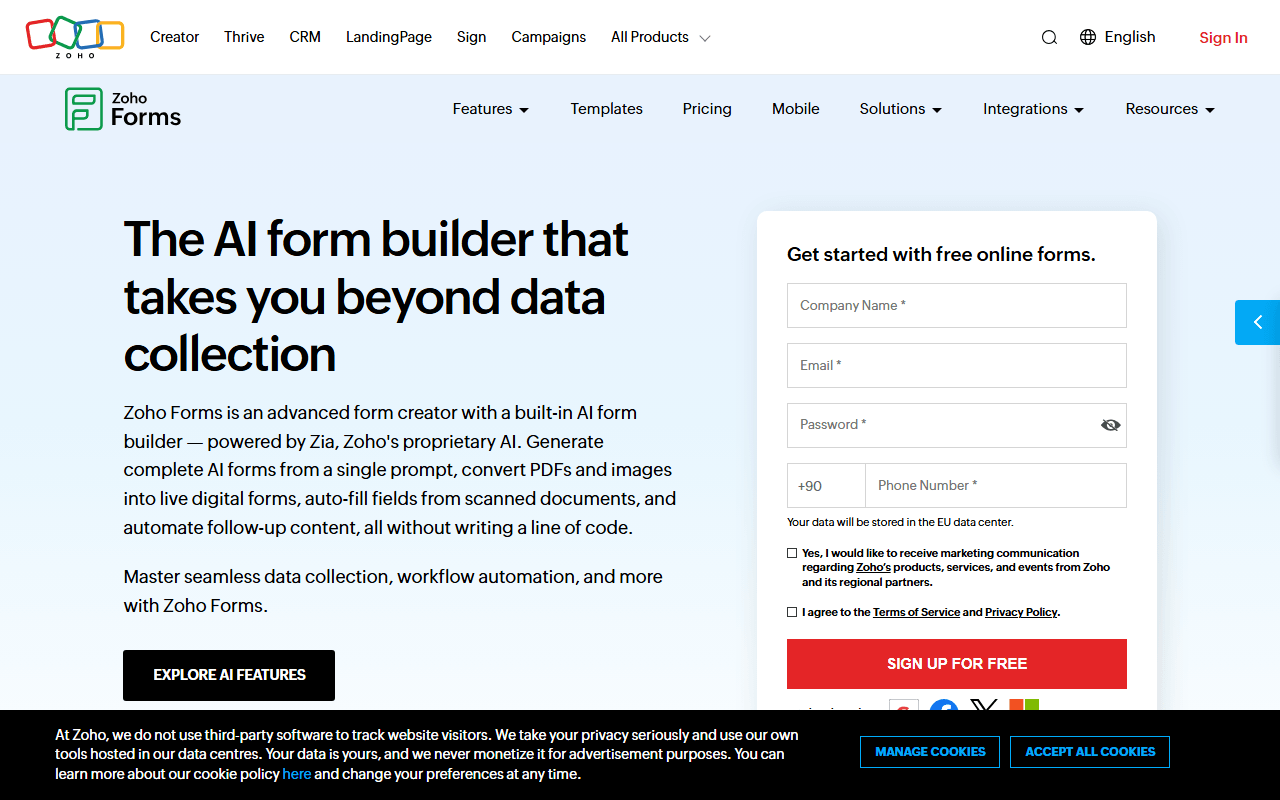
- Free plan, paid from $10/month (as of July 2026)
- India
 India
India- Best for:
- Zoho users and field teams collecting data offline
- The catch:
- Only 3 forms and 500 submissions a month free, both below Fillout, and integrations favor the Zoho suite.
Compared to Fillout
- Advantage: Approval workflows Fillout does not offer
- Advantage: Offline mobile data collection
- Advantage: Basic paid plan is $10 a month versus Fillout's $15
- Tradeoff: Only 3 forms and 500 submissions a month free
- Tradeoff: Integrations favor the Zoho suite over third parties
How to choose
The question is how many responses you need and where they have to land. If you want unlimited responses free and do not need multiple seats, Tally is the pick, with unlimited forms and a fair-use ceiling around 50,000 a month. Choose forms.app if keeping free team members matters more than form count, since it leaves responses uncapped for a whole team across 5 forms. If your answers need to become database records rather than rows, NocoDB self-hosts free with no limits, and Google Forms is the no-cost fallback for simple work.