Free alternatives to NocoDB
NocoDB's form view is a side benefit of a database, not a form builder, and it shows. The forms are plain, with no conversational layouts, no payments and no e-signatures (as of July 2026). The cloud free plan caps you at 1,000 records and 3 seats, and self-hosting means running Docker and minding a database. If you want submissions to arrive as structured records but with a proper form builder in front of them, several tools do that better.
Facts checked as of July 2026Read our NocoDB review
Jump to an alternative





Fillout
Best Free Alternative ToNocoDBA real form builder whose answers sync two-way into Airtable, Notion and Sheets
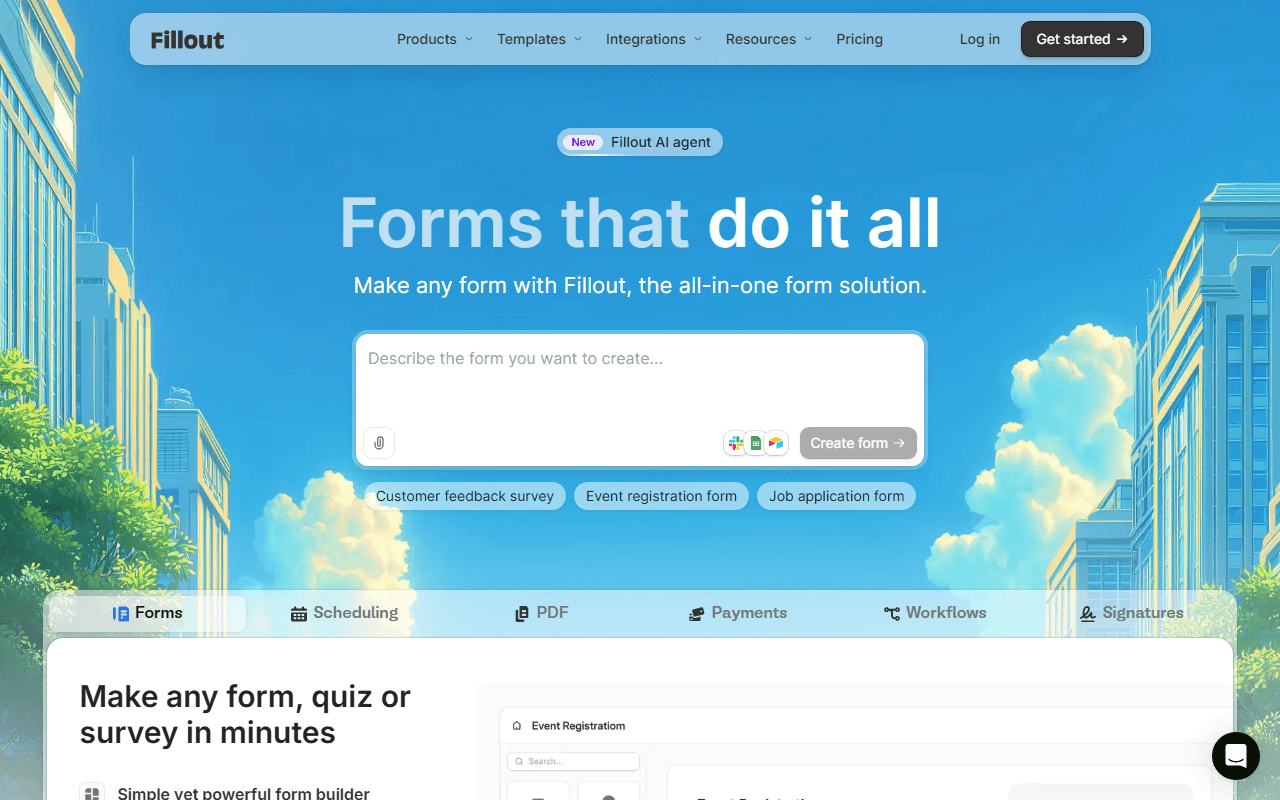
Fillout keeps the part of NocoDB you actually want, submissions as structured records rather than a flat export, and pairs it with a proper form builder. The free plan covers unlimited forms, unlimited seats and 1,000 responses a month (as of July 2026), and two-way sync means answers land as records in Airtable, Notion or Google Sheets and stay in sync. You bring the database, and Fillout builds the form.
- Free plan, paid from $15/month (as of July 2026)
- United States
 United States
- Best for:
- Teams who want NocoDB's records-not-CSV promise with a better form
- The catch:
- It is not a database itself, so you need Airtable, Notion or Sheets behind it, and the free plan caps responses at 1,000 a month.
Compared to NocoDB
- Advantage: Answers sync two-way into Airtable, Notion and Sheets as records
- Advantage: Far richer form builder with logic, scheduling and payments
- Advantage: Unlimited free seats, versus NocoDB cloud's 3
- Advantage: 1,000 responses a month free, no record cap to fill
- Tradeoff: Not a database; you supply the storage tool
- Tradeoff: Cloud-only, where NocoDB self-hosts free
The widest free form plan, with payments and e-signatures NocoDB forms lack
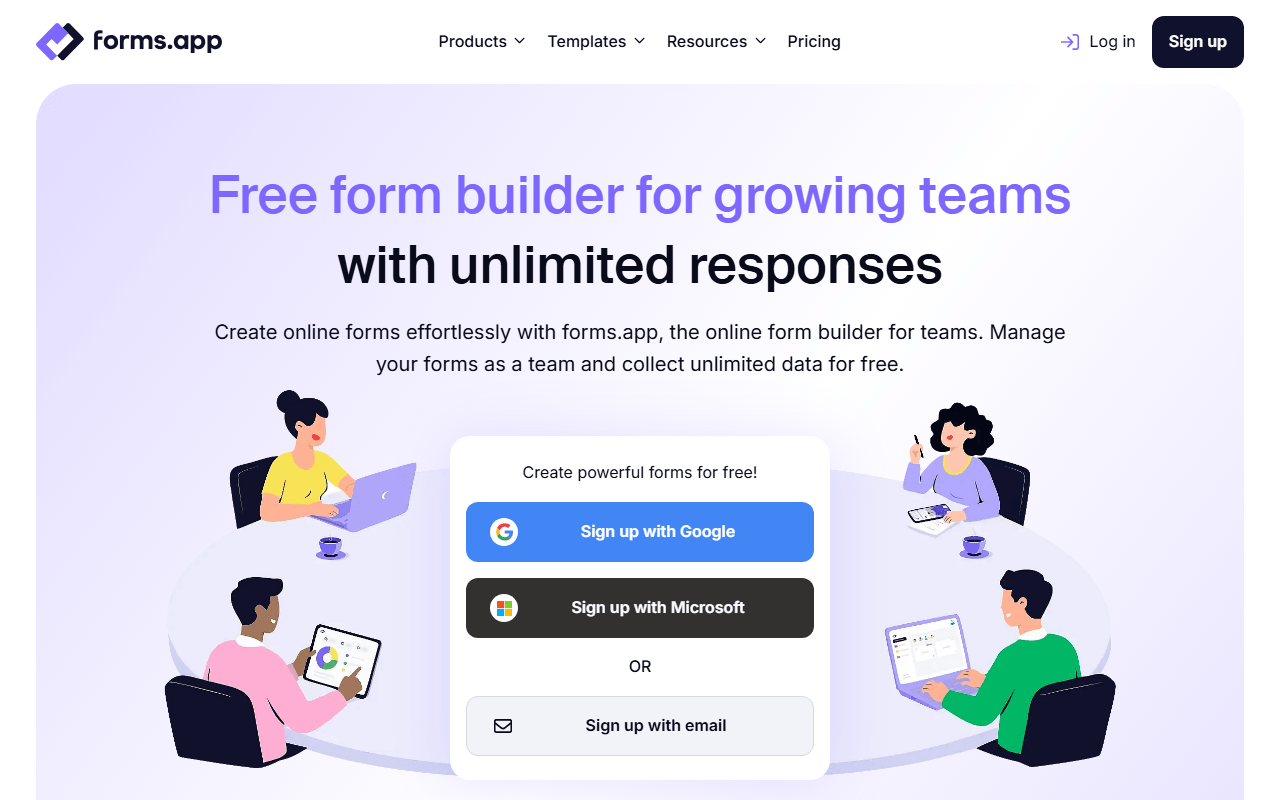
If the form matters more than the database, forms.app is the upgrade. Its free plan gives you unlimited responses, unlimited views and unlimited team members across 5 forms, plus all 30+ field types including payments, e-signatures and auto-scoring quizzes (as of July 2026), none of which NocoDB's form view offers. Submissions live in forms.app rather than your own tables, which is the tradeoff for the far better form experience.
- Free plan, paid from $19/month (as of July 2026)
- Estonia
 Estonia
- Best for:
- Teams that need a capable free form more than a relational database
- The catch:
- Data stays inside forms.app, not a database you control, and the free plan caps at 5 forms and 10 MB of storage.
Compared to NocoDB
- Advantage: Payments, e-signatures and quizzes NocoDB forms do not have
- Advantage: Unlimited responses free, with no 1,000-record cap
- Advantage: Conversational step view and 30+ field types
- Tradeoff: Data lives in forms.app, not your own database
- Tradeoff: No self-hosting, where NocoDB is free to self-host
- Tradeoff: Free plan caps at 5 forms
Unlimited free forms and responses with Notion, Airtable and Sheets integrations
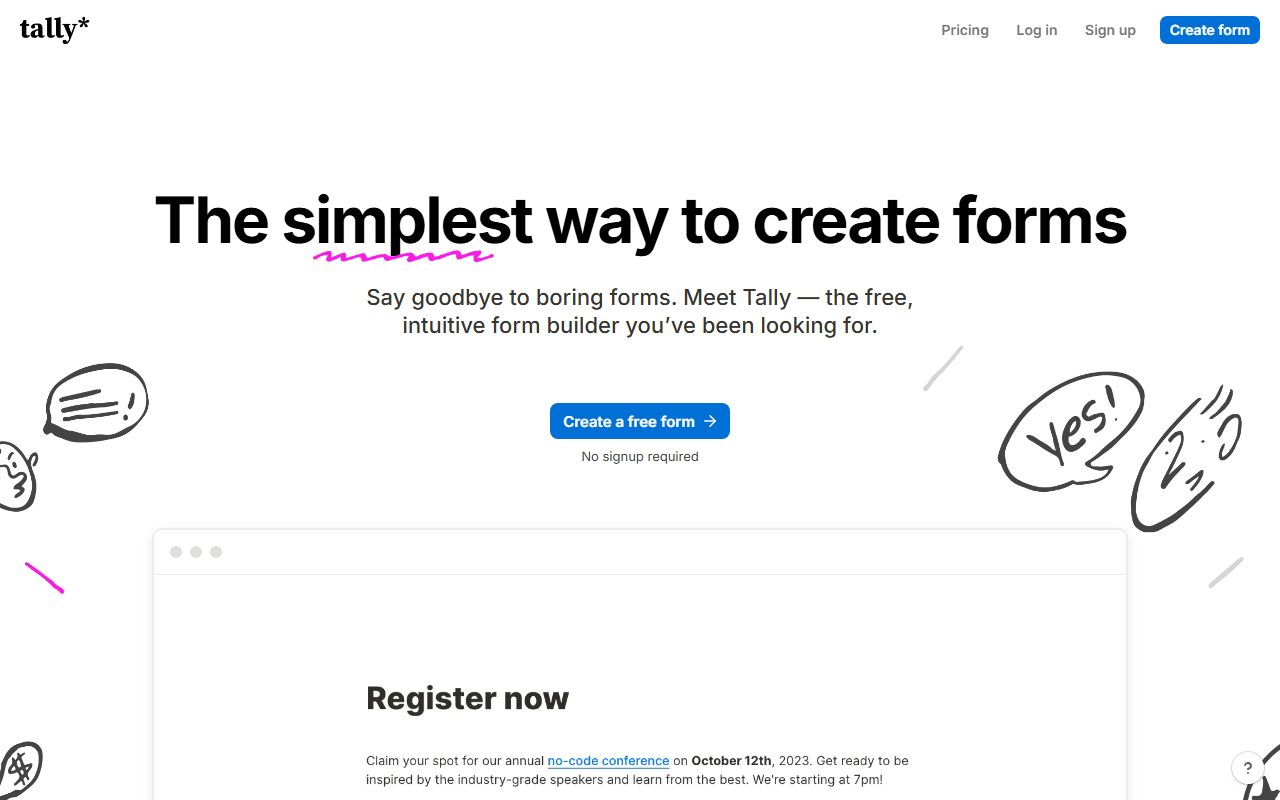
Tally gives you a much nicer form than NocoDB's view and still pushes data where you want it, with integrations to Notion, Airtable, Google Sheets and Zapier. The free plan is unlimited on forms and responses under fair usage (as of July 2026), with logic, payments and e-signatures included. It is the pick when you want a clean form and a flat structured export, not a full relational database.
- Free plan, paid from $24/month (as of July 2026)
- Belgium
 Belgium
- Best for:
- Makers who want an unlimited free form that feeds a spreadsheet or Notion
- The catch:
- Integrations push data out but are not a live database, and the free plan is single-user.
Compared to NocoDB
- Advantage: Unlimited forms and responses free, with no record cap
- Advantage: Free payments and e-signatures NocoDB forms lack
- Advantage: Cleaner, faster form editor than a database view
- Tradeoff: Integrations push data out but are not a relational database
- Tradeoff: Free plan is single-user, versus NocoDB cloud's 3 seats
- Tradeoff: No self-hosting option like NocoDB's
Free forever, with responses auto-syncing into a Google Sheet
For the simplest version of NocoDB's idea, keeping submissions in a structured, sortable table, Google Forms sends every response straight into a Google Sheet at no cost. It is unlimited on forms and responses, quizzes grade themselves, and a spreadsheet is enough of a database for many teams. It is not relational and it is plain, but it is free forever.
- Completely free (as of July 2026)
- United States
- Best for:
- Anyone who just needs submissions in a spreadsheet, not a database platform
- The catch:
- A Google Sheet is not a relational database, and the forms have little branding control and no payments.
Compared to NocoDB
- Advantage: Free forever with unlimited forms and responses
- Advantage: Responses land in a Google Sheet automatically
- Advantage: No record cap to fill, unlike NocoDB cloud's 1,000
- Tradeoff: A spreadsheet is not a relational database
- Tradeoff: No payments, e-signatures or self-hosting
Deep form features with its own tables and reporting
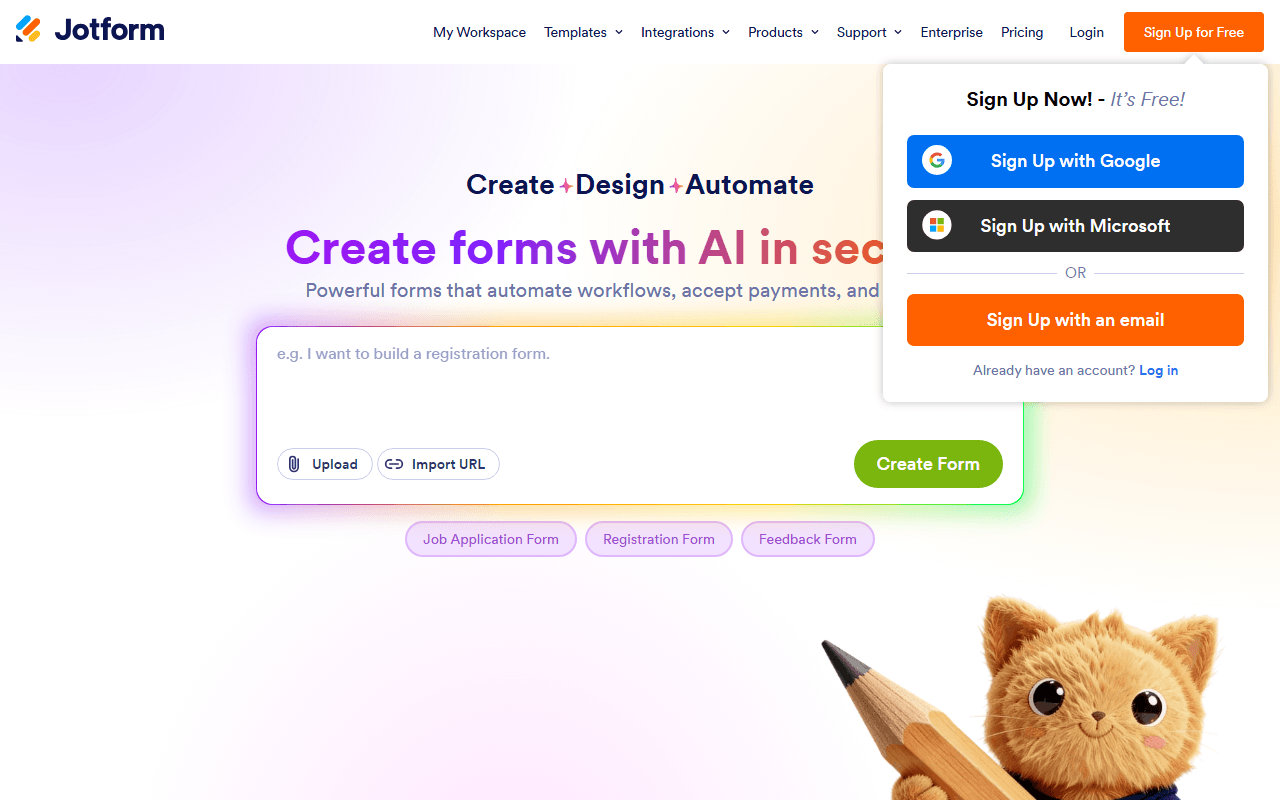
Jotform comes at the same job from the form side: a deep drag-and-drop builder with payments, e-signatures and workflows NocoDB's form view has none of, plus its own tables and report views to hold submissions. The free Starter plan is tighter, at 5 forms and 100 submissions a month (as of July 2026), and hitting a limit disables your forms until the cycle resets. It suits teams that want form depth over database flexibility.
- Free plan, paid from $34/month (as of July 2026)
- United States
- Best for:
- Small businesses that want payments and workflows more than a database
- The catch:
- The free plan caps at 5 forms and 100 submissions a month, and going over quota disables your forms.
Compared to NocoDB
- Advantage: Payments, e-signatures and approval workflows in the form
- Advantage: 150+ integrations and 20,000+ templates
- Advantage: Its own tables and report views for submissions
- Tradeoff: Free plan is capped at 100 submissions a month
- Tradeoff: Closed source with no self-hosting, unlike NocoDB
- Tradeoff: Going over any free limit disables your forms
Structured data collection with approval workflows and offline capture
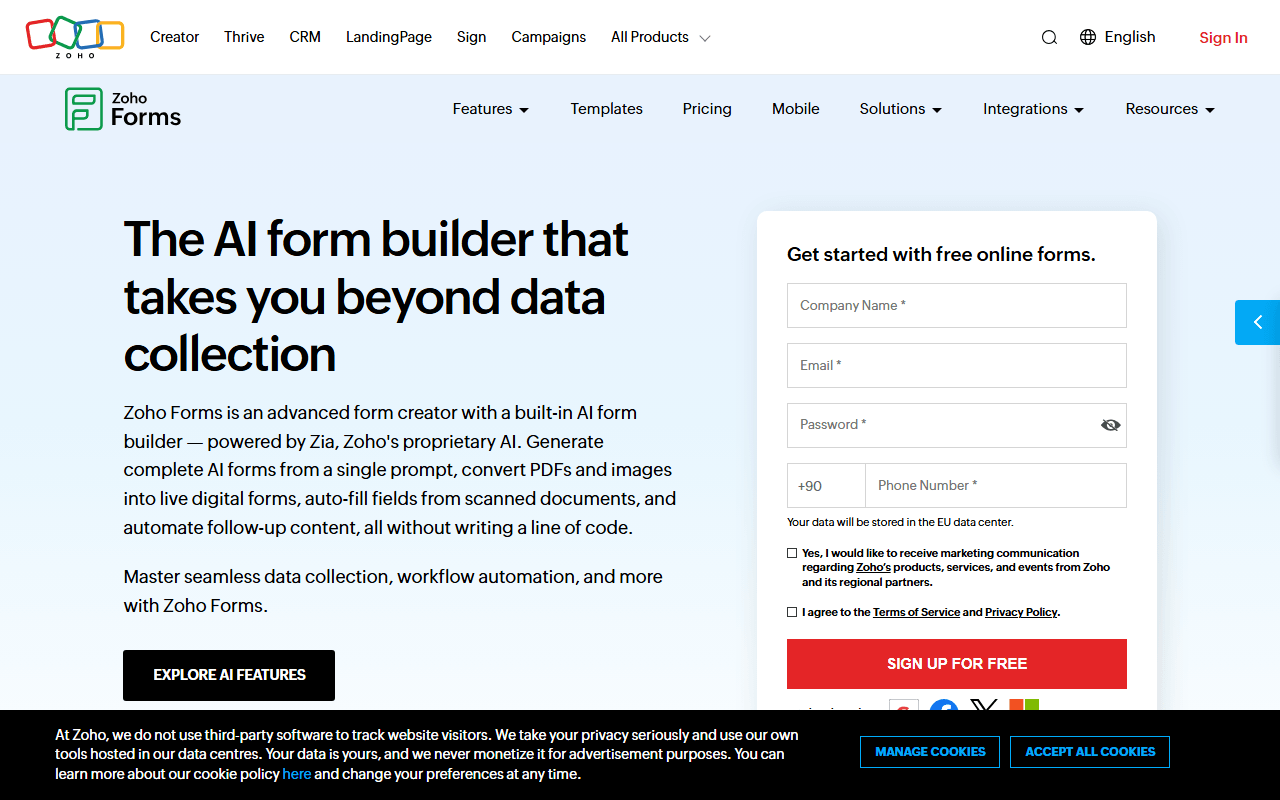
Zoho Forms is a stronger fit than NocoDB when the job is field data collection with a review step: it adds approval workflows and offline mobile capture, and pipes submissions into Zoho's own database and CRM. The free plan covers 3 forms and 500 submissions a month (as of July 2026). It makes most sense if you already live in the Zoho suite.
- Free plan, paid from $10/month (as of July 2026)
- India
 India
India- Best for:
- Zoho users and field teams collecting data offline with an approval step
- The catch:
- Only 3 free forms, and its integrations lean toward the Zoho suite over third parties.
Compared to NocoDB
- Advantage: Approval workflows and offline mobile data capture
- Advantage: Submissions flow into Zoho's database and CRM
- Worth knowing: 500 free submissions a month across 3 forms
- Tradeoff: Only 3 forms on the free plan
- Tradeoff: Integrations favor the Zoho suite
- Tradeoff: Closed source with no self-hosting like NocoDB
How to choose
Start with where you want the data to live. If you already use Airtable, Notion or Google Sheets, Fillout syncs answers into them two ways and gives you a far better form builder than NocoDB's view. If you want the richest free form itself, with payments and e-signatures NocoDB lacks, forms.app is the pick, and Tally is the choice for unlimited free forms with the same integrations. Only stay close to the database model if you genuinely need relational tables, in which case NocoDB self-hosted is still a reasonable home for the data.