Free alternatives to Paperform
Paperform's free plan allows just 30 submissions per month, and only 100 stored submissions total (as of July 2026), which makes it more of an extended demo than a working plan. Essentials starts at $24 per month billed annually. If you came to Paperform for branded forms with payments and bookings, most of that is now available elsewhere without the cap.
Facts checked as of July 2026Read our Paperform review
Jump to an alternative




forms.app
Best Free Alternative ToPaperformUnlimited submissions free, with payments, e-signatures and a product basket field
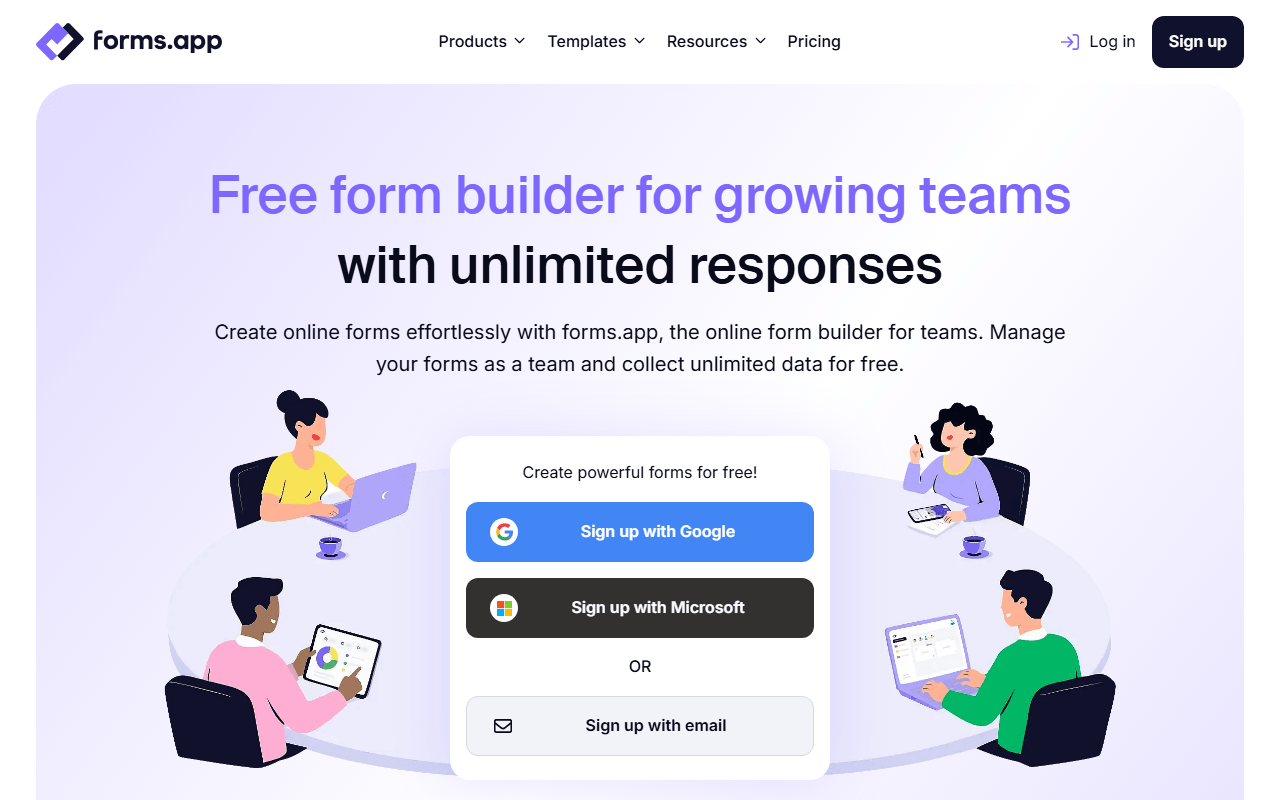
Paperform's free plan stops at 30 submissions a month and 100 stored in total, which makes it an extended demo rather than a plan. forms.app puts no cap on submissions, views or questions at all (as of July 2026), and it carries the commerce pieces people buy Paperform for: payment fields, e-signatures and a product basket field for simple order forms. You get both a page-style list view and a step view that asks one question at a time, and unlimited team members can share the account where Paperform's free plan is single-user.
- Free plan, paid from $19/month (as of July 2026)
- Estonia
 Estonia
- Best for:
- Order and intake forms that outgrew 30 submissions a month
- The catch:
- Five free forms and 10 MB of total file storage. There is no appointment booking, drop-off analysis costs $29/month on Pro, and partial responses only arrive on Premium at $59/month.
Compared to Paperform
- Advantage: Unlimited submissions and views free versus 30 a month and 100 stored
- Advantage: Payments, e-signatures and a product basket field on the free plan
- Advantage: Unlimited team members free; Paperform's free plan is single-user
- Worth knowing: Both a list view and a one-question-at-a-time step view
- Tradeoff: 5 free forms versus Paperform's unlimited free forms
- Tradeoff: No appointment booking
- Tradeoff: Custom domains need Premium at $59/month
Unlimited free responses without Paperform's 30-submission monthly cap
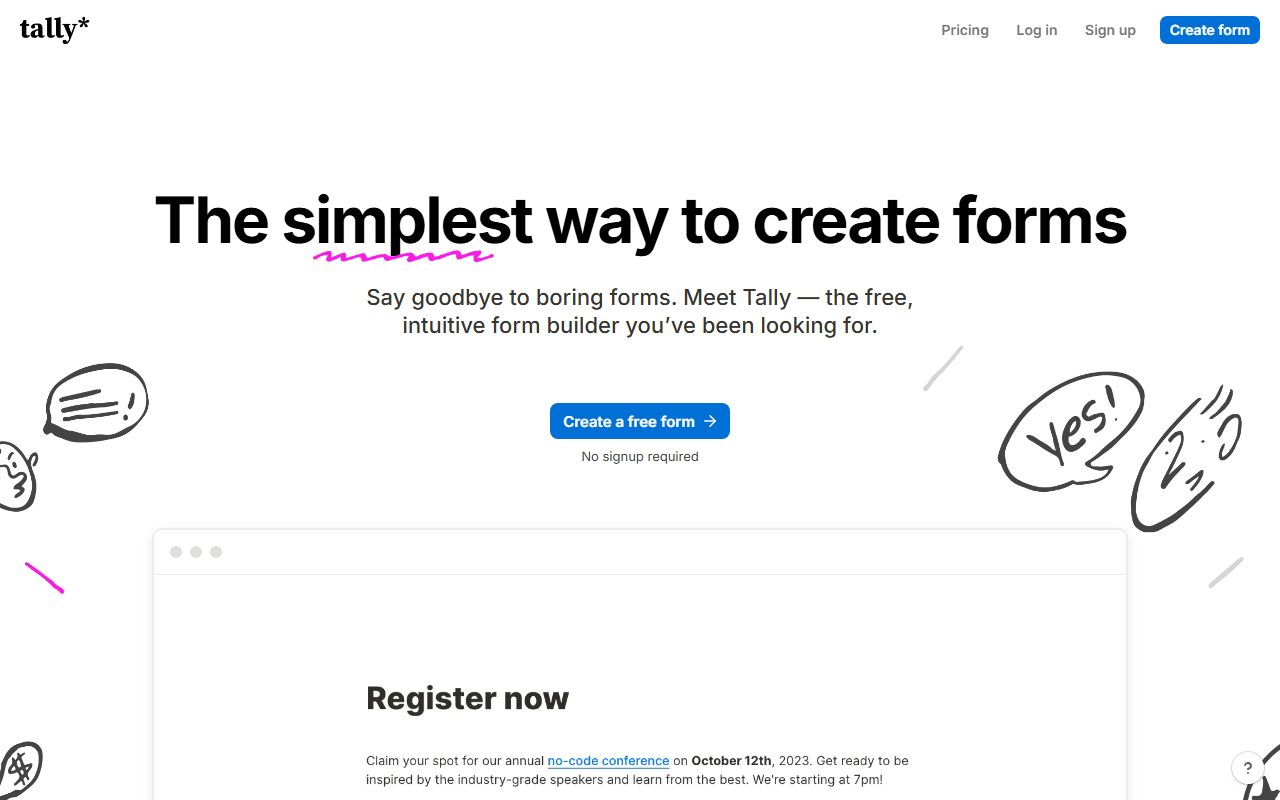
Tally shares Paperform's core idea, forms built like documents, but without the meter running. Unlimited forms and submissions free (fair usage applies, as of July 2026), with Stripe payments and e-signatures included. For most Paperform free-plan users, it is the same workflow minus the 30-submission wall.
- Free plan, paid from $24/month (as of July 2026)
- Belgium
 Belgium
- Best for:
- Doc-style form building without a submission budget
- The catch:
- Paperform's landing-page design depth, product catalogs, and booking flows go further than Tally's simpler pages, and Tally has no background image upload on any plan.
Compared to Paperform
- Advantage: Unlimited submissions free versus 30 per month
- Worth knowing: Same document-style editing approach
- Advantage: Stripe payments free on both, without Tally capping volume
- Tradeoff: Less visual customization: background colors and cover images, no background image upload
- Tradeoff: No built-in appointment booking like Paperform's
- Worth knowing: Free plan is single-user, like Paperform's
Payments, scheduling, and 1,000 free responses per month in one tool
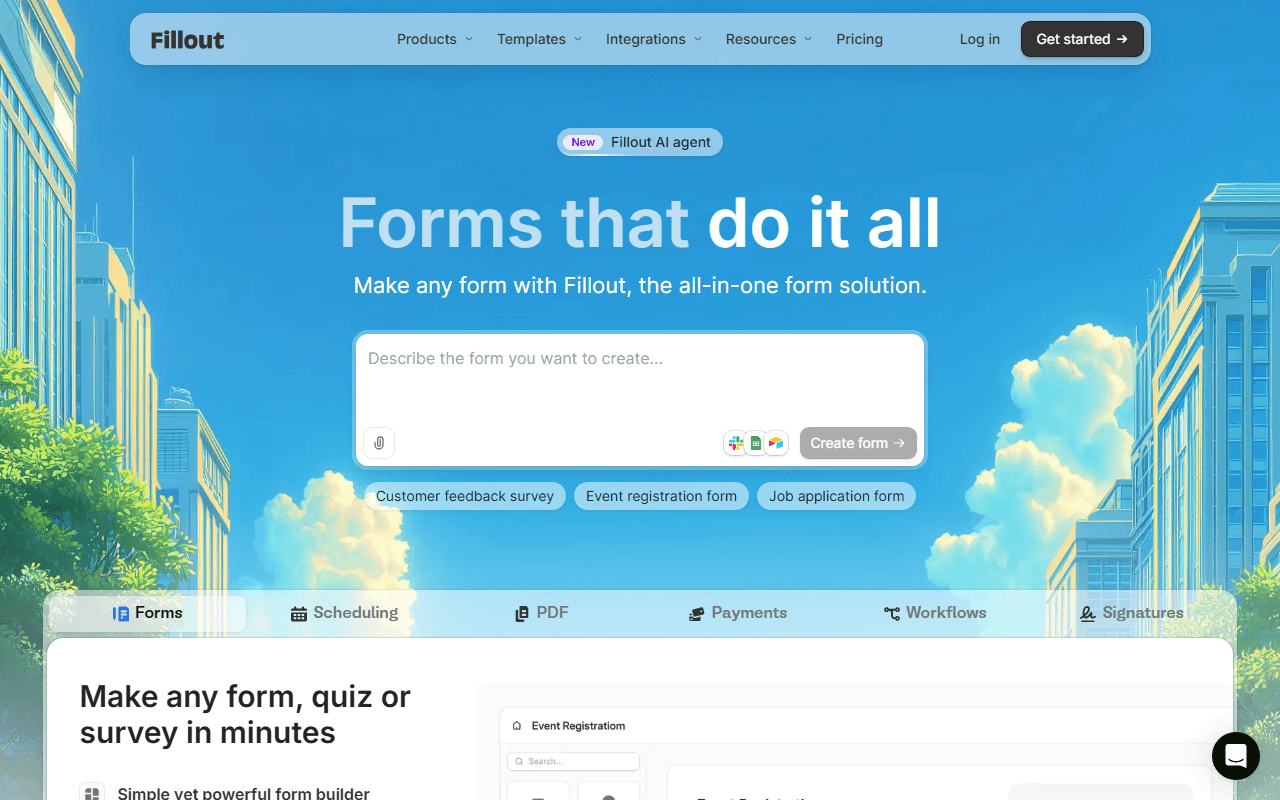
Fillout is the closest functional match to what Paperform sells: forms plus payments plus appointment scheduling. Its free plan runs to 1,000 responses per month with unlimited forms and seats (as of July 2026), over 30 times Paperform's allowance, and Starter costs $15/month against Paperform's $24 Essentials.
- Free plan, paid from $15/month (as of July 2026)
- United States
 United States
- Best for:
- Service businesses that need bookings and payments in their forms
- The catch:
- Forms look like forms; Paperform's landing-page aesthetic is hard to replicate here.
Compared to Paperform
- Advantage: 1,000 free responses per month versus Paperform's 30
- Advantage: Scheduling and payments covered on both, free here
- Advantage: Unlimited seats free; Paperform's free plan is single-user
- Advantage: Cheaper entry paid plan at $15 versus $24
- Tradeoff: Less design control over the form's look and feel
Unlimited free responses in a conversational format
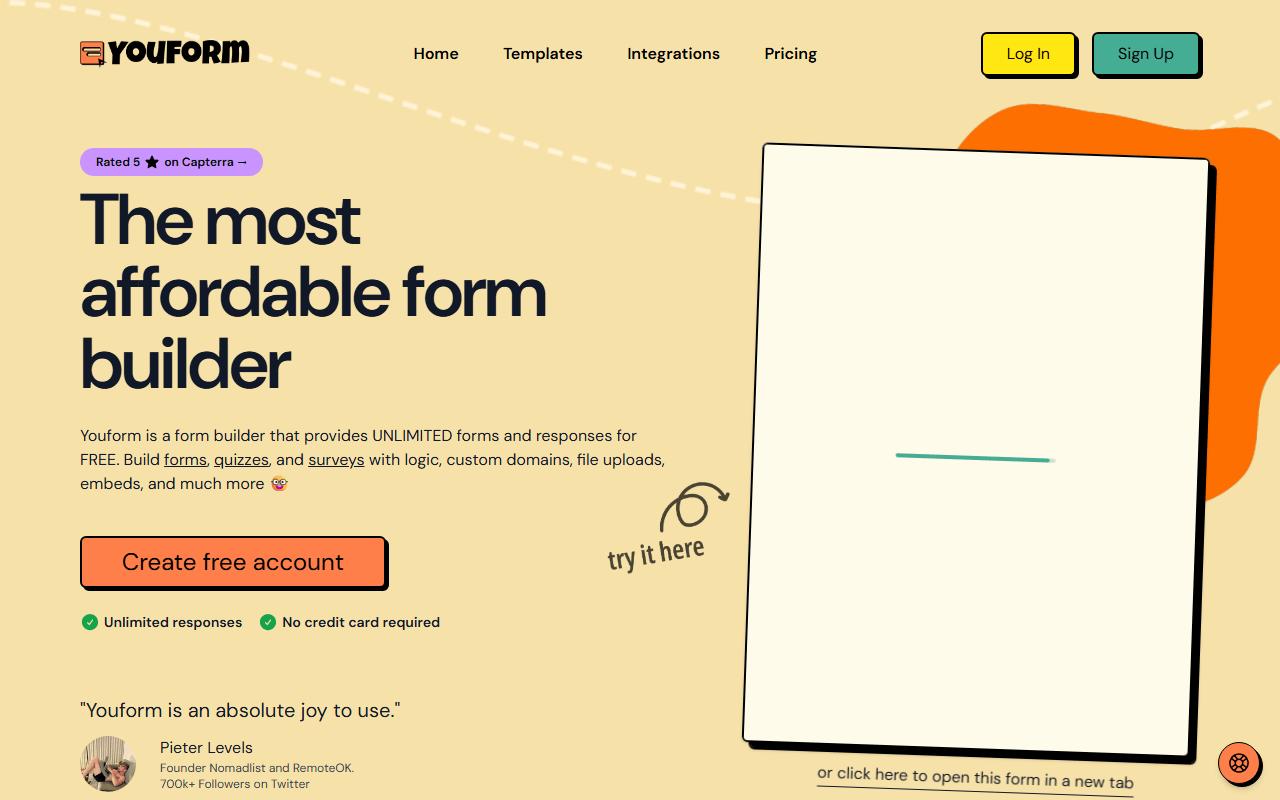
Youform trades Paperform's landing-page style for the one-question-at-a-time format, and in exchange drops every cap: unlimited forms and responses free for one user (as of July 2026). Pro at $20/month adds Stripe payments and custom domains, still below Paperform's cheapest tier.
- Free plan, paid from $20/month (as of July 2026)
- Best for:
- Lead-gen and intake forms where volume beats page design
- The catch:
- Payments require Pro, and there is no booking or product catalog functionality.
Compared to Paperform
- Advantage: Unlimited responses free versus 30 per month
- Advantage: Pro at $20/month undercuts Paperform Essentials at $24
- Worth knowing: Conversational format versus Paperform's page-style forms
- Tradeoff: Payments are paid-only; Paperform includes limited free payments
- Tradeoff: No scheduling or e-commerce features
Industry-leading conversational UX for branded experiences
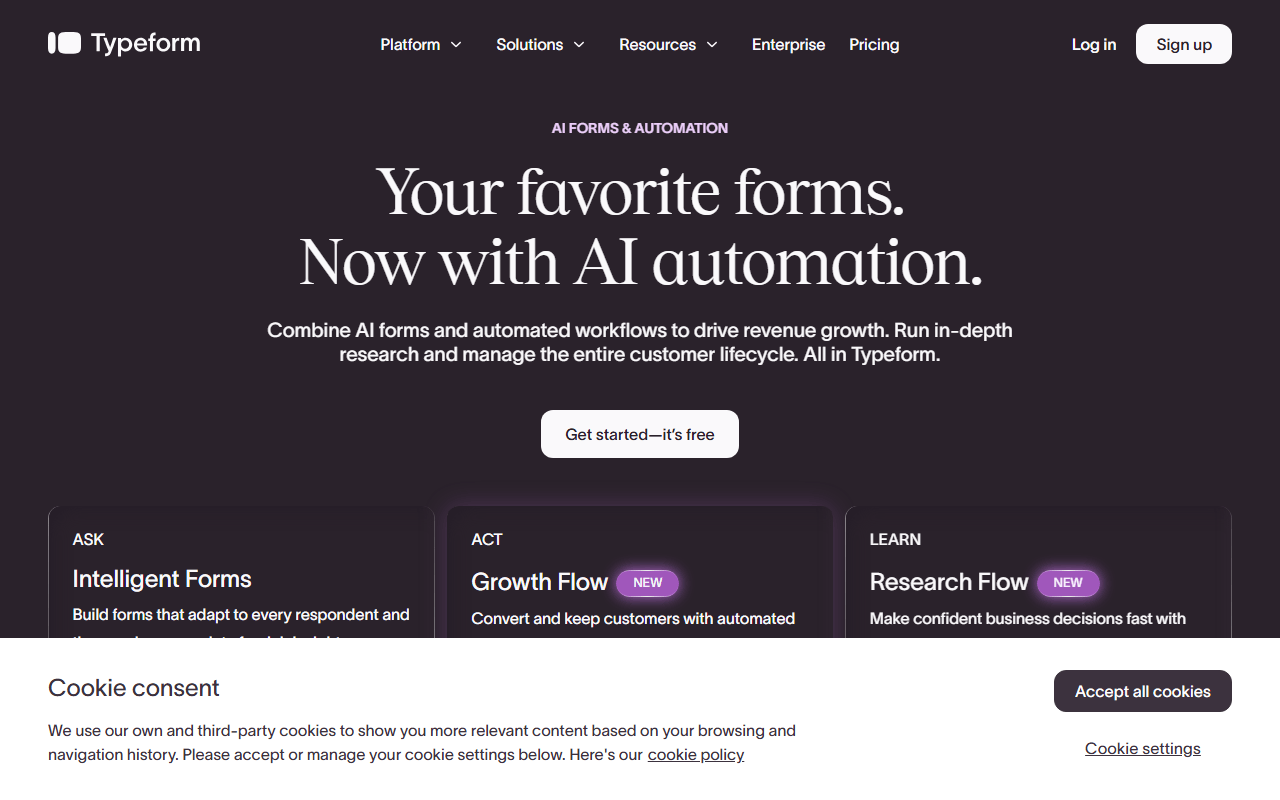
Typeform is the design benchmark Paperform competes with, and its paid tiers deliver the most polished conversational forms in the category. As a free alternative it is weak (10 responses per month, as of July 2026), so treat this as a paid move for brand-sensitive marketing forms rather than an escape from Paperform's caps.
- Free plan, paid from $28/month (as of July 2026)
- Spain
 Spain
Spain- Best for:
- Marketing teams paying for design-led, high-completion forms
- The catch:
- The free plan's 10 monthly responses is even tighter than Paperform's 30, so this only makes sense as a paid switch.
Compared to Paperform
- Advantage: Best-in-class conversational form experience
- Advantage: Larger integration ecosystem than Paperform's
- Tradeoff: Free plan allows 10 responses versus Paperform's 30
- Tradeoff: No built-in booking or product catalog features
- Tradeoff: Paid tiers cost more than Paperform's at similar volume
Deeper integrations and templates with 100 free submissions per month
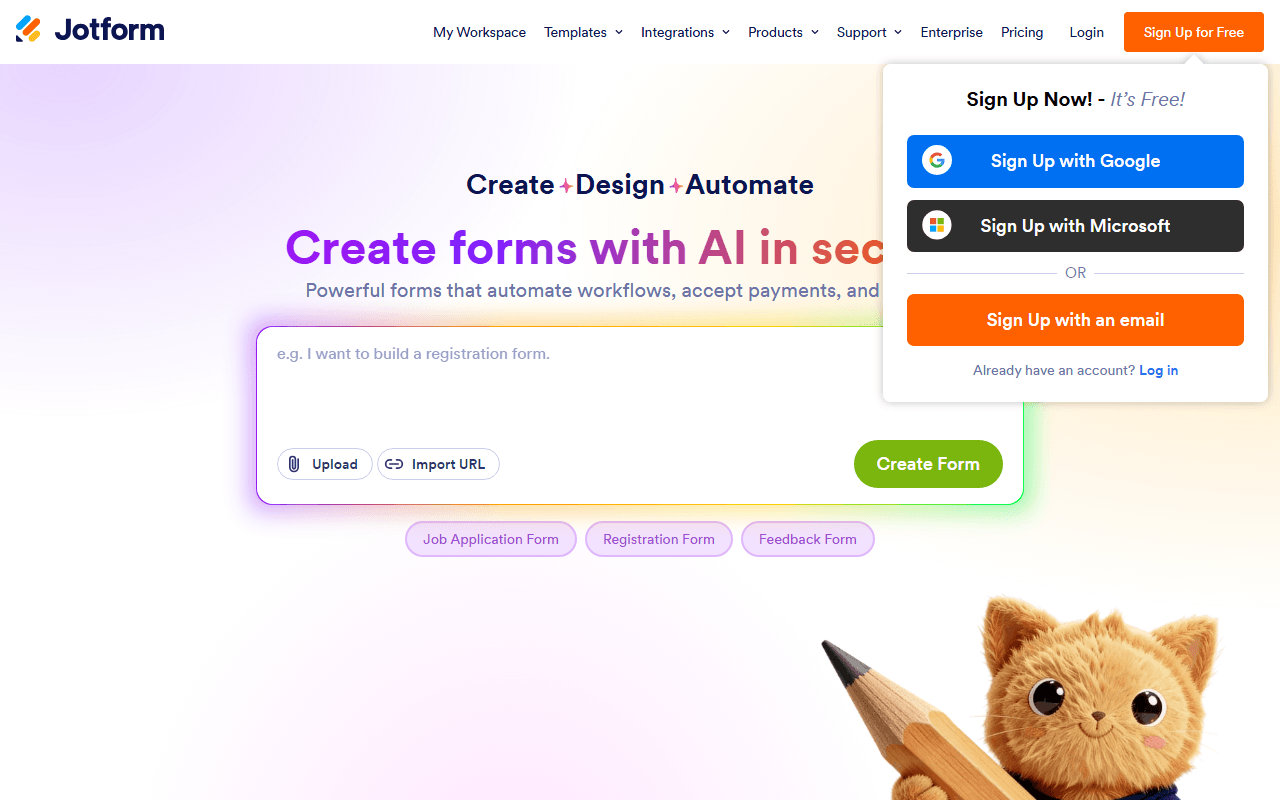
Jotform more than triples Paperform's free volume (100 submissions per month, as of July 2026) and brings a much larger catalog: 20,000+ templates, 150+ integrations, and payment processing on the free plan, though only 10 payment submissions a month. The builder is drag-and-drop rather than document-style, which is a matter of taste.
- Free plan, paid from $34/month (as of July 2026)
- United States
- Best for:
- Users who want a big template library and payment options free
- The catch:
- 100 submissions is still a cap, and paid plans jump to $34/month, above Paperform's entry price.
Compared to Paperform
- Advantage: 100 free submissions per month versus Paperform's 30
- Advantage: Far more templates and integrations
- Worth knowing: Payments on the free plan on both tools
- Tradeoff: Bronze at $34/month costs more than Paperform Essentials at $24
- Worth knowing: Drag-and-drop builder, not Paperform's doc-style editor
How to choose
Figure out which half of Paperform you use. If it is order and intake forms, forms.app is the closest free match: unlimited submissions, payment fields, e-signatures and a product basket field, capped only at 5 forms. If you need more forms than that and no commerce, Tally gives you doc-style building with nothing metered. If bookings are the point, Fillout bundles scheduling and payments with 1,000 free responses a month. Paperform still earns its keep for landing-page-style checkout flows, so stay if that is genuinely your workflow.