Free alternatives to Google Forms
Google Forms costs nothing and never will, so nobody leaves it over price. People leave because every form looks unmistakably like a Google Form, the question types and logic stay basic, there are no native payments, respondents have to sign in with a Google account to upload a file, and the analytics stop at a few charts. If none of that is in your way, staying put is a perfectly good answer, and the tools below are for the cases where it is.
Facts checked as of July 2026Read our Google Forms review
Jump to an alternative




forms.app
Best Free Alternative ToGoogle FormsReal design control, payments and e-signatures on a free plan, with no Google account in sight
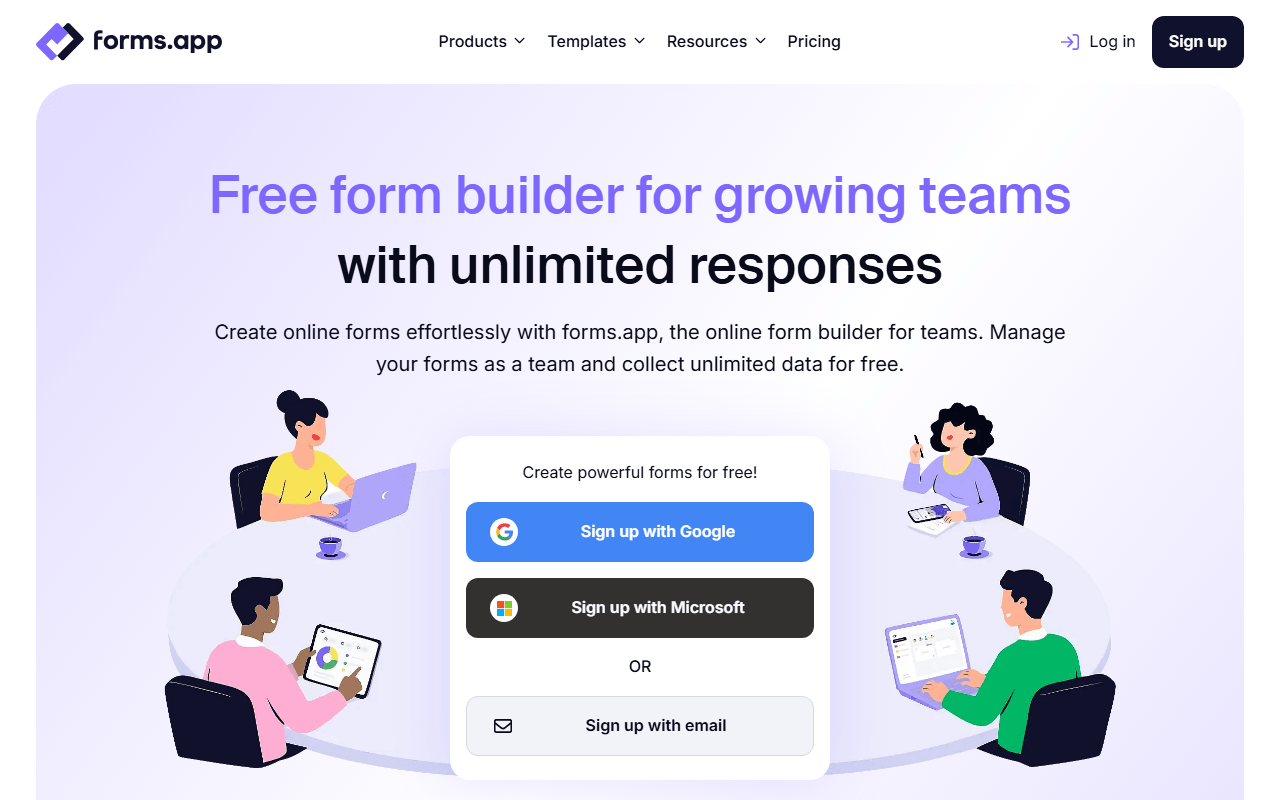
forms.app fixes almost the exact list of things Google Forms will not do. The free plan covers 5 forms with unlimited responses, unlimited views, unlimited questions and unlimited team members (as of July 2026), and all 30+ field types are included: payments, e-signatures, a product basket field for order forms, answer recall and auto-scoring quizzes. Themes are yours to set, so a form can carry your colors instead of Google's default look. There is also a step view that asks one question at a time alongside the normal list view.
- Free plan, paid from $19/month (as of July 2026)
- Estonia
 Estonia
- Best for:
- Anyone who needs a form to take payments, look like their brand, or collect files from people outside their org
- The catch:
- Five forms and 10 MB of total file storage are the real ceilings, and Google Forms caps neither. Branding removal starts at Basic ($19/month billed annually), and drop-off analysis and multilingual forms are Pro at $29/month.
Compared to Google Forms
- Advantage: Payments, e-signatures and a product basket field are free; Google Forms has none of them
- Advantage: Full theme control, so forms stop looking like Google Forms
- Advantage: Unlimited responses, questions and team members on the free plan
- Advantage: Auto-scoring quizzes and answer recall included, going past Google's branching
- Tradeoff: Free plan stops at 5 forms and 10 MB of file storage, where Google Forms caps nothing
- Tradeoff: Removing forms.app branding needs Basic at $19/month; Google Forms is free forever
Unlimited free forms and submissions with logic, calculations and Stripe payments included
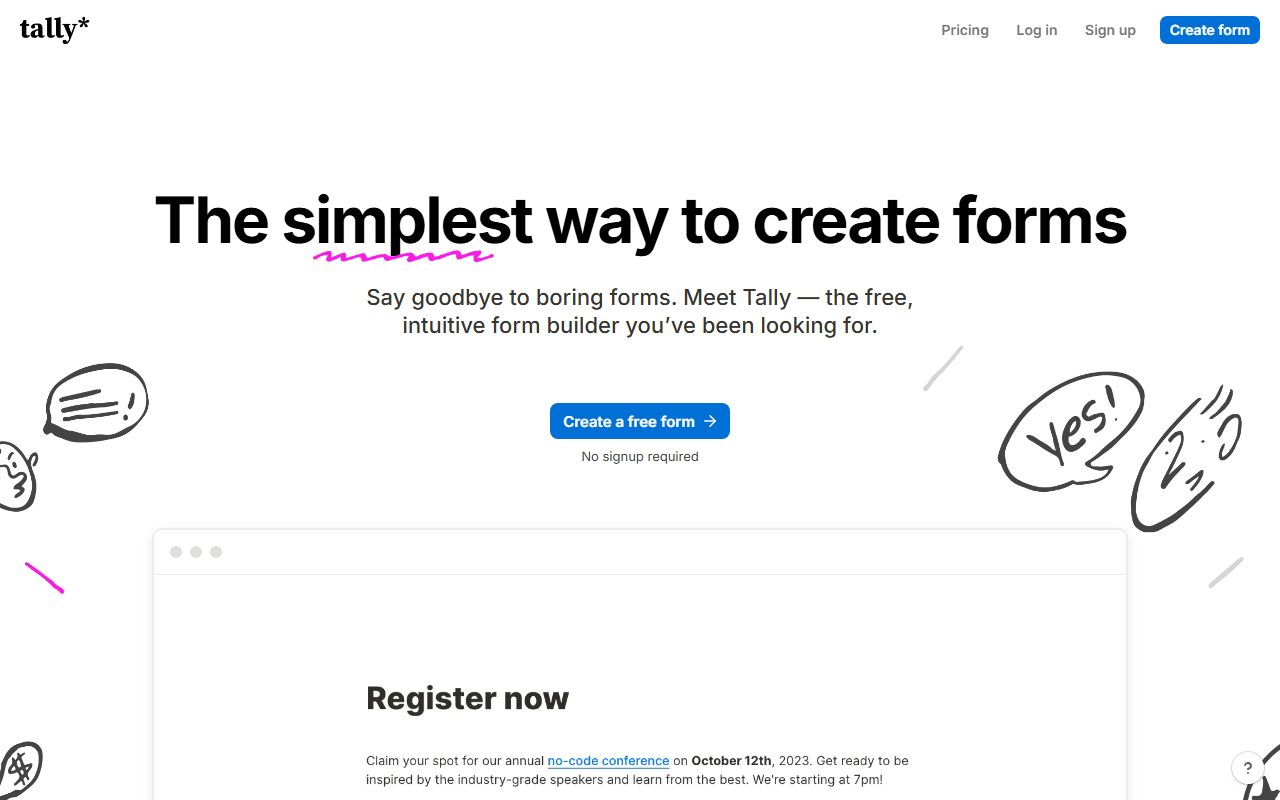
Tally gives you the depth Google Forms stops short of without ever asking for a card. Conditional logic, calculations, answer piping, Stripe payments, e-signatures and 45+ languages are all on the free plan, alongside unlimited forms and submissions under a published fair-use policy of roughly 50,000 submissions a month (as of July 2026). The editor works like a Notion page, so building goes faster than clicking through Google's question cards. Forms come out looking like a designed page rather than a Google template.
- Free plan, paid from $24/month (as of July 2026)
- Belgium
 Belgium
- Best for:
- People who want Google Forms' no-limits feel plus real logic and payments
- The catch:
- The free plan is single user, so inviting a colleague into the account means Pro at $24/month. Visit analytics also cover only the past 7 days on free.
Compared to Google Forms
- Advantage: Stripe payments and e-signatures free; Google Forms has neither
- Advantage: Logic, calculations and answer piping go well past Google's branching
- Advantage: Unlimited forms and submissions under fair use of about 50,000 a month
- Advantage: Forms look designed rather than visibly Google
- Tradeoff: Free plan is single user; teammates need Pro at $24/month
- Tradeoff: Visit analytics cover only the past 7 days on the free plan
1,000 free responses a month with unlimited seats and two-way Airtable, Notion and Sheets sync
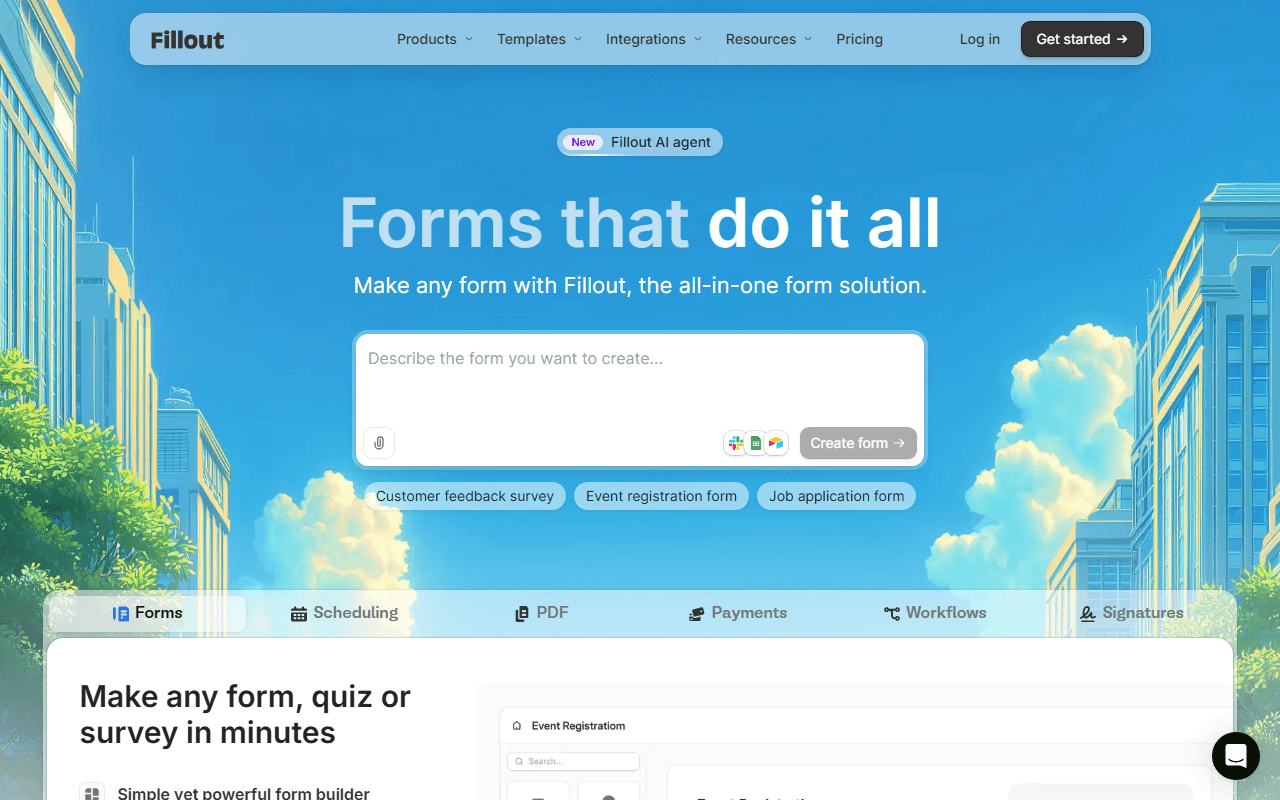
Google Forms sends everything to a Google Sheet, which is fine right up until your data actually lives somewhere else. Fillout syncs both ways with Airtable, Notion and Google Sheets, so responses arrive as records in the tool your team already works in. The free plan covers unlimited forms and unlimited seats with 1,000 responses per month (as of July 2026), and scheduling, Stripe payments, PDF generation and e-signatures come in the box.
- Free plan, paid from $15/month (as of July 2026)
- United States
 United States
- Best for:
- Teams whose form data needs to live in Airtable or Notion, not a spreadsheet
- The catch:
- 1,000 responses a month is a real ceiling where Google Forms has none, and full white-labeling and custom domains sit on paid plans from $15/month.
Compared to Google Forms
- Advantage: Two-way Airtable and Notion sync, not just a Sheets export
- Advantage: Payments, scheduling and e-signatures, none of which Google Forms offers
- Advantage: Unlimited seats on the free plan
- Advantage: 50+ field types against Google's short list
- Tradeoff: Free responses are capped at 1,000 a month; Google Forms is uncapped
- Tradeoff: Full white-labeling and custom domains need a paid plan
The deepest field, template and integration catalog, with theming you can push a long way
If your problem with Google Forms is that it only does simple questions, Jotform sits at the other extreme: 20,000+ templates, 150+ integrations, payment fields, e-signatures and themes with genuine control. The free Starter plan is where the trade shows up, at 5 forms, 100 submissions a month, 10,000 form views a month as a separate meter and 100 MB of storage (as of July 2026). For a small number of forms that need to look and behave professionally, that is often enough.
- Free plan, paid from $34/month (as of July 2026)
- United States
- Best for:
- Complex forms that need a specific field or integration Google Forms has never heard of
- The catch:
- 100 submissions a month goes fast, Starter is single user, and the cheapest way out is Bronze at $34/month billed annually.
Compared to Google Forms
- Advantage: 20,000+ templates and 150+ integrations against Google's short list
- Advantage: Payment fields and e-signatures built in
- Advantage: Deep theming, so forms carry your branding
- Tradeoff: Free plan caps at 5 forms and 100 submissions a month, where Google Forms caps nothing
- Tradeoff: Form views are metered separately at 10,000 a month on free
- Tradeoff: Single user on free, and team invitations require Enterprise
500 free submissions a month with payment fields and an approval step
Zoho Forms adds the business plumbing Google Forms leaves out: payment fields, approval workflows where a manager signs off before a submission proceeds, and iOS and Android apps that collect data offline. The free plan runs 3 forms and 500 submissions a month with 200 MB of storage and up to 10 payments (as of July 2026). Basic at $10/month billed annually is one of the cheapest exits from a free plan in this category.
- Free plan, paid from $10/month (as of July 2026)
- India
 India
India- Best for:
- Zoho users and any form that needs an approval step or offline collection
- The catch:
- Three forms is the tightest cap on this list, free payments stop at 10 a month, and the interface feels utilitarian next to Google's.
Compared to Google Forms
- Advantage: Approval workflows, which Google Forms does not do at all
- Advantage: Payment collection on the free plan, capped at 10 payments
- Advantage: Offline data collection through iOS and Android apps
- Advantage: Basic upgrade is $10/month billed annually, among the cheapest here
- Tradeoff: Only 3 forms and 500 submissions a month; Google Forms has no caps
- Tradeoff: Integrations favor the Zoho suite over third parties
Unlimited free responses in a one-question-at-a-time layout
Google Forms shows a page of questions; Youform shows one at a time with a progress bar, which tends to help on longer surveys. The free plan has no form or response limits for a single user, with conditional logic, calculations and file uploads up to 10 MB included (as of July 2026). It keeps the one thing Google Forms gets right, which is not counting your responses, and changes the thing it gets wrong, which is how the form feels to fill in.
- Free plan, paid from $20/month (as of July 2026)
- Best for:
- Longer surveys and lead-gen forms where the format itself is the upgrade
- The catch:
- Stripe payments, custom branding and custom domains all need Pro at $20/month billed annually, and free forms carry Youform branding.
Compared to Google Forms
- Advantage: One question at a time instead of a scrolling question list
- Advantage: Logic and calculations go past Google's branching
- Worth knowing: Unlimited forms and responses free, the same as Google Forms
- Tradeoff: Payments and branding removal require Pro at $20/month
- Tradeoff: Small template library and a short integration list
- Tradeoff: Free plan is single user and shows Youform branding
How to choose
Work out which gap is actually blocking you, because the fixes are different. If you need forms that look like your brand and can take money, forms.app covers both on its free plan, and Tally does the same if you would rather have unlimited forms than unlimited features on five. Pick Fillout when responses need to land in Airtable or Notion as records instead of rows in a Sheet, and Jotform when you want the biggest field and template catalog and can live inside 100 submissions a month. If none of these gaps apply to you, keep using Google Forms; it is free, it is fast, and switching for its own sake helps nobody.