Free alternatives to SurveyMonkey
SurveyMonkey's free Basic plan caps surveys at 10 questions and lets you view only 25 responses per survey (as of July 2026), which turns most real surveys into an upgrade prompt. Paid plans are priced by region, require annual billing for teams, and add up quickly. Plenty of tools now run full-length surveys without the paywall in the middle of your data.
Facts checked as of July 2026Read our SurveyMonkey review
Jump to an alternative





Google Forms
Best Free Alternative ToSurveyMonkeyFully free with no question or response caps
Google Forms removes both of SurveyMonkey's free-plan pain points at once: no 10-question ceiling and no 25-response viewing cap. Every response is yours, charted in real time and exportable to Sheets, at zero cost. For the surveys most teams actually run, it makes SurveyMonkey's upgrade path irrelevant.
- Completely free (as of July 2026)
- United States
 United States
- Best for:
- Standard surveys and polls where you just need all your data, free
- The catch:
- No advanced survey logic, quotas, or panel access; serious researchers will feel the ceiling.
Compared to SurveyMonkey
- Advantage: Unlimited questions and responses versus 10 questions and 25 viewable responses
- Advantage: No paid tier, so no upgrade pressure mid-survey
- Advantage: Live results in Google Sheets for free
- Tradeoff: Lacks quotas, randomization, and research-grade analysis
- Tradeoff: No access to respondent panels for sourcing answers
- Tradeoff: Templates are sparse next to SurveyMonkey's 500+
Unlimited questions and responses free, with every answer visible and unlimited teammates
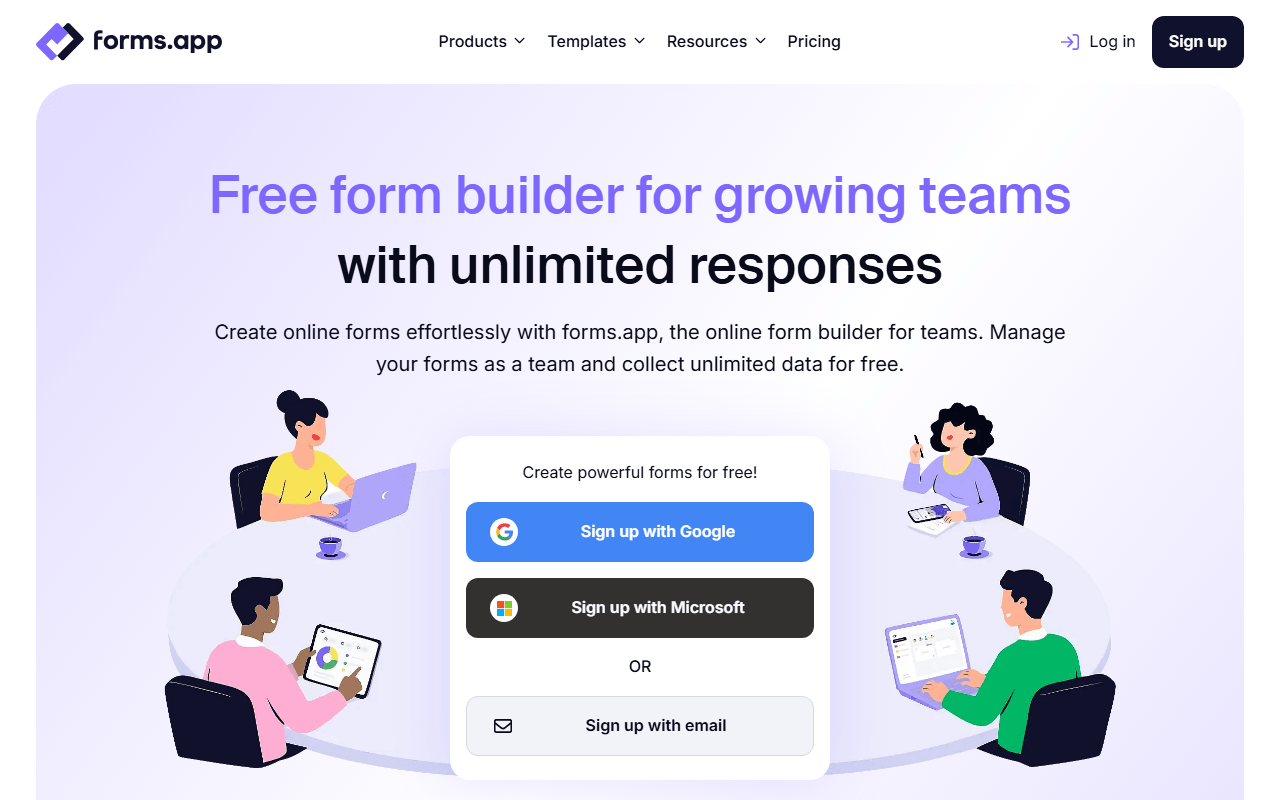
SurveyMonkey's free plan shows you 25 responses per survey and cuts your questionnaire off at 10 questions. forms.app caps neither: 5 forms with unlimited questions, unlimited responses and unlimited views (as of July 2026), and you can read every answer that comes in. Conditional logic, answer recall and auto-scoring quizzes are on the free plan, and so is inviting unlimited team members, so colleagues can build and review a survey together without anyone buying a seat.
- Free plan, paid from $19/month (as of July 2026)
- Estonia
 Estonia
- Best for:
- Longer surveys where you need all the data and want colleagues in the same account
- The catch:
- Five forms and 10 MB of total file storage, and it is a form builder rather than a research platform, so there are no quotas, no randomization and no respondent panel. Drop-off analysis costs $29/month on Pro.
Compared to SurveyMonkey
- Advantage: Unlimited questions and responses free versus 10 questions and 25 viewable responses
- Advantage: Unlimited team members free; SurveyMonkey team plans need paid seats
- Advantage: Logic, answer recall and auto-scoring quizzes included free
- Advantage: Live support is included on the free plan
- Tradeoff: No quotas, randomization, or respondent panel for research work
- Tradeoff: Free plan stops at 5 forms and 10 MB of file storage
- Tradeoff: Drop-off analysis needs Pro at $29/month
Free unlimited forms and responses with a modern editor
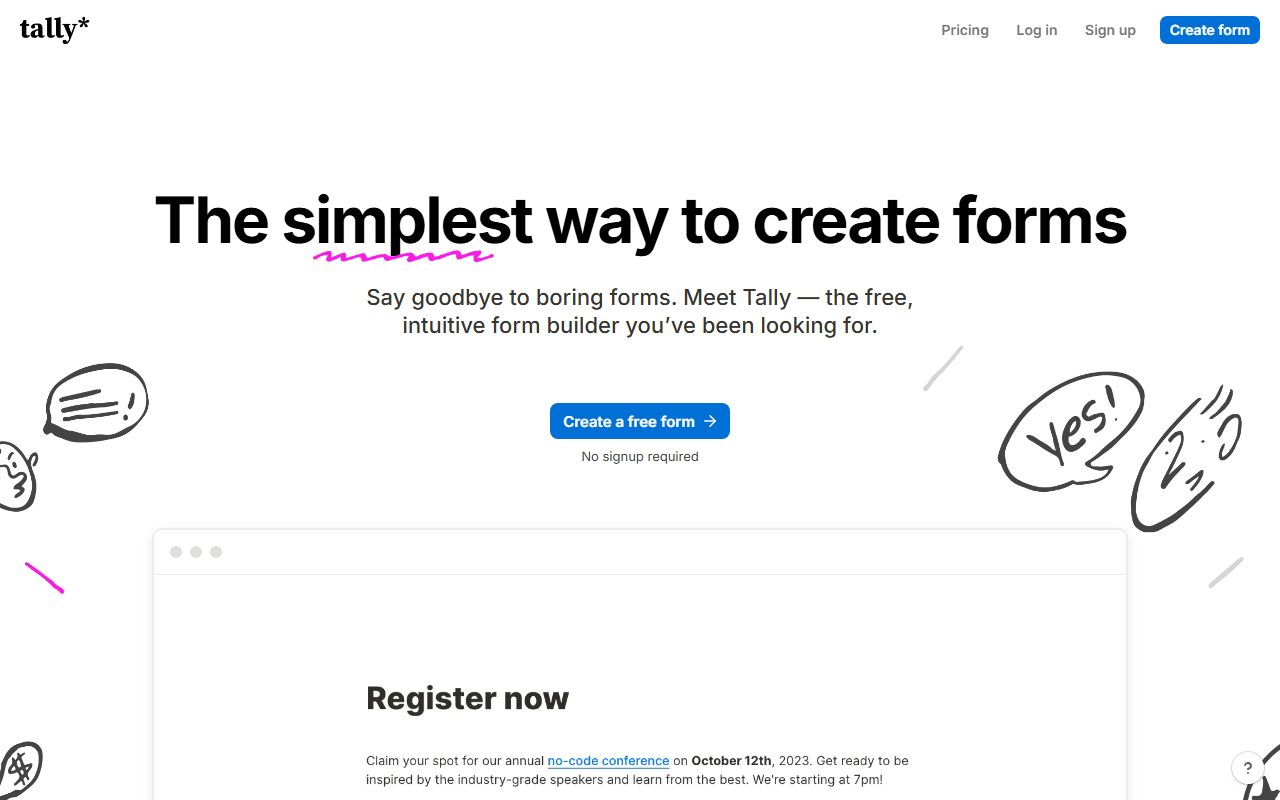
Tally handles the survey work most SurveyMonkey customers pay for, free and without caps (fair usage applies, as of July 2026). Conditional logic, answer piping, and hidden fields cover typical branching needs, and the forms look considerably fresher than SurveyMonkey's default themes. Answer insights, the built-in charts of your responses, are free and unlimited.
- Free plan, paid from $24/month (as of July 2026)
- Belgium
 Belgium
- Best for:
- Startups and creators running customer and audience surveys
- The catch:
- It is a form builder first; you will not find quotas, A/B rotation, or a research panel, and the free plan is single-user.
Compared to SurveyMonkey
- Advantage: No question or response limits on the free plan
- Advantage: Modern, branded-feeling surveys without a designer
- Advantage: Conditional logic free; SurveyMonkey gates advanced logic behind paid tiers
- Tradeoff: No research methods like quotas or randomization
- Tradeoff: Free plan is single-user; teammates need Pro at $24/month
- Tradeoff: Analytics are lighter than SurveyMonkey's crosstabs and trends
Research-grade quotas, randomization, and SPSS export, free if you self-host
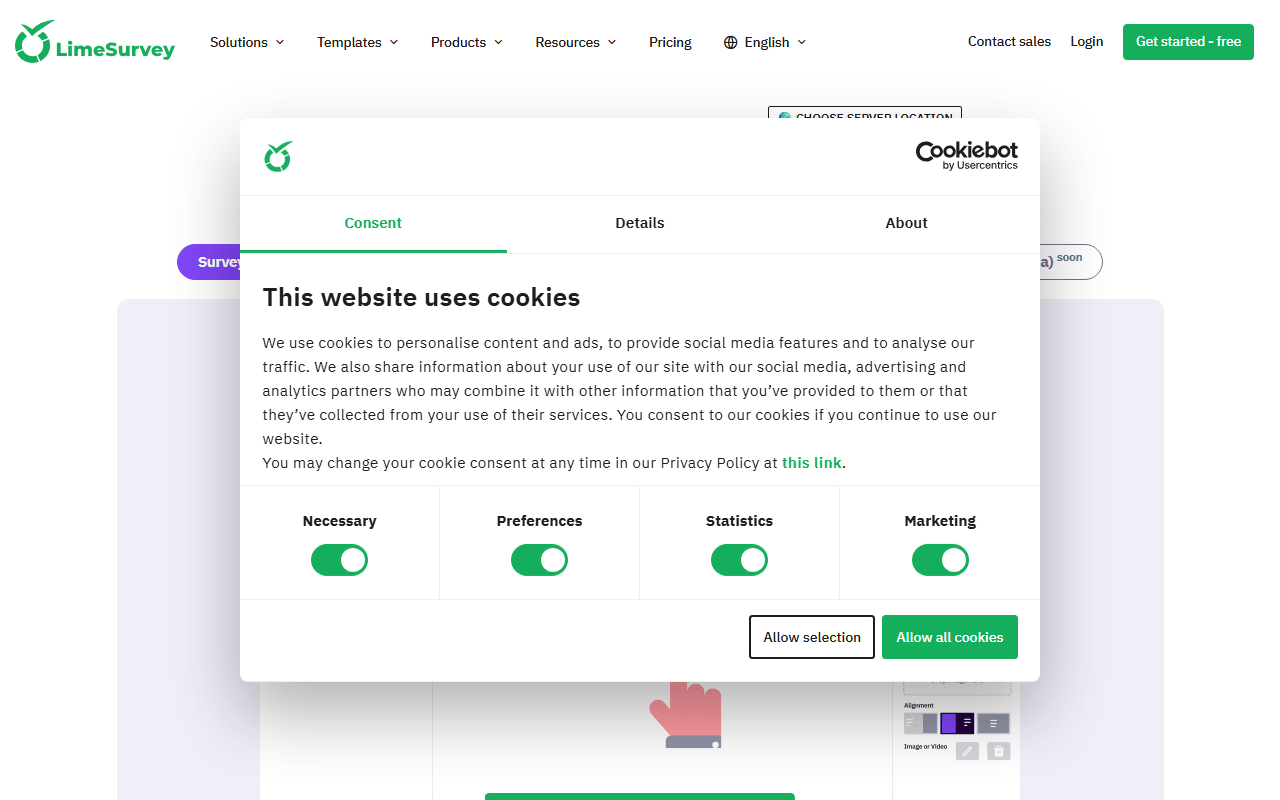
LimeSurvey is the only tool here that competes with SurveyMonkey on research features rather than around them: quotas, randomization, multi-language surveys, and raw exports to SPSS and R. Self-host the GPL Community Edition and all of it is free with no limits; the hosted Cloud free plan allows just 25 responses per month (as of July 2026).
- Free plan (as of July 2026)
- Germany
- Open source (GPL-2.0-or-later)
 Germany
- Best for:
- Academics and market researchers with access to a server
- The catch:
- The admin interface shows its 2003 roots, and self-hosting requires a PHP server plus manual updates.
Compared to SurveyMonkey
- Advantage: Quotas, randomization, and multi-language support match SurveyMonkey's paid tiers
- Advantage: SPSS, R, and CSV raw exports for real analysis, free
- Advantage: Self-hosted edition has no response or question limits
- Tradeoff: Hosted free plan allows only 25 responses per month
- Tradeoff: Dated interface with a real learning curve
- Tradeoff: No built-in respondent panel
500 free responses per month with offline mobile collection
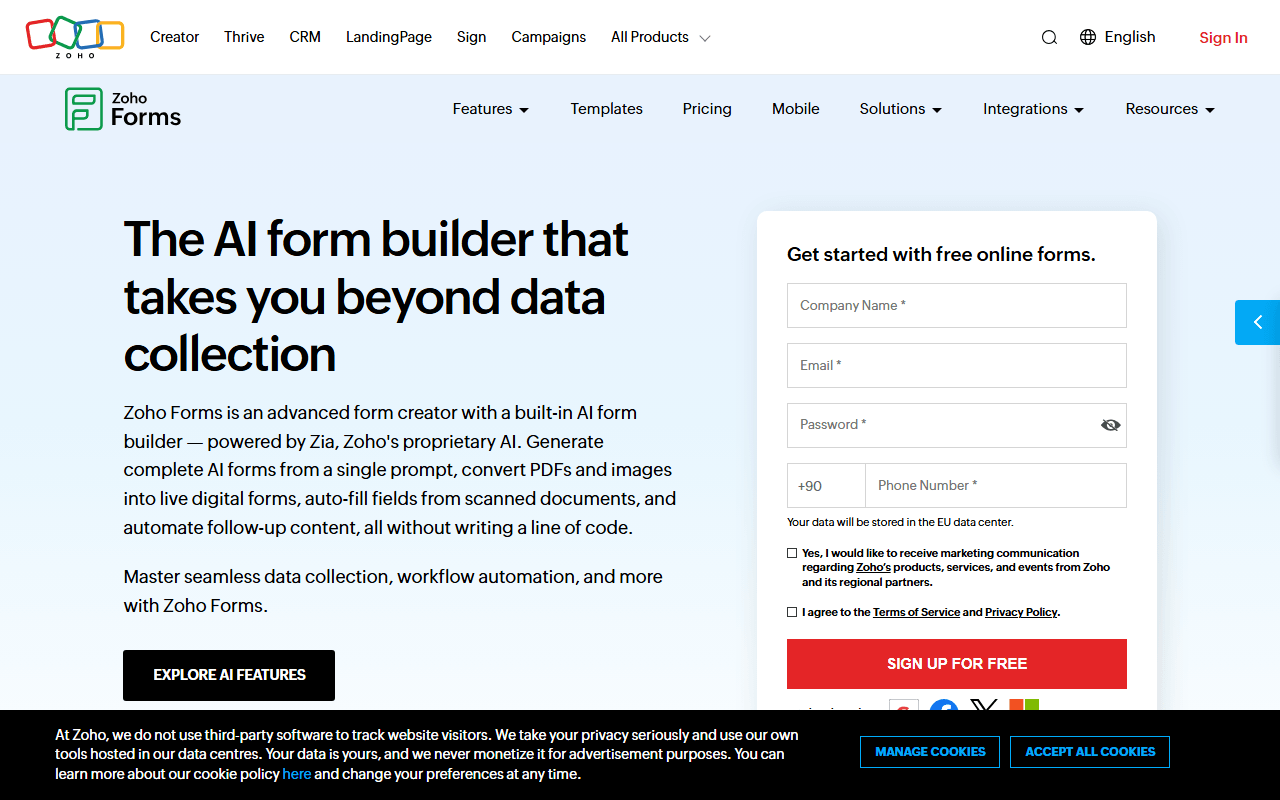
Zoho Forms gives you 500 submissions per month free (as of July 2026) with no cap on viewing them, and its mobile apps collect responses offline, useful for field surveys where SurveyMonkey assumes a connection. It rewards teams already inside the Zoho suite most.
- Free plan, paid from $10/month (as of July 2026)
- India
 India
India- Best for:
- Field data collection and teams already paying for Zoho
- The catch:
- Only 3 forms on the free plan, and it is a form tool at heart, not a survey research platform.
Compared to SurveyMonkey
- Advantage: View every response free; SurveyMonkey hides responses past 25
- Advantage: Offline collection on iOS and Android
- Advantage: Approval workflows on the free plan
- Tradeoff: 3-form free cap limits how many surveys you can run
- Tradeoff: Analytics and reporting are thinner than SurveyMonkey's
Open source in-app and email surveys with free self-hosting
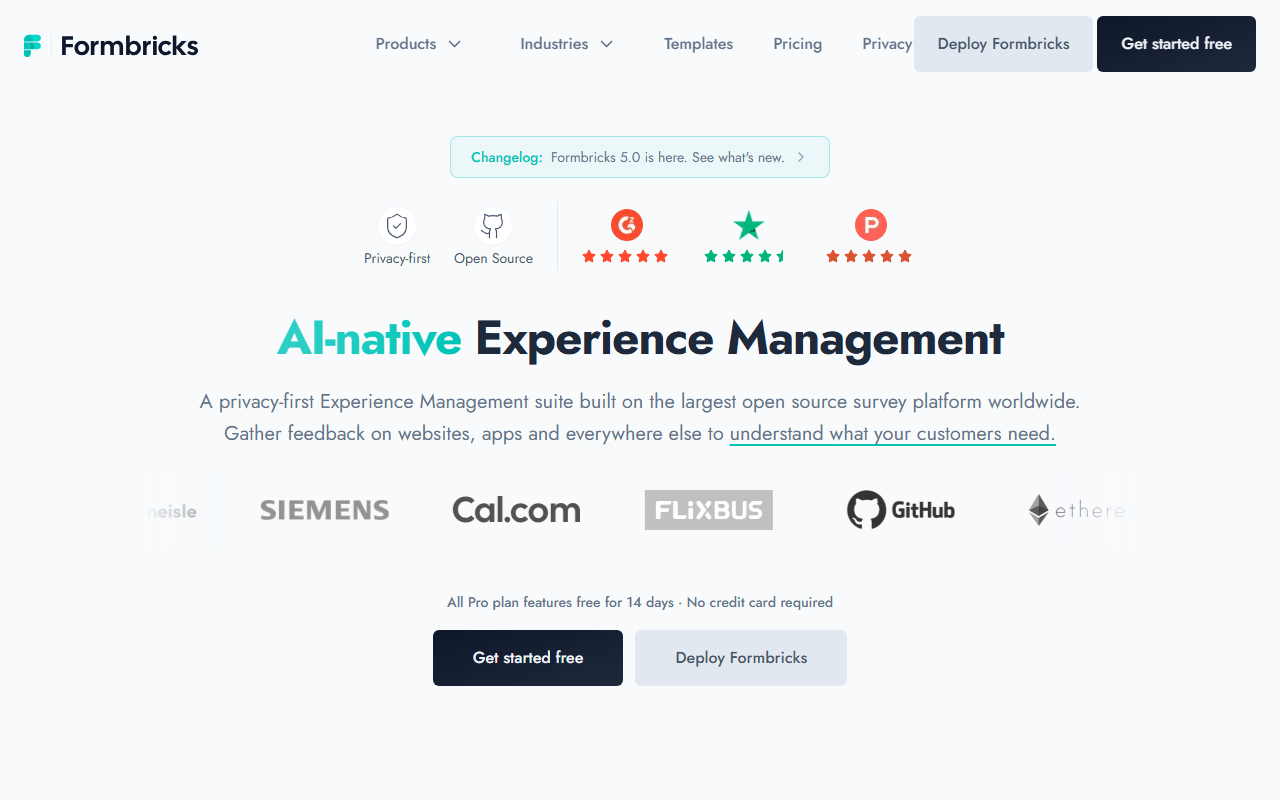
Formbricks specializes in the surveys SurveyMonkey handles awkwardly: in-product micro-surveys, NPS, and churn questionnaires triggered at the right moment. The free cloud plan includes 250 responses per month with all question types and logic (as of July 2026), and self-hosting the AGPL edition removes the caps.
- Free plan, paid from $74/month (as of July 2026)
- Germany
- Open source (AGPL-3.0)
- Best for:
- Product teams measuring NPS and in-app feedback
- The catch:
- Long-form link surveys work but are not the focus; researchers will miss quotas and panels.
Compared to SurveyMonkey
- Advantage: In-app survey widgets SurveyMonkey does not really offer
- Advantage: 250 free responses per month versus 25 viewable per survey
- Advantage: EU hosting by default, or your own servers for free
- Tradeoff: Not built for long, complex research questionnaires
- Tradeoff: Paid cloud jumps to $74/month, steep for small teams
Included with Microsoft 365 for internal employee surveys
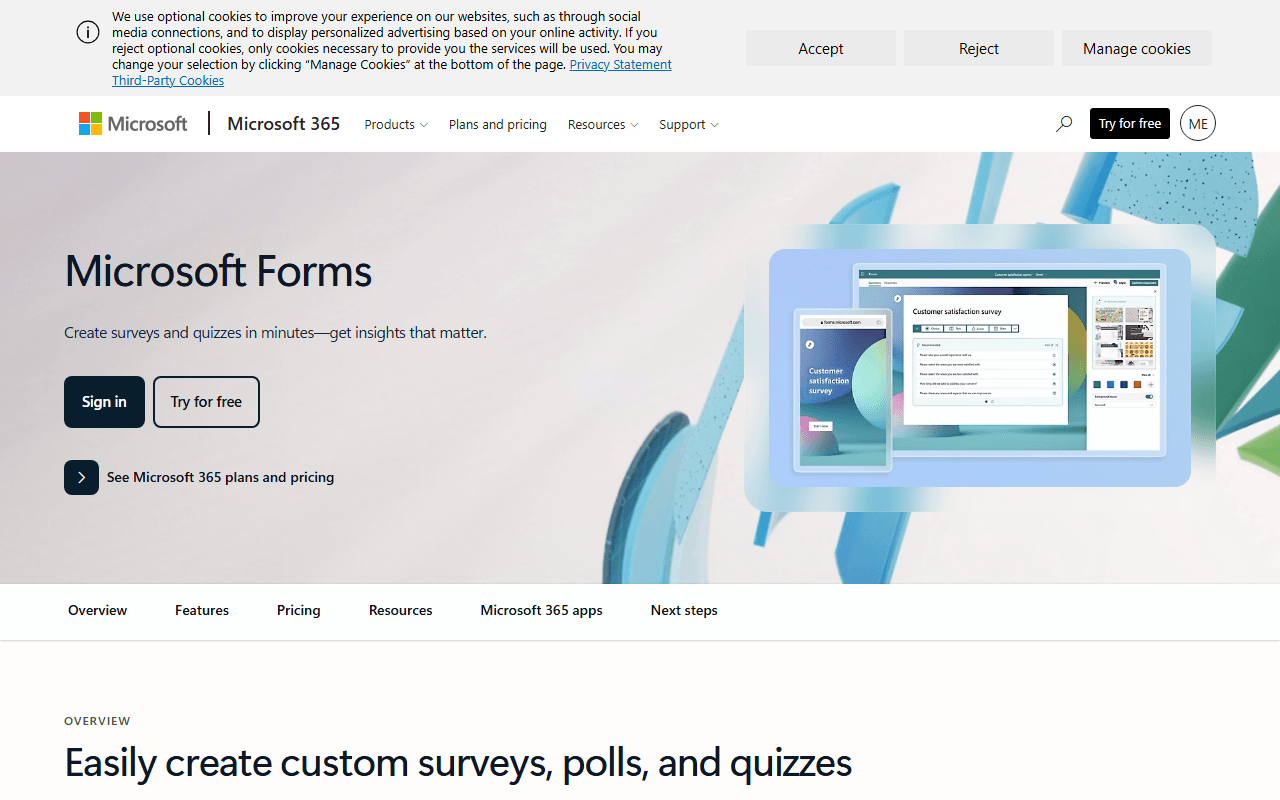
If your company runs on Microsoft 365, you may already own a SurveyMonkey alternative. Microsoft Forms handles polls, quizzes, and employee surveys with real-time charts and Excel export, embedded right into Teams. Personal accounts work free with lower response caps than work tenants.
- Free plan, paid from $7/month (as of July 2026)
- Best for:
- Internal surveys and polls inside Microsoft 365 organizations
- The catch:
- Outside a Microsoft tenant it is limited, and forms are capped at 200 questions with basic design options.
Compared to SurveyMonkey
- Advantage: Effectively free if you already pay for Microsoft 365
- Advantage: Teams and SharePoint embedding for internal reach
- Advantage: No response-viewing paywall like SurveyMonkey's 25
- Tradeoff: Design and question types are basic
- Tradeoff: Response caps depend on your account type
1,000 free responses/month with surveys, quizzes, and scheduling in one
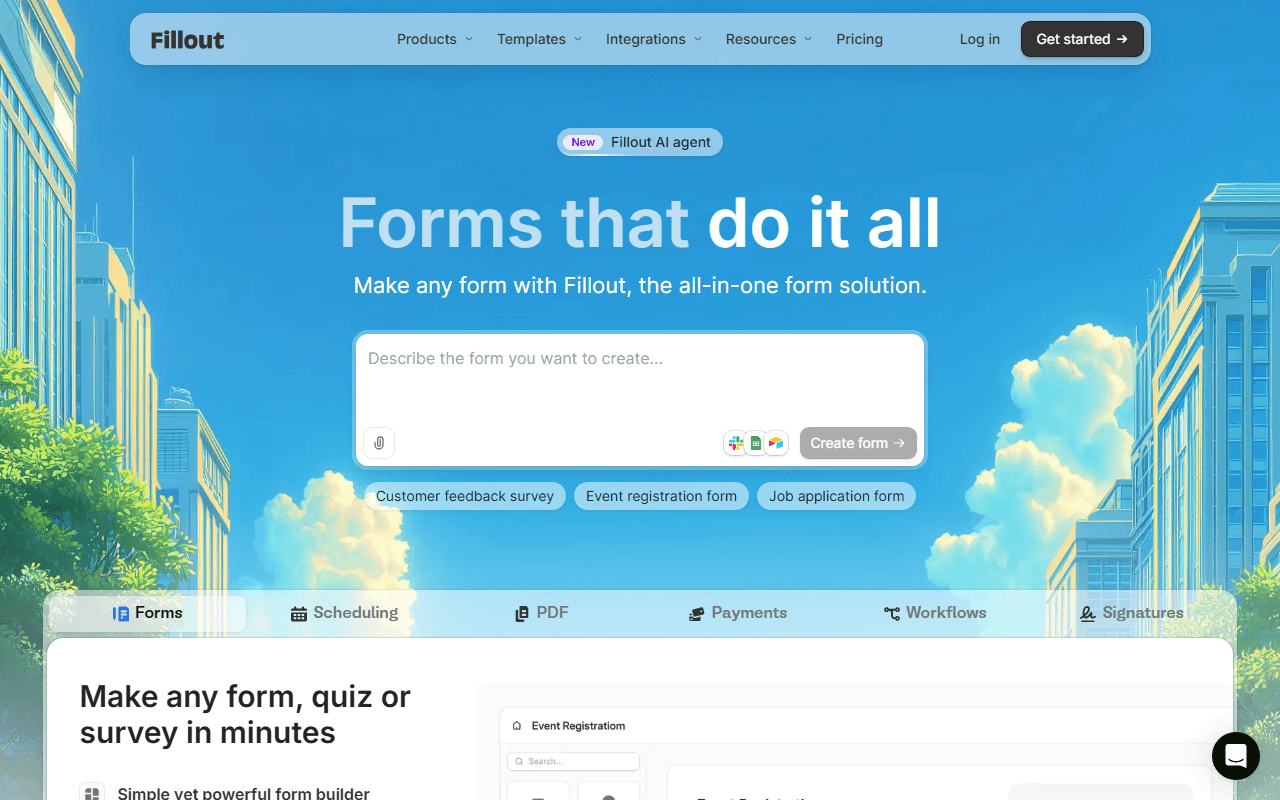
Fillout is the generalist option: 1,000 responses per month free with unlimited forms and seats (as of July 2026), covering surveys, quizzes, and intake forms in one builder. Teams that left SurveyMonkey wanting fewer per-seat charges will appreciate free unlimited seats most.
- Free plan, paid from $15/month (as of July 2026)
- United States
- Best for:
- Teams that run surveys alongside other form work
- The catch:
- Survey analytics stop at the basics unless you pay for higher tiers.
Compared to SurveyMonkey
- Advantage: 1,000 free responses per month, all viewable
- Advantage: Unlimited seats free; SurveyMonkey team plans require 3 paid users
- Advantage: Airtable, Notion, and Sheets sync for response data
- Tradeoff: No research panel or advanced methodology features
- Tradeoff: Reporting is lighter than SurveyMonkey's analysis suite
How to choose
Match the tool to how serious your survey methodology is. Google Forms stays our first pick for straight survey work: no question or response caps, results charted for free, and nothing to upgrade to. Choose forms.app instead if you want a survey that looks like your brand and colleagues who can work on it with you, since its free plan adds unlimited team members. Researchers who use quotas, randomization, and SPSS exports should look hard at LimeSurvey before paying anyone, and if your surveys live inside a product rather than an inbox, Formbricks is built for exactly that.