Free alternatives to forms.app
forms.app has the widest free plan in the category, so the reason to leave is rarely the features. It is the ceilings. The free plan stops at 5 forms and 10 MB of total file storage (as of July 2026), which runs out fast if you build for clients or run many campaigns. Three things people often assume are free are not: drop-off analysis, multilingual forms and save-as-draft all sit on Pro at $29 a month, and partial responses are Premium at $59. The tools below trade different pieces of that away.
Facts checked as of July 2026Read our forms.app review
Jump to an alternative



Tally
Best Free Alternative Toforms.appUnlimited forms free, against forms.app's 5-form ceiling
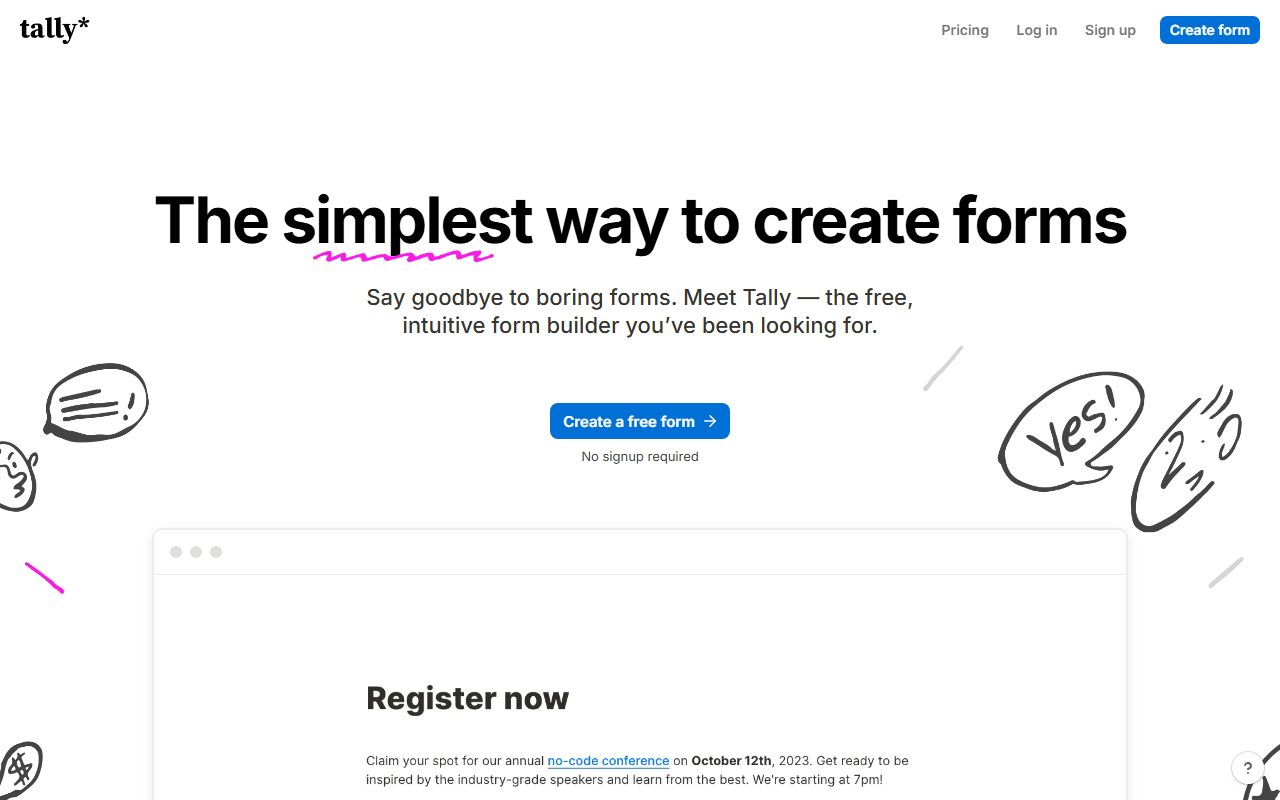
Tally fixes the exact limit most people hit on forms.app: the 5-form cap. Its free plan has unlimited forms and unlimited submissions under a fair-use ceiling of about 50,000 a month (as of July 2026), and it keeps the commerce pieces free, including Stripe payments and e-signatures. The editor works like a Notion page. The trade is team access: where forms.app lets unlimited team members into the free plan, Tally free is single-user.
- Free plan, paid from $24/month (as of July 2026)
- Belgium
 Belgium
- Best for:
- Solo builders and agencies who run more than five forms and hate a form cap
- The catch:
- The free plan is single-user, so inviting anyone needs Pro at $24 a month, and visit analytics cover only the past 7 days.
Compared to forms.app
- Advantage: Unlimited forms free; forms.app stops at 5
- Worth knowing: Unlimited submissions free, same headroom as forms.app's unlimited responses
- Worth knowing: Payments and e-signatures free on both
- Advantage: 10 MB per uploaded file, where forms.app allows 10 MB total
- Tradeoff: Free plan is single-user; forms.app allows unlimited team members
- Tradeoff: Visit analytics only cover the past 7 days
Unlimited forms and unlimited seats free, keeping the team access forms.app gives you
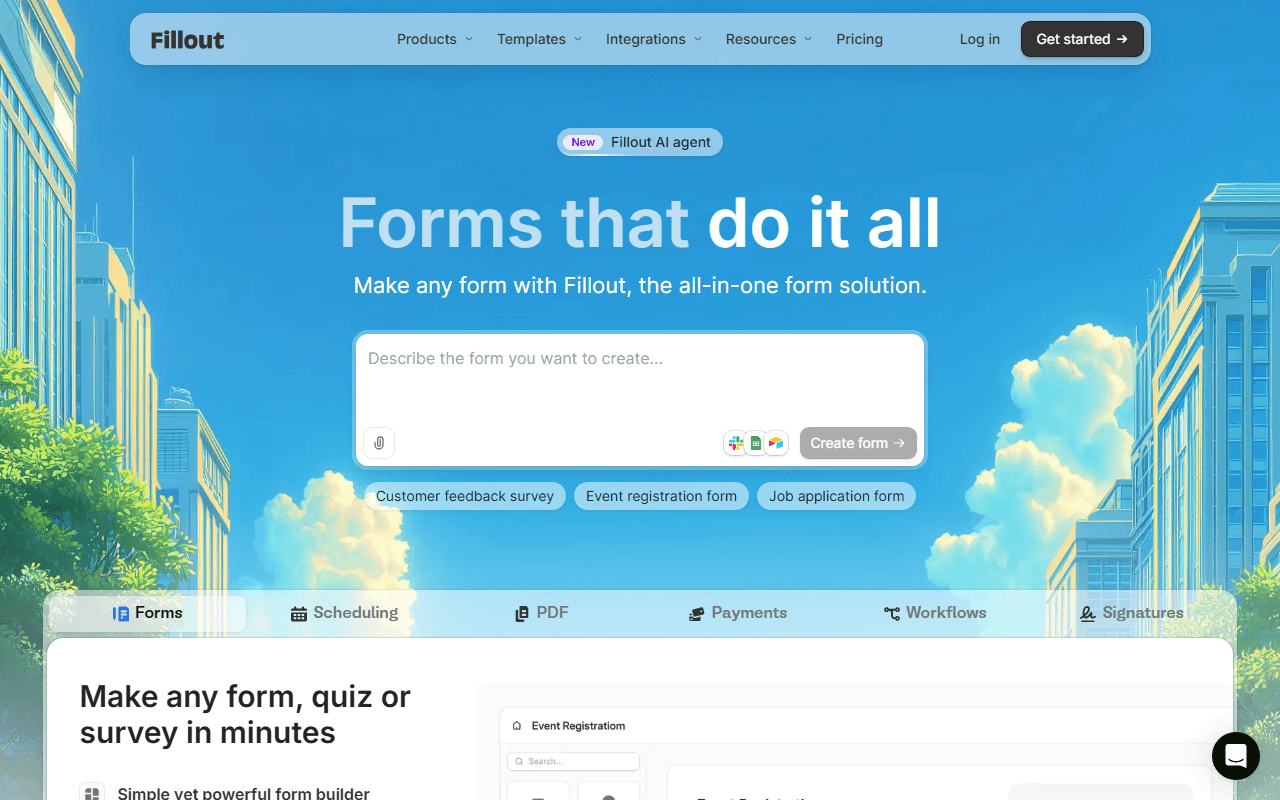
Fillout is the pick if you want to escape the 5-form cap without losing free team seats. The free plan has unlimited forms and unlimited seats with 1,000 responses per month (as of July 2026), so several people can share the account, and two-way Airtable, Notion and Google Sheets sync sends answers straight into your existing tools. Scheduling, payments and e-signatures are included. The catch is that 1,000-response cap, since forms.app leaves responses uncapped.
- Free plan, paid from $15/month (as of July 2026)
- United States
 United States
- Best for:
- Teams that need more than five forms but want to keep multiple free seats
- The catch:
- 1,000 responses a month is a real ceiling where forms.app's free responses are unlimited.
Compared to forms.app
- Advantage: Unlimited forms free; forms.app caps at 5
- Worth knowing: Unlimited seats free, matching forms.app's unlimited team members
- Advantage: Two-way Airtable and Notion sync forms.app does not offer
- Tradeoff: 1,000 responses a month versus forms.app's unlimited responses
- Worth knowing: Full white-labeling and custom domains need a paid plan on both
Free forever with unlimited forms and responses, no 5-form cap
If your forms are straightforward, Google Forms removes every one of forms.app's ceilings at zero cost: unlimited forms, unlimited responses and unlimited storage inside your Google account (as of July 2026). Responses sync to Google Sheets and quizzes grade themselves. It does less than forms.app, with no payments and little design control, but there is nothing to cap and nothing to pay.
- Completely free (as of July 2026)
- United States
- Best for:
- Simple surveys, registrations and quizzes where design is not the point
- The catch:
- No payments, minimal branding, and file uploads require a Google sign-in.
Compared to forms.app
- Advantage: No form, response or storage caps, and no paid tier
- Advantage: Google Sheets sync built in
- Tradeoff: No payments or e-signatures, which forms.app includes free
- Tradeoff: Far less design control than forms.app's themes
- Tradeoff: File uploads require a Google account
Unlimited forms and responses free in a conversational layout
Youform drops both of forms.app's binding limits, the form count and the storage cap, in exchange for a narrower feature set. Its free plan has unlimited forms and unlimited responses for a single user (as of July 2026), in the one-question-at-a-time format, with logic, calculations and file uploads. Pro at $20 a month adds payments and custom domains. It is young, so templates and integrations are thinner than forms.app's.
- Free plan, paid from $20/month (as of July 2026)
- Best for:
- Solo makers who want unlimited forms in a conversational format
- The catch:
- The free plan is single-user, so it loses forms.app's unlimited team members, and payments are paid-only.
Compared to forms.app
- Advantage: Unlimited forms free; forms.app caps at 5
- Worth knowing: Unlimited responses free on both
- Worth knowing: Conversational one-question step view exists on both
- Tradeoff: Payments are free on forms.app but paid-only here
- Tradeoff: Free plan is single-user; forms.app allows unlimited team members
- Tradeoff: Fewer templates and integrations than forms.app
150+ integrations and 20,000+ templates, the deepest catalog here
Jotform is the move when you need breadth forms.app does not have: 150+ integrations, 20,000+ templates, approval workflows, a PDF editor and HIPAA-ready paid plans. Both free plans share the 5-form cap, so you are not switching for more forms. You are switching for the catalog, and you give up headroom to get it: Jotform free allows 100 submissions a month with form views metered separately (as of July 2026).
- Free plan, paid from $34/month (as of July 2026)
- United States
- Best for:
- Teams that need a specific integration, template or HIPAA plan forms.app lacks
- The catch:
- 100 submissions a month and separately metered form views are far tighter than forms.app's unlimited responses.
Compared to forms.app
- Advantage: 150+ integrations and 20,000+ templates against forms.app's shorter list
- Advantage: Approval workflows and a PDF editor forms.app does not have
- Advantage: HIPAA-ready paid plans for regulated data
- Worth knowing: Both free plans cap at 5 forms
- Tradeoff: 100 submissions a month versus forms.app's unlimited responses
- Tradeoff: Form views metered separately at 10,000 a month
Approval workflows and 200 MB of free storage forms.app does not offer
Zoho Forms answers two forms.app gaps: it has approval workflows, where a manager signs off before a submission proceeds, and 200 MB of free storage against forms.app's 10 MB (as of July 2026). The trade is the form cap, which is tighter at 3, and submissions are capped at 500 a month. It rewards teams already inside the Zoho suite most, since integrations lean that way.
- Free plan, paid from $10/month (as of July 2026)
- India
 India
India- Best for:
- Zoho users and any form that needs an approval step
- The catch:
- Three free forms is tighter than forms.app's five, and integrations favor the Zoho suite.
Compared to forms.app
- Advantage: Approval workflows, which forms.app does not offer
- Advantage: 200 MB of free storage against forms.app's 10 MB
- Advantage: Offline mobile data collection through iOS and Android apps
- Tradeoff: Only 3 free forms versus forms.app's 5
- Tradeoff: 500 submissions a month, where forms.app leaves responses uncapped
- Tradeoff: Integrations favor the Zoho suite over third parties
Open source with free unlimited self-hosting, which forms.app cannot offer
forms.app is cloud-only with a 5-form cap, and Formbricks trades both away by being open source. Self-host the AGPL-3.0 Community Edition with Docker and you get unlimited forms and unlimited responses on your own servers for free (as of July 2026). It is survey-first, aimed at in-app, website and email surveys, so the hosted free cloud allows 250 responses a month and there are no payments or e-signatures.
- Free plan, paid from $74/month (as of July 2026)
- Germany
- Open source (AGPL-3.0)
 Germany
- Best for:
- Product teams who want in-app surveys or self-hosted data ownership
- The catch:
- Free self-hosting means maintaining Docker yourself, and there are no payments or commerce fields.
Compared to forms.app
- Advantage: Self-hostable with no form or response caps; forms.app is cloud-only
- Advantage: In-app and website survey widgets forms.app does not offer
- Advantage: Open source under AGPL-3.0, so you can inspect and extend it
- Tradeoff: No payments or e-signatures, which forms.app includes free
- Tradeoff: Hosted free cloud stops at 250 responses a month
How to choose
Decide which ceiling is hurting. If it is the 5-form cap, Tally removes it outright with unlimited free forms and keeps payments and e-signatures free, though its free plan is single-user. Choose Fillout if you need unlimited forms and want to keep multiple seats, and can live inside 1,000 responses a month. Google Forms is the free-forever option if your forms are simple, and Jotform is worth it only when you need its huge template and integration catalog.